


It all started with a tweet by video game designer Jonathan Blow. Blow is the developer behind games like Braid and The Witness.
He mentioned that he had stopped using VLC on Windows because it took about 33 seconds to start playing a simple MP3, and he had switched to Microsoft Media Player instead.
Finally switched *away* from VLC *to* Microsoft Media Player, because VLC now takes 33 seconds to start playing an mp3 after clicking on it.
— Jonathan Blow (@Jonathan_Blow) August 12, 2026
A large sector of open source software is in a truly embarrassing place now... pic.twitter.com/237aLdx2fG
And he also shamed open source software, framing it as a sign that large part of open-source software is in bad shape.
A large sector of open source software is in a truly embarrassing place now...
This quickly turned into a heated discussion, with people joining from both sides.
VLC's official Twitter account clarified that this delay was not a core VLC regression but a side effect of a Windows 11 / Microsoft Defender update that quarantined VLC’s plugin cache. Their suggested solution is reinstalling VLC or regenerating that cache.
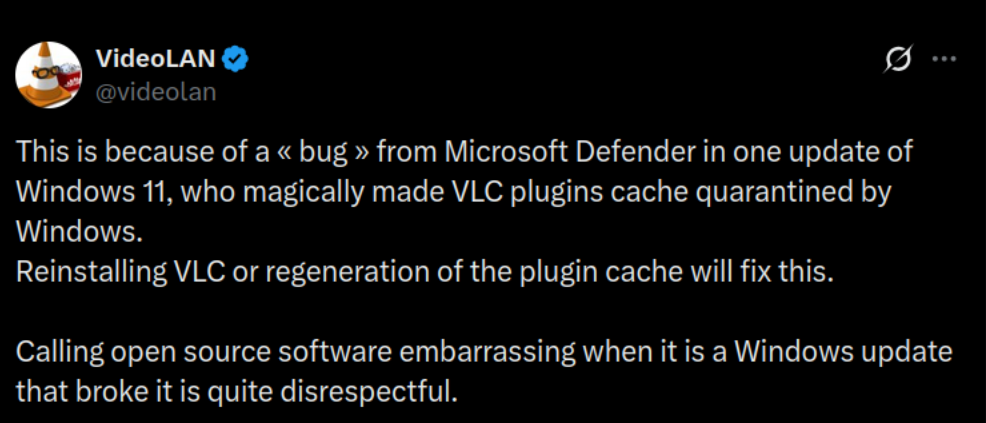
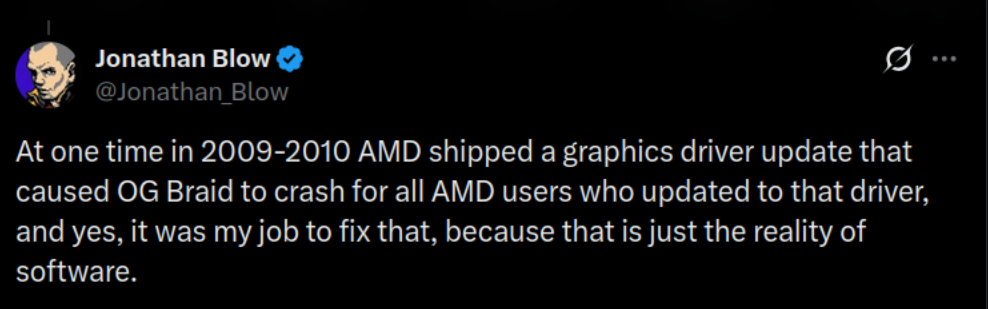
Jonathan argued that it is the developer's responsibility to fix. He cited his own experience of fixing an issue caused by AMD in his game Braid.
Linux user jumps in with solid evidence
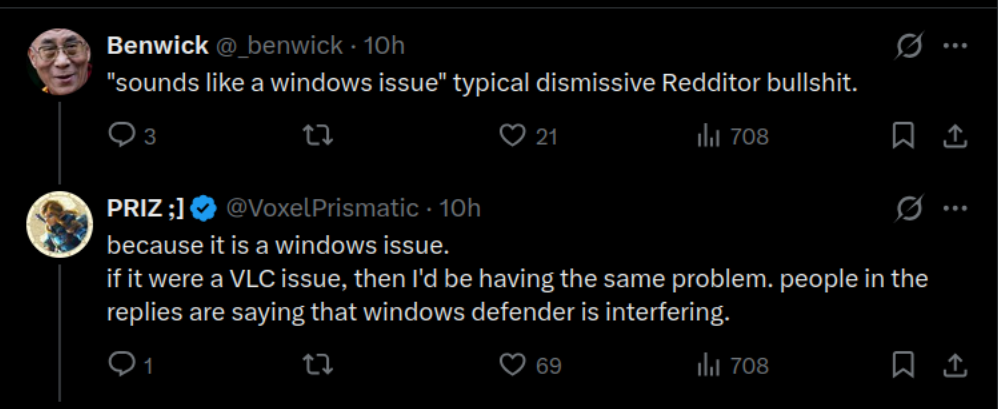
A Linux user who goes by the X account @VoxelPrismatic jumped in with concrete evidence that it is not a core VLC issue but a Windows issue.
In this tweet, the user shared a recording of what seems like a Linux distro running KDE. Recording clearly showed VLC started playing an MP3 file in 1-2 seconds.
sounds like a windows issue ngl pic.twitter.com/9Icp2Sf58M
— PRIZ ;] (@VoxelPrismatic) August 12, 2026
But some people were still not satisfied because VLC being slow to open MP3 files on Windows is a real issue but they kept on blaming it on VLC.
The solution to the problem
VLC suggests the following fixes
- Regenerate the plugin cache (e.g. launch with
vlc --reset-plugins-cache, or clear VLC’s cache under the user profile and relaunch) - Reinstall VLC from the official build
However, a better suggestion came from a few users who noted that excluding vlc.exe in Microsoft Defender solves this problem. And I like this one better because it seems to address the problem where it originates, Microsoft Defender. And if the cache builds up, VLC may be slowed down again (I think).
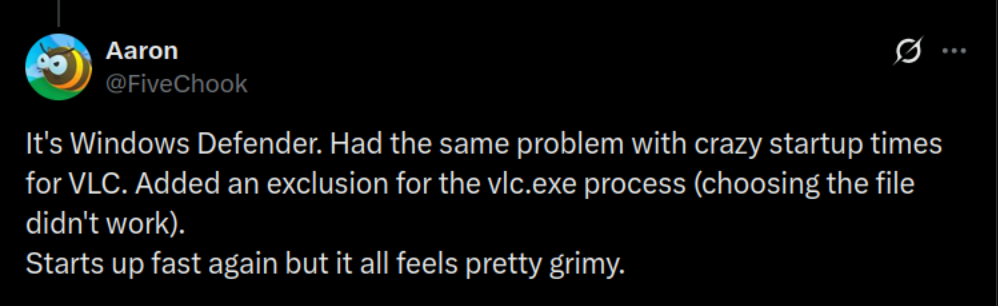
The same was vouched by several people. So this sure looks like the workaround worth trying.
Asking the right question
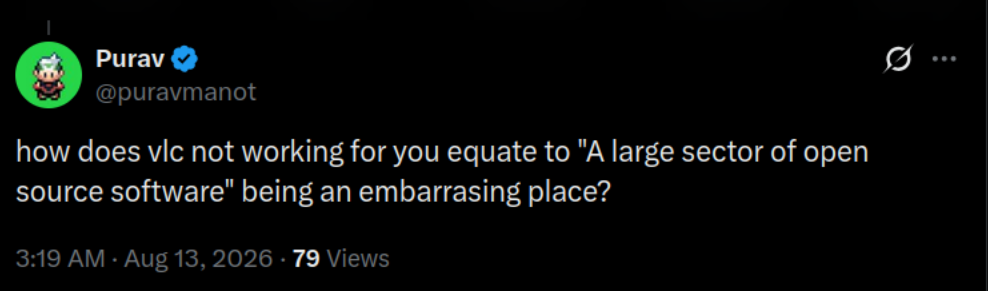
Among all this, someone asked the real question; how come VLC not working for a single person becomes "a large sector of open source software" being an embarrassing place?
Blame Defender, not VLC
I understand the frustration. Waiting half a minute to play an MP3 should not be acceptable on a modern system, even if it is on Windows.
It is also okay to blame it on VLC when you don't know the real backstory and are unaware of the root cause.
But giving it a “open source is broken” narrative is highly far fetched.
I haven't tested it myself. Not going to jump into Windows just for this, but from what I see, the onus of fixing it lies on the Microsoft side. And from what I know about Microsoft, they won't do a thing.
What's your take on this episode? Share it in the comments.
Enjoyed this update? Support independent Linux news coverage
It's FOSS has been helping people use Linux for the past 14 years. Help us stay independent from big tech. Become a Plus member, enjoy ad-free reading and get 5 eBooks.
Skip the AI slop and SEO spam in your Google results
Tell Google you prefer It's FOSS, and it will show our Linux news and tutorials, created by experienced Linux users, more often when you search. It takes just a click.
Set as preferred sourceGet FOSS Weekly in your inbox
