


openEuler has two fresh releases out. 24.03 LTS SP4 arrived in July 2026, and the short-term 26.09 innovation release followed on October 1.
We covered openEuler 24.03 LTS when it came out in 2024. Two years later, that LTS version is still getting new features, and SP4 is the latest round.
The releases have plenty of features of all kinds. Some target SuperPoD infrastructure and specialized AI accelerators, you know, enterprise features. So this article focuses on the features you and I can explore on a regular PC or virtual machine.
I am going to check on the AI tools, the desktop bits and the under-the-hood changes. I installed them in GNOME Boxes to see what actually works on a regular machine.
LTS, service packs and innovation releases
openEuler has two release tracks: long-term support (LTS) and innovation releases. The community is continuing to develop the 24.03 LTS series through service packs, with the next major LTS release currently expected in 2028.
Instead of new version numbers, an LTS gets feature updates through service packs (SP1, SP2 and so on). Unlike Windows service packs (if you remember it), these are proper feature releases, not just a bundle of patches.
Similar to Ubuntu's six monthly releases, these "Innovation releases" introduce newer technologies on a shorter support cycle. openEuler 26.09 is scheduled to receive support until March 2027.
What's new in openEuler 24.03 LTS SP4
SP4 stays on Linux kernel 6.6, but openEuler keeps backporting newer upstream features into it.
AI-assisted diagnosis and tuning
The AI addition most relevant to regular users is intelligent diagnosis and tuning. An Intelligent Diagnosis Agent works with a Known Issue Analysis Agent to find a problem, work out the root cause and suggest a fix.
The tuning side collects system metrics, finds performance bottlenecks and gives you optimization suggestions. In theory, that saves you hours of staring at top and perf output.
The AI features are delivered through openEuler's Witty framework, which can be installed from the distribution repositories using the package witty. Once installed, you launch the interface with witty or opencode and interact with the diagnosis and tuning agents through natural language prompts.
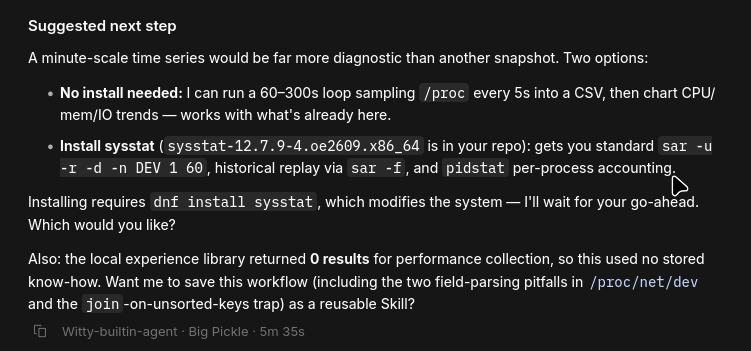
Unlike the first-generation EulerCopilot experience, which was closely tied to openEuler's own cloud AI services, Witty supports both local models and a range of OpenAI-compatible APIs, making deployment significantly more flexible for users outside China.
There's also a lightweight Agent sandbox for running code and tool calls from AI agents in isolation. Considering how many people now give AI agents shell access, that's a sensible addition.
Kernel changes worth knowing
Under the hood changes that you won't see.
The biggest addition is sched_ext, the eBPF-based scheduler framework that landed upstream in Linux 6.12. You can load custom CPU schedulers at runtime without recompiling the kernel. If one misbehaves, the kernel quietly falls back to the default scheduler.
FUSE file systems can now talk to the kernel over io_uring. That should help performance for FUSE-based tools like sshfs.
There's also a programmable page cache that lets applications set their own file caching policy. It's meant to speed up loading large AI models, which is usually limited by disk I/O.
ARM users can now choose a 64K page-size kernel at install time. The 4K kernel stays the default, so nothing changes unless you opt in.
The enterprise stuff
The rest of SP4 is aimed at enterprises and data centers. There's NPU compute slicing, faster recovery for AI inference containers, networking and reliability features for SuperPoD, and confidential computing improvements for Arm CCA, TaiShan and Hygon systems. openEuler's own compiler builds (LLVM, Go and BiSheng JDK) also got updates.
What's new in openEuler 26.09
26.09 ships with two kernels: Linux 6.6 for servers and Linux 6.18 for DevStation, openEuler's developer desktop edition.
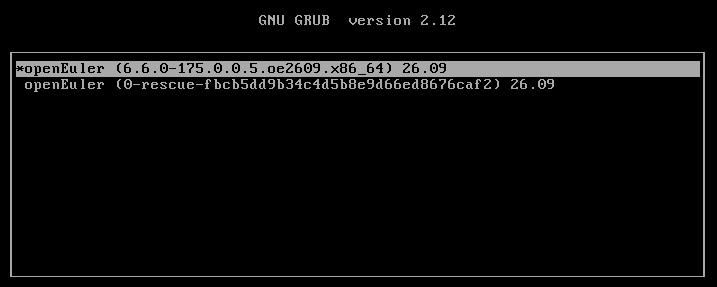
DevStation is where most of the desktop-relevant changes are and that's what I tried in the VM.

A new installer and a user-space package manager
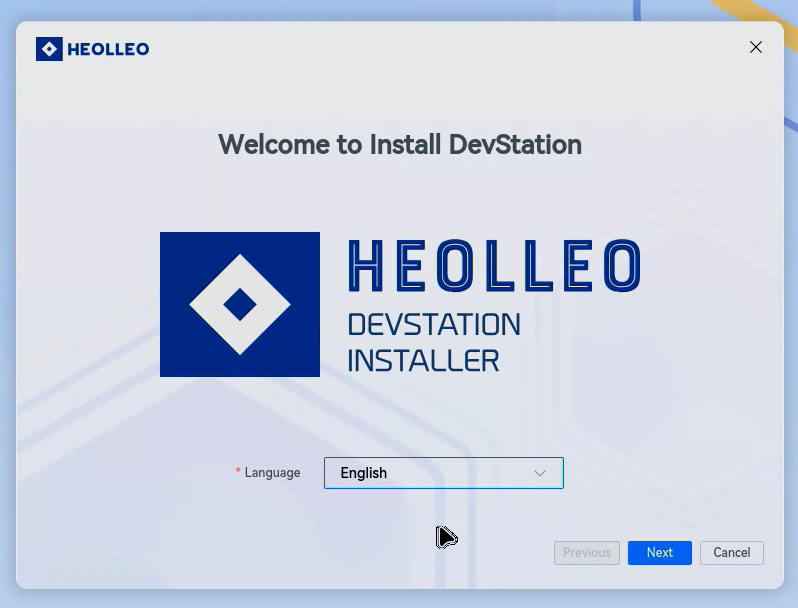
DevStation uses a new installer called "heolleo". I almost read that as "Hello Leo" 😄
It uses a SquashFS-based image, can install from a local ISO and works fully offline.
The more interesting addition is epkg, a user-space package manager. It installs software in your home directory without touching system packages, and you can keep separate environments for different projects. It supports multiple package sources too, which makes it sound a bit like Conda or Nix.
PolyMind: a self-hosted AI agent platform
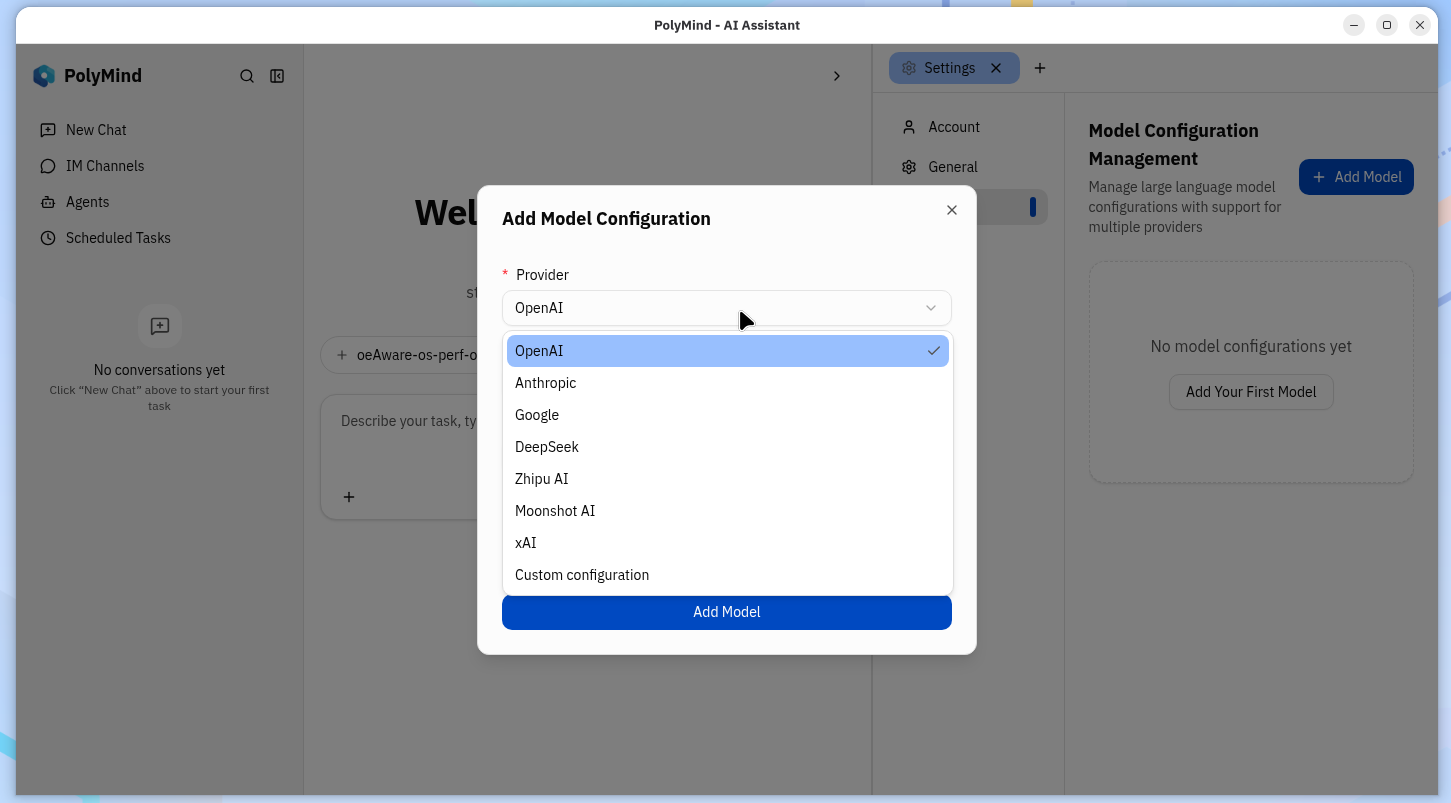
DevStation also bundles PolyMind, a self-hosted platform for AI chat, agent workflows and managing multiple models. It connects to MCP services and AI agents through its agentd service.
SkillHub and keeping agents in check
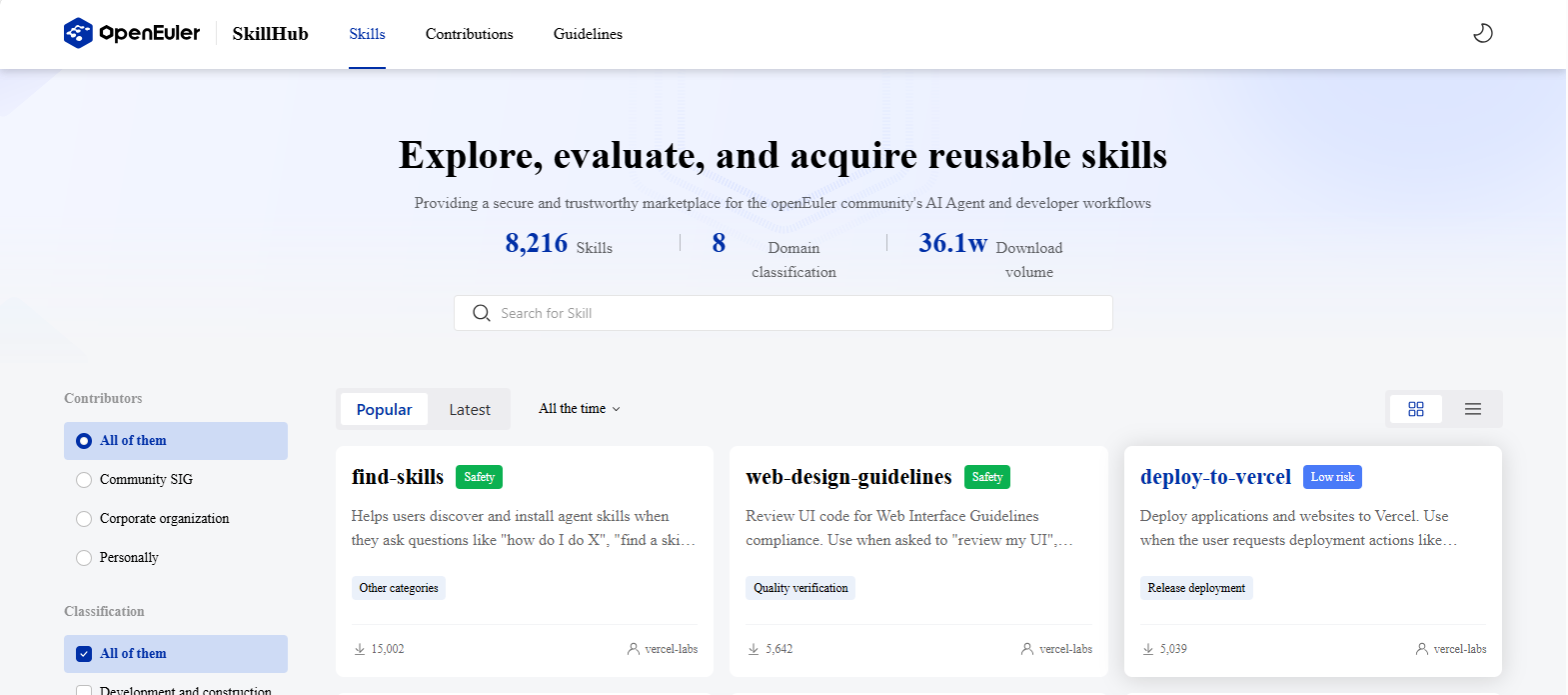
openEuler also launched SkillHub, a place to find, install and share AI agent skills. Each skill gets an automated security assessment. openEuler is upfront that this helps you judge risk but doesn't guarantee a skill is safe, which is a fair warning.
AgentCensor is the one I find most interesting and useful going by its description. It sits between an AI agent and your system, logs tool calls, file changes and system calls, and can allow, block or ask for your approval before the agent runs something.
SCCS tackles token bloat in long-running agents. It replaces large tool outputs in the context window with short references and fetches the full content only when needed. The rest (ram-a-kv, MemFabric and ModelFS) are for optimizing inference servers.
ModelFS is a model startup acceleration feature that uses a programmable page-cache framework underneath, allowing caching behaviour to be tuned for AI workloads while remaining compatible with existing applications.
Getting openEuler
You can get both from the official download page. There are several choices, from servers to embed devices. For normal usage, go for the DevStation. That's the desktop version and that's the one that comes with all the above mentioned AI tools.
Things have certainly improved in the past two years since we last covered openEuler first. The focus is on providing AI and that's not surprising. We are in 2026 and AI is everywhere. An operating system focused on developers has to provide AI at its core.
Have you tried openEuler ever? What's your experience with it like? Share in the comments please.
Enjoyed this update? Support independent Linux news coverage
It's FOSS has been helping people use Linux for the past 14 years. Help us stay independent from big tech. Become a Plus member, enjoy ad-free reading and get 5 eBooks.
Skip the AI slop and SEO spam in your Google results
Tell Google you prefer It's FOSS, and it will show our Linux news and tutorials, created by experienced Linux users, more often when you search. It takes just a click.
Set as preferred sourceGet FOSS Weekly in your inbox
