


KDE's 30th anniversary is closing in on us, and the developers have spent these past few months getting things ready for the occasion, set to take place in October. Two of those things are Oxygen and Air, two classic Plasma themes from the KDE 4 era that we talked about a few months ago.
The X11-free Plasma 6.8 is also due around the same time, barring any delays, of course.
But, yeah, that's looking somewhat further into the future. For now, let's focus on the Plasma 6.7 release, which has arrived with those themes as well as a number of upgrades that make the desktop experience more refined than before.
🆕 KDE Plasma 6.7: What's New?
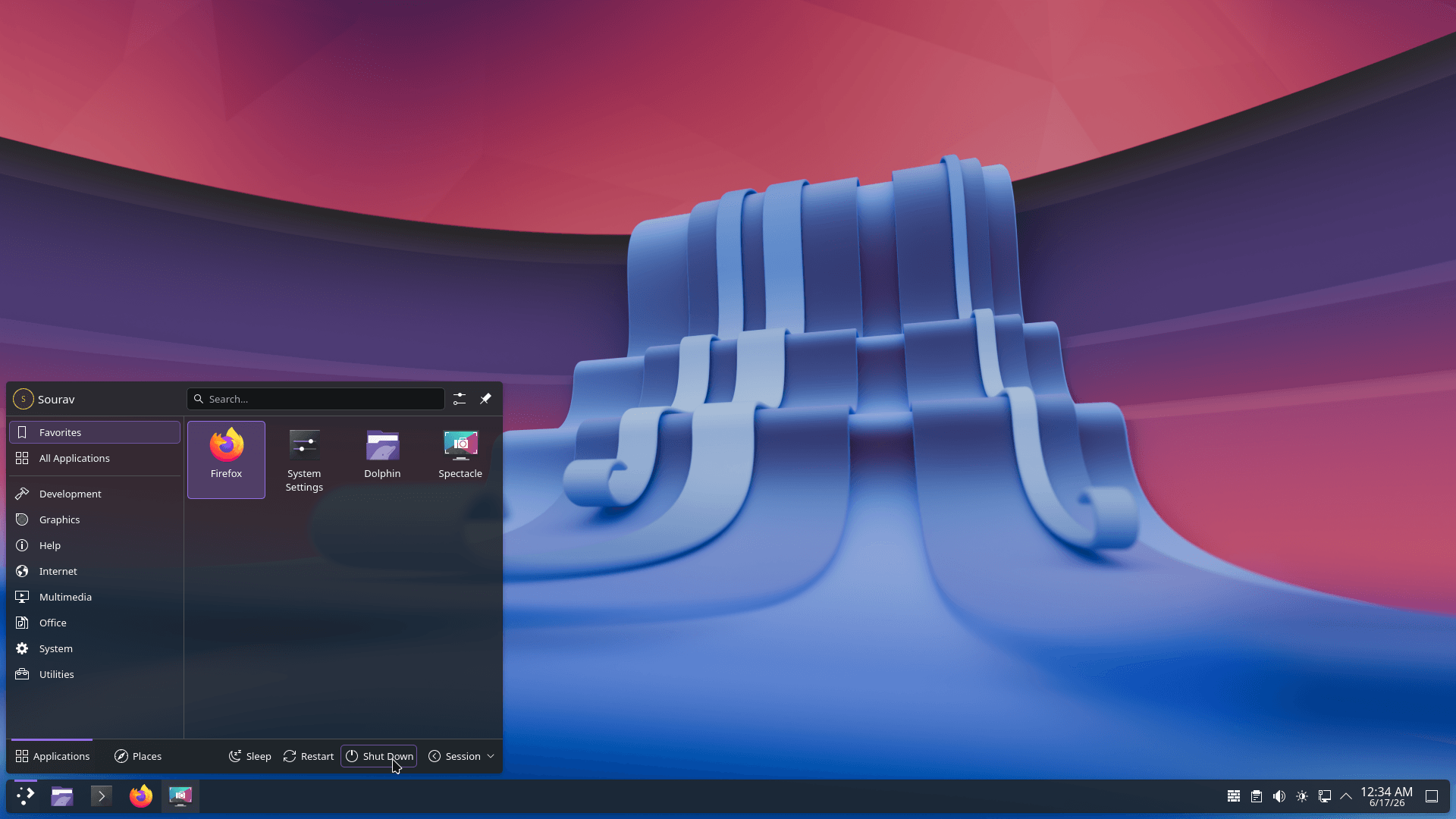
Before we get into the highlights of this release, let's talk about the various usability and quality-of-life upgrades that ship with Plasma 6.7.
If you use Plasma's virtual keyboard, holding down a key now brings up the special characters tied to it instead of you having to dig through a separate symbols screen.
The Discover software center also gets some attention, where the "Install" button has been redone to make it clearer and harder to miss, and app listings carry more useful descriptions on each card.
Similarly, the printing workflow has been improved with a new print queue management tool, the system tray icon for printers now showing the number of print jobs in a queue, and quick connections to shared printers on Windows networks.
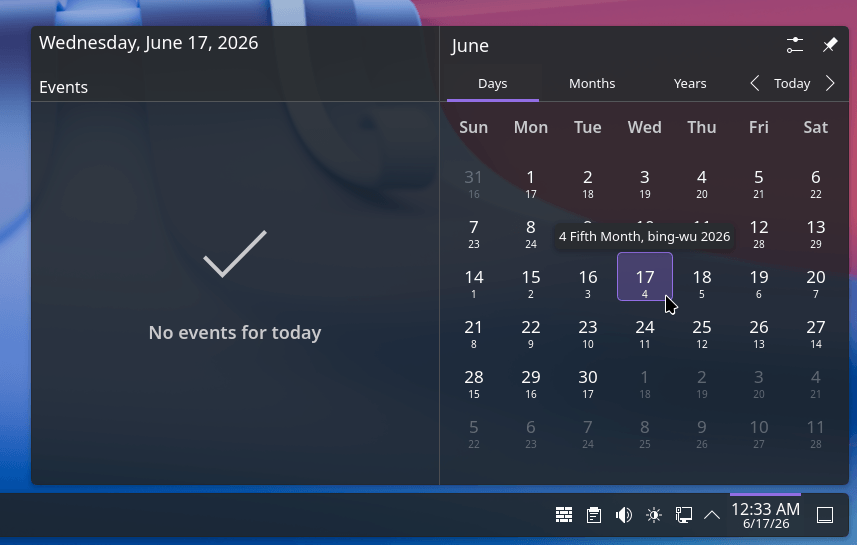
Plasma's calendar options grow too, with the Vietnamese lunar calendar joining the other non-Gregorian calendars already on offer.
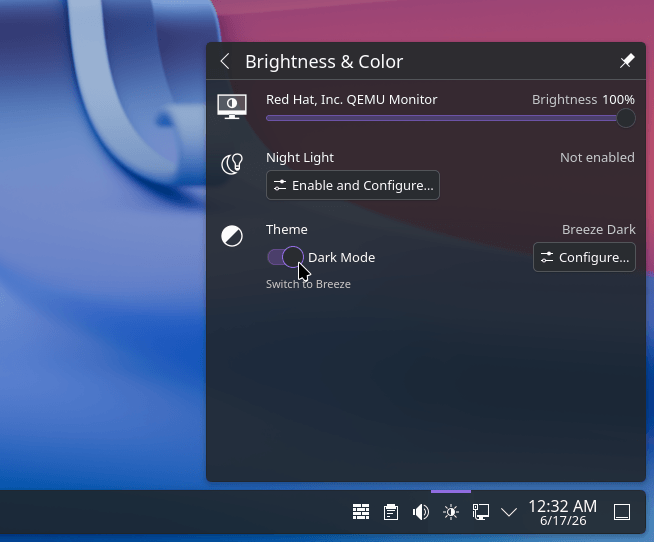
And if you've already set up custom Global Themes for day and night, you can now flip between light and dark instantly via a toggle inside the "Brightness & Color" quick settings.
Now, for the rest of the changes. 👇
Two Classics Make a Comeback
Source: KDE
If you remember, Oxygen and Air both go back to the KDE 4 days, when Oxygen was the default theme starting with KDE 4.0, and Air took over that role once KDE 4.3 arrived.
Ahead of their anniversary, a restoration effort led by community contributors looked to bring them back into proper shape.
We covered that restoration effort in detail back in April, and a good chunk of it has now landed in Plasma 6.7, including reworked panels, a minimized window indicator, new switch designs, and adaptive opacity for both themes.
These now ship as full Global Themes too, with light, dark, and twilight variants. The two wallpapers that shipped with KDE 4 (Air and Horos) are part of the package as well.
Per-Screen Virtual Desktops
Source: KDE
Next in line is one of the most sought-after features that has arrived after 21 years of requests. Plasma has had virtual desktops for ages, but they were always tied globally across every monitor you had connected.
That changes now. You can finally set up separate virtual desktops for each screen, so your laptop display and your external monitor no longer have to share the same set. It might sound like a small change, but anyone running a multi-monitor setup knows how essential this is.
Apart from that, switching between virtual desktops got faster too; now you can pull up the Overview screen with Super+W and with a simple scroll or a tap of Page Up / Page Down move between desktops.
Suggested Read 📖: This New Project Gives You Plasma With X11
Arrival of Union
Plasma's theming has been a fragmented affair behind the scenes, with different toolkits needing different styling approaches.
With this release, a new theming system, Union, is being introduced that wants to assimilate all of that into one CSS-based system. So Plasma, QtQuick software, and QtWidgets software can pull their looks from the same set of style files instead of three separate ones.
In its current state, it is disabled by default and only touches the QtQuick side of the stack, arriving here as a tech preview rather than a finished feature.
📥 Get KDE Plasma 6.7?
Users of Plasma on rolling release distros like Arch Linux or EndeavourOS will be getting this the earliest. If you can't wait or are on a non-Arch distro, then you can build from source.
On the other hand, if you just want to see how this release performs before committing to it on your main setup, then you could always go for the User Edition of KDE Neon.
💬 Have you been on KDE Plasma for a long time? How has it been for you?
Enjoyed this update? Support independent Linux news coverage
It's FOSS has been helping people use Linux for the past 14 years. Help us stay independent from big tech. Become a Plus member, enjoy ad-free reading and get 5 eBooks.

