

Personally, I have never owned an Apple device, mostly due to its pricey nature and how the brand loves to lock people in their walled garden. But that's just me ranting there for a bit.
There are many who do like what Apple has to offer and are willing to see what additional value they can get out of that hardware by breaking free from macOS.
This list covers six such options that ought to awaken the tinkerer inside you. 🧑🔧
1. Fedora Asahi Remix
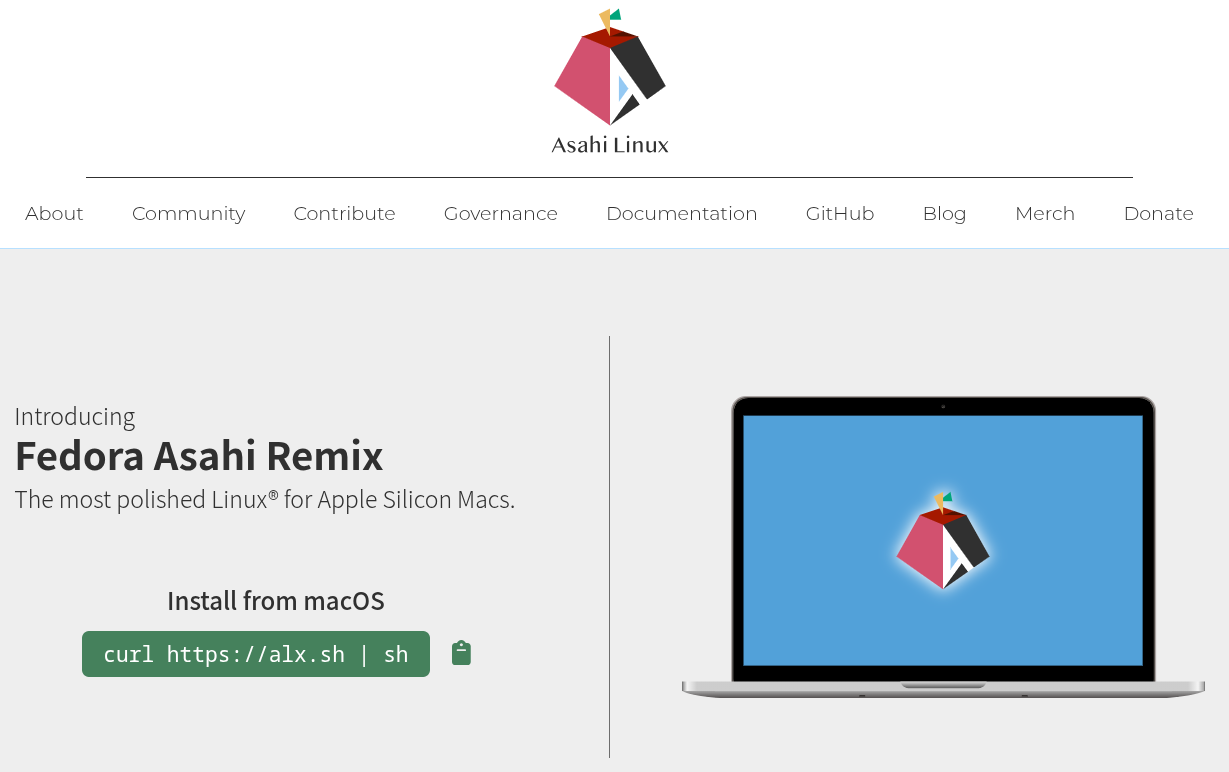
Fedora Asahi Remix is Fedora Linux with the Apple Silicon work from the Asahi Linux project built in. KDE Plasma on Wayland is the default desktop, and GNOME, Minimal, and Server images are there if you want something different.
On M1 and M2 Macs, almost everything works, from the webcam and microphones to Wi-Fi and Bluetooth. The graphics drivers also pass the OpenGL 4.6 and Vulkan 1.4 conformance tests.
M3 owners can try it too, but support is quite new. Sleep does not work, HDMI on MacBooks is unavailable, and 3D graphics don't run well yet. The M3 Ultra Mac Studio is not supported at all.
Installation begins in macOS. Run the following command in the Terminal app and follow the prompts to continue with the installation of Fedora Asahi Remix on your Mac:
curl -L https://alx.sh/ | shM3 owners are recommended to run dnf upgrade --refresh after the install finishes.
2. Ubuntu Asahi
If Ubuntu is already familiar to you, then this community project has ported it to M1 and M2 Macs by carrying over the Apple Silicon support from Asahi Linux.
The installer comes in four flavors, covering 26.04 and 26.10 for Ubuntu Desktop and Server. The goal is to provide the same feature set as Fedora Asahi Remix, while new hardware support only arrives after the Fedora base ships it.
As a result, you can expect system updates to be behind by a few weeks.
Like earlier, you get the installer as a script and run it in Terminal. It shrinks the existing macOS partition and lets you pick a release and build, leaving your macOS installation intact:
curl -sL https://ubuntuasahi.org/install | sh3. Debian Bananas
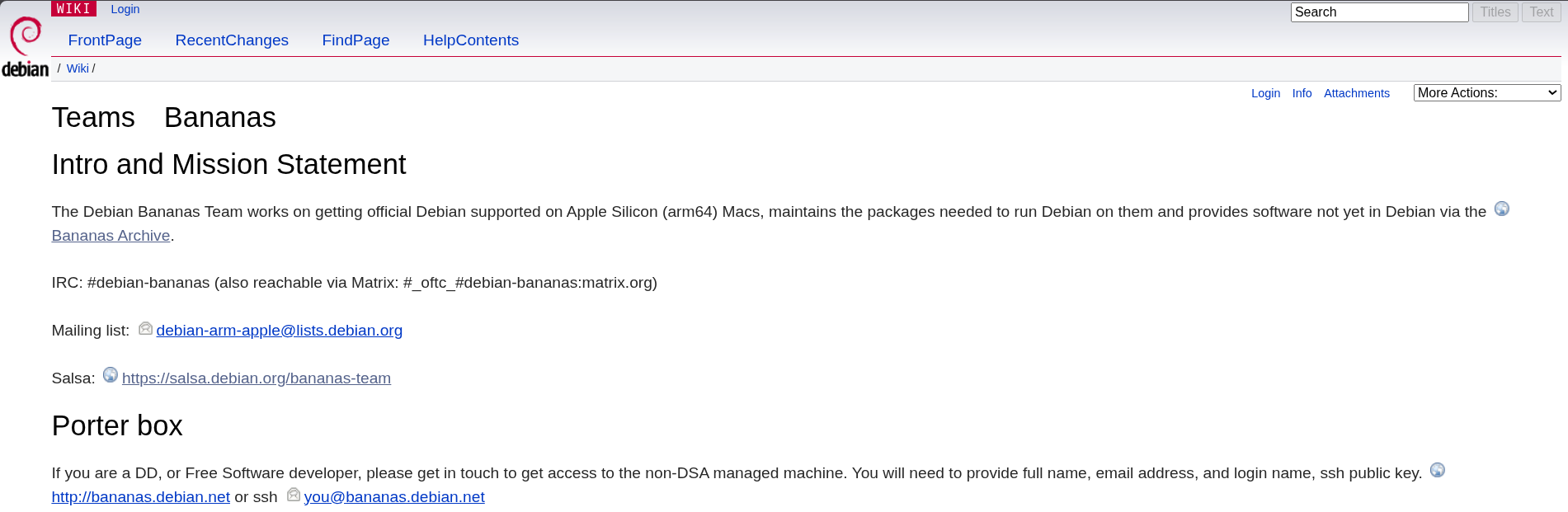
Debian doesn't officially run on Apple Silicon yet, but the Bananas Team is working to change that. It packages the missing pieces and ships them from an unofficial archive of its own.
Official support is stuck on the kernel. The Asahi Linux patches it needs aren't upstream yet. Most other pieces, like the m1n1 bootloader and the audio stack, have been in Debian since Trixie.
The team's installer offers GNOME, KDE, or a console-only setup:
curl -L https://bananas.debian.net/install | shThe install page contains the necessary steps.
4. NixOS on Apple Silicon
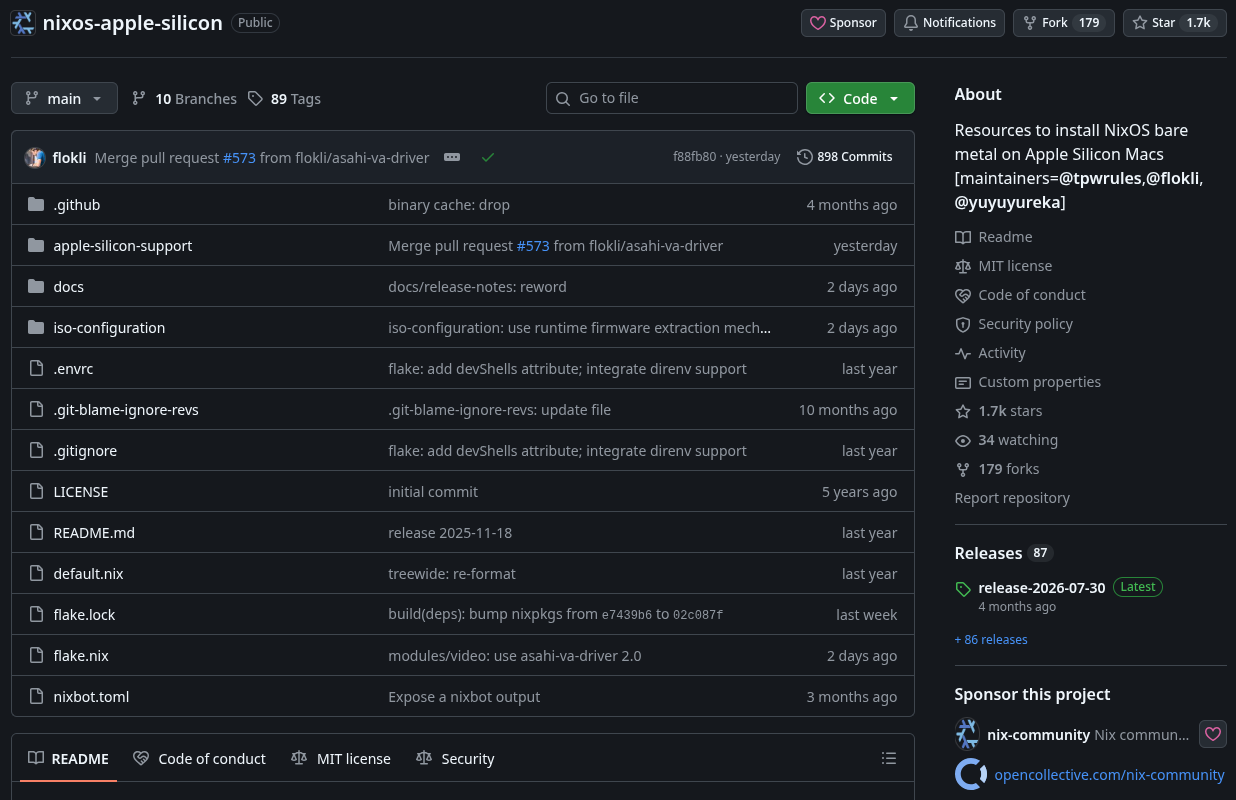
Write the whole system down in a Nix config file, rebuild, and the Mac matches it. That's the NixOS way, and this community port brings it to Apple Silicon. The maintainers keep versions close to Fedora Asahi Remix and turn away changes that stray far from it.
Hardware support follows whatever Asahi Linux supports, and setting it up is quite a hands-on affair. You’ll prep a UEFI environment from macOS with the Asahi Linux installer, boot a NixOS installer from a USB drive, and finish the job from the command line.
5. Omarchy M
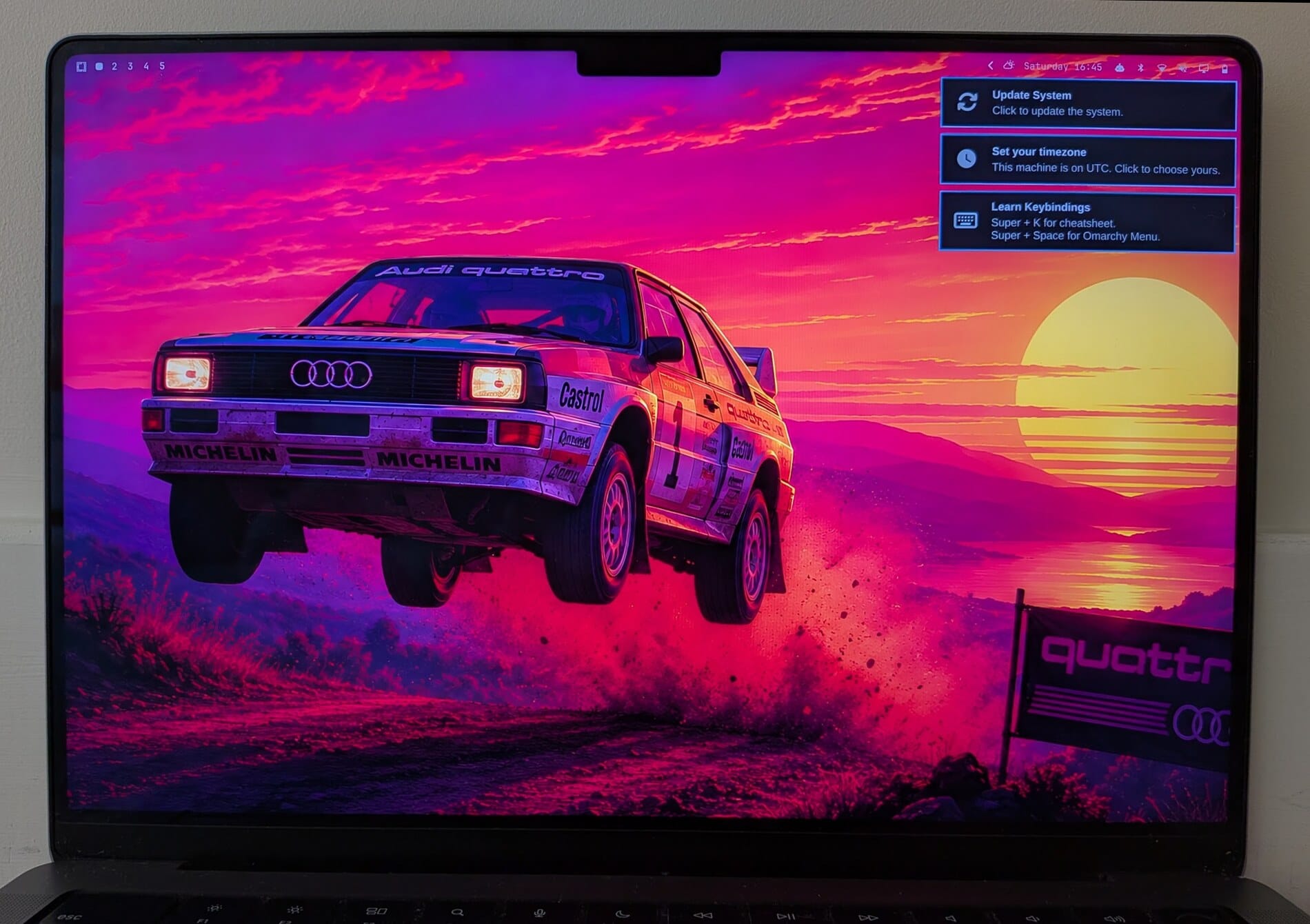
Omarchy M is a dedicated team rather than a separate distro that has been put together to handle Omarchy support on Macs. It's bringing the Arch-based, Hyprland desktop to Apple Silicon while also giving some attention to older Macs.
The first release targets M1 and M2 Macs, along with their Pro and Max variants. On the roadmap are a native installer, full GPU support, USB-C external monitors, Touch ID, MLX, and disk encryption.
Support enablement work for newer Macs will take place alongside this too!
The native installer is a community-built app by team member Marcelo Alcantara, and it sets up Omarchy on a Mac machine without needing a USB stick.
6. Gravity Linux
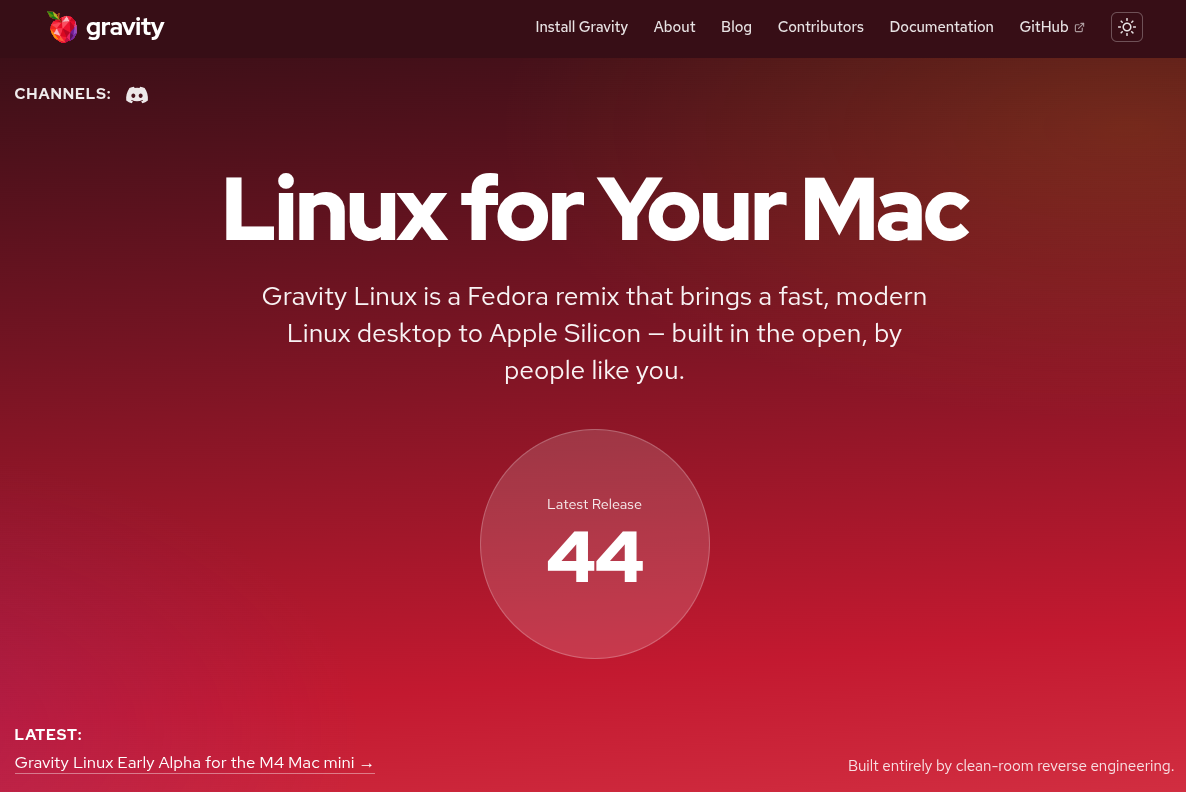
Gravity Linux is built to go away. It's a Fedora remix with KDE Plasma on Wayland, and the plan is to retire it once the drivers land upstream and any mainstream distro can run on supported Mac devices.
It started as a fork of Asahi Linux over a difference in policy on LLM use. Everything it offers comes from clean-room reverse engineering.
The first alpha release runs on the M4 Mac mini and is meant for developers. The display controller and GPU work, but suspend, USB-C display output, Thunderbolt, and USB4 don't; shutdown and reboot behavior is flaky.
You can install it on macOS with the command below, but do plan a full reinstall when the beta lands, as there's no established upgrade path.
curl -fsSL https://install.gravitylinux.org | shI will be adding more to this list as I come across reliable new projects. Meanwhile, if you know some, please mention it in the comments.
If this helped you, consider supporting It's FOSS
It's FOSS has been helping people use Linux for the past 14 years. Help us stay independent from big tech. Become a Plus member, enjoy ad-free reading and get 5 eBooks.
Skip the AI slop and SEO spam in your Google results
Tell Google you prefer It's FOSS, and it will show our Linux news and tutorials, created by experienced Linux users, more often when you search. It takes just a click.
Set as preferred sourceGet FOSS Weekly in your inbox