


Yet another new Linux distribution has landed on Arch Linux as its foundation of choice. This one is called Pond, and it is Butterfly Interaction Inc.'s vision of how a desktop should look and behave.
For its desktop interface, it uses Niri, a very popular Wayland compositor that is known for its scrollable tiling, where app windows sit in columns along an endless strip that gradually grows as new items are added.
Pond is labeled an Early Preview, and this First Look piece covers what it offers, my time using it, and the ways you can install it.
Pond: The details ✨
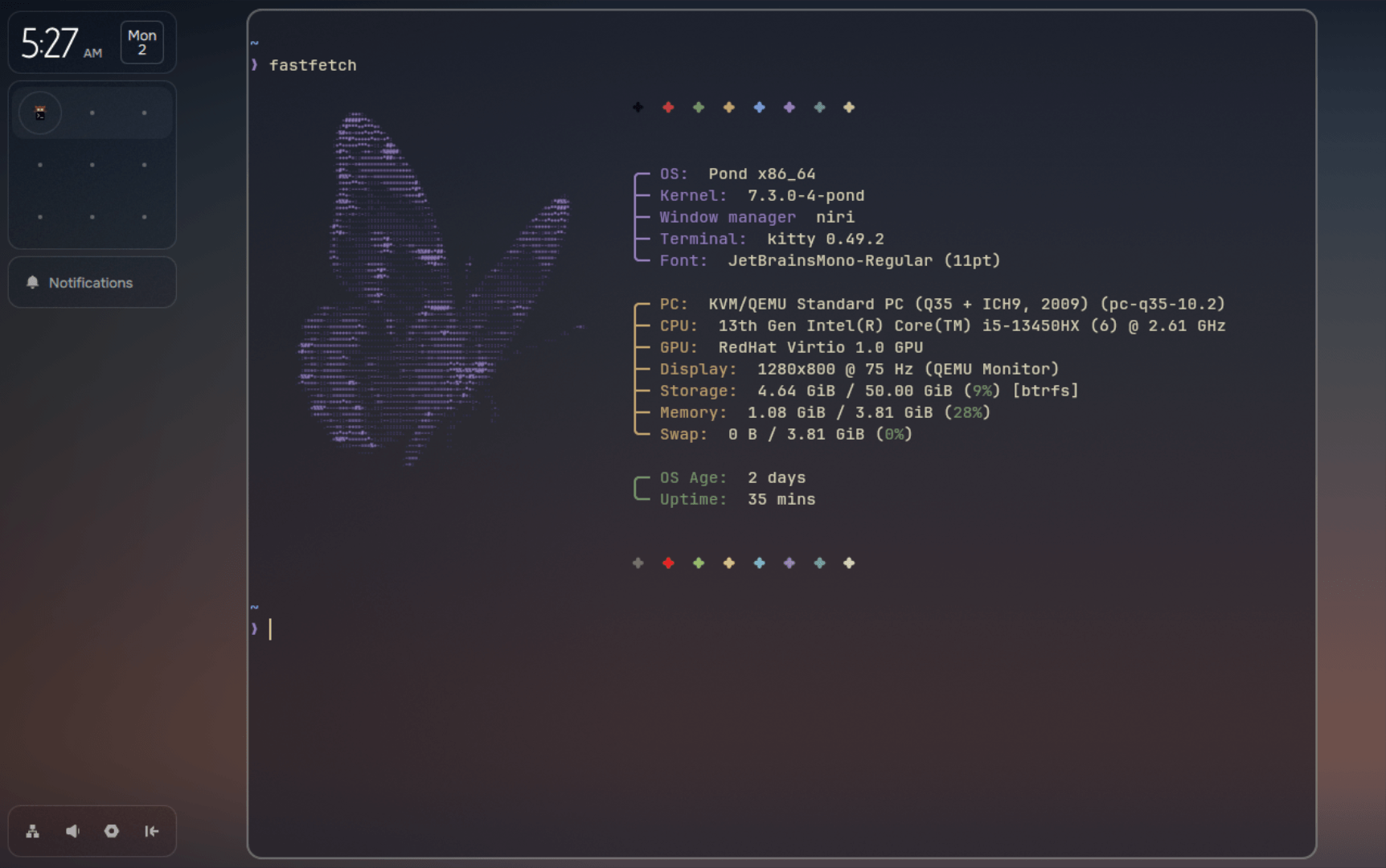
Butterfly says Pond mixes new ideas with desktop habits people already know, and the goal is for a computer to feel more natural to use.
It builds that around four ideas. Windows are arranged spatially and can be rearranged, components come in different sizes to fit the space available, useful information stays in one uniform place, and content only shows up when it is relevant.
They also point out that each component was planned with the whole desktop in mind, from its proportions to where it sits and how it behaves.
As I pointed out earlier, Pond is a rolling-release distro based on Arch Linux with Niri as its compositor. Package duties are handled by a package manager that picks a default source for each app across Pacman, Nix, and Flatpak. More on that later.
Getting it to run
I tested Pond inside a QEMU virtual machine with 4 GB of RAM and a 50 GB disk, making a few tweaks to the machine settings before I could get it to boot.
Right away, the installer caught my eye. It follows a very different approach than what most distros ship with, featuring a simplified one that takes users through the steps quickly.
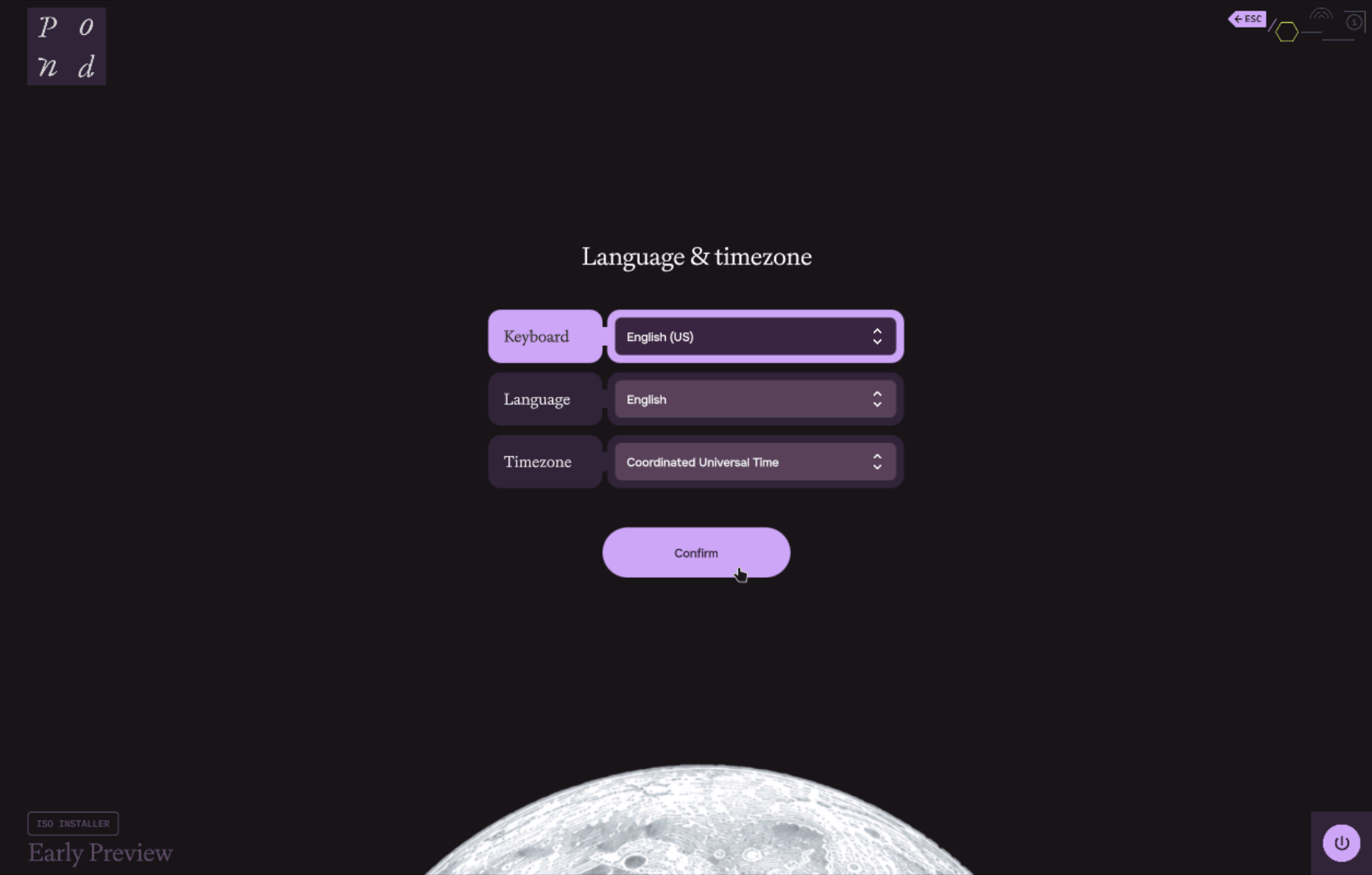
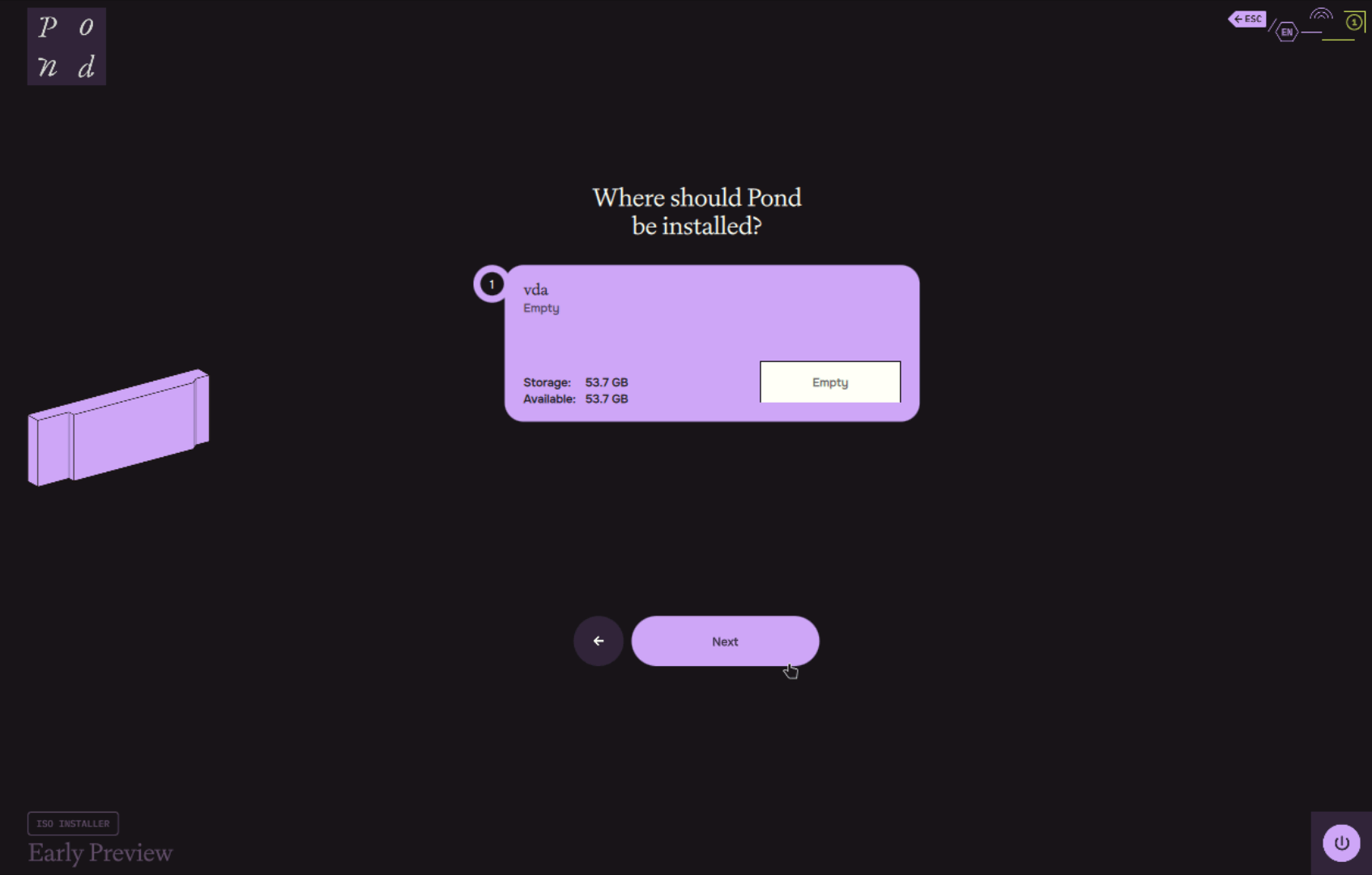
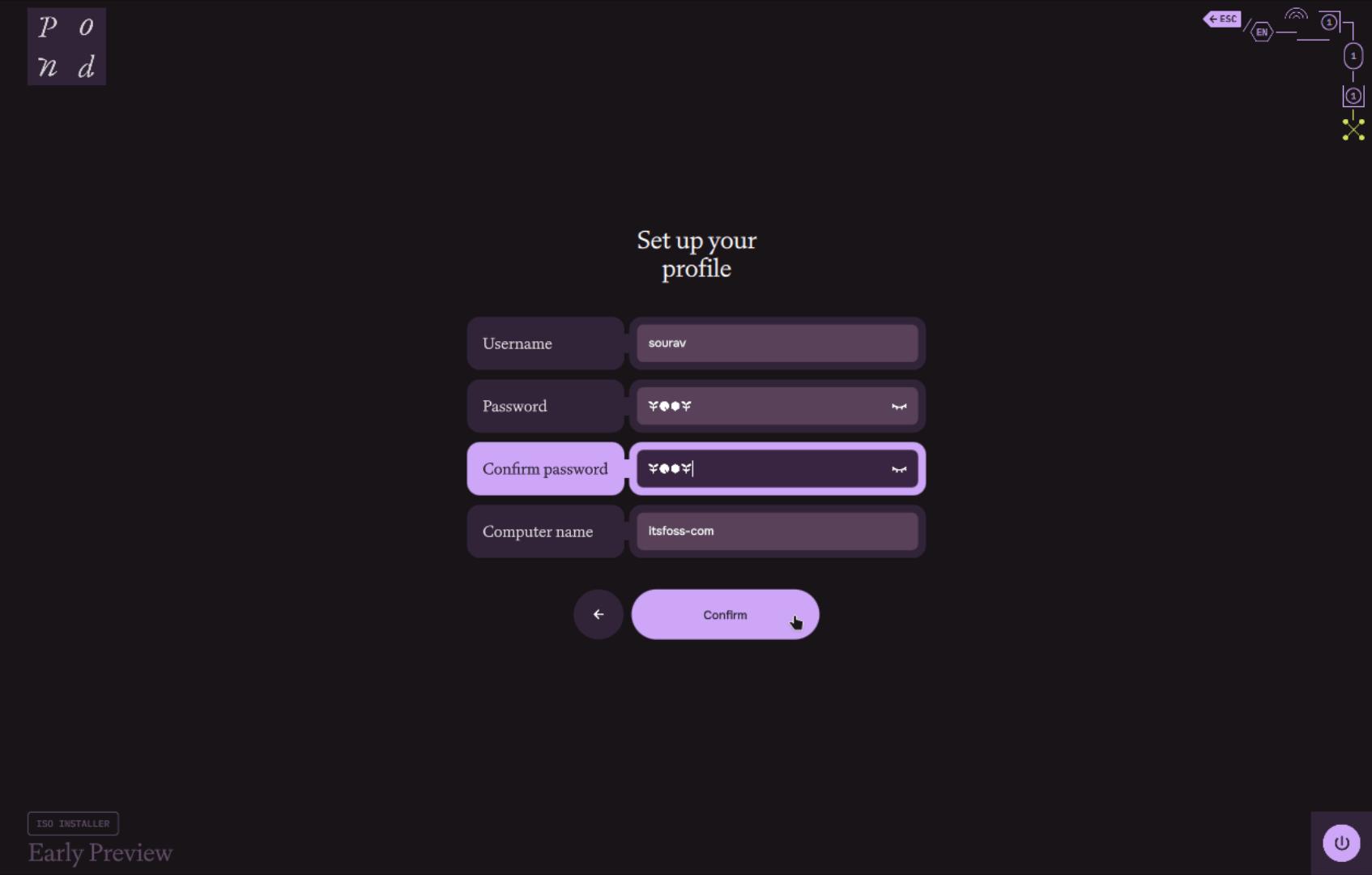
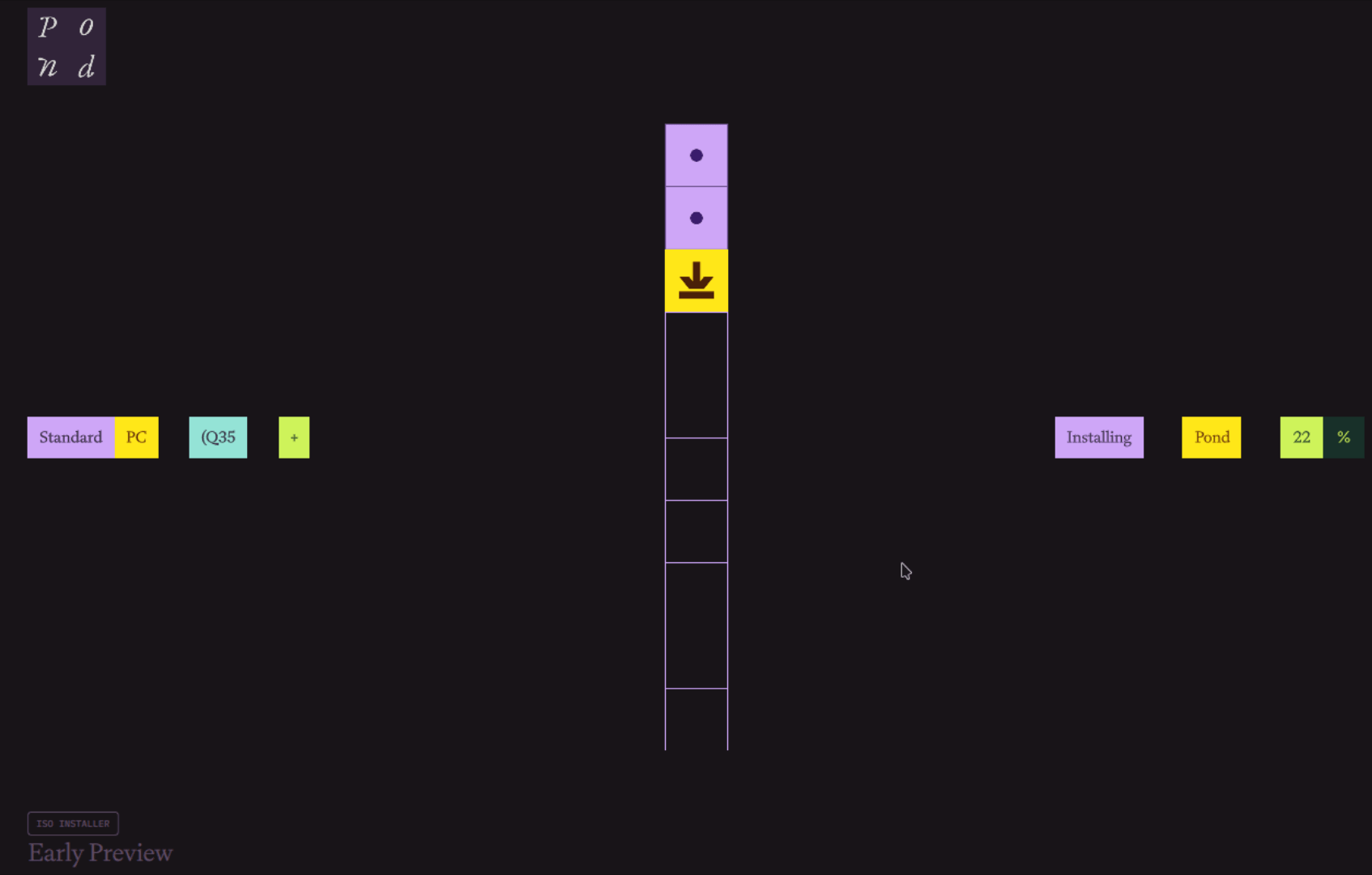
It asks for your keyboard, language, and timezone first, then the disk, and finally a username, password, and computer name. I really liked how entering passwords in the text field showed me some Pond-themed icons instead of the usual dots or asterisks.
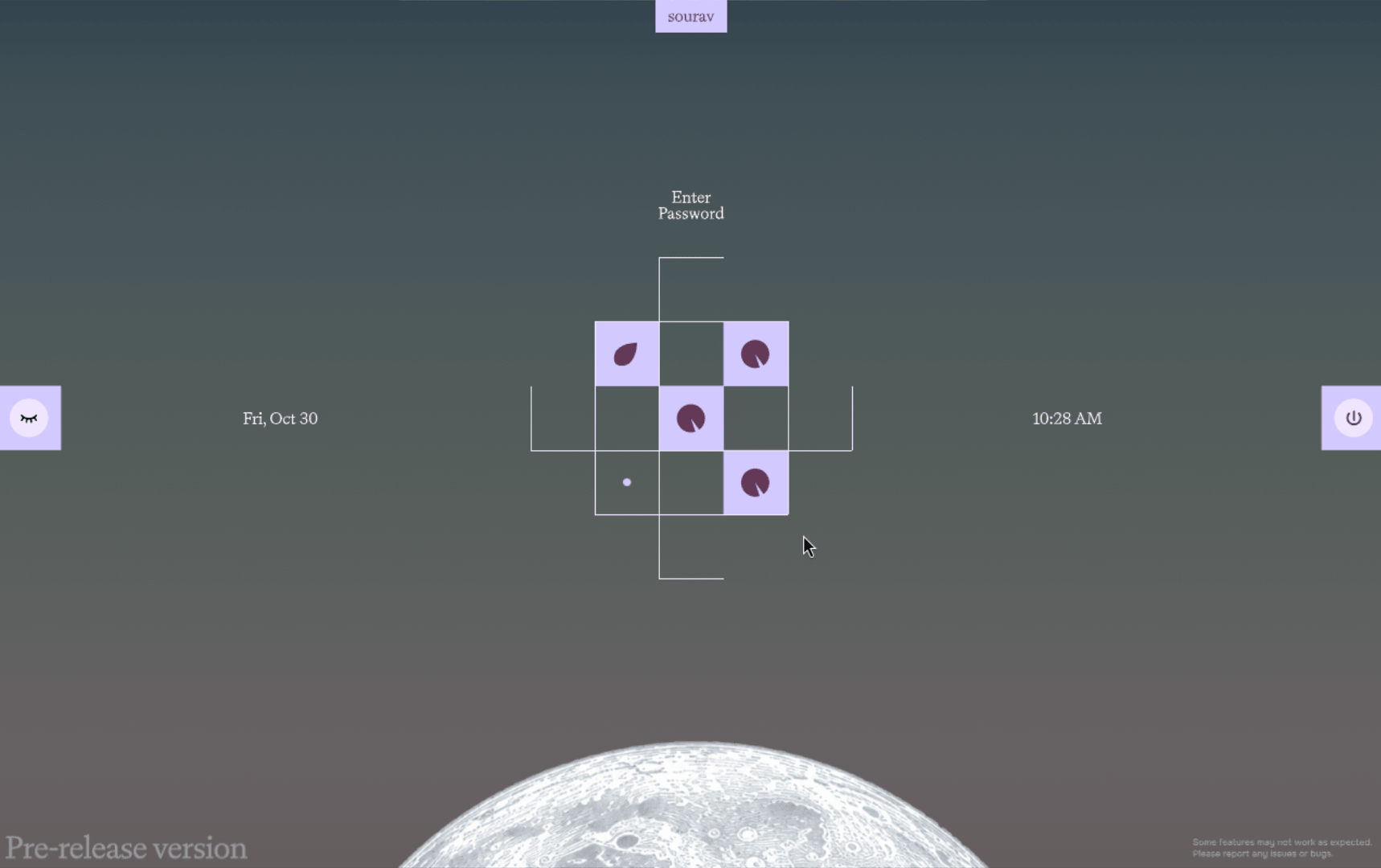
The login screen follows a different approach too, with a cool-looking square and line-shaped password entry box that filled up the empty small squares as I typed my password.
The desktop
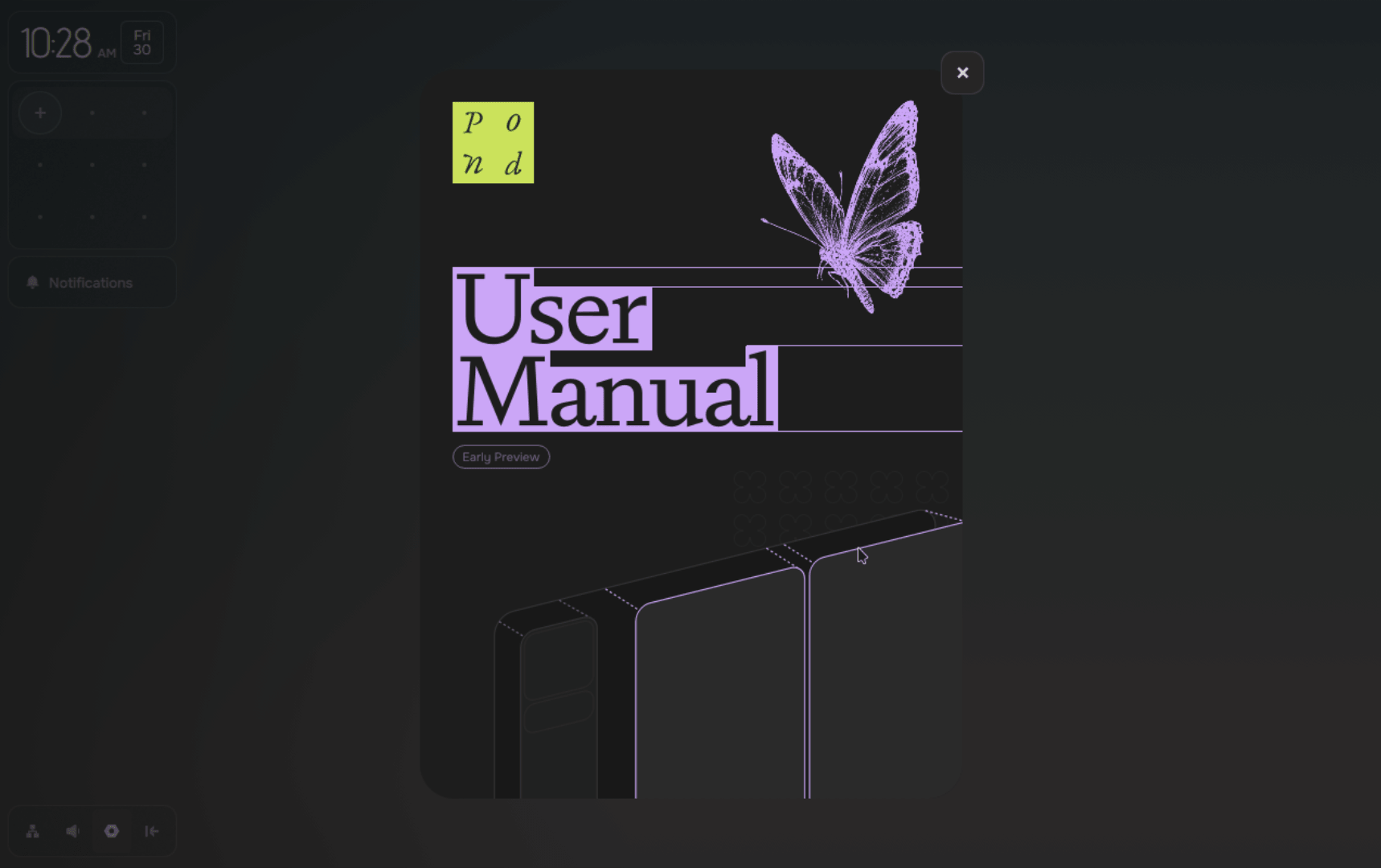
Log in, and you will see that the navigation on Pond is keyboard-focused, with an onboarding flow explaining which keybindings are must-knows for getting around Pond's interface and any installed apps.
The desktop itself features a sidebar menu that houses the clock and calendar, the currently running apps inside the minimap (the squarish-looking box), and notifications from the system, web browsers, or the package manager.
A small dock-style menu sits below it, housing quick access to the network and volume controls, as well as the settings page and the hide sidebar button.
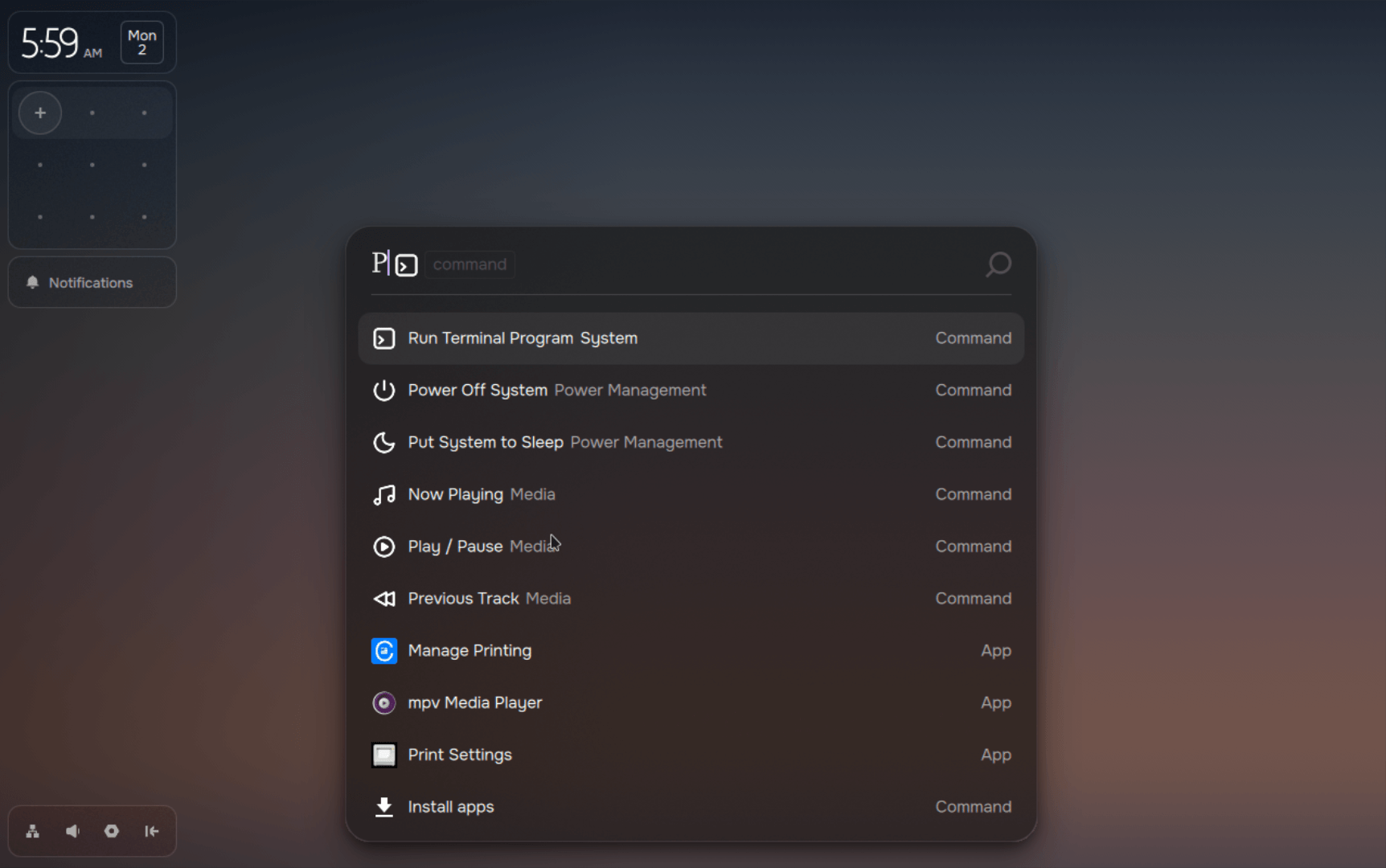
Then there's the Vicinae-based launcher, which will feel familiar if you have used launchers on any Hyprland-equipped distro like CachyOS and Omarchy.
Installing apps
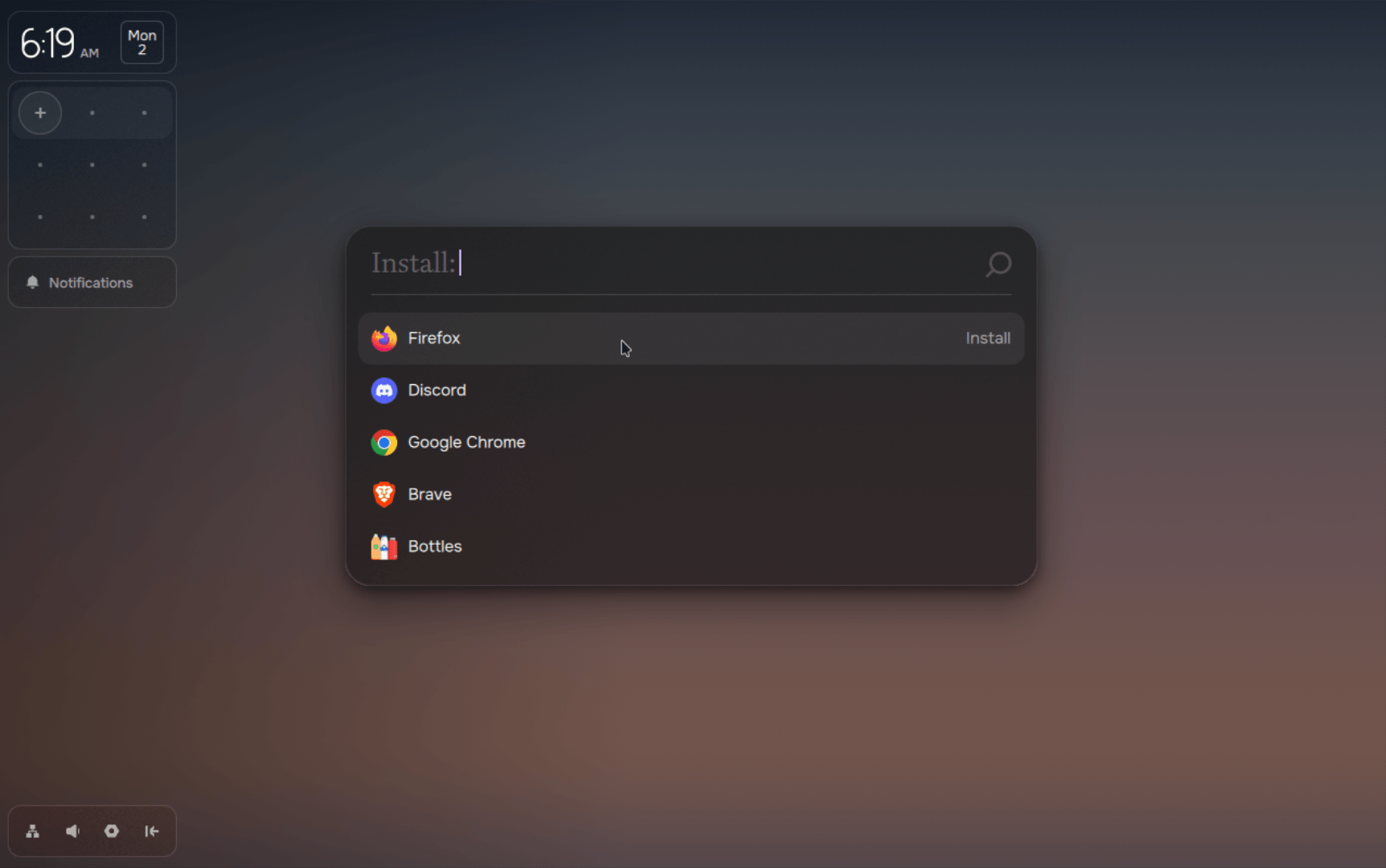
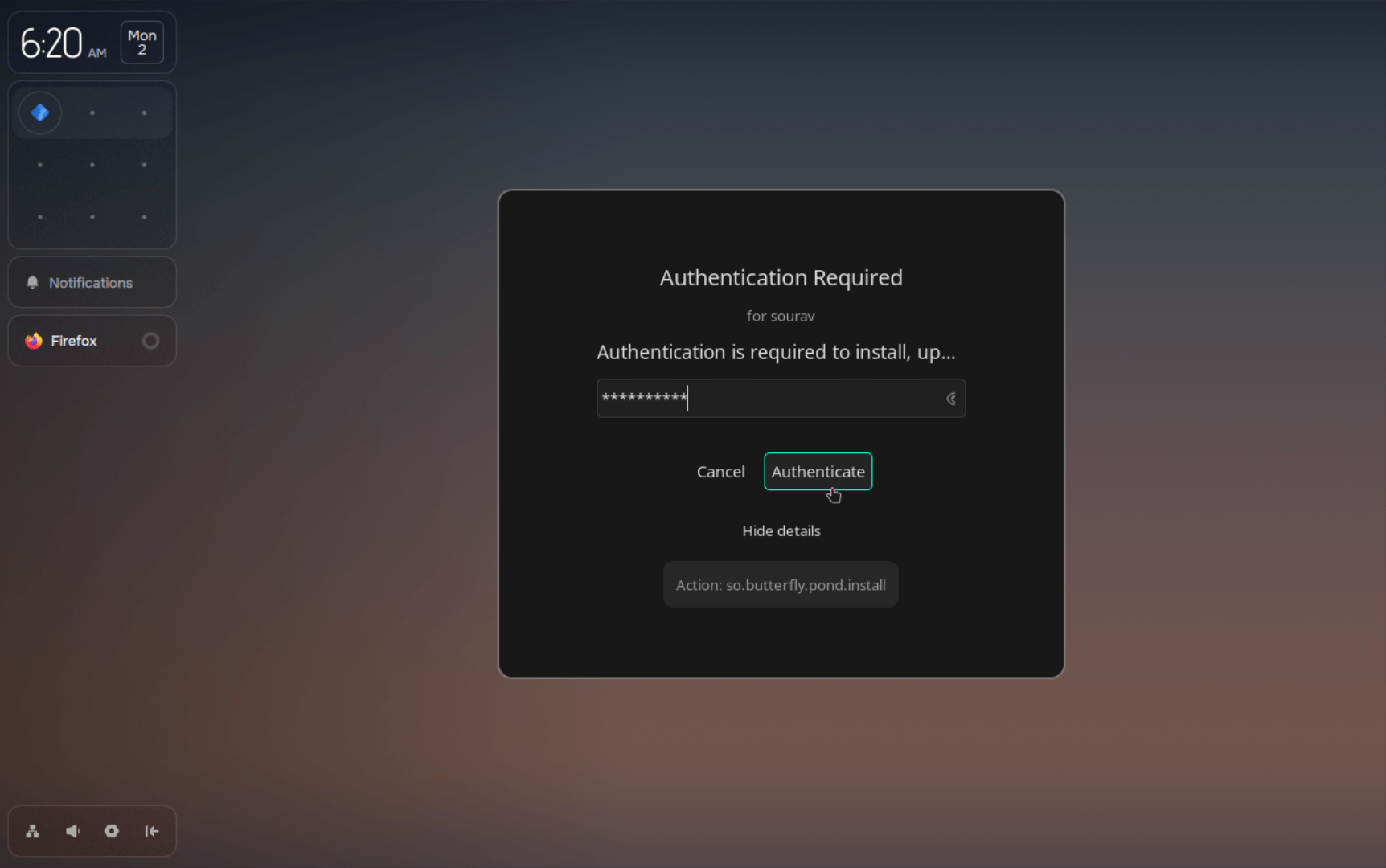
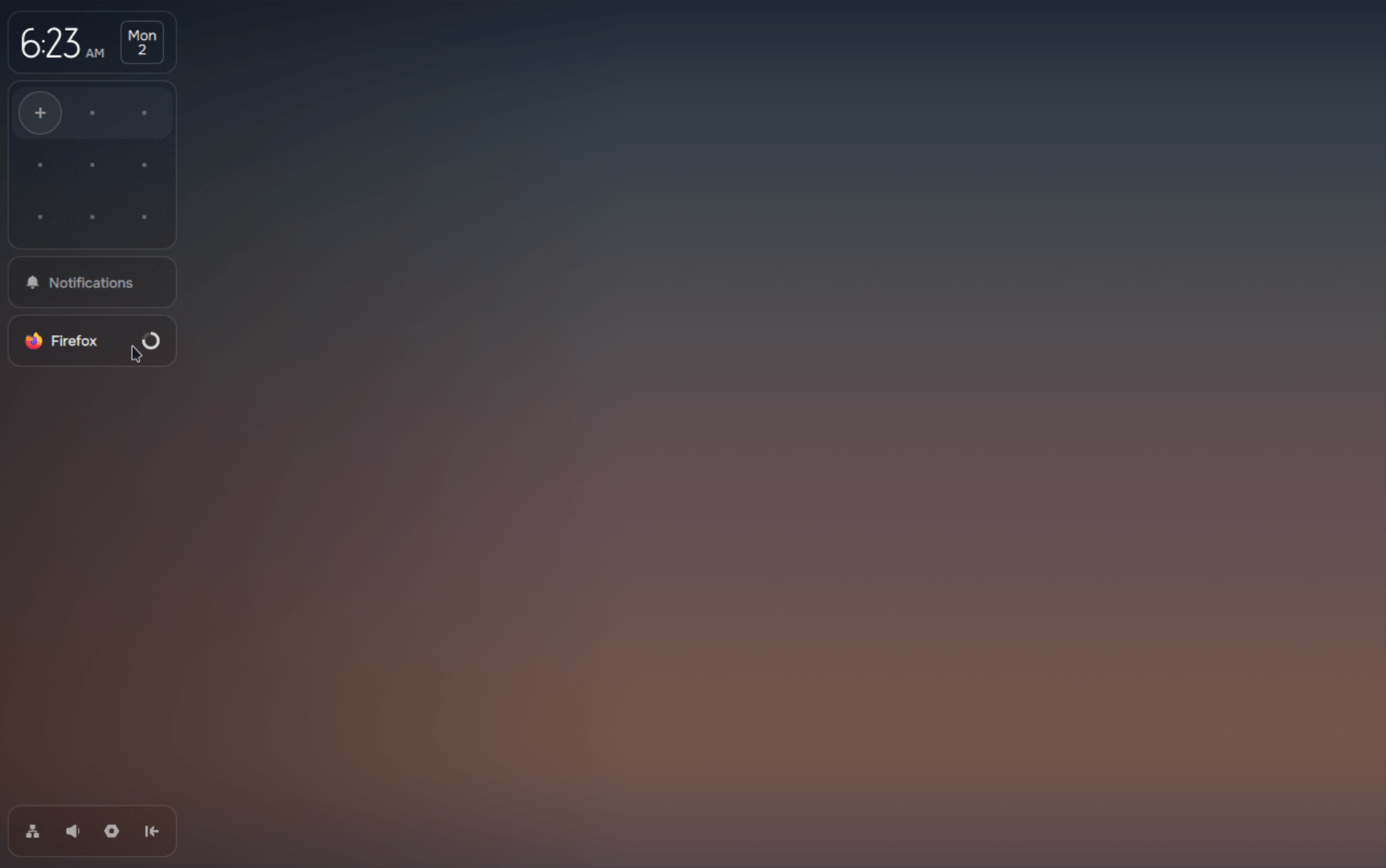
Installing new apps is easy. You open the launcher using Super+Space and go into "Install apps" to see a long list of apps that work on Pond. Select one, authenticate the action with your account password, and wait for it to finish installing.
While that happens, a banner shows up in the sidebar under notifications, showing you the progress of installation. To test this out, I installed Firefox, and it ran well. Pond served me the latest build at the time of writing, Firefox 159, and it ran without any hiccups.
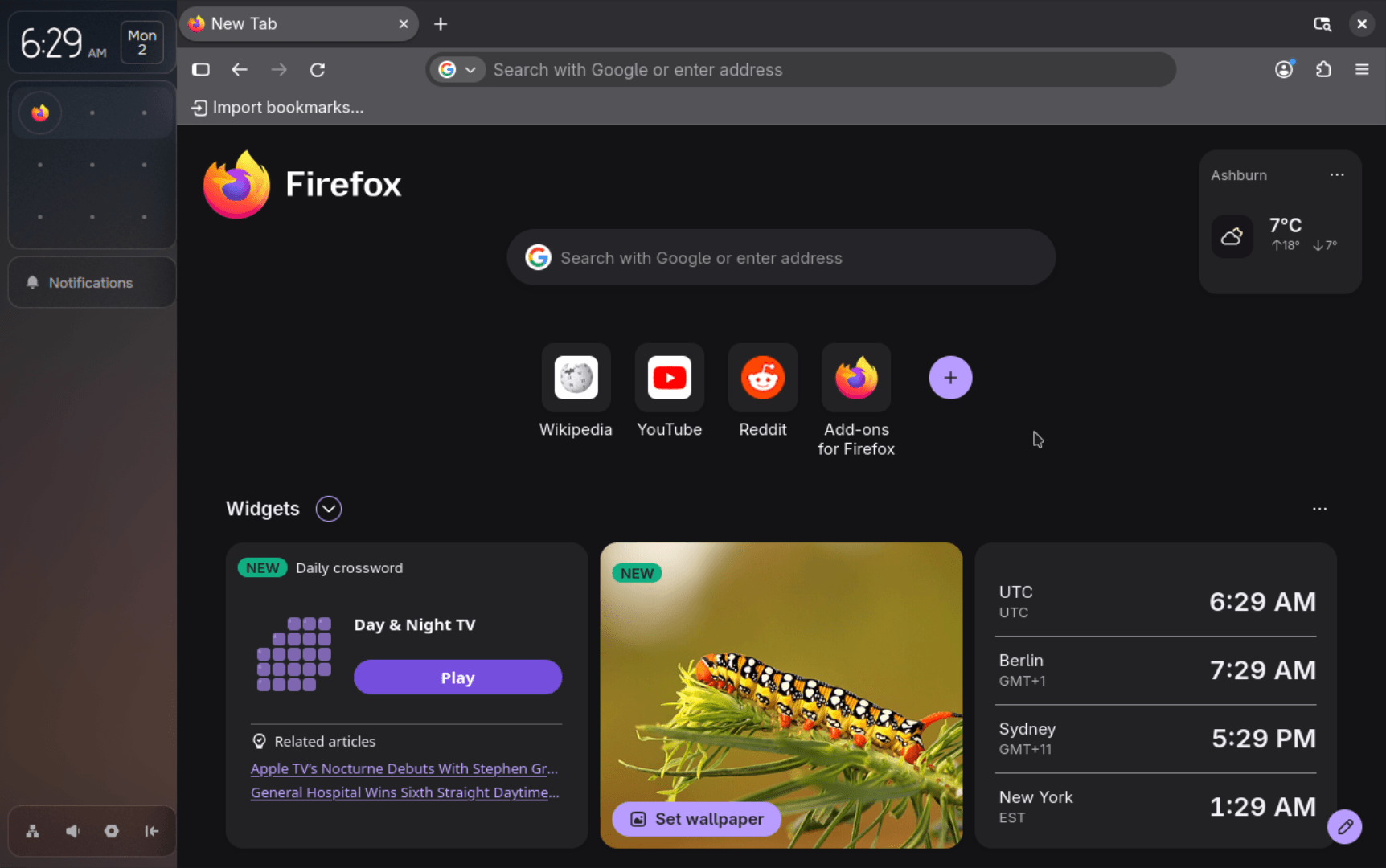
Pond's package manager handles those installs, and its GitHub repo shows that most of the catalog is Flatpak apps, with the rest coming from pacman and the AUR.
Those pacman and AUR apps are installed through paru, and updates run paru and Flatpak together. Nix, while present, plays a smaller part, mostly being used to facilitate GPU support.
You also have the option to install package managers like yay and npm.
Tile away!
Window tiling is the best part of Pond. I could move around app windows using Super + Left or Right, switch workspaces using key combinations like Super + Up or Down, and change window sizes using Super + Plus or Minus.
The minimap below the calendar shows each workspace as a row, with the apps inside it as icons. I could even drag and drop app windows inside it to move them across workspaces.
Verdict 📝
The distro follows a very different design language than other Linux distros, relying on colorful shapes and palettes while offering a known, reliable base to work off of.
It is still an early preview, but if development continues and people take a liking to it, I don't see why it couldn't be counted among the top-rated new blood Linux distros alongside the likes of Bazzite, Omarchy, and Nobara.
Trying Pond 📥
Pond lists two installation routes on its install page, and downloading either one means agreeing to Butterfly's Terms of Use and Privacy Policy. If you are someone who doesn't like doing so, I suggest going through the fine print before committing to an install.
The first method would have you download an ISO of about 1.5 GB. Then you either flash it onto a USB stick and boot, or plop it into GNOME Boxes or Virtual Machine Manager to run it in a virtual machine.
The second method skips the flashing, letting you run an installer on Windows, where you pick a drive, set aside space for Pond, and set up dual boot.
Butterfly says the installer carries over supported Windows settings and handles common dual-boot problems such as clock mismatches and NTFS drives that block shrinking.
You will find the source code for Pond's various components on GitHub.
If this helped you, consider supporting It's FOSS
It's FOSS has been helping people use Linux for the past 14 years. Help us stay independent from big tech. Become a Plus member, enjoy ad-free reading and get 5 eBooks.
Skip the AI slop and SEO spam in your Google results
Tell Google you prefer It's FOSS, and it will show our Linux news and tutorials, created by experienced Linux users, more often when you search. It takes just a click.
Set as preferred sourceGet FOSS Weekly in your inbox