


Welcome to the first issue of Local AI Weekly. A lot of It's FOSS readers have been curious about local AI but didn't want it mixed into FOSS Weekly. So here we are. A separate space for people who want to explore AI but the open source ones.
I'll be sharing experiments from my own hardware, open model news, tools worth your attention, and will keep an eye on the AI related news worth knowing. Let's get into it.
🧪 Experiment: Hermes on a Raspberry Pi
Hermes is the buzz of the AI town so I decided to give it a try. But I chose a rather unusual setup. I have the Hermes backend running on a Raspberry Pi and connecting to it via Hermes Desktop on my main machine. So the agent actually runs Pi, and I interact from my computer.
Hermes Desktop also has a voice conversation feature, most AI tools have it these days. Voice AI is shaping up to be the next big thing. Ubuntu 26.10 is already preparing native voice AI support and local tools like Vocalinux are already in development.
Seems like we're not far from AI-based desktop companions you can actually talk to. Think email briefings, task reporting, agent control. Those things are already here, even if in early stages.
🔍 Discover AI tools
Here is a new open source markdown-based knowledge base built for you and your AI agents. It is local-first, git-backed, and ships with a native MCP server, so commercial or local AI agents can read and write your notes directly.
Worth a look if you're building a personal wiki or a shared second brain your coding agents can use across sessions. Still in early stages of development, so expect bugs here and there. I am currently using Tolaria for my personal KB, and this one is my on my weekend activity list.
 Inkeep
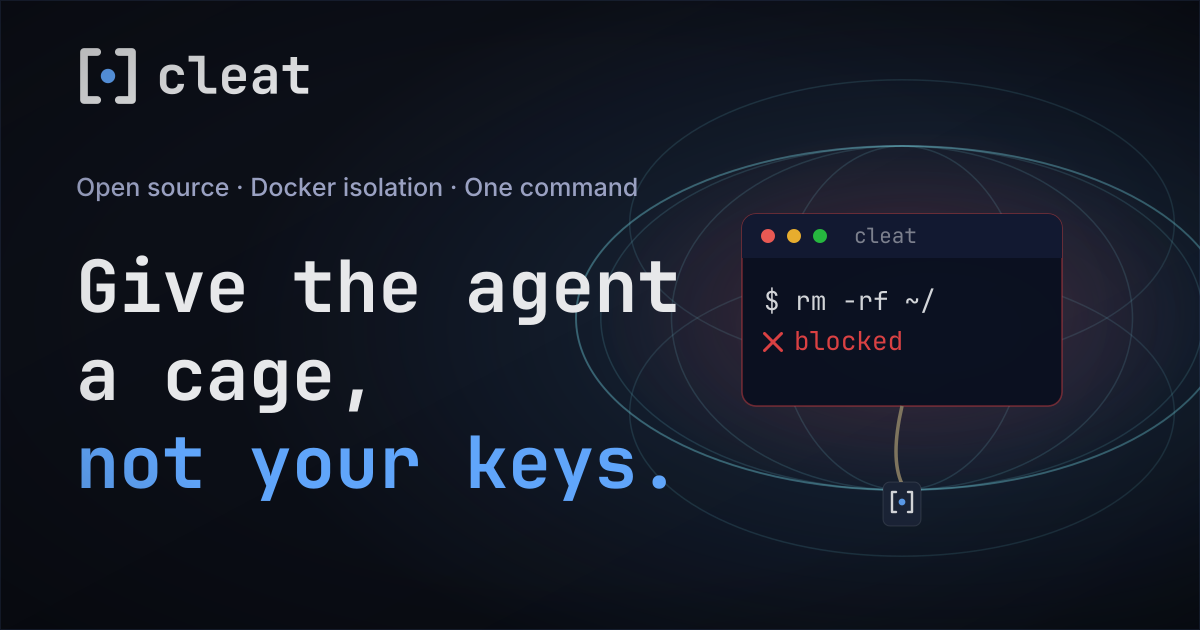
Another interesting open source AI tool I came across recently is Cleat. It basically runs Claude Code inside a Docker sandbox with one command, so an autonomous agent session can't touch your host system. It shares your Claude auth, edits project files, installs packages, and runs any command inside the container, but stays blocked from your SSH keys, other projects, and the rest of your machine unless you opt in.

The project is fairly new, and I don't see activities on its GitHub repo in the last three weeks. Hope it is not on the road to become an abandonware.
📡 Open Model News
The open model space has had a busy few weeks.
Kimi K3 landed on July 16 from Moonshot AI. It's a 2.8-trillion-parameter Mixture-of-Experts model with a 1M token context window, released under a "Modified MIT license". It's the largest open-weight model ever released, and early benchmarks are putting it within reach of frontier closed models. Running it locally requires serious hardware, but smaller distillations should be here soon.
Around the same time, Inkling was released by Thinking Machines Lab, the startup founded by former OpenAI CTO Mira Murati. It's a 975-billion-parameter multimodal model released under Apache 2.0. The Apache 2.0 choice is significant because it means free commercial use without the usage restrictions that come with some other open licenses, like the modified MIT.
Both are too large to run on most home hardware right now. But these releases matter because quantized versions and smaller distillations typically follow within weeks. Worth keeping an eye on Ollama's model library, even though Ollama is likely offering them on their cloud plan.
🗂 AI Jargon: Quantization
You might have come across the word quantization. It is the process of reducing the 'numerical precision' of a model's weights to make it smaller (and faster). A full-precision model stores each value as a 32-bit or 16-bit float. A quantized model stores them at 8-bit, 4-bit, or even lowre. The model gets smaller so it uses less RAM, and runs faster but that comes at the cost of quality.
Take a look at the tags of any model at Ollama... llama3.1 for example. You'll see names like instruct-q2_K, text-q3_K_S, fp16 etc. Those are quantized. The file size is smaller, an indication that it will need less RAM.
⚡ Quick Tip
When downloading models via Ollama, you can specify the quantization level directly. Instead of ollama pull llama3, try ollama pull llama3:8b-instruct-q4_K_M to get a specific quantized variant. Check the available tags on ollama.com/library for whichever model you're pulling. Just add /tags/ at the end of it.
And we continue...
I'll be honest. The local AI scene is more fragmented than the Linux distro landscape. And not all of us have the same needs. If you're a DevOps person, you might have no interest in AI image restoration tools. If you're a developer, graphics workflows probably don't apply to you.
So I'm going to share my own experiments and exploration. Some of it will be useful to you, some won't. That's fine. You'll likely learn new things and that's the goal.
See you in two week.
If this helped you, consider supporting It's FOSS
It's FOSS has been helping people use Linux for the past 14 years. Help us stay independent from big tech. Become a Plus member, enjoy ad-free reading and get 5 eBooks.
Skip the AI slop and SEO spam in your Google results
Tell Google you prefer It's FOSS, and it will show our Linux news and tutorials, created by experienced Linux users, more often when you search. It takes just a click.
Set as preferred sourceGet FOSS Weekly in your inbox
