


VLC is one of the best video players for Linux, if not the best. It is popular on Windows and macOS as well. VLC is a versatile tool that can do a lot more than just playing videos but I won’t be going into those details in this tutorial.
In this beginner’s tutorial, I’ll show you:
- How to install VLC on Ubuntu
- How to download the latest version of VLC using PPA
- How to update VLC on Ubuntu
Let’s cover it one by one.
Install VLC on Ubuntu
The easiest way to install VLC media player on Ubuntu is by looking for it in the software center.
Open the software center and look for it:
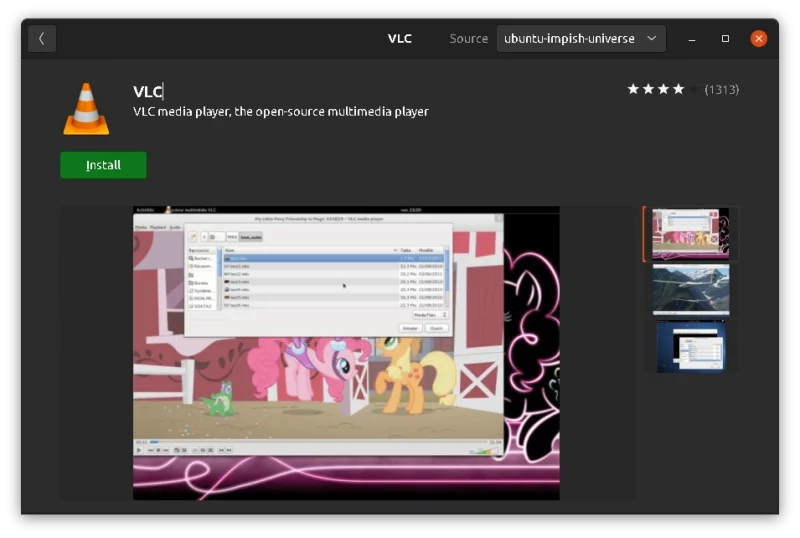
Please be careful to not install the Snap version of VLC. It is slow to start and does not integrate very well with the system.
This is why I would recommend using the command line to install VLC with apt command. Just open a terminal and use the following command:
sudo add-apt-repository universeYou’ll be asked to enter your account’s password. Nothing is displayed on the screen when you type the password and that’s perfectly normal.
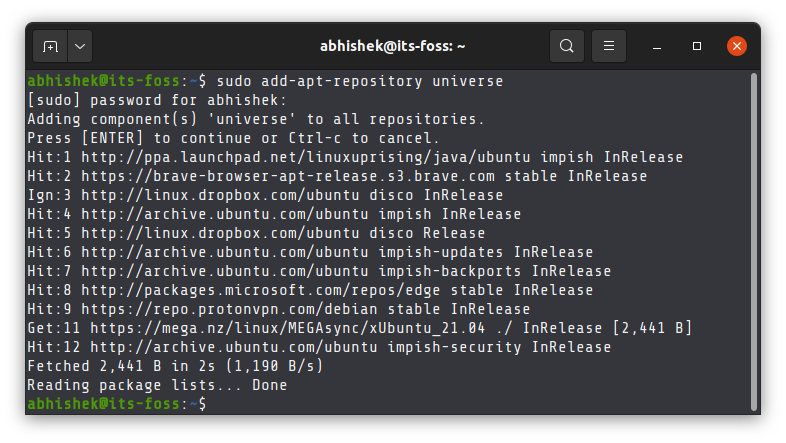
The above command will add Universe repository to your system if it is not enabled already. VLC is available from this repository.
Install VLC now:
sudo apt install vlc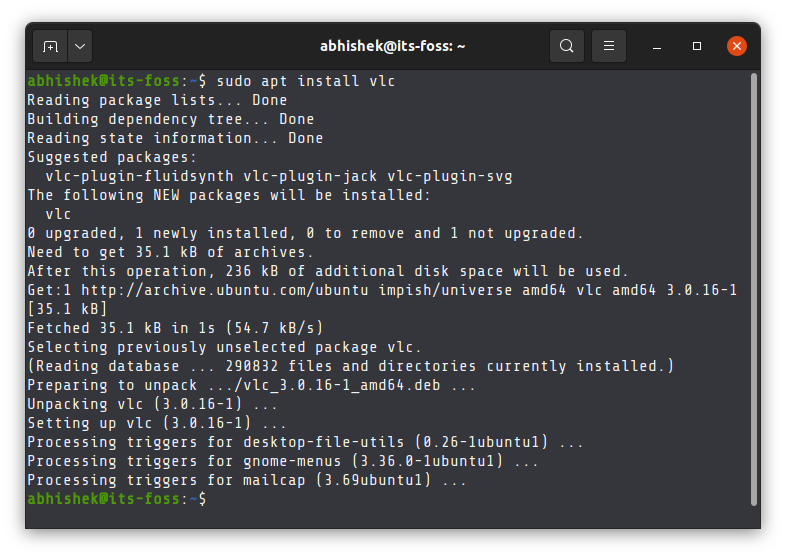
That’s it. You successfully installed VLC on Ubuntu.
Updating VLC in Ubuntu
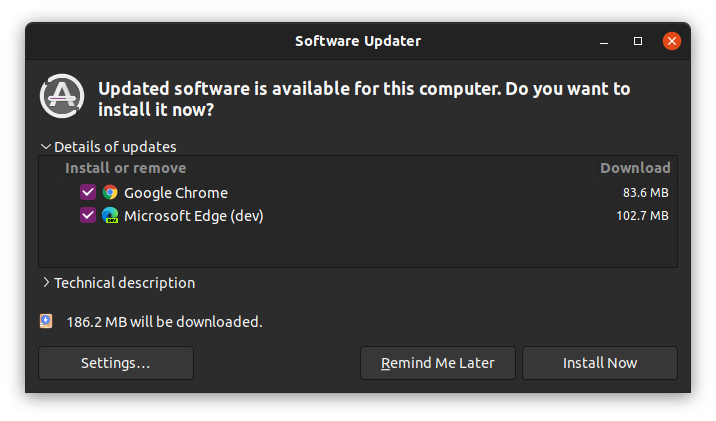
Since you are using the VLC provided by Ubuntu, you do not need to worry about updating it. The package management is very handy here as it provides various system and software updates together.
This means if there is an update available on VLC from Ubuntu repositories, you’ll see it in the system updates.
You know how to update Ubuntu, don’t you?
Removing VLC from Ubuntu
VLC is indeed a versatile media player but you may opt for some sleek and lightweight video players like MPV or the evergreen SMPlayer.
If you decided to use some other video player, you may choose to remove VLC from your system. After all, it will free some disk pace.
To uninstall applications in Ubuntu, you can use the apt remove command like this:
sudo apt remove vlcsudo snap install vlcGetting the latest VLC (development version) in Ubuntu (NOT RECOMMENDED)
If you see the details of the package, you may find that the version of VLC available in the Ubuntu repositories is not the latest one.
If you really want the latest VLC, here’s the trick to get it.
VLC project maintains an official PPA that provides the latest development version of VLC media player. If you really want the daily build VLC version, you can use this PPA.
In the terminal, use the following commands one by one:
sudo add-apt-repository ppa:videolan/master-daily
sudo apt update
sudo apt install vlc
This will also update the installed VLC version to the latest version.
Getting back to the normal VLC version
If you do not want the latest VLC version anymore but still keep the one provided by Ubuntu, use the magical PPA Purge tool.
Install PPA Purge first:
sudo apt install ppa-purgeAnd then you can use it to purge the VLC PPA which will downgrade the VLC version as well as disable the VLC PPA.
sudo ppa-purge ppa:videolan/master-dailySeeing a green line at the bottom? Here's how to fix it.
 Abhishek Prakash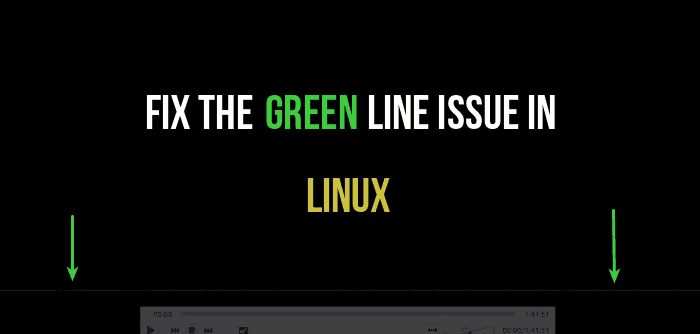
Do more with VLC
You can download subtitles automatically.
Abhishek Prakash
Or, watch and download YouTube videos with it.
Community
You can even make it trim videos, if you want.
Sreenath
I hope you were able to install VLC on Ubuntu easily this way and also learned a few new things.
Still have questions? Fire away :)
