


Lubuntu is an official Ubuntu flavor that uses LXQt as its default desktop environment.
It is one of the lighter options in the Ubuntu family, built around keeping resource usage low without stripping out the things people actually need from a desktop, and part of what makes it appealing is its approach to hardware.
LXQt has a noticeably lower memory footprint compared to heavier environments like GNOME or Plasma, which makes Lubuntu a reasonable choice for people running older or low-spec machines.
And now, the project has reached its 30th release with Lubuntu 26.04 LTS "Resolute Raccoon."
Lubuntu 26.04 LTS: What's New?
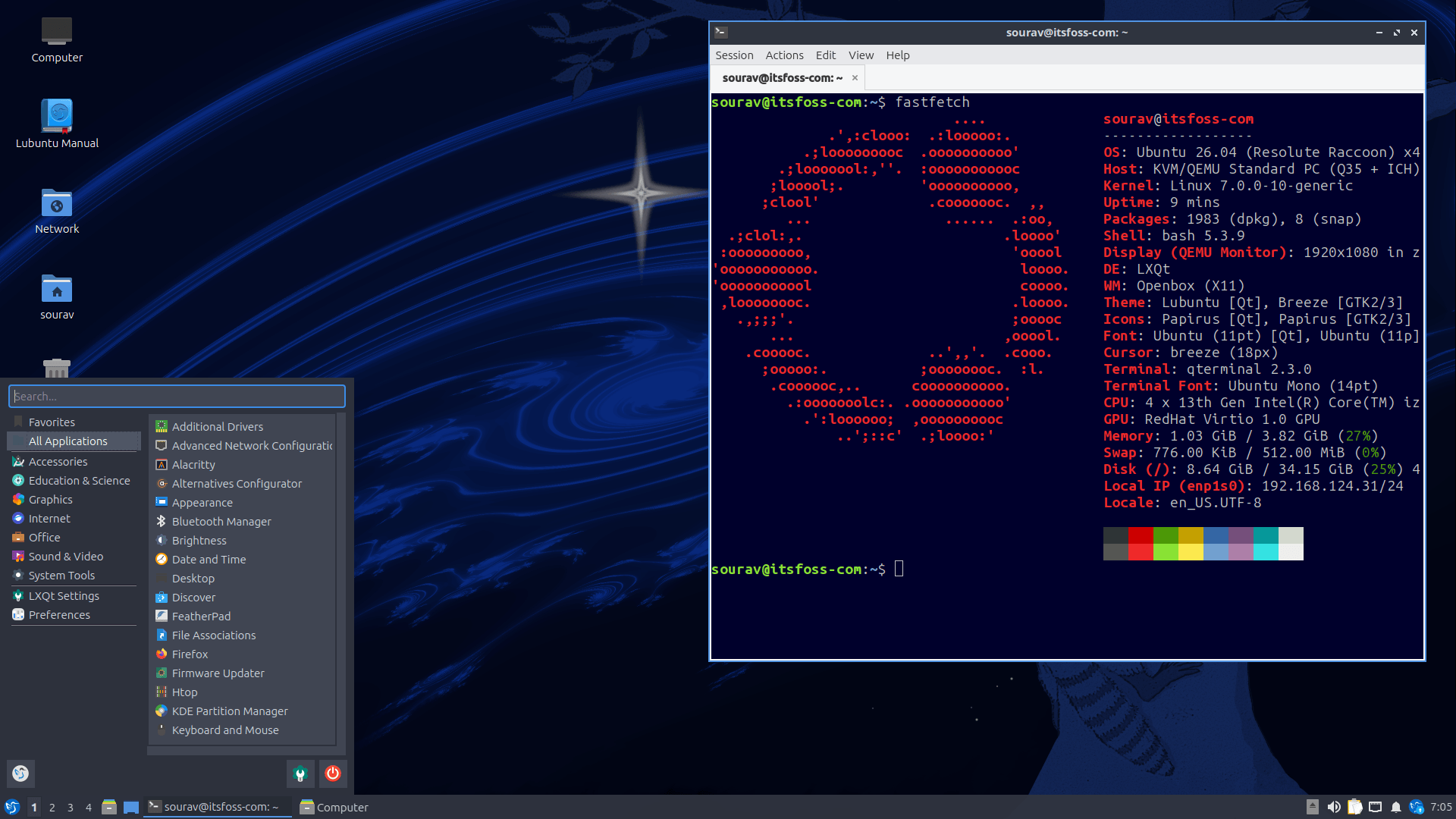
Well, for starters, Lubuntu 26.04 LTS ships Linux kernel 7.0, a major jump from the 6.8 kernel in the previous LTS. We have dedicated coverage on it, but the relevant bits are as follows. 👇
There's expanded temperature monitoring for Intel Arc GPUs, full audio support for the upcoming Intel Nova Lake CPUs, early AMD Zen 6 performance profiling groundwork, and XFS getting a self-healing daemon for metadata failures.
Being an LTS, this Lubuntu release gets updates and security patches until April 2029.
LXQt 2.3 ships as the default environment here. The Desktop Switcher in LXQt Panel now works with Wayland compositors that support the ext-workspaces-v1 protocol, covering labwc and niri.
Similarly, PCManFM-Qt gets a "Safely Remove" option in the side pane context menu, QTerminal adds emoji flag support, and the Archiver gains LZ4 support. Power management also picks up an option to turn off the monitor for Wayland sessions on KWin, niri, and Hyprland.
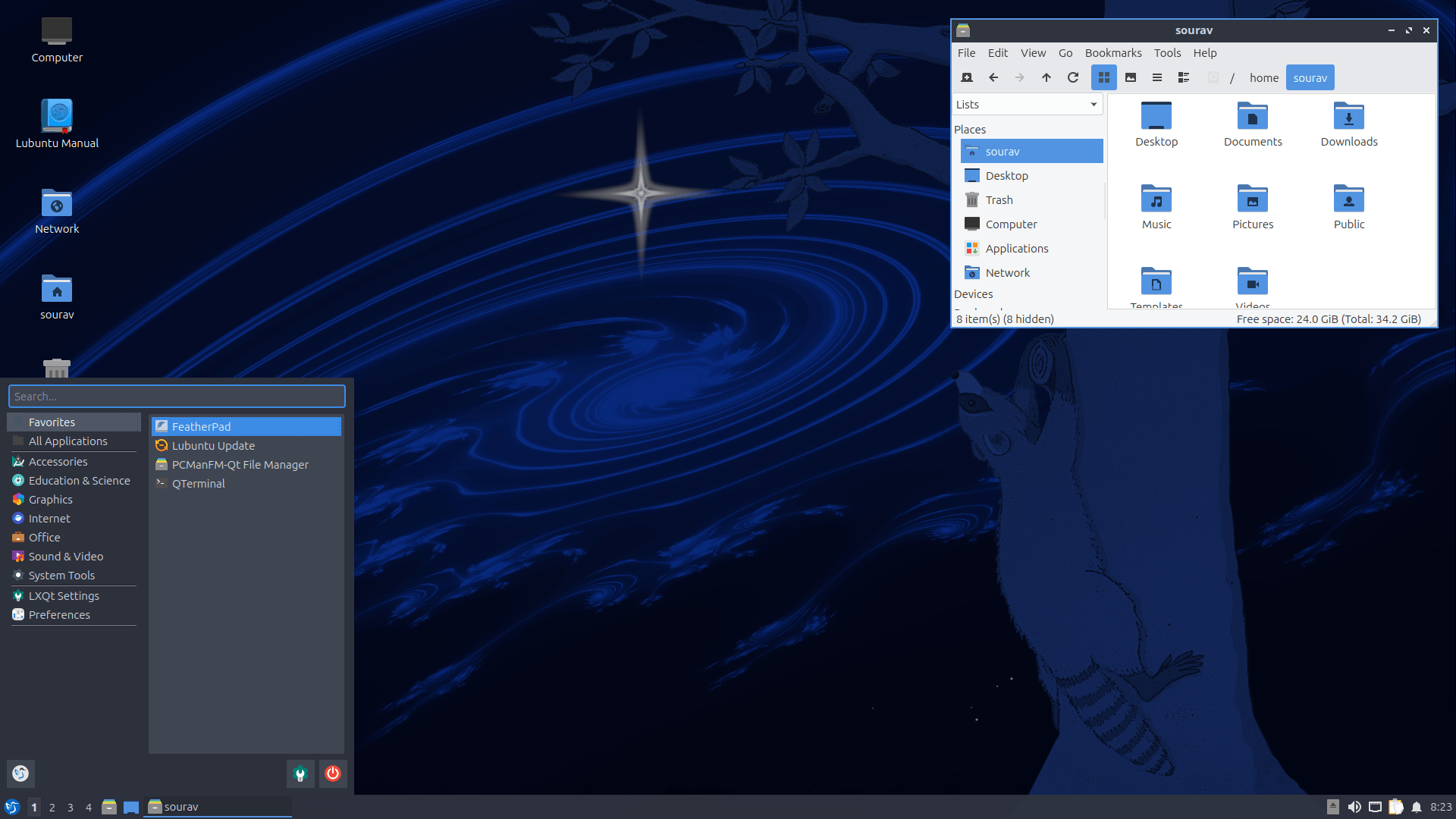
A Wayland session is not on the ISO as the team could not get it ready in time. Though they do mention that it may come as a PPA later and that they will announce it if that happens.
This release also adds full support for Intel Core Ultra Xe2 integrated graphics and Intel Arc B580 and B570 "Battlemage" discrete GPUs, and VA-API hardware-accelerated video encoding and decoding is enabled by default for Intel and AMD users.
There's some rustification in this release too, as sudo-rs takes over as the default sudo utility, and rust-coreutils replaces GNU coreutils as the default for common command-line tools.
We wrap this up with the updated stack of applications and toolingL
- APT 3.2
- Firefox 149 (Snap)
- LibreOffice 26.2
- FeatherPad 1.6.3
- VLC 3.0.23
- Discover 6.6.3 (app store)
📥 Download Lubuntu 26.04 LTS
If you liked what this LTS release offers, then you can go to Lubuntu's official website to download the ISO for this release. Alternatively, you can also visit the Ubuntu release portal to get the same.
For existing users, the Lubuntu team has provided an upgrade guide that will take you through the process to get Lubuntu 26.04 LTS.
Enjoyed this update? Support independent Linux news coverage
It's FOSS has been helping people use Linux for the past 14 years. Help us stay independent from big tech. Become a Plus member, enjoy ad-free reading and get 5 eBooks.

