


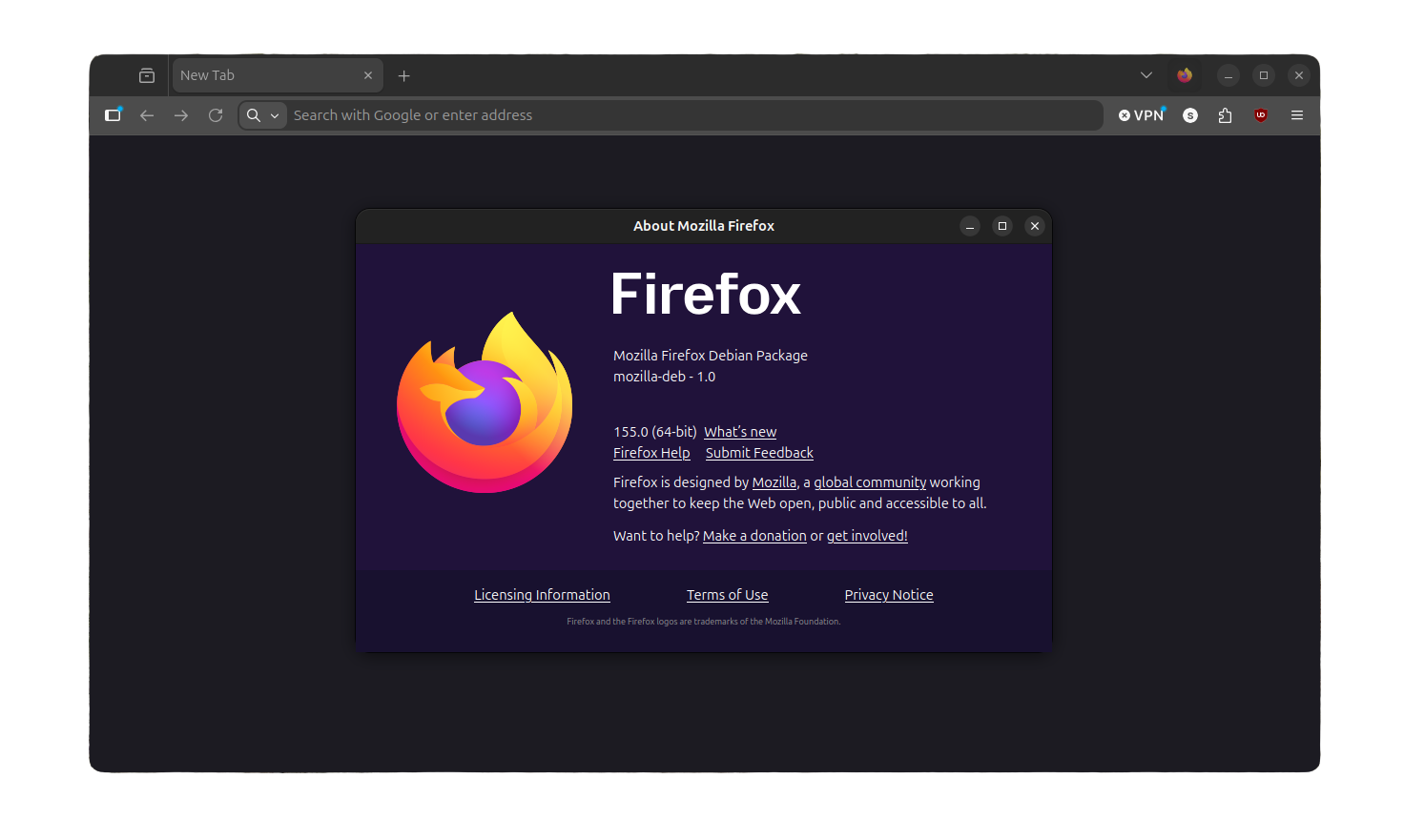
In a very low-key manner, Firefox 155 has arrived as the latest stable release for the popular privacy-focused web browser.
While there are a range of refinements with this release, we will be focusing on two technical ones that change how Firefox handles webpage loading. Happy Eyeballs v3 and QUIC v2 support for HTTP/3.
Happy Eyeballs v3
Instead of testing one path and hoping it works, Firefox now tries a handful of ways to reach a website side by side and goes with whichever one answers first. There's nothing to turn on and nothing to configure. You'll just notice fewer pages that sit there loading while Firefox figures out how to actually get through to the site.
You see, every time Firefox loads a page, it first has to decide how to reach the server behind it.
And there's often more than one option. An IPv4 address, an IPv6 address, sometimes both, and depending on the site, a choice between HTTP/2 and the newer HTTP/3. Older Firefox versions picked one option and waited to see if it worked before trying the next, so a slow or broken first guess meant the page just sat there without loading.
Happy Eyeballs v3 is what changes that. Firefox fires off connection attempts down several of these paths at once and runs with whichever one lands first, instead of committing to a single guess at the beginning.
Officially, Happy Eyeballs v3 is still an IETF draft rather than a finished RFC, authored by engineers at Apple and Google. Mozilla's own developer notes for this release describe the feature as currently supported on some platforms only, without naming which ones.
QUIC v2 for HTTP/3
QUIC is one of the pieces of tech behind how fast a website loads today, and Firefox 155 adds support for a slightly newer version of it.
What actually matters isn't the new version itself. It's that Firefox can switch to it instantly, skipping the back and forth that normally happens when two computers don't immediately agree on which version to use.
That back-and-forth used to cost an extra trip across the internet and back. Now it doesn't.
HTTP/3 is the newest version of the protocol that moves data between your browser and a website, and runs on QUIC rather than the older TCP. Setting up a secure connection over QUIC takes one round trip instead of several, which is a big part of why HTTP/3 feels quicker on shaky connections.
This is the right time to switch
Might I add, this is the best time to switch to Firefox. uBlock Origin's full version has been broken on Chrome since Google disabled Manifest V2 back in July 2025, and yesterday Google kicked it out from the Chrome Web Store entirely.
Now, only uBlock Origin Lite remains.
Of course Firefox was never really affected by what Google did, consistently supporting the full uBlock Origin experience without any nerfs in its ad-blocking abilities. You can get its latest release via the Firefox Add-ons portal.
That is not all; the 155 release also has many other new additions, like the Smart Window rollout (limited to users residing in the US, Canada, or France), blocked tracker counts in the address bar, and the ability to reorder containers.
Any of which could cajole you further into switching away from Chrome or any other Chromium-based browser.
Get Firefox 155
Binaries for Firefox 155 are available already, though the official download page hasn't caught up with the new build yet; it should get there shortly. If you can't wait and would rather get this release now, although I would advise waiting.
Mozilla's FTP mirror already has the 155.0 builds for Linux, Windows, and macOS. Remember to select the correct platform and language options to get the package relevant for your computer's specs.
On my Ubuntu setup, I went with: linux-x86_64 > en-US > firefox-155.0.deb
Enjoyed this update? Support independent Linux news coverage
It's FOSS has been helping people use Linux for the past 14 years. Help us stay independent from big tech. Become a Plus member, enjoy ad-free reading and get 5 eBooks.
Skip the AI slop and SEO spam in your Google results
Tell Google you prefer It's FOSS, and it will show our Linux news and tutorials, created by experienced Linux users, more often when you search. It takes just a click.
Set as preferred sourceGet FOSS Weekly in your inbox

