

Brief: Numix is one of the most beautiful icon theme set for Linux. Learn how to install and use it in Ubuntu-based Linux distributions.
Numix is one of the most beautiful theme set for Linux desktop. It was initially created in 2013-14 and since then, it’s become a host favorite among Linux users.
There have been many new beautiful icon themes for Linux lately but Numix remains an evergreen hit. It’s flat approach gives a fresh look to your desktop. This was the reason why several Linux distributions used to ship with Numix as the default theme. Antergos was such a distribution.
I have noticed that Numix is not actively developed anymore. There website has been moved to GitHub. Don’t despair! It still has support for hundreds of applications. It’s design is not stale and it still looks modern.
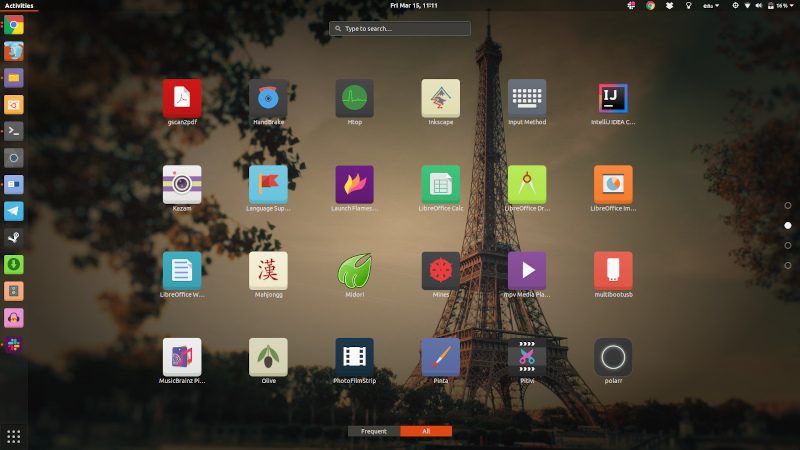
Installing Numix theme and icons in Ubuntu
The Numix theme suite has three main packages:
- Numix square icons
- Numix circle icons
- Numix GTK theme
Let’s see how to install Numix theme and icons on Ubuntu. You can use the official Numix PPA for installing Numix.
Open a terminal. You can use the Ctrl+Alt+T keyboard shortcut for the terminal in Ubuntu. In the terminal, use the following commands one by one to install Numix GTK theme, Square and Circle icons:
sudo add-apt-repository ppa:numix/ppa
sudo apt-get update
sudo apt-get install numix-gtk-theme numix-icon-theme-circle numix-icon-theme-square
Once we have installed the themes and icons, let’s see how to change the default theme or icons to Numix.
Using Numix theme and icons
You can see various ways of installing themes and icons in this video:
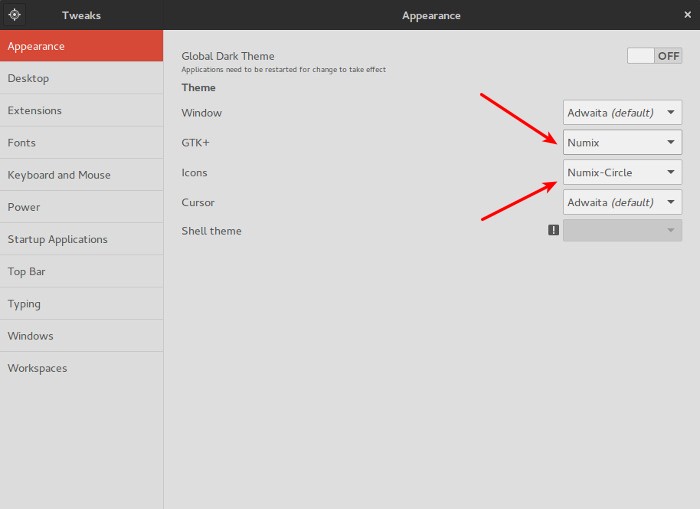
You can also read about installing themes on Ubuntu. Basically, you have installed the theme. You just have to change the theme and icons using the GNOME Tweak Tool, if you are using the default GNOME desktop in Ubuntu.
If you don’t have GNOME Tweak Tool, you can install it from the software center or use this command:
sudo apt install gnome-tweak-toolOnce installed, open GNOME Tweak Tool and change the theme and icons from here:
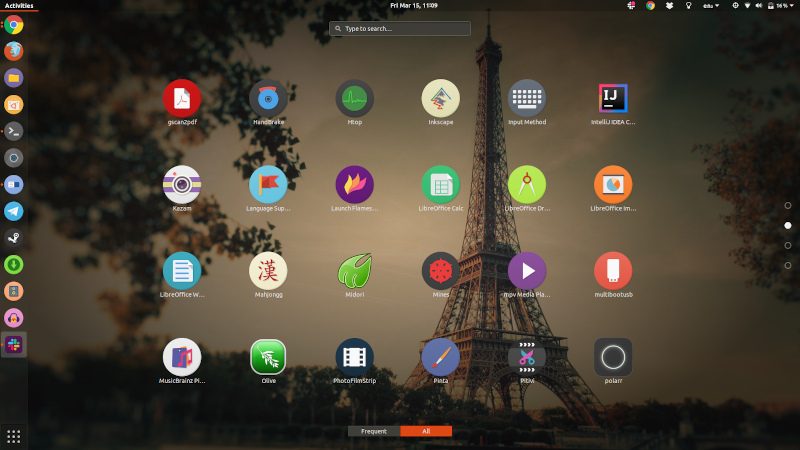
This is what my Ubuntu Gnome looks like with Numix theme and icons.
I hope this post helped you to install and use Numix theme and icons in Ubuntu. Don’t forget to check out some of the new icon themes for Linux desktop in this video on our YouTube channel.
Apart from Numix, what other theme or icon do you use? Do share it with the rest of us in the comment section below.
