


If you are a content creator in 2026, then I am sure you end up juggling through a stack of apps and browser-based tools for the same handful of jobs. One resizes an image, another handles format conversion, a third takes care of watermarks, and a website somewhere tells you the exact pixel dimensions Instagram, X, or YouTube expects.
None of those steps take long on their own, but doing them one after another for every single post does add up.
Image Toolbox is built to make all that easier. It's an Android app that offers resizing, format conversion, watermarking, and platform-accurate exports under one roof.
What can it do for you?
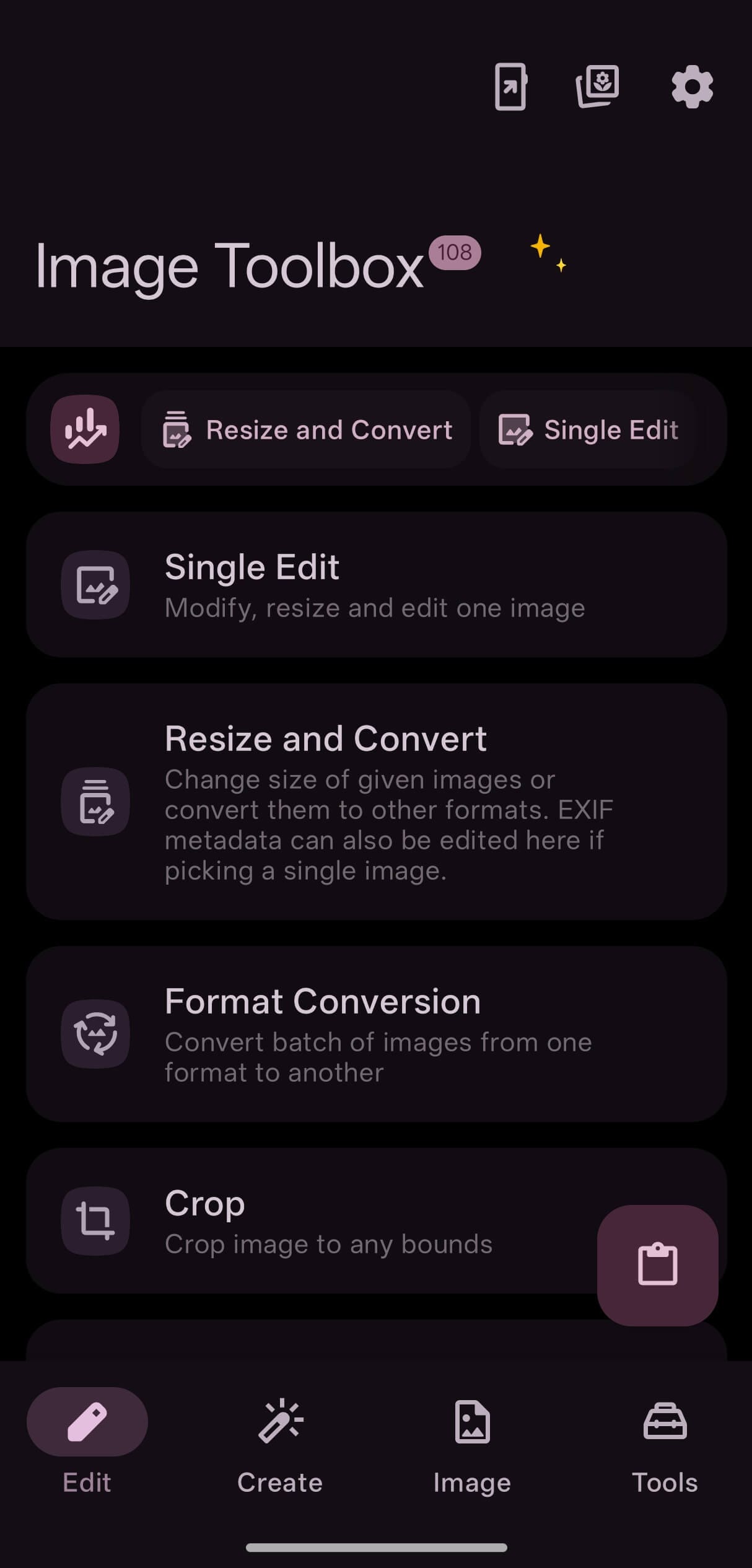
Working under the name "T8RIN," Malik Mukhametzyanov has come up with Image Toolbox, offering it for free without any advertisements inside the app.
For you, as a content creator, the tools that matter the most are batch processing, format conversion, the 61 built-in export presets sized for platforms like Instagram, X, and YouTube, background removal, and watermarking.
The latter, background removal, comes in both automatic and manual modes, with a choice of models including MlKit, U2Net, RMBG, and BiRefNet.
It's built in Kotlin, uses Image Toolbox Libs for shared components, and Coil for image loading. The whole project is released under the Apache License 2.0.
I used it for a while
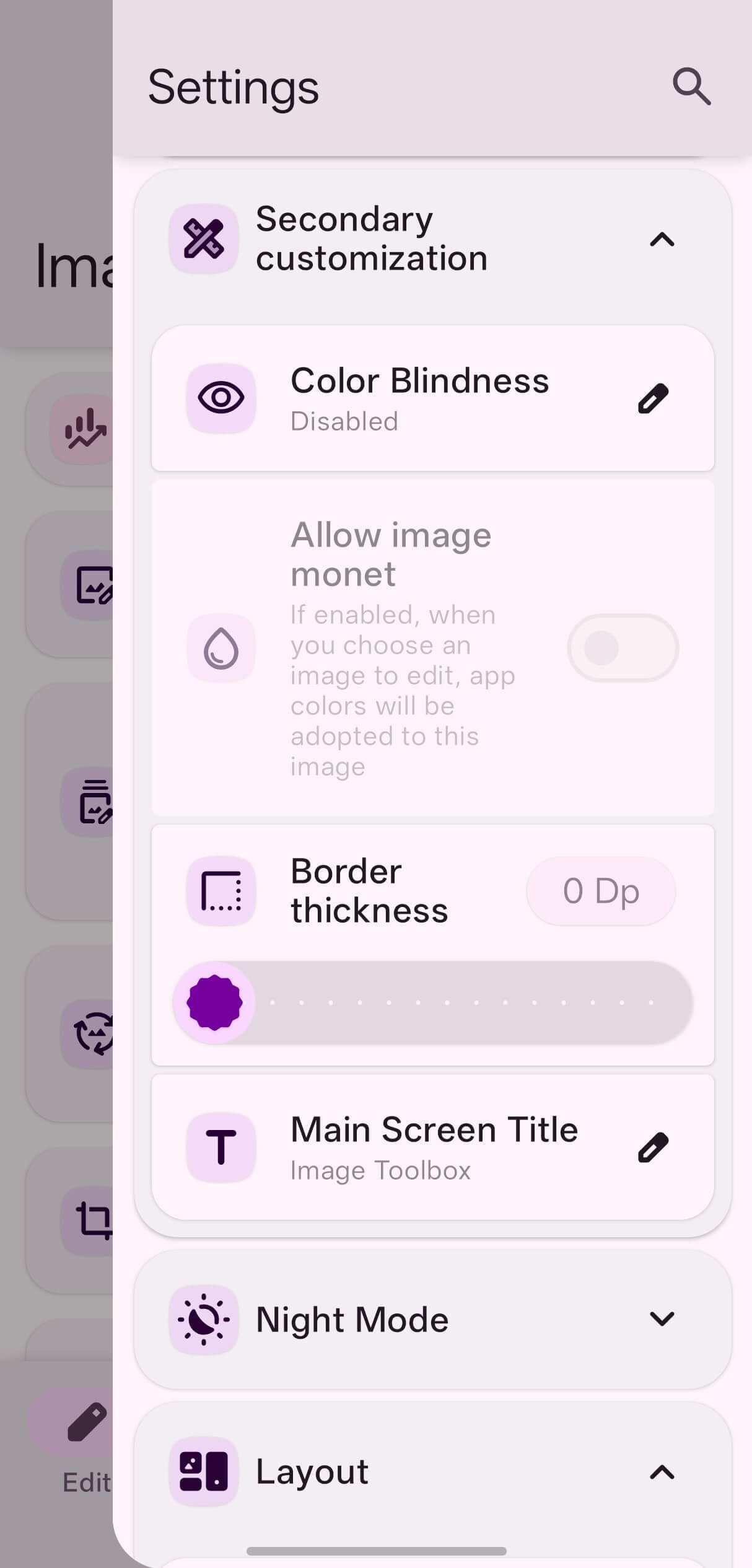
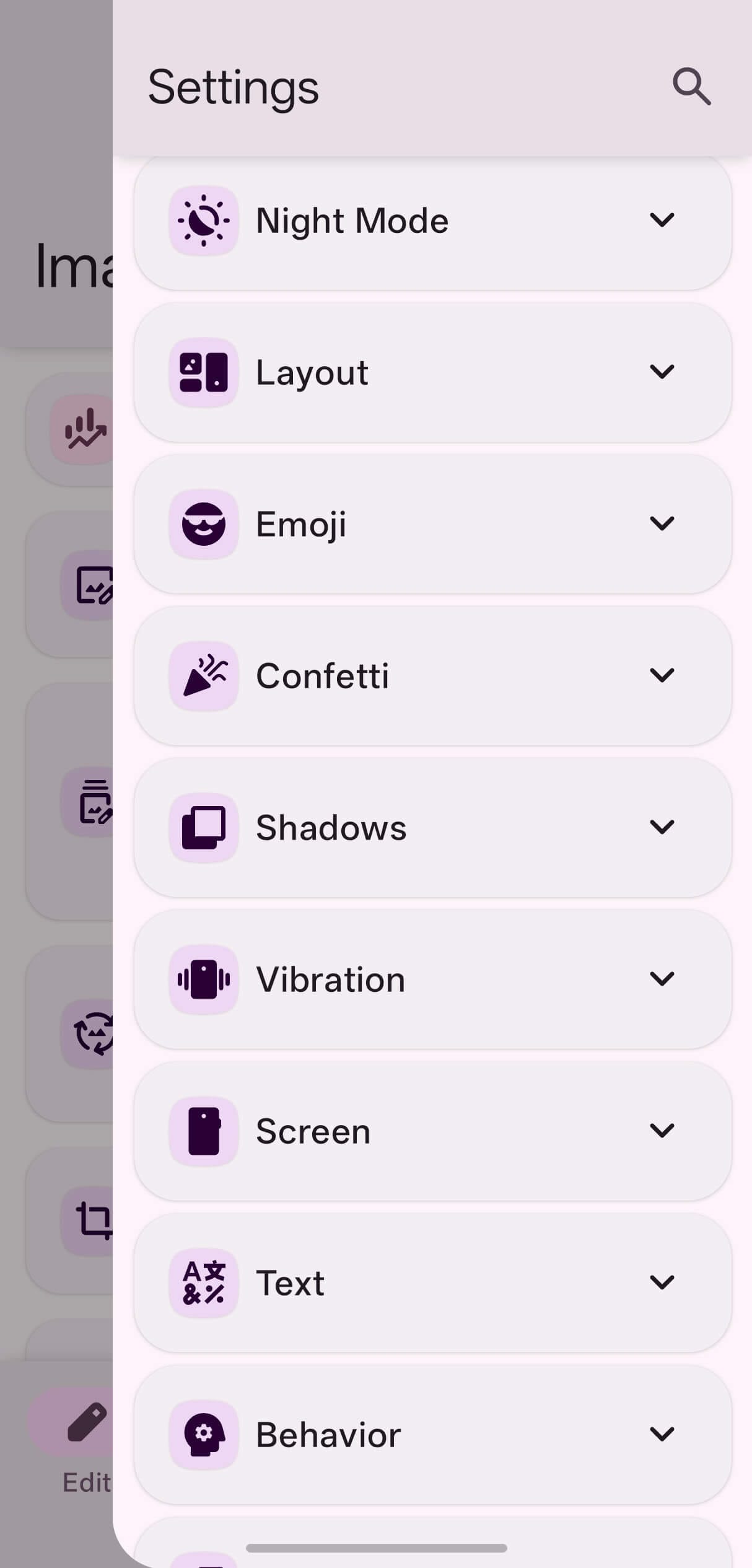
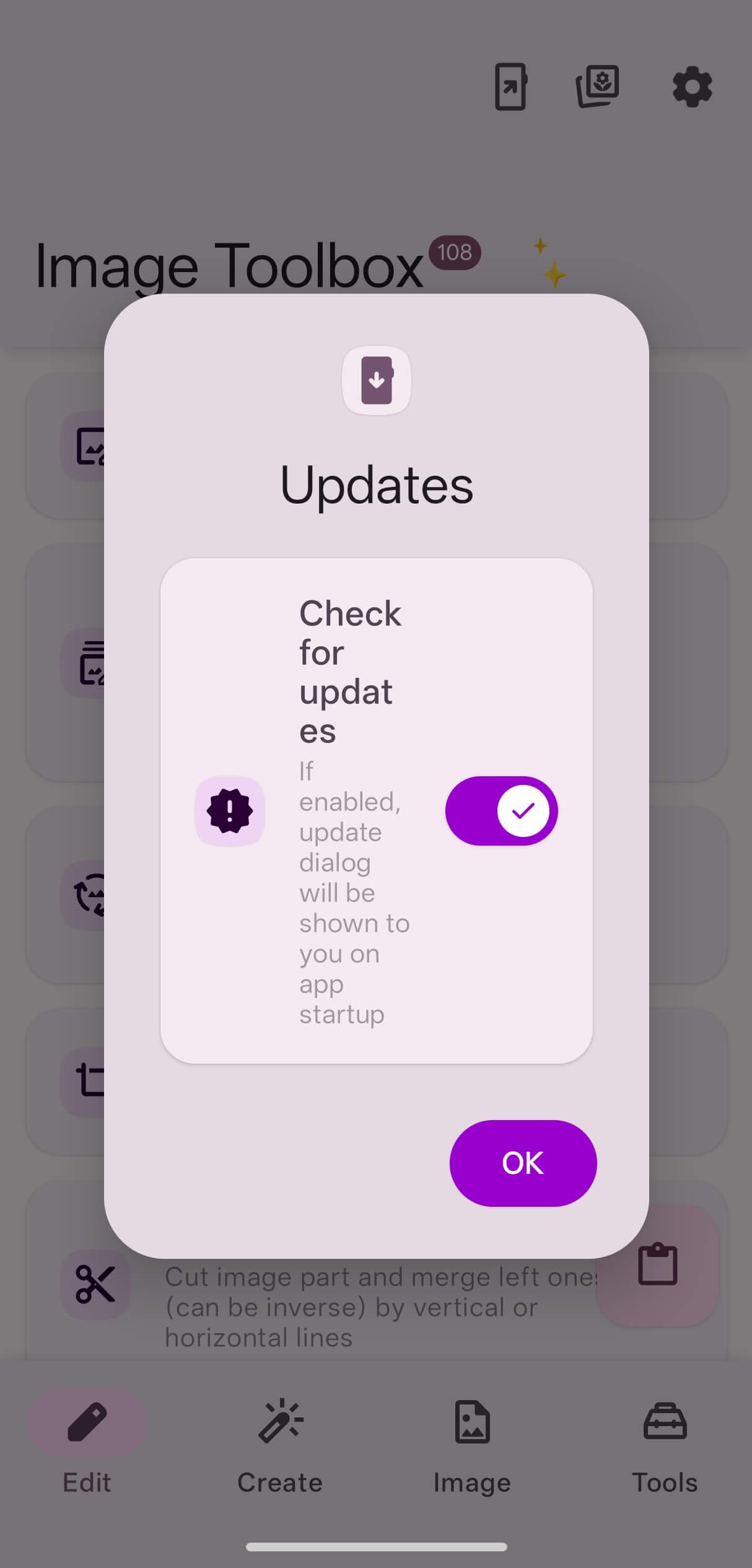
When you first launch it, Image Toolbox asks you for the usual set of notification and file access-related permissions, along with a dialog that lets you opt out of update checks.
Before I started editing images, I first tweaked the app to my liking.
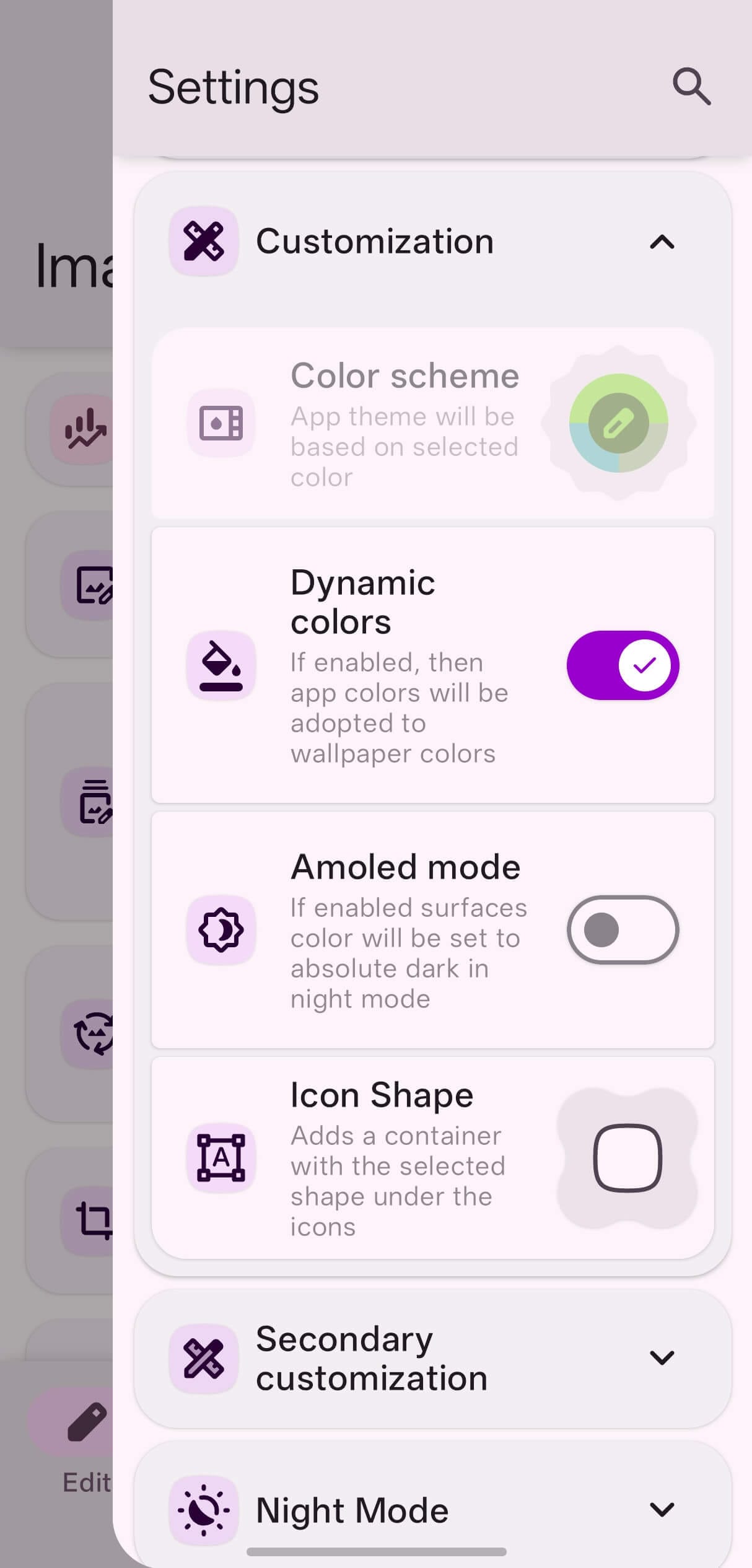
In the sidebar menu, I noticed that the app had pulled the purple straight off my phone's Dynamic color setting which was nice, and I then turned on "Amoled mode" for getting a deep black-themed interface.
That was followed by a prompt switching of the app to "Dark" mode instead of "System."
Of course there's a lot more buried in there, like separate categories for Layout, Confetti, Vibration, Screen, Text, and Behavior. I left most of it untouched, as the default configuration was good enough for me.
I kept the focus of my testing limited to a few tool entries (among 100+ tools), as many of the smaller tools kept appearing in the same editor.
First up was Single Edit, which I used to play around with an image's quality, dropping the quality slider to 7 percent, and watching it turn into an oil painting with no realism whatsoever.
During that, the file size for the 3.8 MB photo went down to ~128 kb. I used the three buttons right below the preview to fully rotate and mirror the image horizontally too.
Exif editing also lives in the same area, with parameters like capture date, compression, camera make, and camera model all being editable without me needing to leave the app. I changed the camera make and model values, and the changes were reflected successfully when I saved the image.
Though I did go a bit overboard with tone curves, where I pushed the RGB curve too far, and a simple picture of a cloudy day turned into a fever dream. 😅
It has AI powers
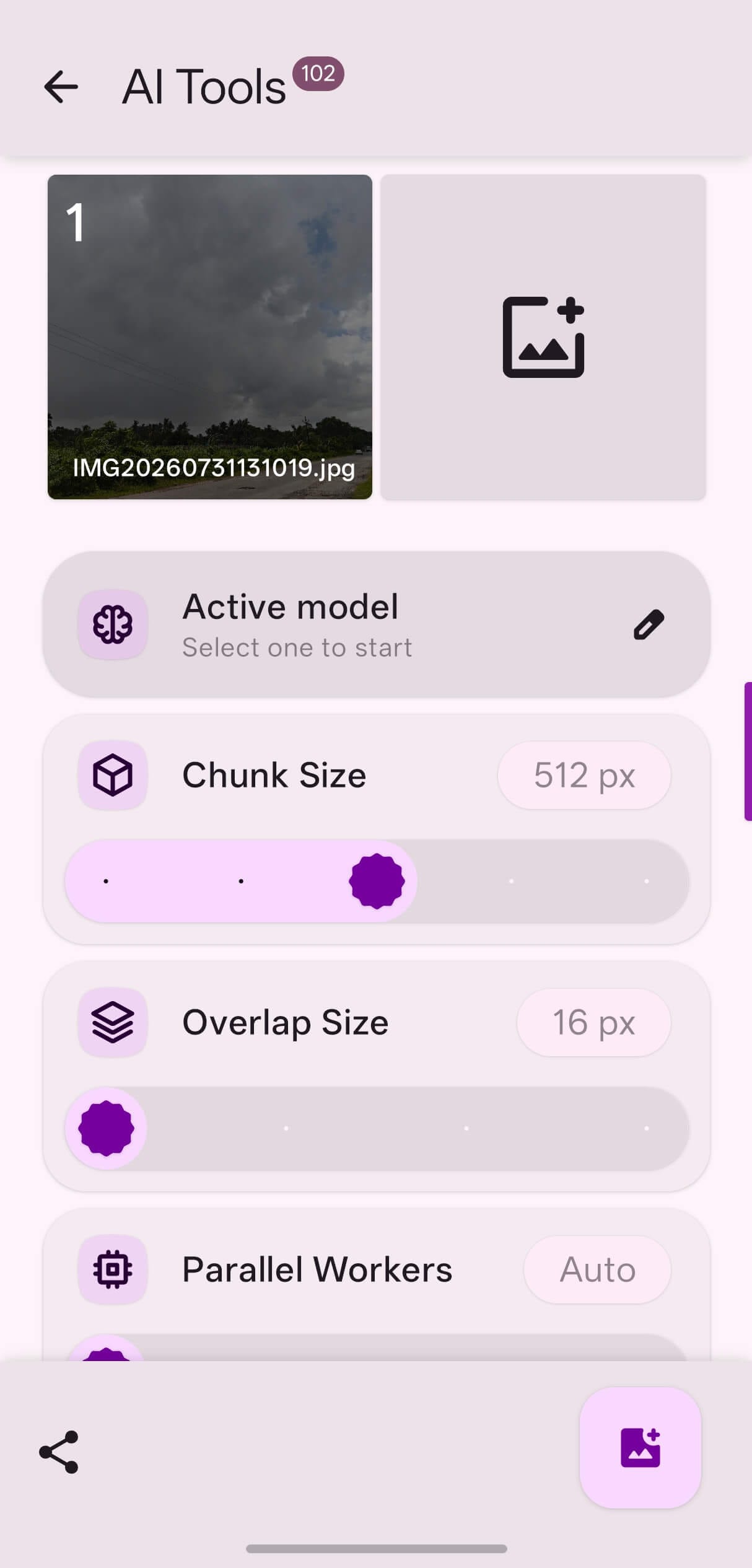
AI Tools was next. I added an image of a clock tower and went with the default/already downloaded U2NetP model that specializes in background removals. I set the output format to be WEBP and clicked on the save button.
It took some time to process the image, but the end result was an image with its background removed. 👇
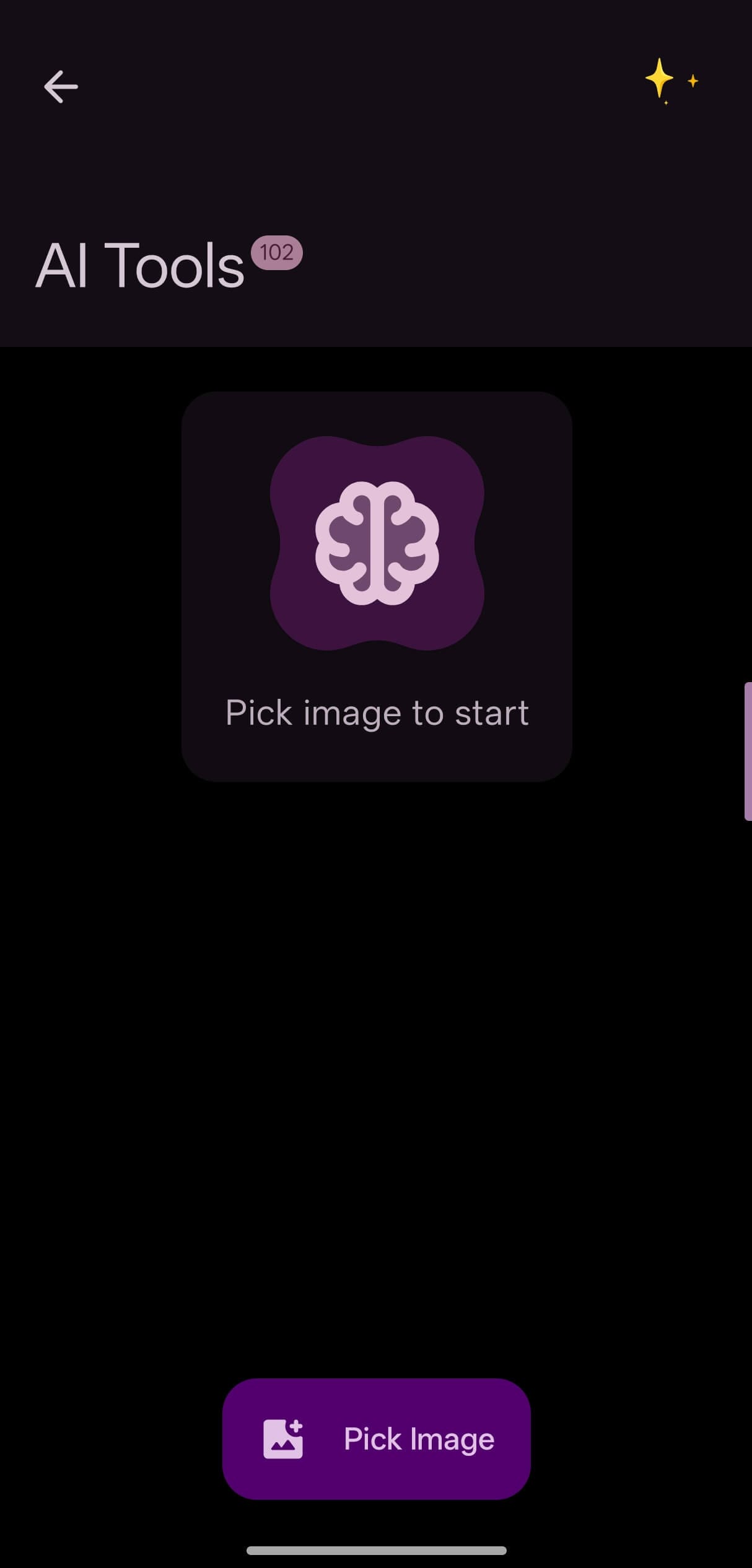
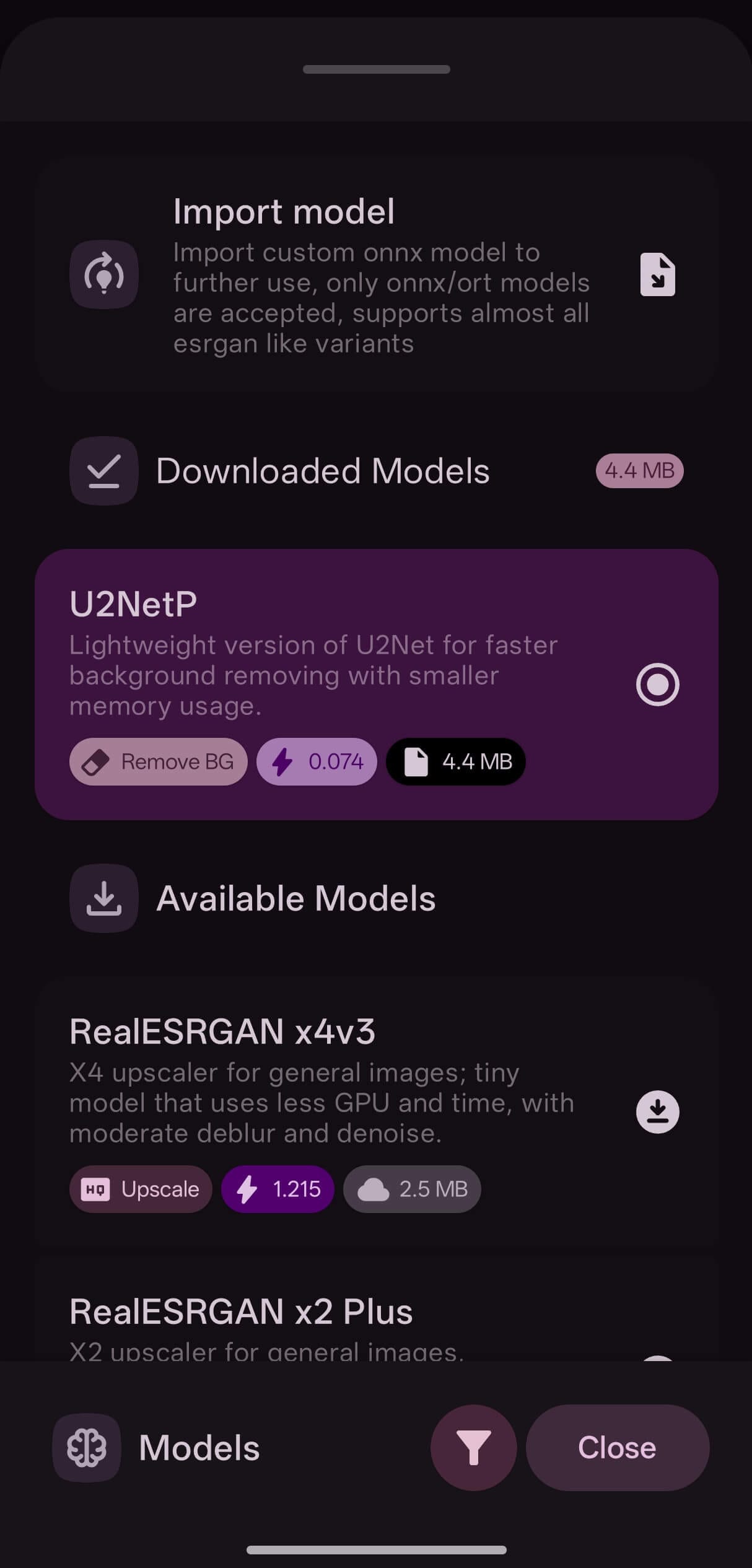
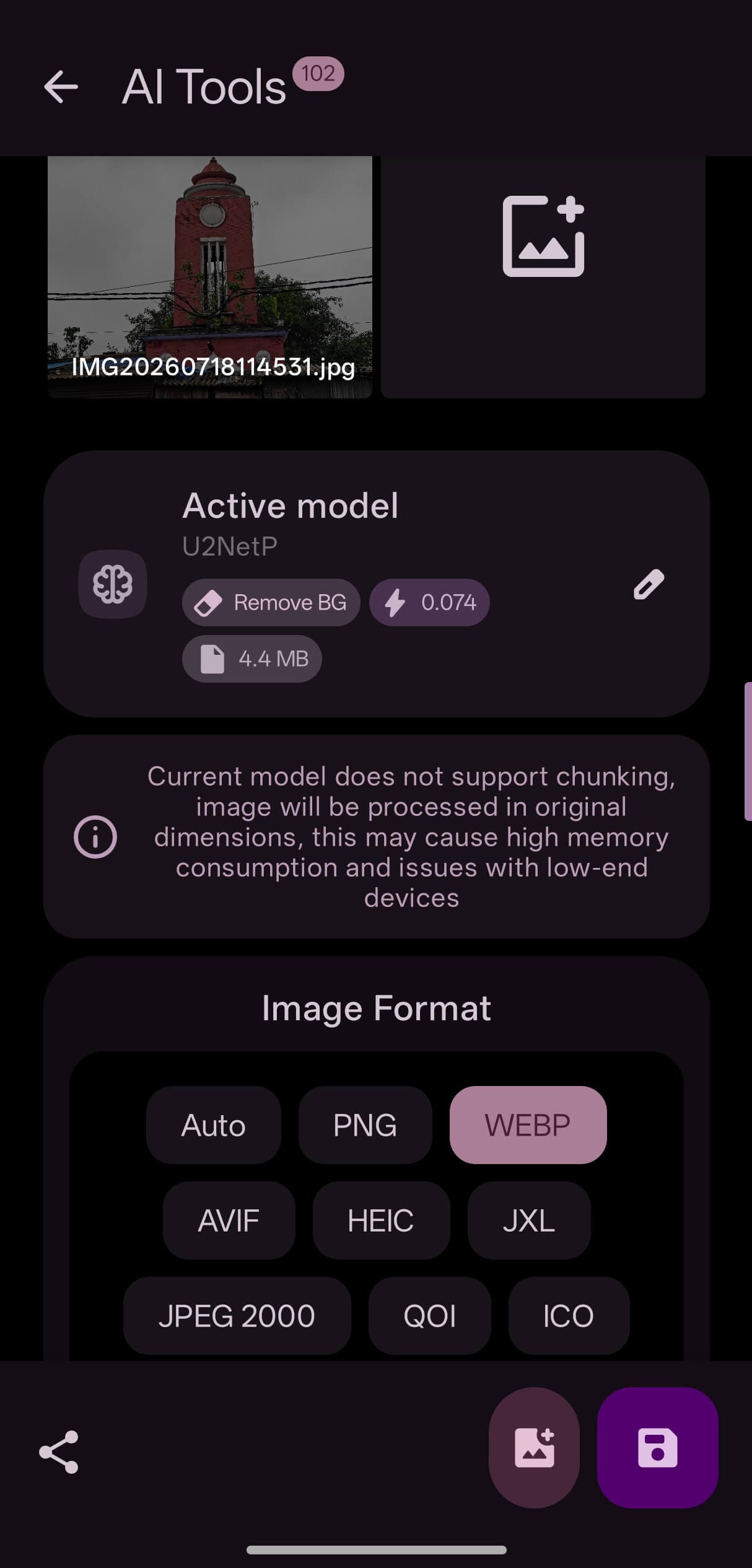
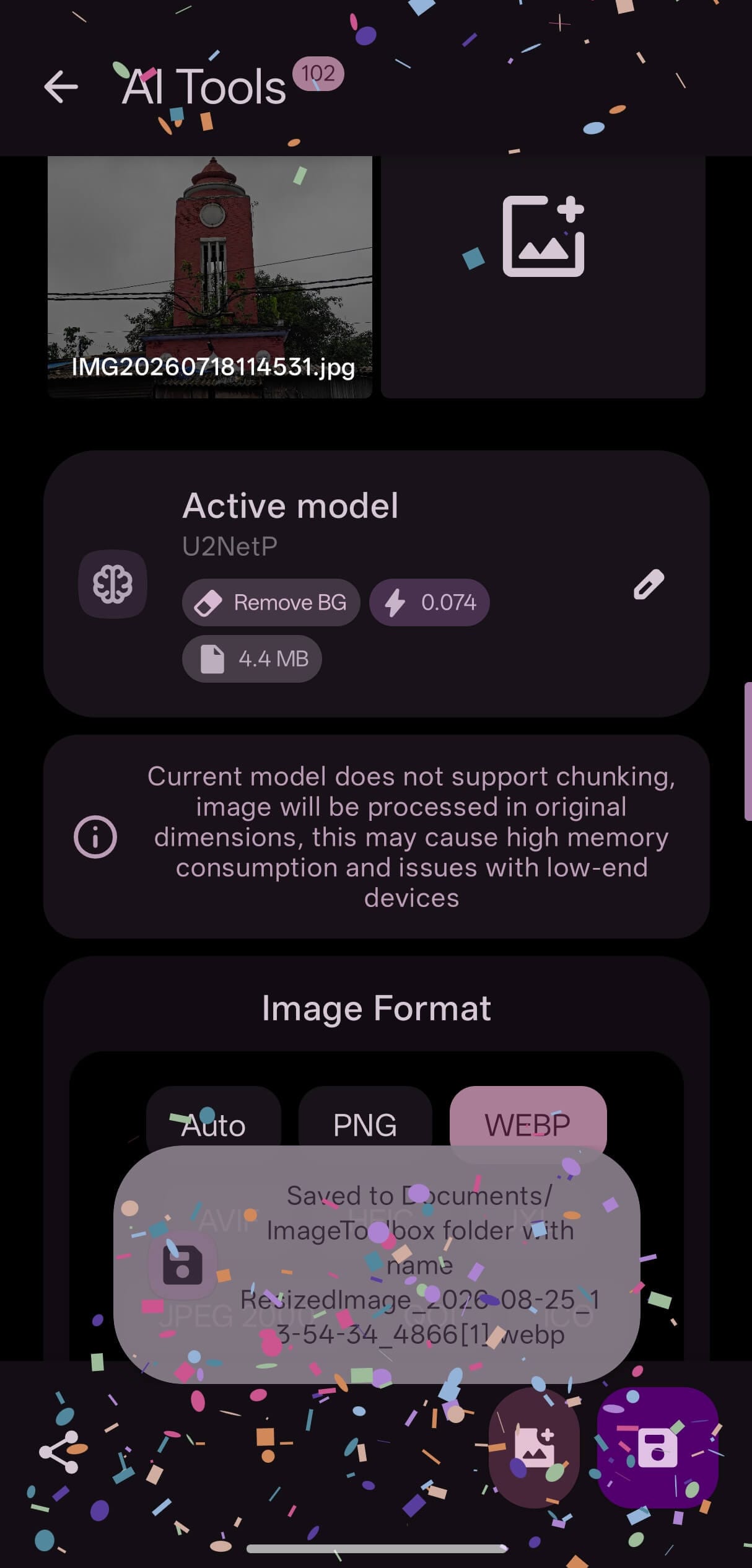
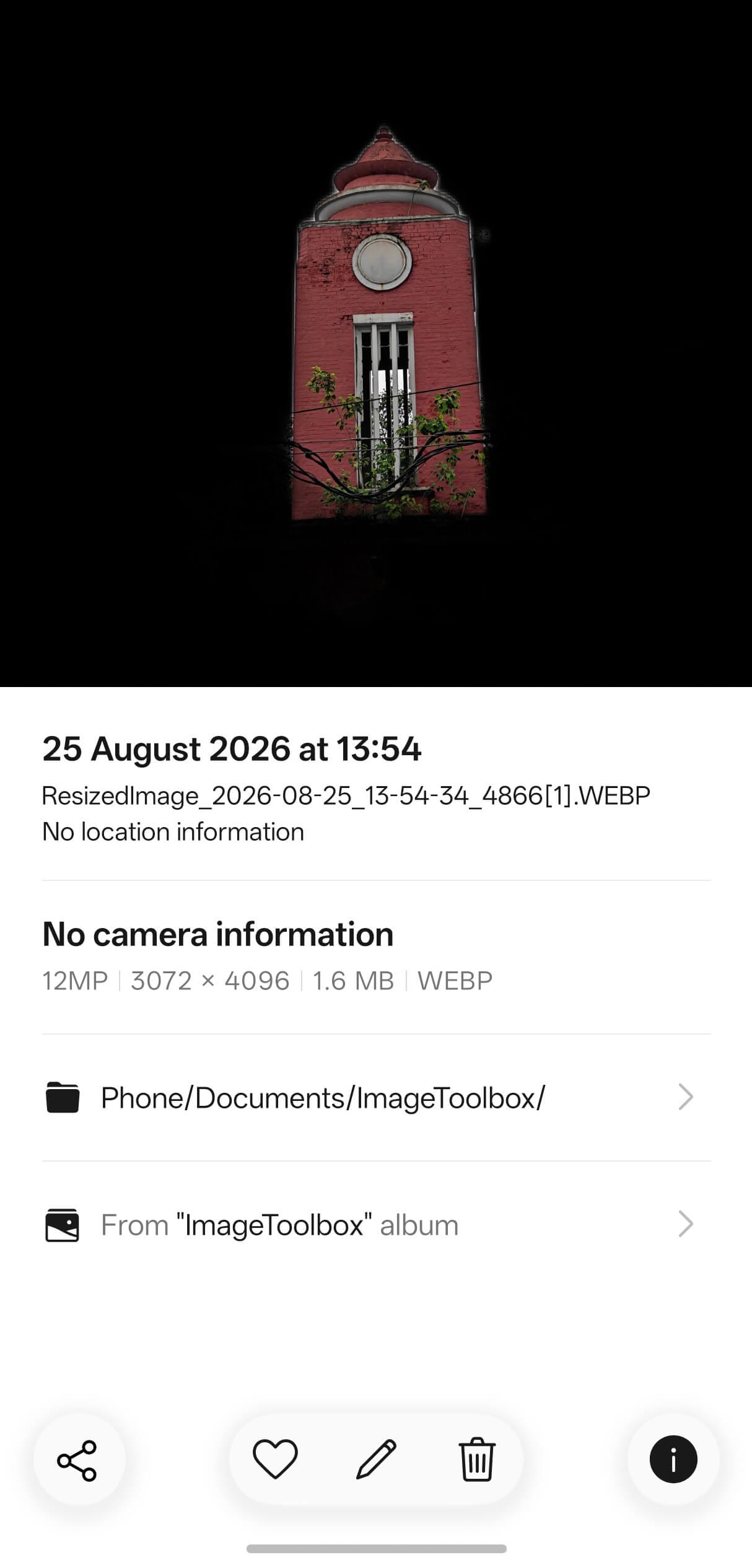
As you can see above, Image Toolbox gave me a clean output in the requested file format, without any particularly bad artifacting or overcuts. Zoom in, though, and the edges do lack sharpness. I think that's acceptable for a deep learning model that size.
You also have the freedom to opt for heavier, more powerful models if required.
Finally, I checked out "Presets" under the Resize and Convert tool, which basically showed me the same interface as Single Edit. The horizontally scrollable list had a variety of aspect ratios to fit the various social media platforms.
I picked an image from the gallery and then proceeded to look for the right aspect ratio preset.
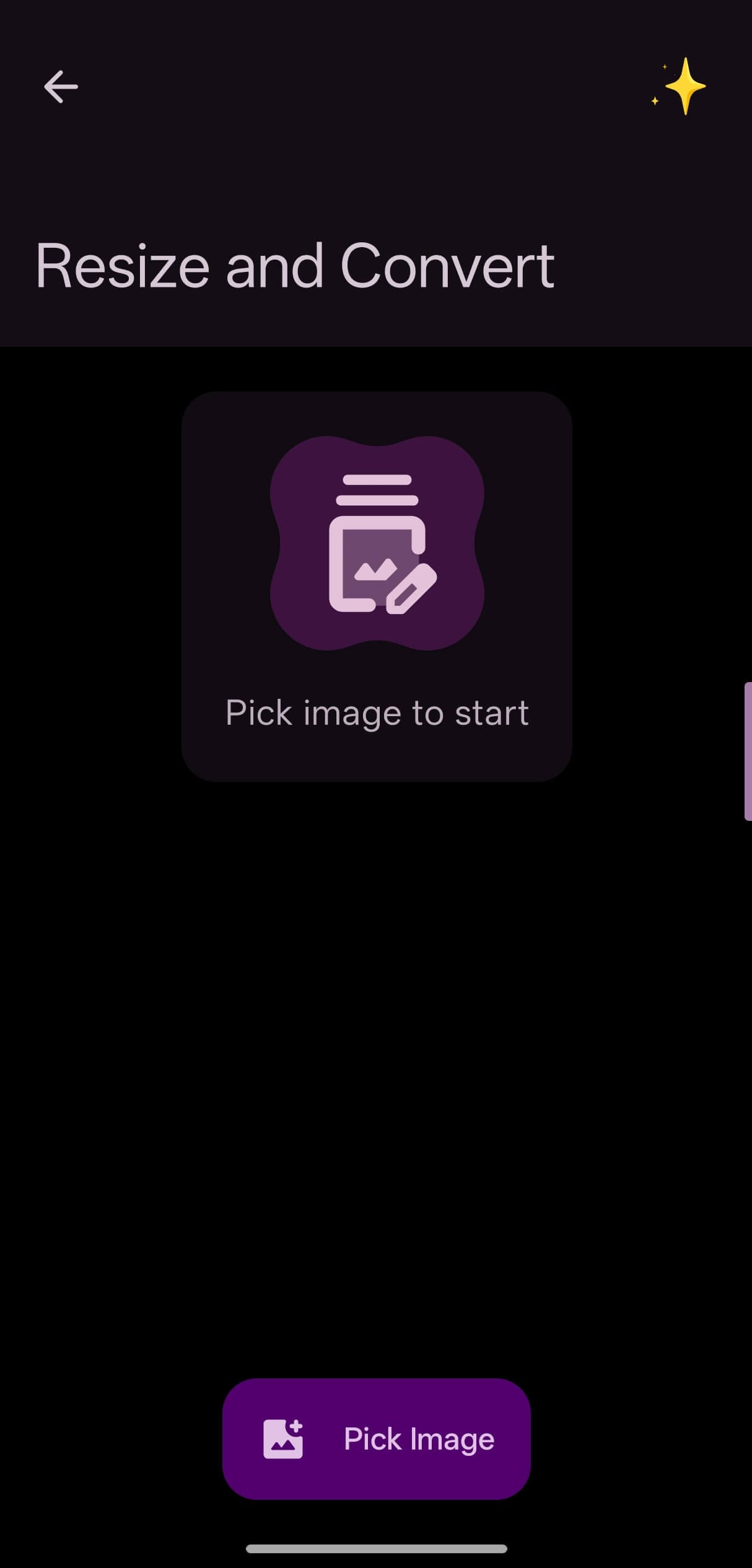
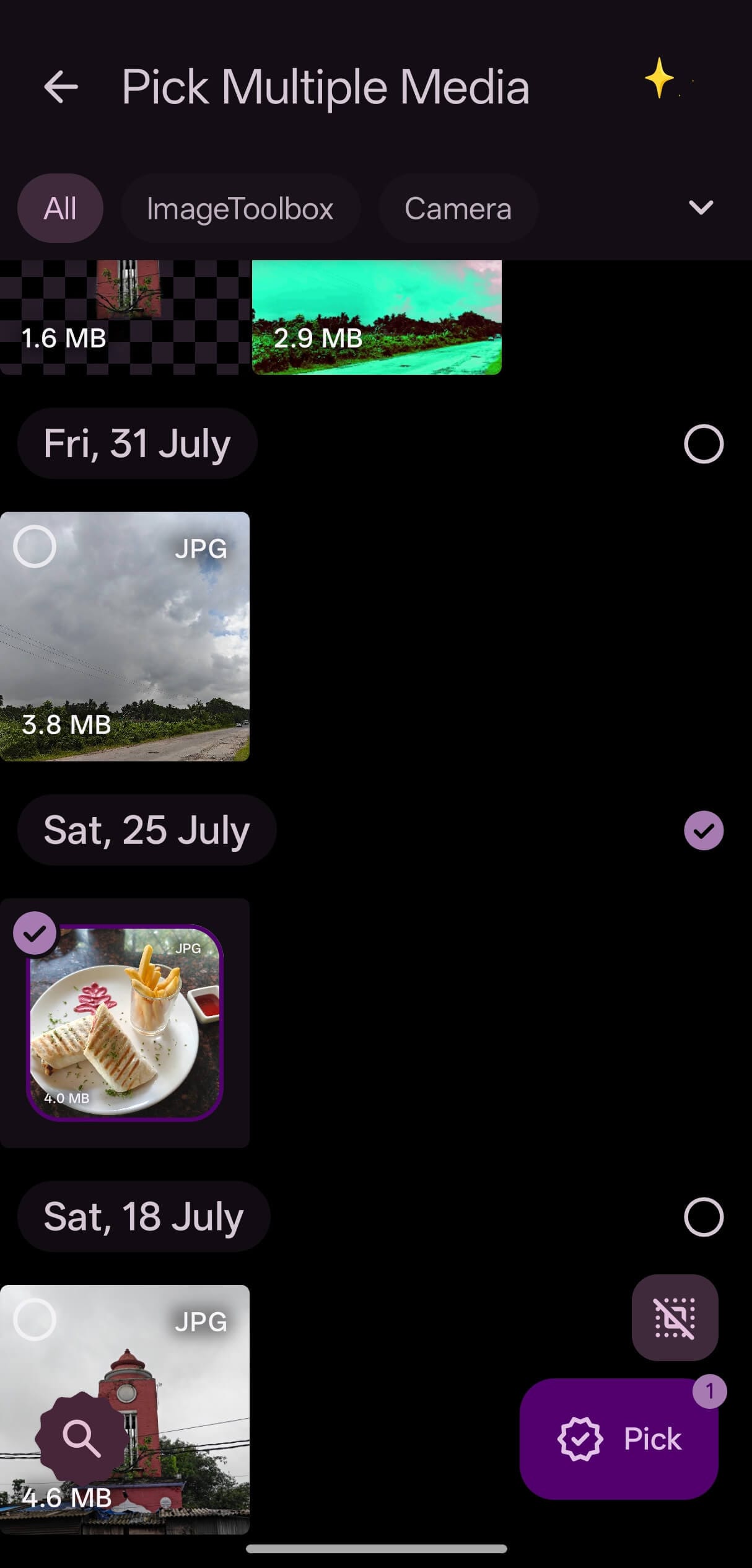
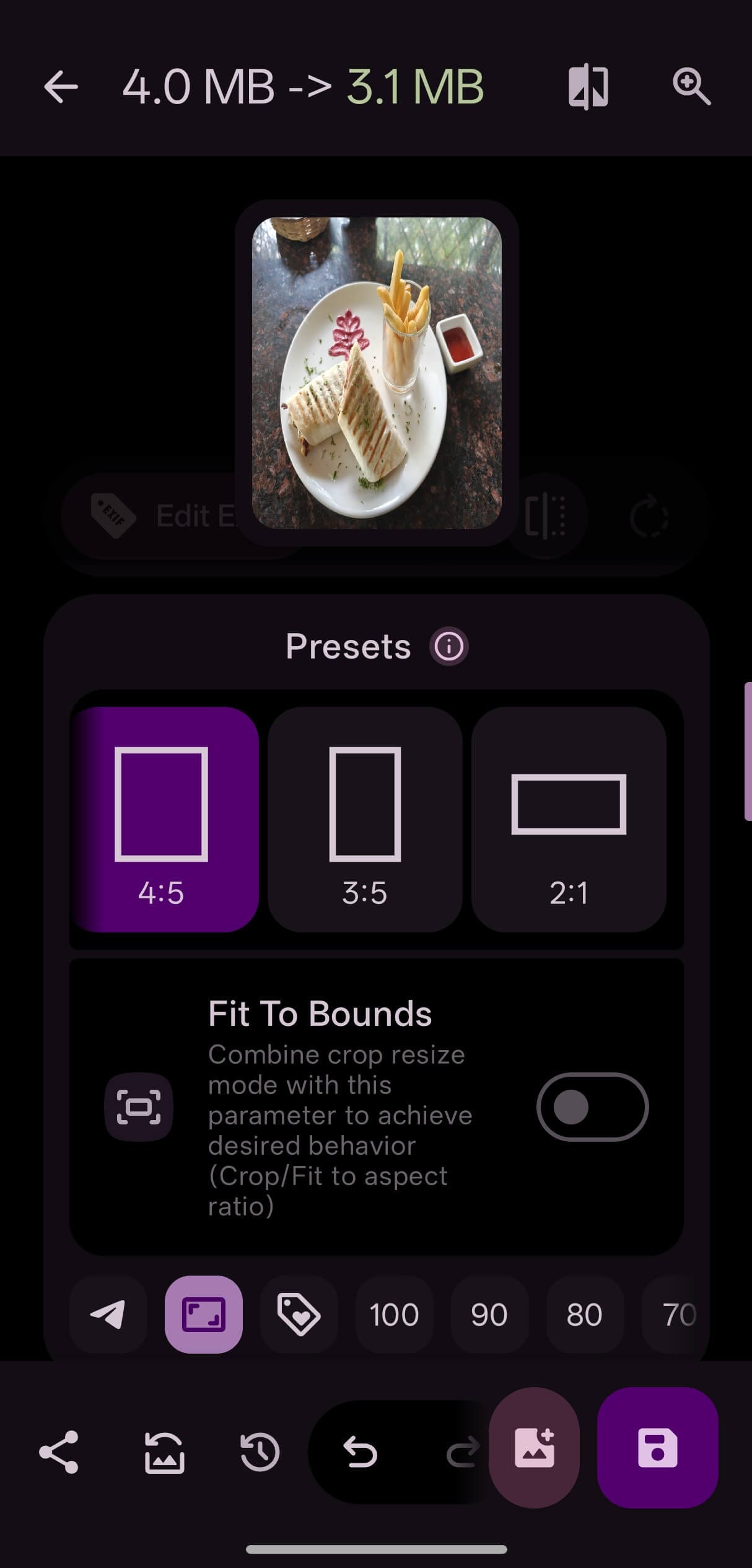
I ended up using the 4:5 aspect ratio preset for getting an Instagram-ready image. Though I admit it came out a bit squeezed, the image itself didn't really lose its quality or colors.
Track usage
Image Toolbox ships with a "Usage Statistics" page, accessible via the chart-looking button at the top. Its job is to quietly track things like app opens, which tools you reach for most, and how much data you've saved along the way.
Don't worry, nothing gets sent to some data mining server; everything stays on the device.
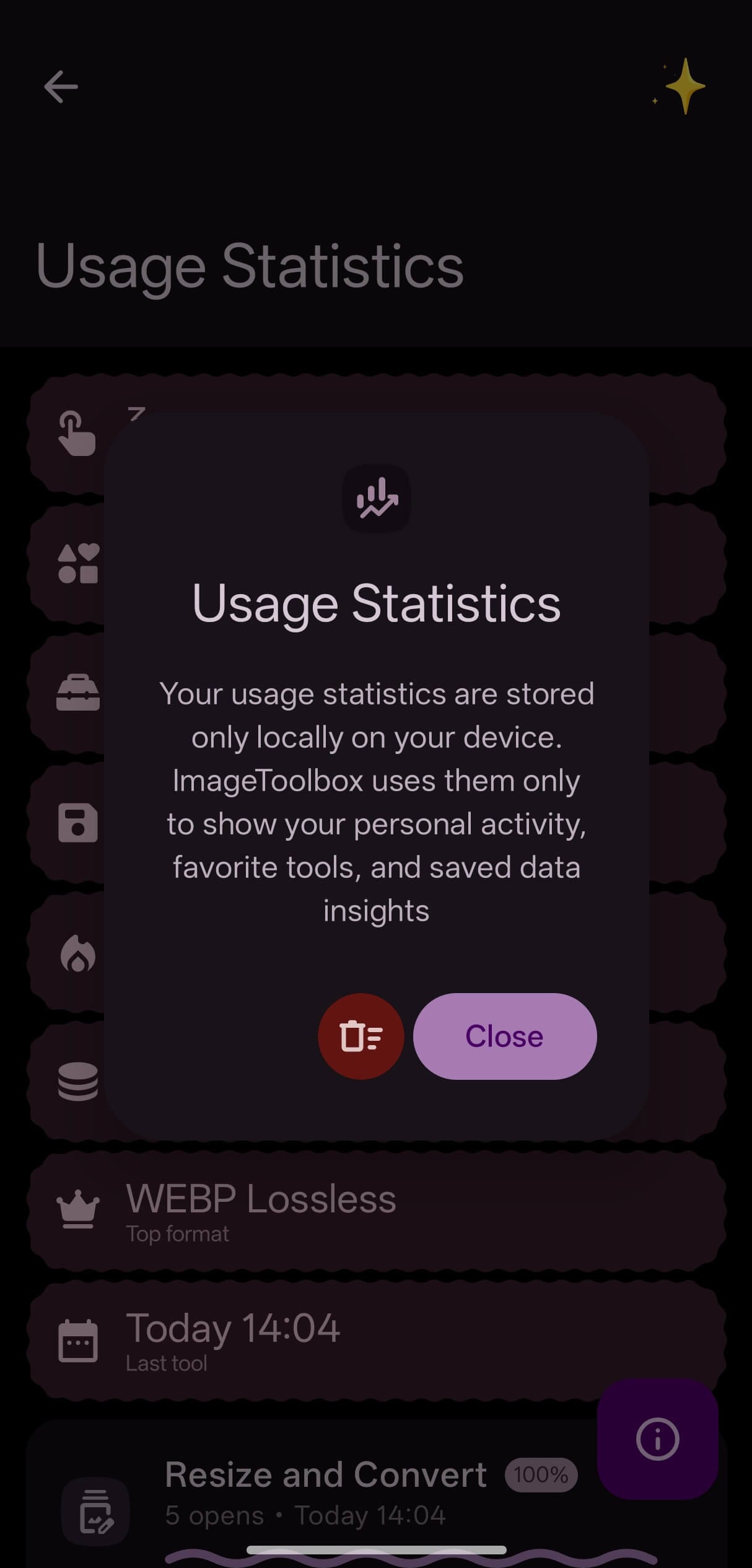
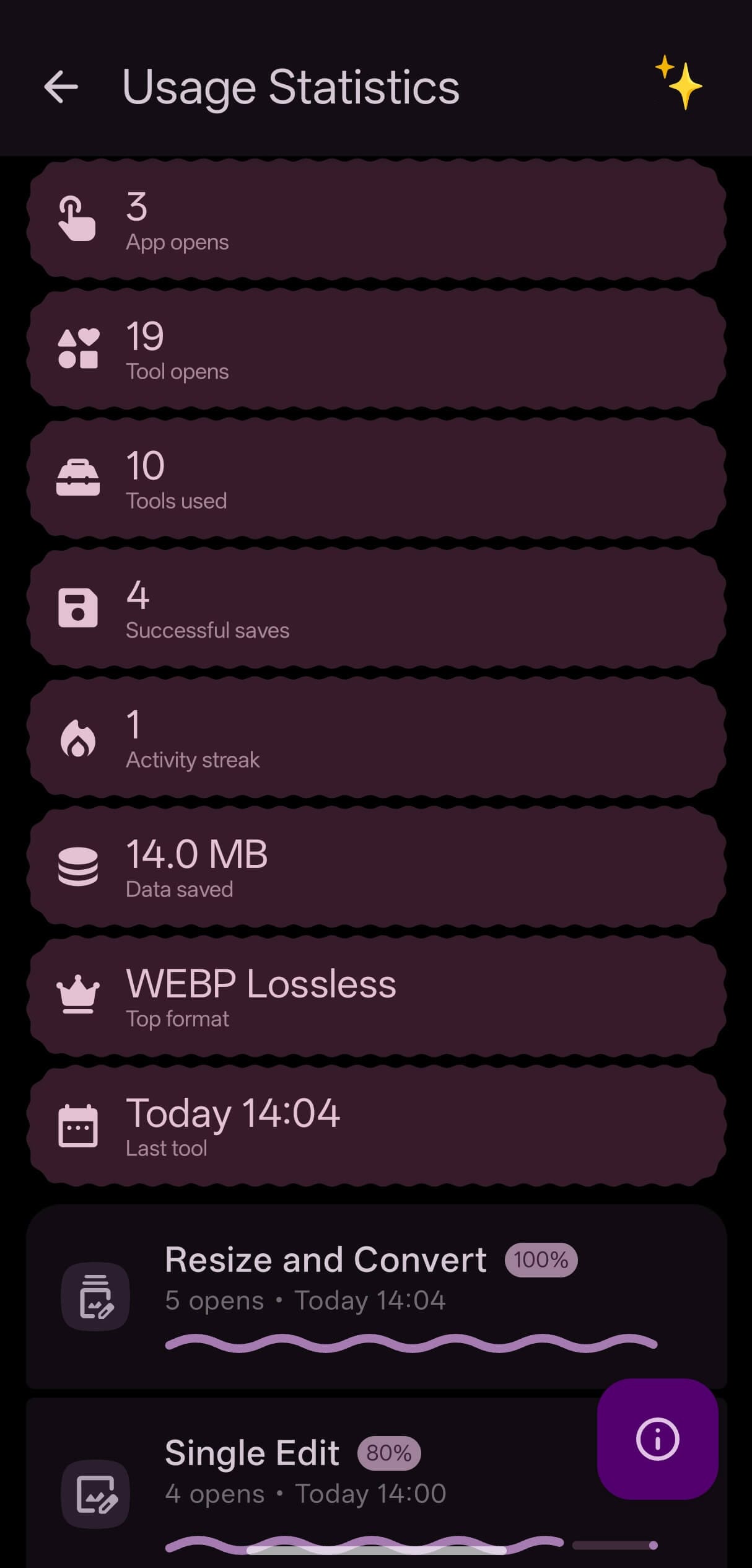
My statistics showed me a total of 3 app opens, 19 tool opens, around 14 MB in data savings, and WEBP as my most-used format.
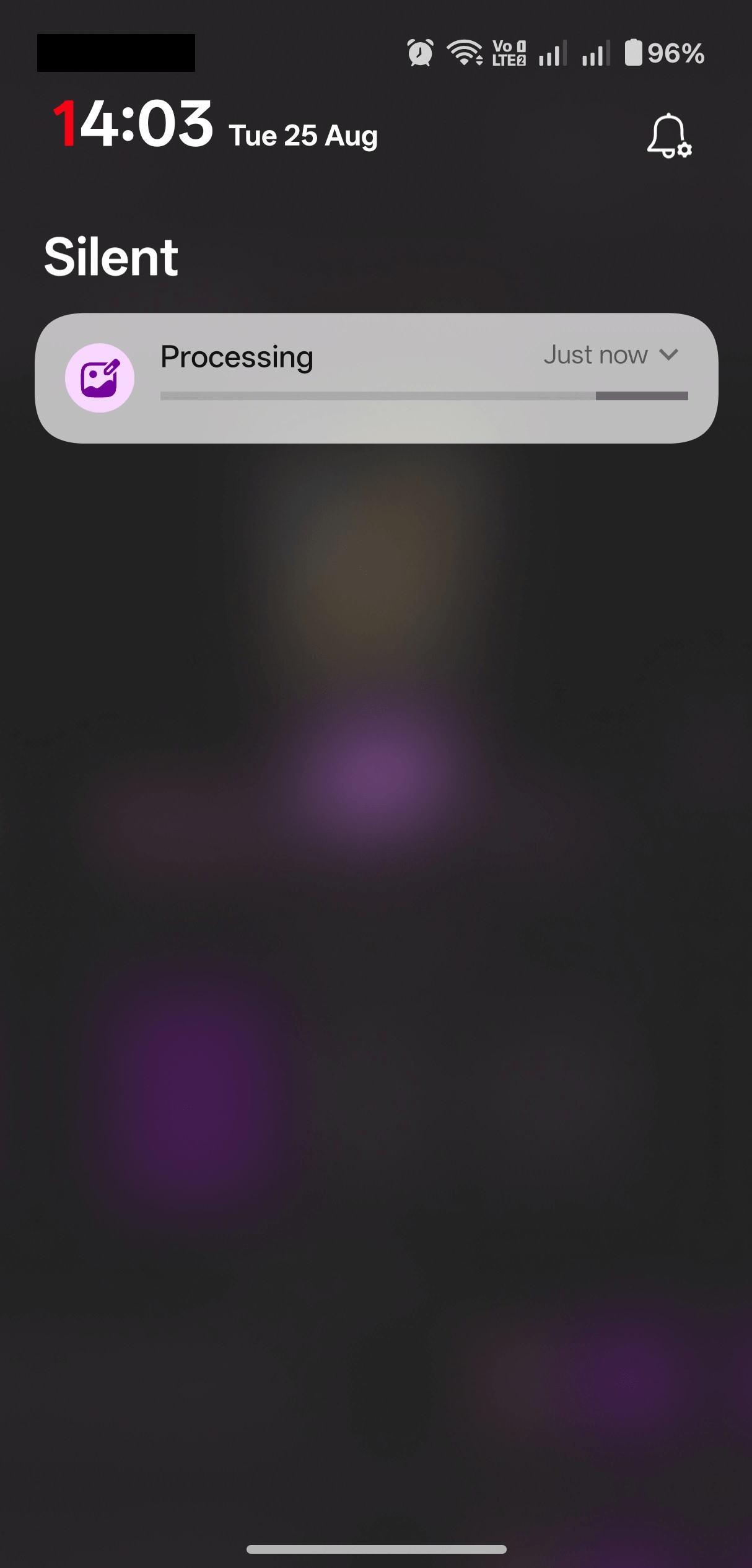
And if you prefer multitasking, then you can queue up a batch of images and just check the notification panel for updates instead of keeping the app window open.
Install it on Android
The sheer number of tools and settings in here might overwhelm you, though that does come down to personal preference.
For me, there's plenty in this app I'll probably never touch. It makes me want a stripped-down version, something lighter on storage and memory; that would help it run better on older devices too.
There are two main app store listings for Image Toolbox. On F-Droid, it is under Malik's own name, and on the Play Store, it is under the "ProgiX" publisher name.
Both are the same app, but the F-Droid version is a "FOSS" build that ditches Google-related trackers and dependencies, while the Play Store version is a "Market" build that keeps them, including analytics and crash reporting.
There's no separate paid plan available here either; the lead dev only asks for donations via the sidebar menu.
You can also download APK files for all the variants of Image Toolbox from the Releases page in the project's GitHub repo.
If this helped you, consider supporting It's FOSS
It's FOSS has been helping people use Linux for the past 14 years. Help us stay independent from big tech. Become a Plus member, enjoy ad-free reading and get 5 eBooks.
Skip the AI slop and SEO spam in your Google results
Tell Google you prefer It's FOSS, and it will show our Linux news and tutorials, created by experienced Linux users, more often when you search. It takes just a click.
Set as preferred sourceGet FOSS Weekly in your inbox

