


If you prefer not to rely on your web browser’s download manager, a separate download manager app should be helpful.
Not only do you get more features like torrent support, magnet links, download speed control, etc., but it is also much easier to manage your downloads using a download manager. Sometimes, using a download manager ensures that you get the best speed.
Fret not; there are many valuable options when it comes to the best download managers for Linux. In this article, I shall focus on listing some of the most useful and exciting options available.
And, the list is in no particular order of ranking.
1. Motrix
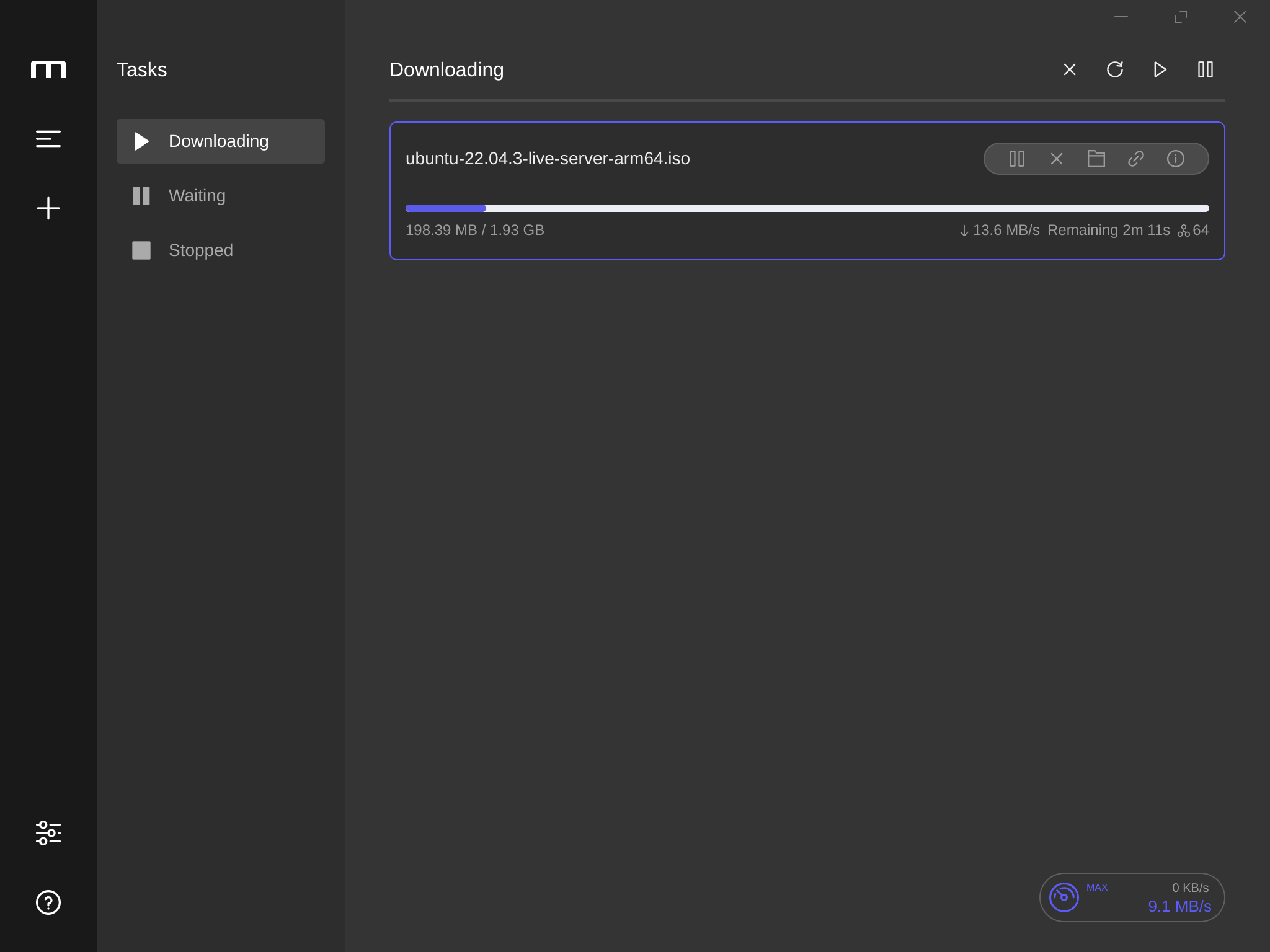
If the user experience is your priority, along with a functional download manager, Motrix can be one of the best options for you.
While based on electron, it offers an intuitive user interface and provides most of the essential features one would need.
In addition to the features, it is also available cross-platform. So, you can continue using it on other platforms of your choice.
Key Highlights:
- BitTorrent selective download
- Cross-platform support
- Parallel downloads (up to 10 tasks)
- System tray support
- Speed limit tweaks
How to install Motrix on Linux?
Motrix is available in the form of a Flatpak package, AppImage, Snap, and as DEB/RPM. It can also be found in AUR for Arch Linux users.
You can explore its official website or GitHub page for the available download options and get started.
2. Gabut Download Manager
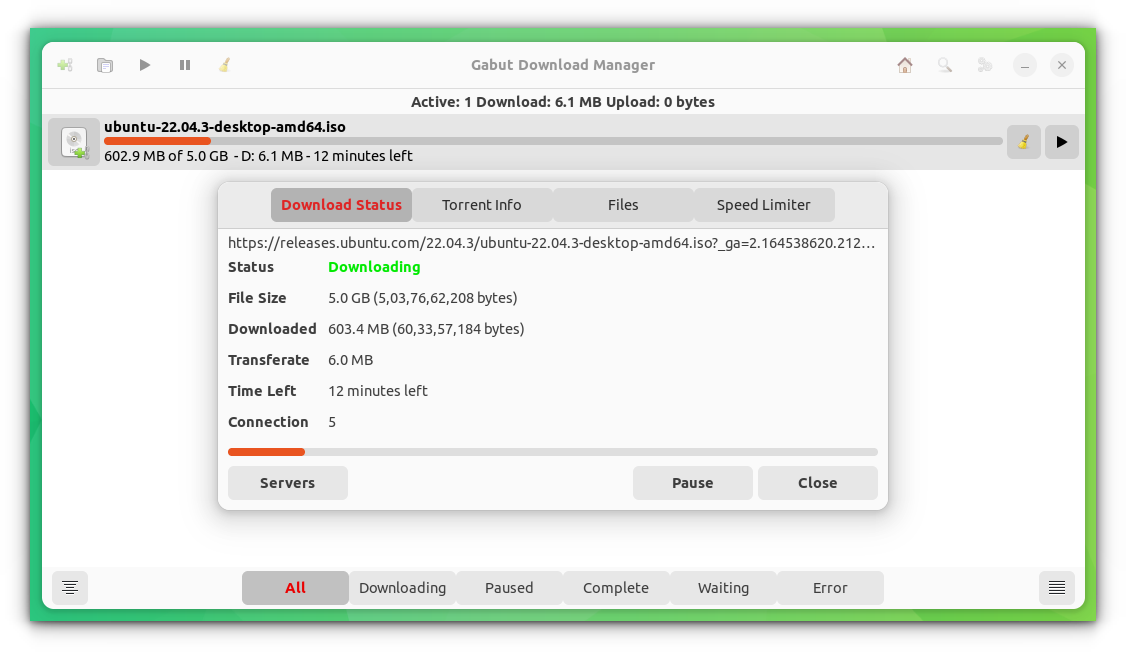
An open-source download manager with fundamental features. It supports torrents, speed limiter, magnet links, and more.
Nothing fancy with its user interface. So, it is straightforward and easy to use.
Key Highlights:
- Simple
- Torrent support
- Speed limiter
How to install Gabut Download Manager on Linux?
You can install it as a Snap, Flatpak package, or find it listed on elementary OS's AppCenter, and the Ubuntu repositories.
Head to its GitHub page to learn more.
3. Xtreme Download Manager
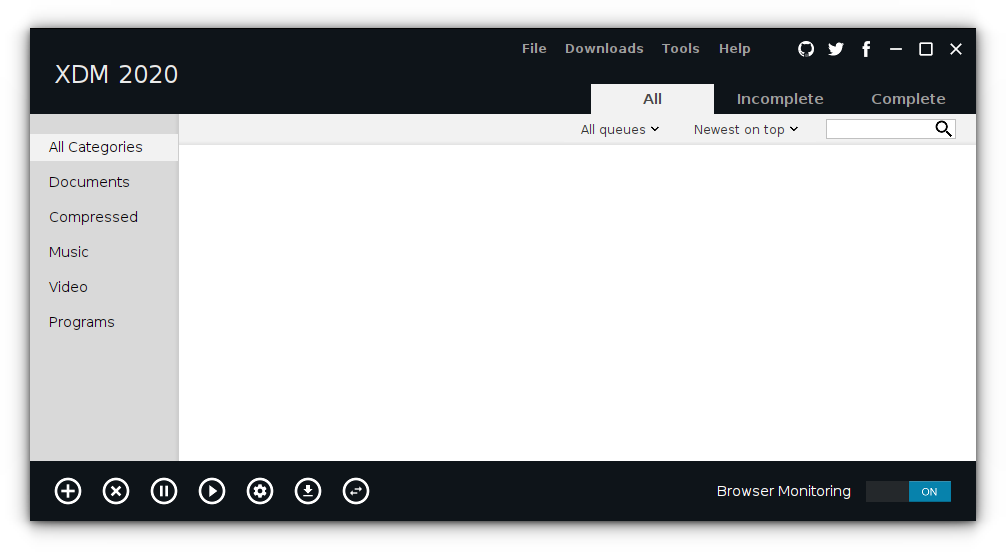
Xtreme Download Manager is a popular choice among Linux users. It is an open-source project evolving over the years with all the necessary features.
If you are looking for a feature-rich, fast, and easy-to-use alternative to the evergreen Internet Download Manager (IDM for Windows), this is a viable choice.
You can install it on Linux and Windows as well. For macOS, you may find an older version available. But, there’s no new development for it.
Key Highlights:
- Browser add-ons available
- Cross-platform support
- Scheduler
- Speed limiter
How to install Xtreme Download Manager on Linux?
You can download the tar package from its official website or its GitHub page.
We also have a short installation guide for XDM for help.
 Abhishek Prakash
4. Persepolis Download Manager
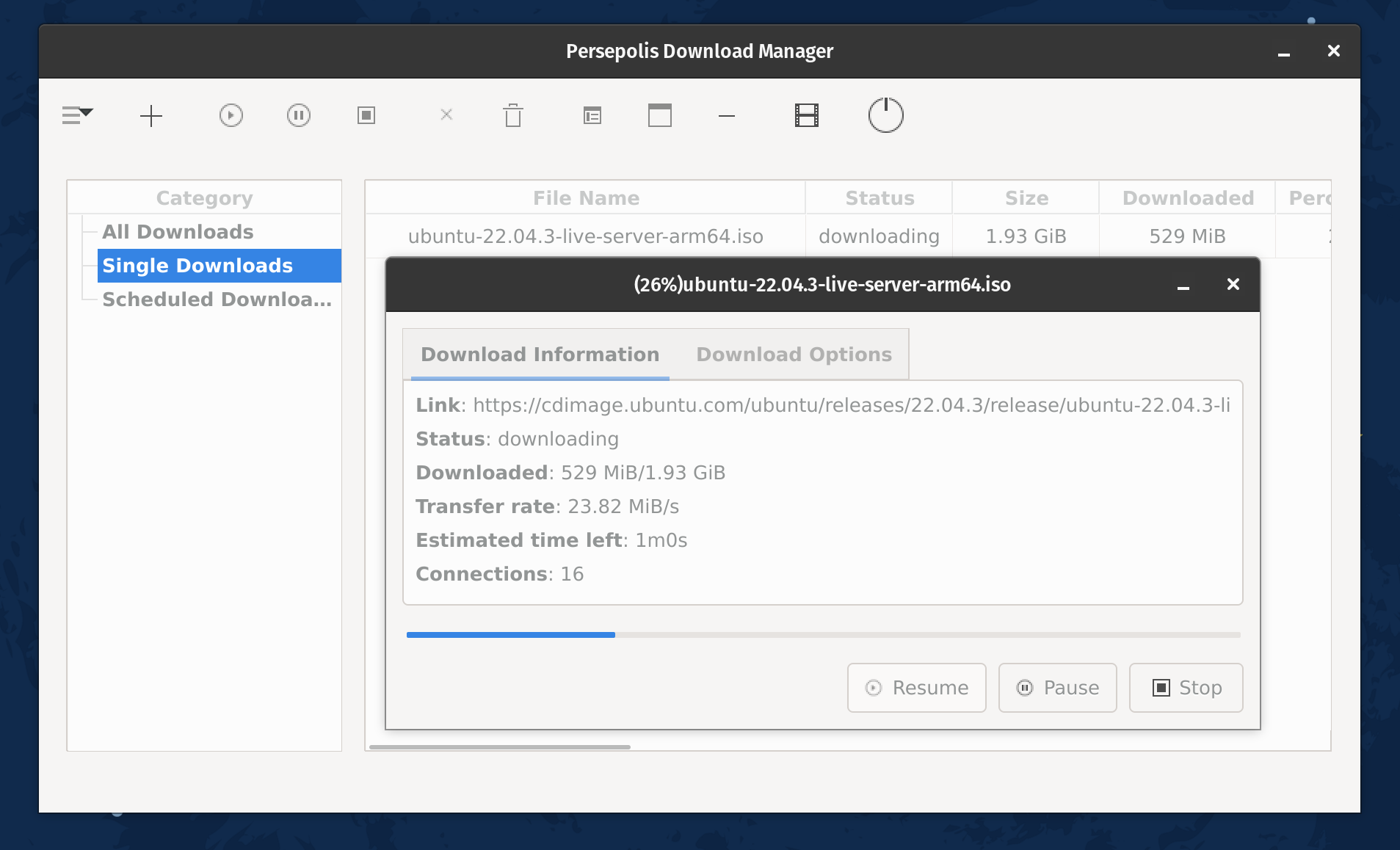
Persepolis is a front-end GUI for one of the most popular command-line download utilities, aria2.
It is a feature-rich utility with support for multi-connection downloads. Unfortunately, you do not get the support for BitTorrent. While it allows some style/color scheme tweaks for the UI, the absence of a dark mode can be a bummer for some.
So, If you prefer simple, lightweight GUI download clients, this can be a choice.
Key Highlights:
- GUI for aria2
- Download scheduling
- Supports downloading YouTube videos
- YouTube, Vimeo, download support
- Cross-platform support
How to install Persepolis Download Manager on Linux?
Persepolis download manager is available in AUR for Arch Linux users and the default repository for Fedora.
If you are using an Ubuntu-based distro, you will have to add its PPA and get it installed by using the following commands:
sudo add-apt-repository ppa:persepolis/ppa
sudo apt update
sudo apt install persepolis5. KGet
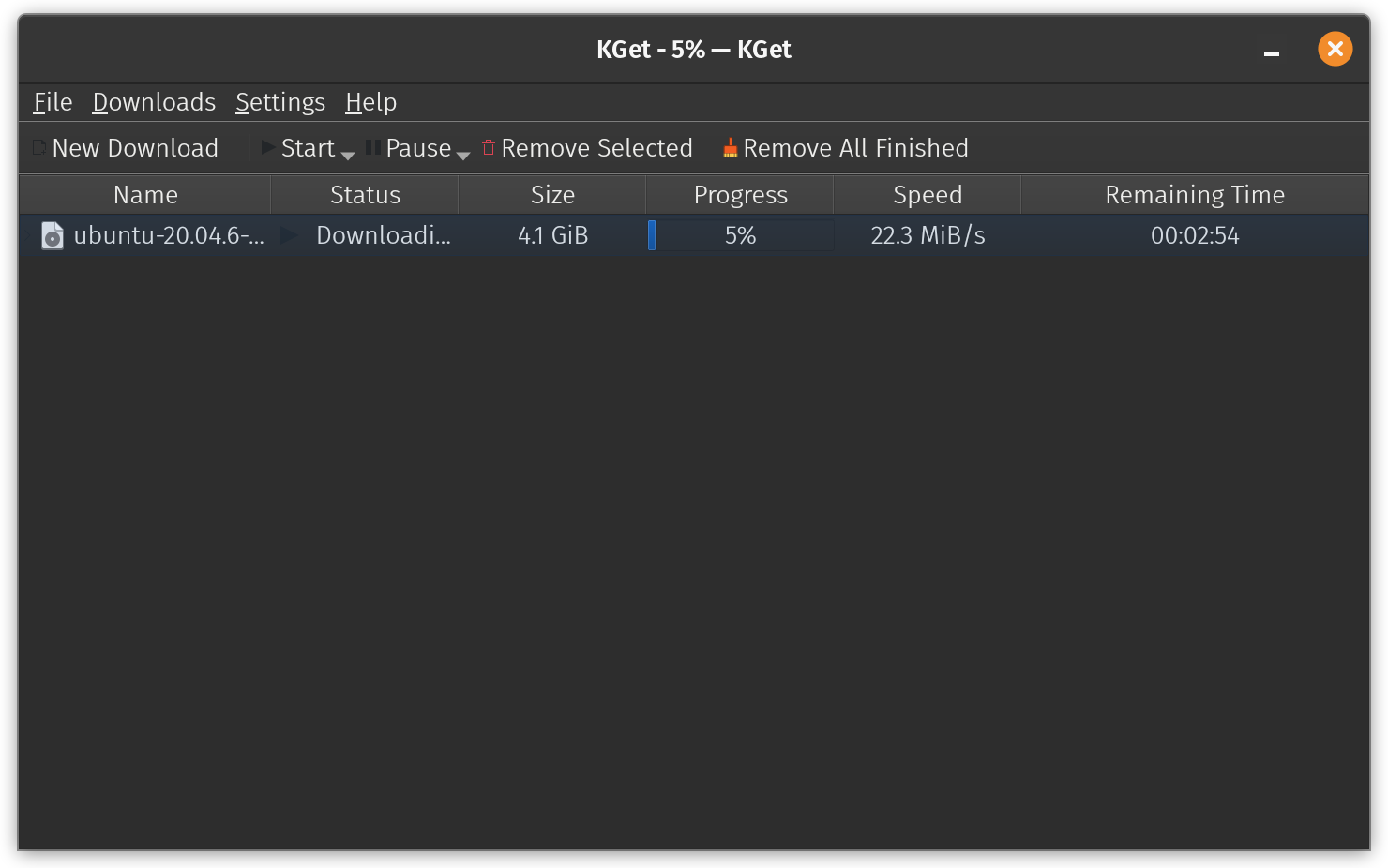
KGet is a feature-rich yet straightforward internet download manager for Linux. It is primarily tailored for KDE. So, you should get the best experience along with the integration support for the Konqueror browser considering you use KDE as your desktop environment.
It also includes support for BitTorrent using its plugin system out-of-the-box. You can choose to disable/enable any of the existing plugins.
To keep things seamless, it also supports system stray integration. So, it should be a convenient option to use as a daily driver.
Key Highlights:
- Supports BitTorrent
- Easy plugin functionality
- Fast and lightweight
- Integration with KDE desktop and browser
How to install KGet on Linux?
You should probably have it installed with KDE onboard. In either case, you can always head to the KDE applications portal and initiate the installation using the Discover software center in your KDE-powered distribution.
You can also find it as a Flatpak package, Snap, and find it in the software center for other distributions. Flatpak should be the best bet to get the latest version.
6. uGet
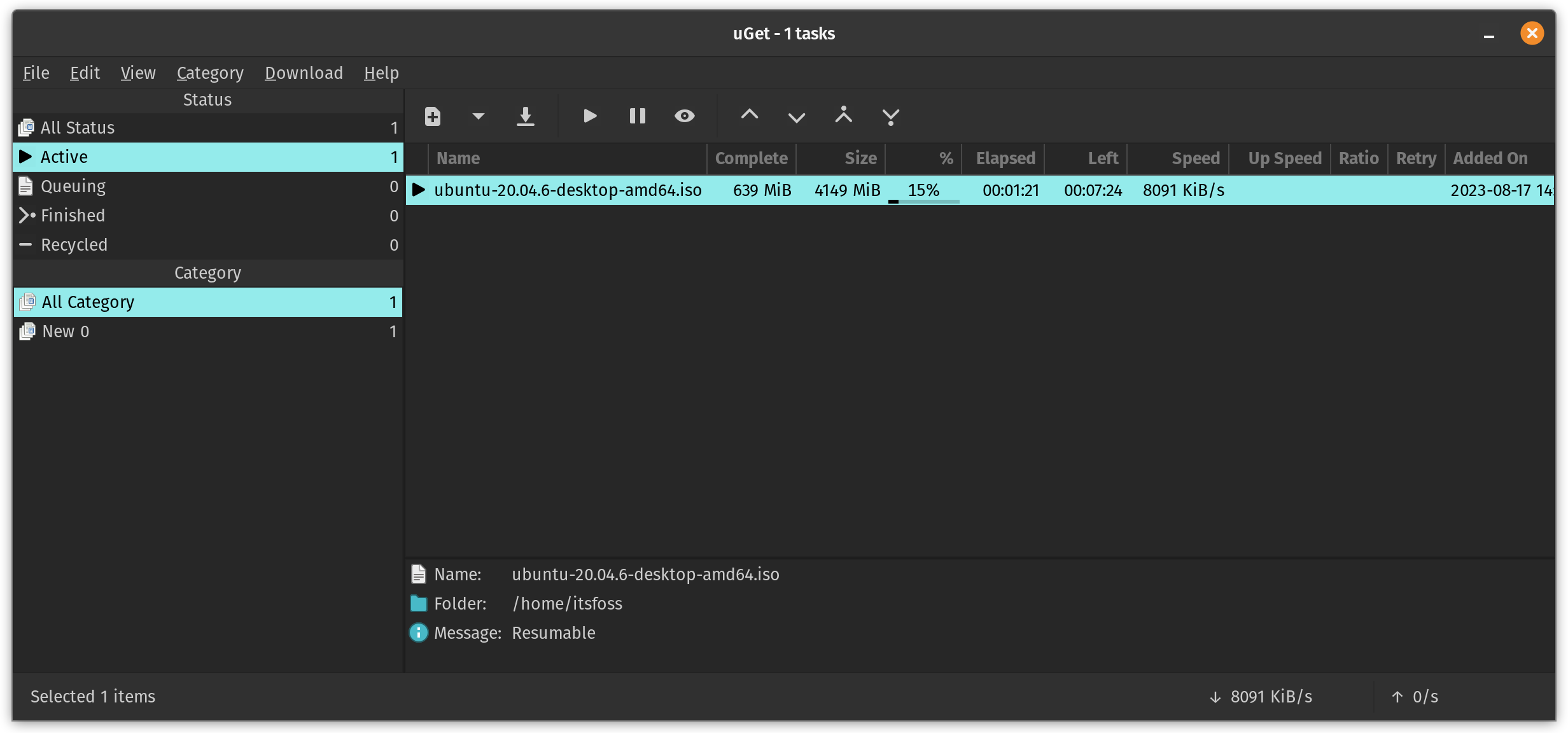
uGet is an interesting free and open-source download manager that offers a variety of options when you download something.
It offers the most essential features, starting from batch downloads to the ability to adjust the priority of tasks.
You can pause/resume downloads, add multi-download tasks, and detect a supported link from the clipboard. The torrent support exists, but you need to enable it using a plugin.
Key Highlights:
- Feature to adjust priority of tasks to manage downloads
- BitTorrent support using a plugin
- Simple user interface
- Fast and lightweight
How to install uGet on Linux?
It is worth noting that uGet isn’t as actively maintained anymore. However, it works as well with Ubuntu’s latest LTS release, Ubuntu 22.04.
You can find it in the software center or install it from the repositories. In either case, you can always refer to its official website for other installation instructions (which is a manual process).
Wrapping Up
Now that you know all about the best available options, what would you be your pick?
💬 Is there something better than these alternatives? Please let me know in the comments below!
If this helped you, consider supporting It's FOSS
It's FOSS has been helping people use Linux for the past 14 years. Help us stay independent from big tech. Become a Plus member, enjoy ad-free reading and get 5 eBooks.
