


How can I help Linux?
This is a question often asked by Linux lovers who want to give it back to the community of GNU/Linux. Linux and Open Source both are heavily community-oriented, and if you think about helping Linux, it is indeed a sign of a real Linux user.
But this question is often accompanied by:
- I would like to help, but I don't know coding.
- I do not have enough spare time to contribute.
- I don’t know which project needs my contribution.
I have been asked to advise on how a 'normal Linux user' can help the Linux community several times in the past.
So, in this article, I am listing several ways a normal Linux user could contribute to growing the Linux user base and helping the community. It doesn't matter if you have been a Linux user for a few months or several years. As long as you are willing to contribute, it will help the community.
But before we see that, let’s first see why you should contribute to Linux.
Why should you help Linux?
Linux is 35 years old now. On servers, it controls an estimated 51.3% of the market, and every one of the world's 500 fastest supercomputers has run Linux without exception since November 2017.
Desktop is where the real challenge is. When I first wrote this piece in 2015, desktop Linux sat at 1.68% worldwide. StatCounter now puts global desktop Linux share at around 4.4%.
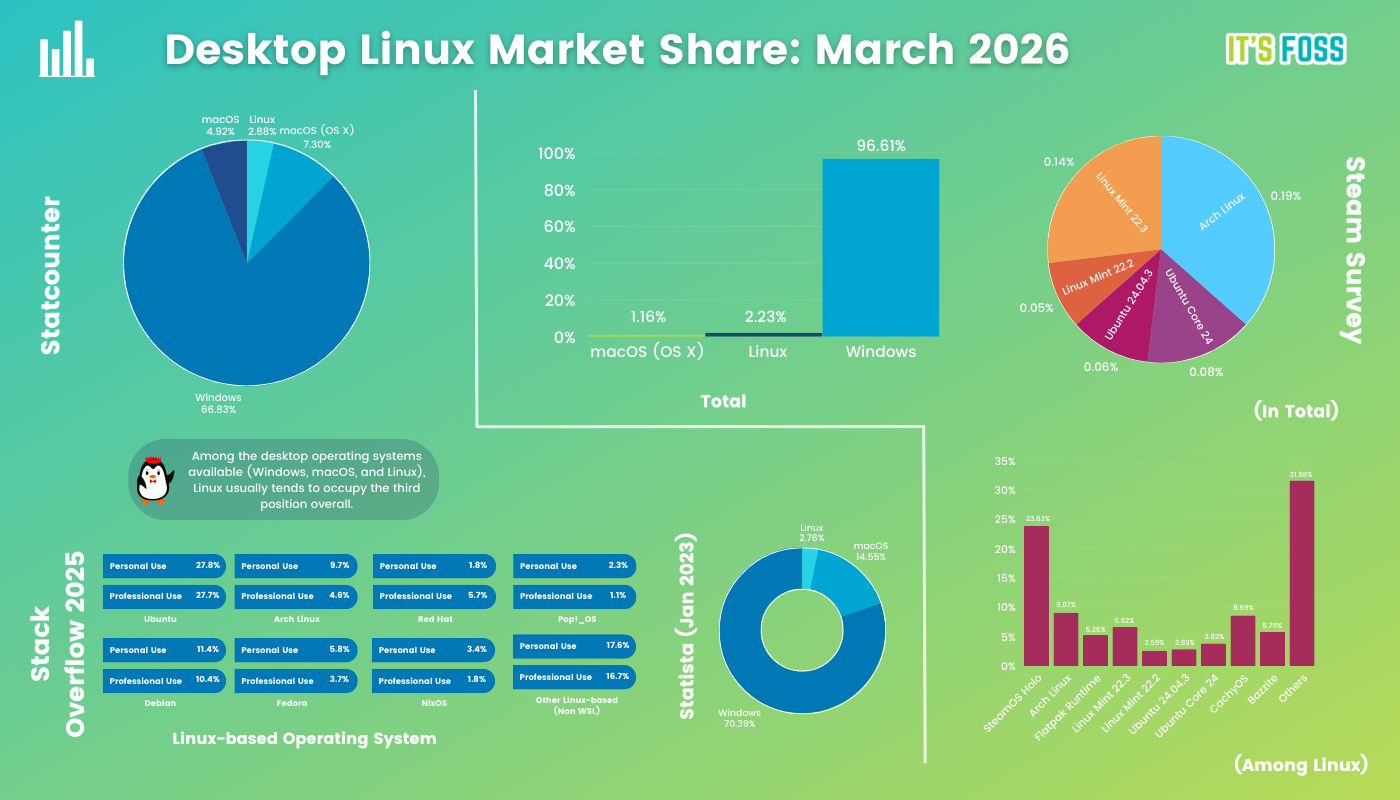
That's progress, but it is really small when compared to the marketshare of Windows or even macOS.
And this is the condition when there are nearly 300 Linux distributions of all kinds, with a number of them being desktop-focused. Linux was (and still is) considered to be the "geek only" zone, with the biggest misconception that one needs to know the command line to use Linux.
Times have changed, but Linux myths have not. Linux is a lot more beginner-friendly than what it used to be in the late 90’s or early 2000. The chances for Linux to gain market share are now, and you definitely could help in this cause.
How can you help Linux grow?
Note that when I say Linux, I am referring to desktop Linux here.
It doesn’t matter if you are a computer science major or a programmer. Contributing through your computing skills is one way of helping Linux but there are many more ways.
I am going to list several such steps, geeky and non-geeky, that you can take to help desktop Linux grow.
1. Share what you read
This is the least and the best you can do without needing any skills.
If you have been using Linux for some time now, you might be reading about it and following news and tutorials about your favorite distribution and Linux in general. Now if you have some favorite Linux blogs and websites (like It's FOSS) that you check regularly, you may share their interesting articles in Facebook groups and forums you are a member of.
You may even share it on your own social media accounts where it makes sense. People still share articles on Twitter.
This will not only help the blog, but it may also get new visitors who could turn into users. Someone in your network might be intrigued by the content you share, and reading the articles eventually might make them curious enough to try Linux themselves.
Also, sharing the contents helps the blogs grow, and for most of the bloggers, it is a motivating factor to write more.
2. Report bugs
In software terminology, a bug is an error or flaw in the software that might cause a crash or produce an unintended result.
Be it an application or the operating system itself, it is a piece of software and there is no software in this world that is bug-proof. No matter what level of quality assurance has been applied, there will always be bugs.
Some bugs are found and fixed by the developers during the development phase, but many bugs are discovered by the end users after using the software for days, months, or, in some cases, years.
Developers might not know the bug you have discovered, and if they don't know about it, they won't be fixing it.
A responsible user should report those bugs if there is enough free time at hand.
For example, Fedora has this procedure for bug reporting.
3. Be a beta tester
While we are talking about bugs, how about beta testing an application or operating system?
In software terminology, alpha and beta are the state of the software under development. Alpha is extremely unstable, whilehe beta is relatively more stable. It is followed by RC (release candidate), just before the final stable release.
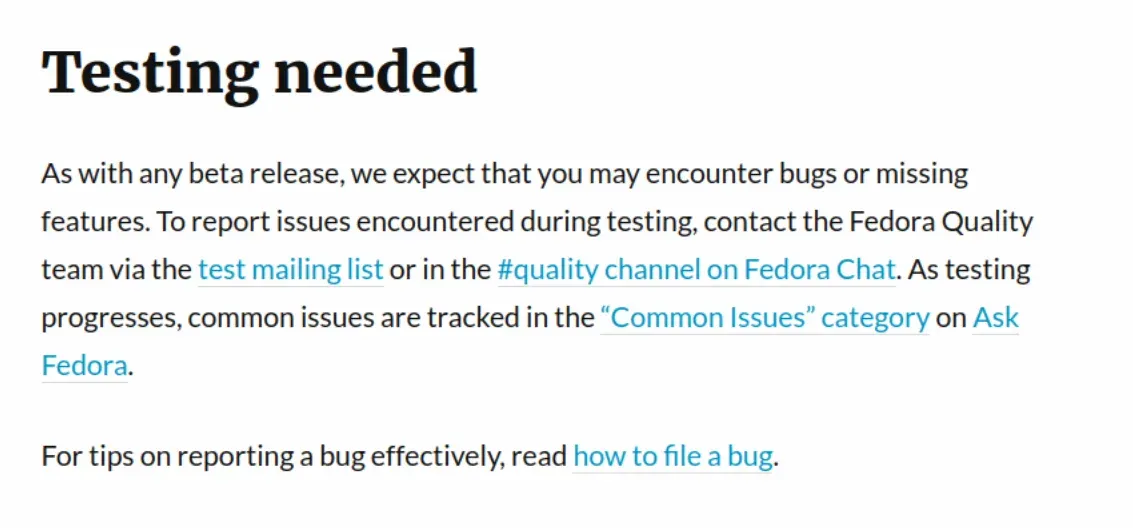
Most of the operating systems and applications appreciate the beta testing by users. It enables them to know about the unidentified bugs and fix them before it is released for everyone. The more bugs the software has after the stable release, the lesser will be the user satisfaction.
So, if you can afford to have an unstable operating system or application, feel free to become a beta tester and report some bugs.
4. Join a forum and help others
I am repeating this. Linux is built around community collaboration. It will go as good as the community. So if you wish to go back to the Linux community, join various forums and try to help people.
All major Linux distros have their own forums. This is where people seek help and discuss features. Join the official and unofficial forums of your main/favorite Linux distribution and try helping people, especially beginners because if beginners do not get enough help, they might quit Linux. You wouldn’t want that to happen, would you?
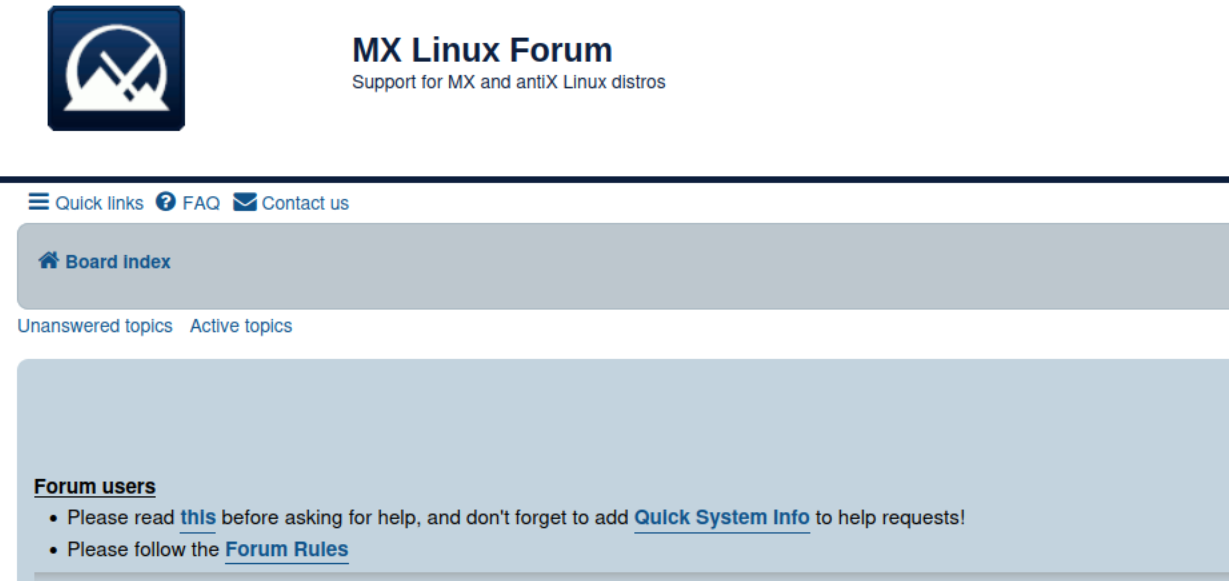
Now, you might say that you are not a Linux pro, so how could you help others? You have a genuine concern here, but you don’t need to be an expert. Just browse through various open forum threads and see if the problem reported by other user sounds familiar. If you had a similar issue in the past, try to describe what you did. If you followed some blog article, provide the link. Even this helps people a number of times.
If you are a Linux Mint user, you should join the official Linux Mint forum. Ubuntu users can Ask Ubuntu. You can also join various subreddit and Facebook groups where you can learn new things and will have the opportunity to help others.
It’s FOSS also has its own community forum. You are welcome to join it as well.
5. Write blogs
If you have some spare time at your disposal, why not start blogging about your desktop Linux experience? Share things you learned, troubles you faced, and the steps you took to fix those problems. It may sound like a lot of work but this is how I started It's FOSS in 2012.

If you are worried about the costs of hosting and managing the blog, I suggest you start a free blog at WordPress.com or even at Medium. You don’t have to pay a dime for the platform or hosting.
If you are an experienced blogger, try contacting the team of your favorite Linux distribution and see if they would like you on board in managing their blog.
6. Seed torrents
No, I am not talking about illegally downloading and sharing movies through torrents.
Unfortunately, torrents are still associated with piracy. But they have legit usage. Many Linux distributions offer both direct and torrent downloads of their ISO.
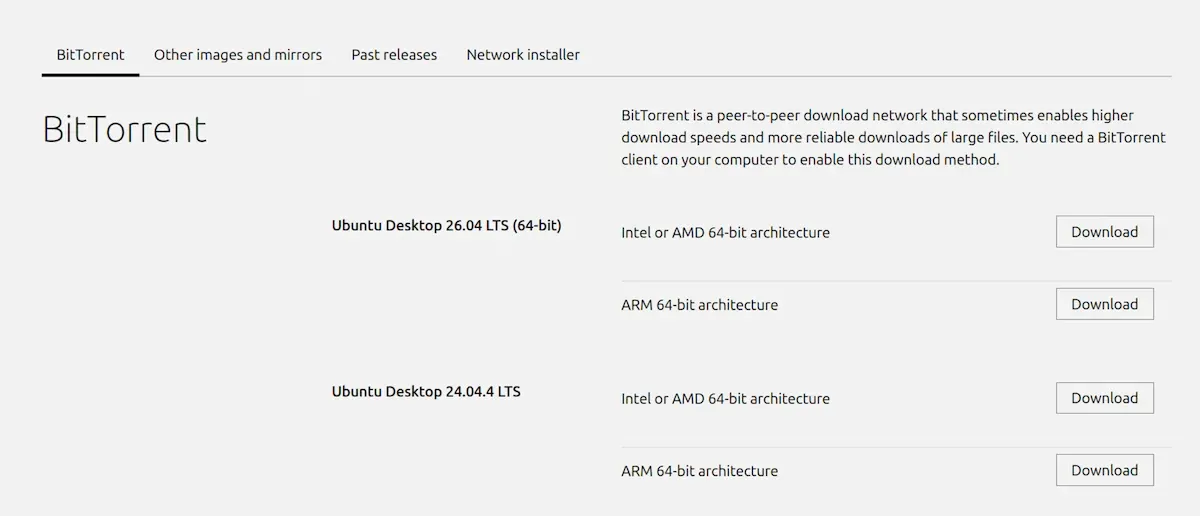
For people with high speed, unlimited internet, downloading 6 GB of ISO files is not an issue. But not everyone has that privilege. And that's why torrents are there.
Torrents work on a seed-leech basis. When you download a file via torrent, downloaded part of files on your system can also be shared with others. The more "seed" a torrent file has, the quicker it will be for others to download.
See, that's pure community way. You can download ISO files of your favorite Linux distro and keep on seeding it for others. All it takes is some network bandwidth. Perfect for people with unlimited internet.
By the way, there is a project called FOSS Torrents that offers torrent downloads of Linux applications as well.
7. Help financially
Have you noticed that some Linux distributions ask for donations before you download the OS? Of course, you can ignore the plea for donations and download the OS for free. But if you are a longtime user of a particular Linux distribution or open source software, I would advise you to donate, if you can afford it.
It takes time and effort from the developers to maintain the distributions and software and continually provide new features. Some Linux distributions employ full-time employees, while others are supported by volunteers. In either case, money is needed, or else the Linux distribution will go out of business like Mandriva Linux.
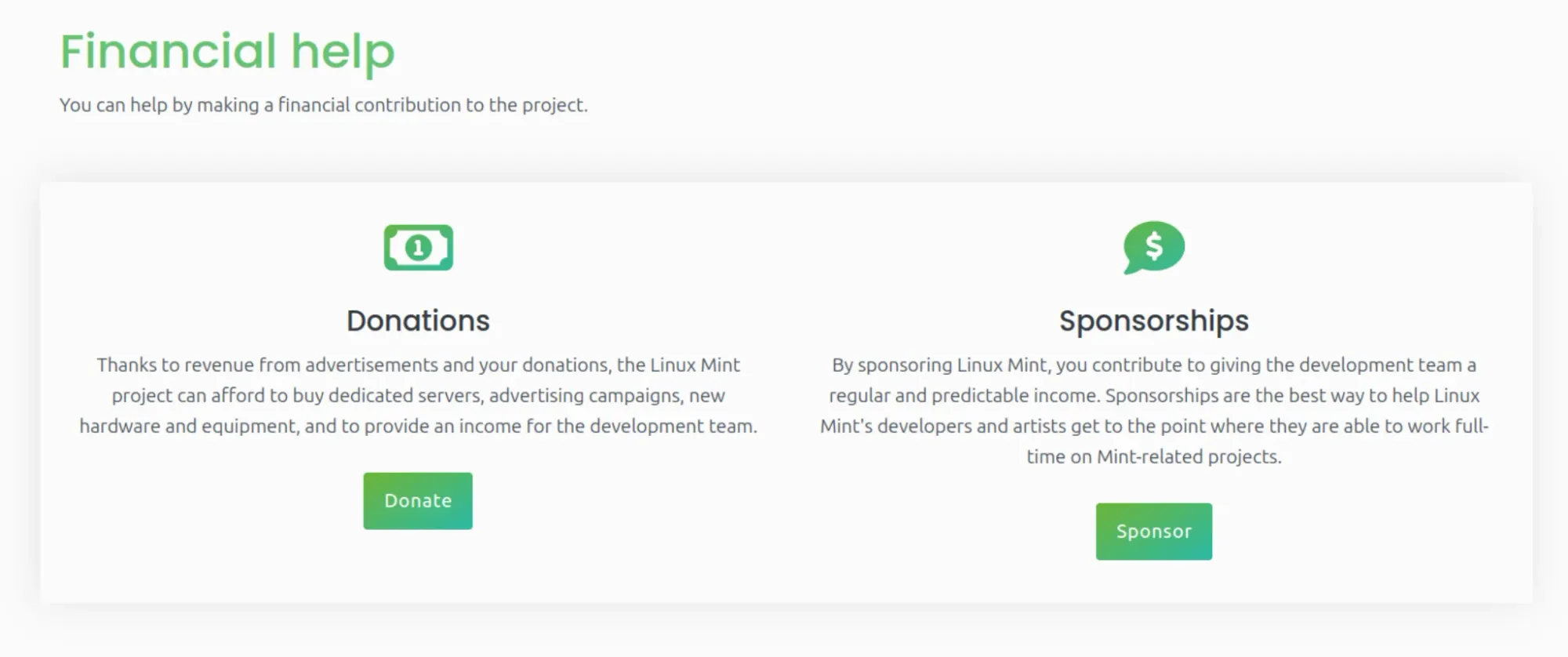
Similar is the case with Linux application developers. These open source software are available for free, but the developers’ hard work can be (or should be) appreciated financially. Often, Linux applications are developed as a hobby or side project, and over time, the developer(s) lose interest in it.
Donation is one of the motivating factors that could push the developer to continue working on the software. The story of email encryption software GnuPG developer, Werner Koch, is the biggest example of why regular donations to open source projects is a must. No wonder that most of the applications have "donate" buttons on their websites.
You can also use one of the websites exclusively focused on helping open source projects financially. You can find various open source projects and help them financially.
8. Join local Linux and Open Source groups
Look around in your locality. There might be a group of Linux and open source enthusiasts. Join them and volunteer with them to grow the Linux and Open Source community.
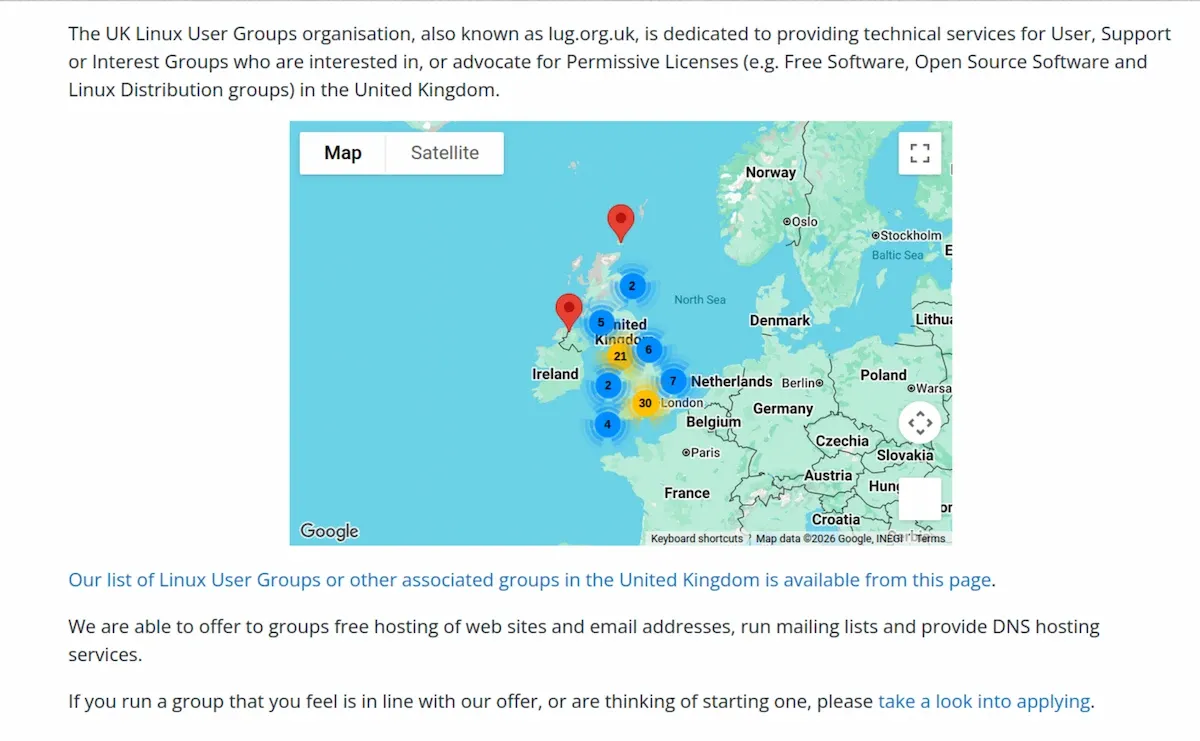
Usually, universities and colleges have these groups to promote Open Source. They organize meetups and invite people to participate.
Be in touch with them and see if you could help them in any way possible.
9. Translate
Have command over multiple languages? You can help in translating.
Usually, Linux distributions and open source applications are in English (with several exceptions). You can help them by translating them into other languages.
This way not only you help the distribution and/or software, you also help in spreading the distribution/software to non-native English speakers.
10. Handle social media
If you are a pro at social media strategies or have experience in handling social media accounts such as Facebook Pages, Twitter, Instagram, etc., volunteer yourself for handling the social media of your favorite Linux distro or Open-Source application.
There are billions of people on social media, and social media is an important part of branding. While popular Linux distros like Ubuntu leverage social media effectively, some Linux distributions do not even have a single social media account. Some of them have social media accounts but they have not provided any updates for months or years.
If your favorite Linux distribution doesn’t have a Facebook page, create a community Facebook page for it. Do mention that it is run by fans and it’s not official. Keep on posting updates about the distribution, tutorials you found on the web, and other things of interest on it.
Alternatively, if there are not frequent updates on the social media accounts of the Linux distro, contact the team, prove to them that you are capable of handling social media account and ask for their permission to manage their social media accounts.
Bonus tips for people who can code
All the above suggestions do not require any coding skills. But if you have achieved some good software development skills, you have a few additional ways to help the Linux community.
Even if you are just learning to program as a student, fixing bugs could be a good practice to learn and understand. Some projects even put bug bounty so you may even earn some money on this side quest.
Another way is to create applications for desktop Linux. People often complain about lack of apps on Linux. This could be the answer. But do note that developing an app is not enough; you have to maintain it as well.
I have seen good open-source projects with extremely poor websites. Some even use the designs from the early 2000s. I know that we should not judge a book by its cover, but then there is also the concept of 'first impression'.
If you have some good design sense, you can create mockups of the redesign and approach the project and offer your help in redesigning their website.
Conclusion
The bottom line is that you can help desktop Linux grow by helping the Linux distribution, open source applications and various blogs. And you can do this in a number of ways.
I would like that you pitch in your idea on how to help the desktop Linux community grow. If you already are doing something for this cause, do share it with the rest of us so that we can take inspiration.
Just to add in the end, did you follow the advice number one and share this article? :)
If this helped you, consider supporting It's FOSS
It's FOSS has been helping people use Linux for the past 14 years. Help us stay independent from big tech. Become a Plus member, enjoy ad-free reading and get 5 eBooks.
Skip the AI slop and SEO spam in your Google results
Tell Google you prefer It's FOSS, and it will show our Linux news and tutorials, created by experienced Linux users, more often when you search. It takes just a click.
Set as preferred sourceGet FOSS Weekly in your inbox
