


Linux has no finish line. One day you’re afraid to run a simple install command; the next, you’re writing a script to fix a mess you made poking around your boot settings (and yes, you’re on Arch, by the way).
Whether it’s opening Settings or dconf-editor for a quick tweak, or editing dotfiles to reshape your desktop, here are five signs you’ve leveled up as a Linux user:
1. You’re no longer afraid of the terminal
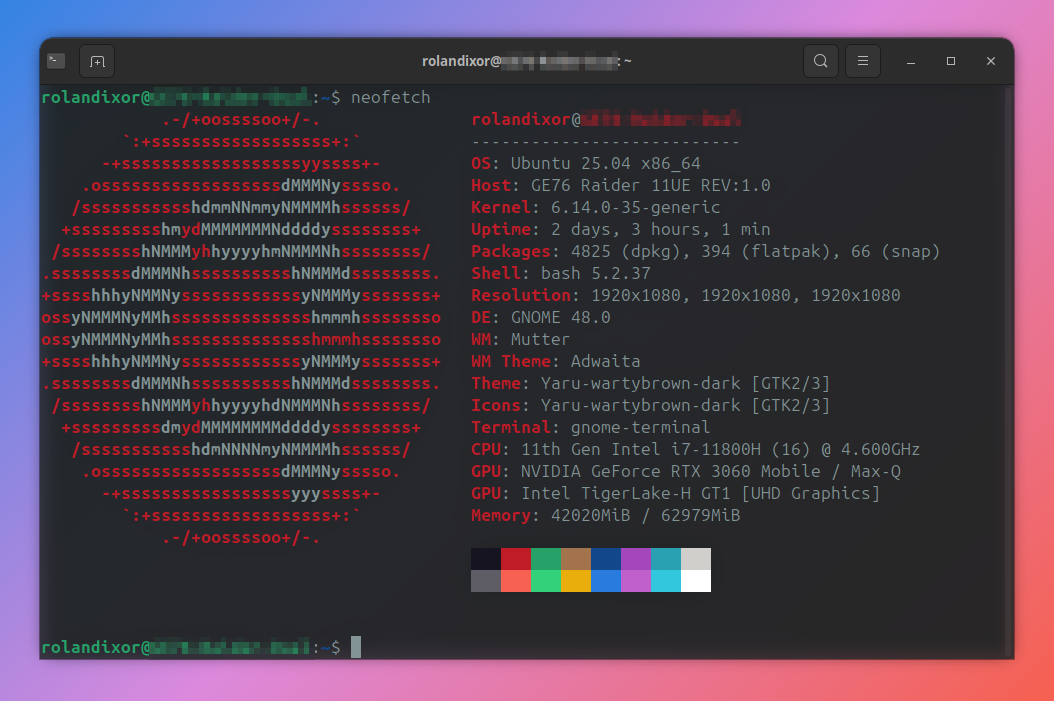
It is a myth that you have to live in the terminal to be a “real” Linux user. However, what is true is that the terminal is a powerful tool that opens doors for you to get things done faster and more efficiently.
Whether you’ve learned to use it to install packages, check services or system info, hopping into the CLI just comes naturally now. It’s not that you don’t still love and appreciate GUIs; you just happen to reach for the fastest tool for the job.
You don't have to be afraid of the terminal. You now know this for a fact.
What this looks like in real life
Being in command... line: You can comfortably use your distro’s package manager from the CLI.
Exercising caution: You know not to copy every command blindly off the internet.
Having familiarity: Things like man, --help, and grep make sense.
Instant recall: You know how to pull up your shell history, and how to reuse it.
Ideas to help you level up even more
You’re already on the right track, but these are some small ways to take it further:
Learn one productivity booster each week: history search (Ctrl+R), tab completion, pipes (|), and simple redirection (>) to save output to a file. Bonus: chain commands with && to run the next one only if the first succeeds. More terminal shortcuts and more pro command line tips here.
Keep a personal ~/bin folder: It's the perfect place for tiny scripts and portable apps, especially if you share a computer.
Get comfy with basic process control: stop a command with Ctrl+C, suspend it with Ctrl+Z, resume with fg or bg, list jobs with jobs, and end misbehaving processes with kill.
2. You don't panic over errors any more
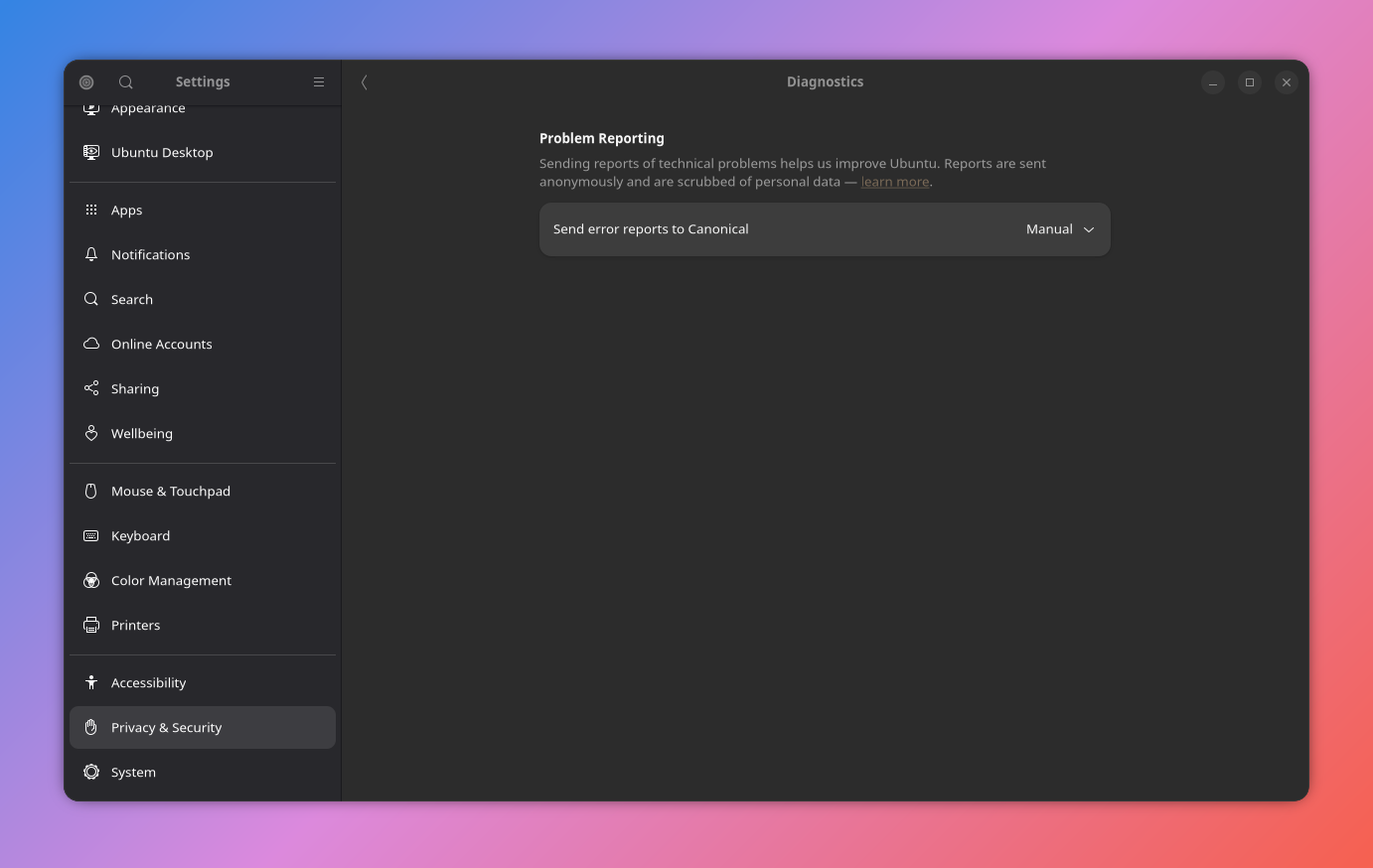
When something breaks, you respond in curiosity and responsibility, not just fear. You take a moment to read the message the system gives you, review logs, and search through forums and docs to see if you can find a fix.
Better yet, you make a note of what you did, and maybe even share it online, so future-you, and someone else in the community, can follow the steps you took to resolve it.
What this looks like in real life
Knowing where to look: check for recent updates, review the systemd journal (with journalctl), check dmesg, or if applicable, review any app logs.
Checking the docs: whether that's skimming through forum threads or pulling up man pages, you find relevant info before you ask for help.
Knowing your distro: You understand that what works on one distro doesn’t guarantee it will work on another.
Ideas to help you level up even more
Track your fixes: Keep a personal repository of fixes: notes with dates, packages/app names, commands that worked, and even what not to do.
Practice healthy backups: Before attempting a risky change or fix, make a snapshot or backup first, so you can roll back any changes with confidence.
Master your distro's package mechanism: Knowing Ubuntu's repository mechanism itself will let you easily handle more than 90% of the update errors.
3. You distro-hop responsibly
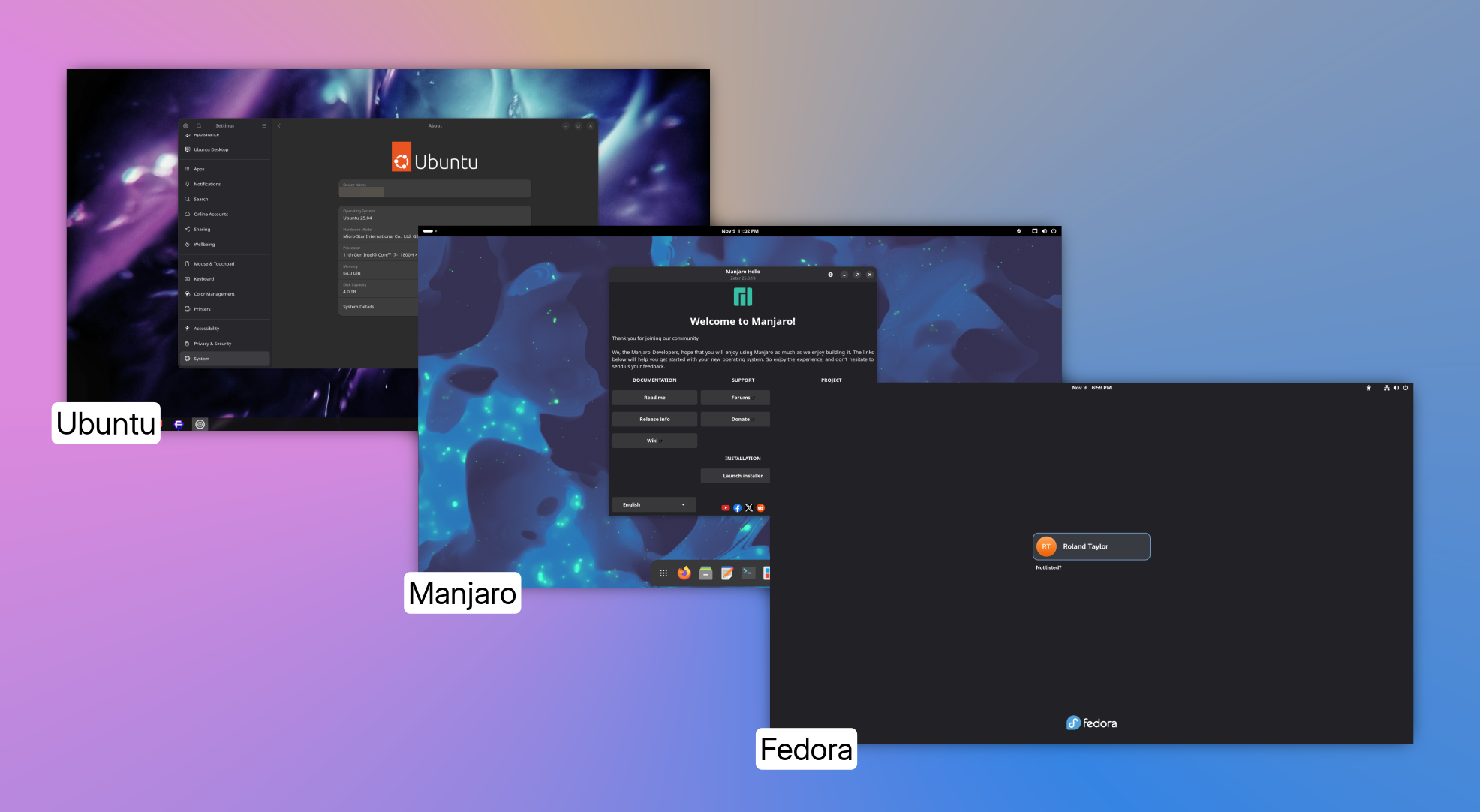
You don’t reinstall on a whim; you plan. Your data and dotfiles aren’t trapped on the system partition, you have backups you’ve tested, and you can restore your daily setup without drama.
What this looks like in real life
Keeping apps and data separate: your /home folder is on a dedicated data partition, separate from critical system files.
Checklists? Check: You maintain a post-install list for repos, codecs, fonts, shell, extensions, and theming.
Testing before you touch: You're not the type to try risky ideas in on your main machine first. You know how to boot up a VM or use live media instead.
Snapshots before experimentation: You create a snapshot or a full backup of your critical files, and verify you can restore if something goes wrong.
Ideas to help you level up even more
Automate backups: Schedule backups with tools like TimeShift and Deja Dup, and test system restore functionality periodically.
Track your dotfiles: Use a private Git repo or a dotfiles manager; avoid committing secrets.
Export packages: Save lists with apt-mark showmanual, dnf history userinstalled, or pacman -Qqe for fast rebuilds.
Keep a rescue plan: Label your disks, mount by UUID, keep a bootable recovery USB, and store Wi-Fi details and in a safe, offline, location.
4. You're growing independent of Windows-only apps

Choosing Linux-native first is your comfort zone. If you need a windows-exclusive app, you may try Wine, a container/VM, or a web version, but you don’t let Windows-only software dictate your entire workflow. Your priority is getting the work done in your native environment, not replicating windows exactly.
What this looks like in real life
Familiarity with solid alternatives:
- Office: LibreOffice, ONLYOFFICE, Calligra Suite
- Design: GIMP, Inkscape, Krita, Pinta
- Dev: VS Code/VSCodium, Pulsar, GNOME Builder
- Media: Kdenlive, OBS Studio
You know your way around limitations: For those increasingly rare, must-have Windows apps, you know how to wield Bottles, vanilla Wine, or a VM, and how to find help if you run into trouble.
Ideas to help you level up even more
Find your match: Map your task-by-task needs, find Linux apps to fill those spaces, and commit to using them for a full month before casting judgment.
Standardize your workflow: Start using open-standard file formats like the Open Document Formats (ODT, ODP, ODS, etc) in your personal work, and encourage others to make the switch.
5. You help others in the community
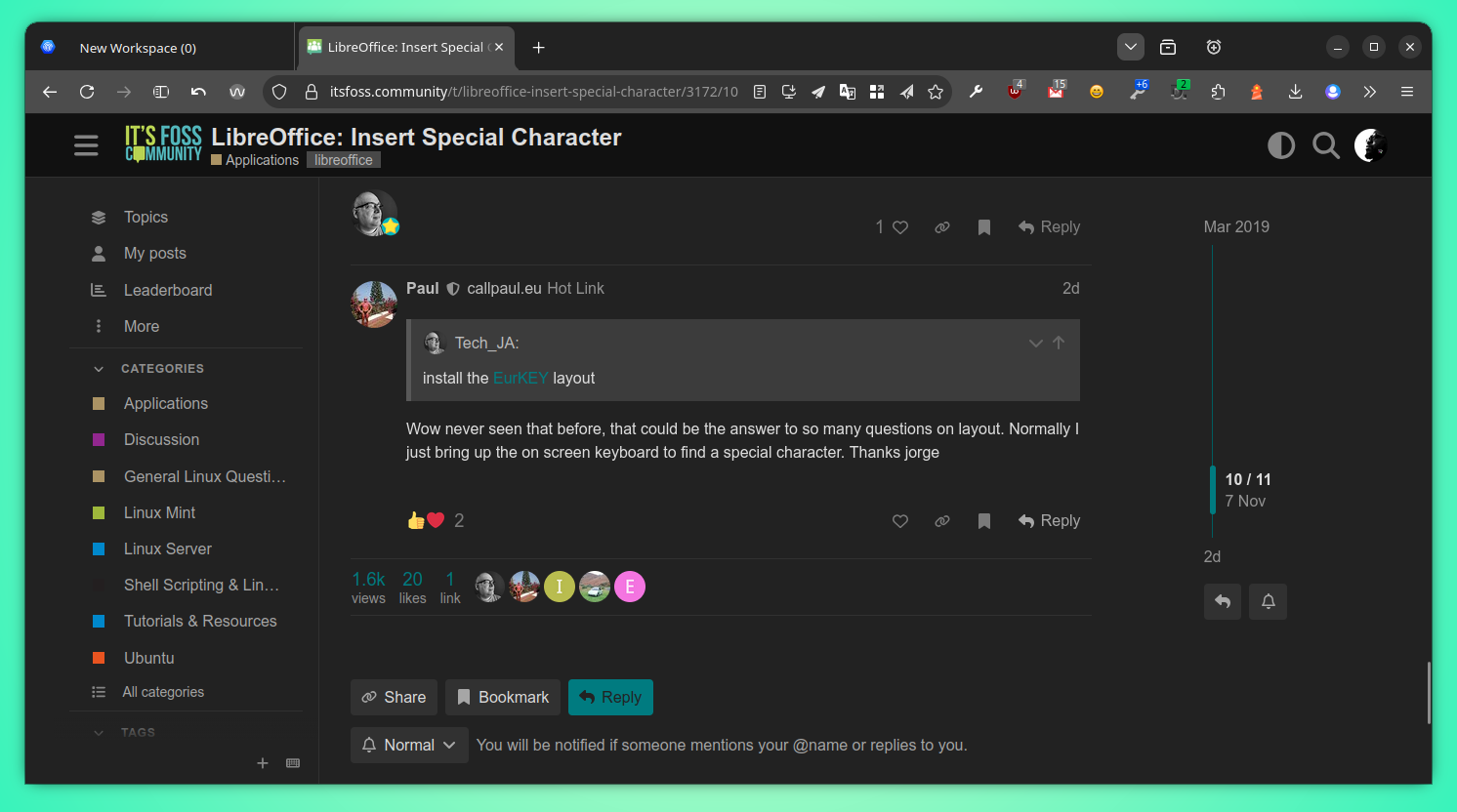
Whether through solving problems online or donating to support the devs behind your favourite apps and projects, you roll up your sleeves and give back to others. You understand that helping can be as simple as reporting or confirming a bug, sharing reproducible steps to fix an error, or answering a beginner’s question without being condescending.
What this looks like in real life
Helping others help you: You post terminal output and system info when asking for help, and you encourage others to do the same.
Reporting & Helping: You use issue trackers responsibly, and productively participate in user forums.
Sharing knowledge: You share your successes (and failures) after trying suggested fixes, so others can follow in your footsteps.
Ideas to help you level up even more
Keep a "fixes" journal: Write a simple note after each solved problem, and save it in a git repo or post it to a mini blog. You may help someone with that exact problem, even years from now.
Get involved: Contribute translations, write and update docs, or even submit your first pull-request when you spot something you can improve.
Surprise Bonus: You're a keystroke connoisseur
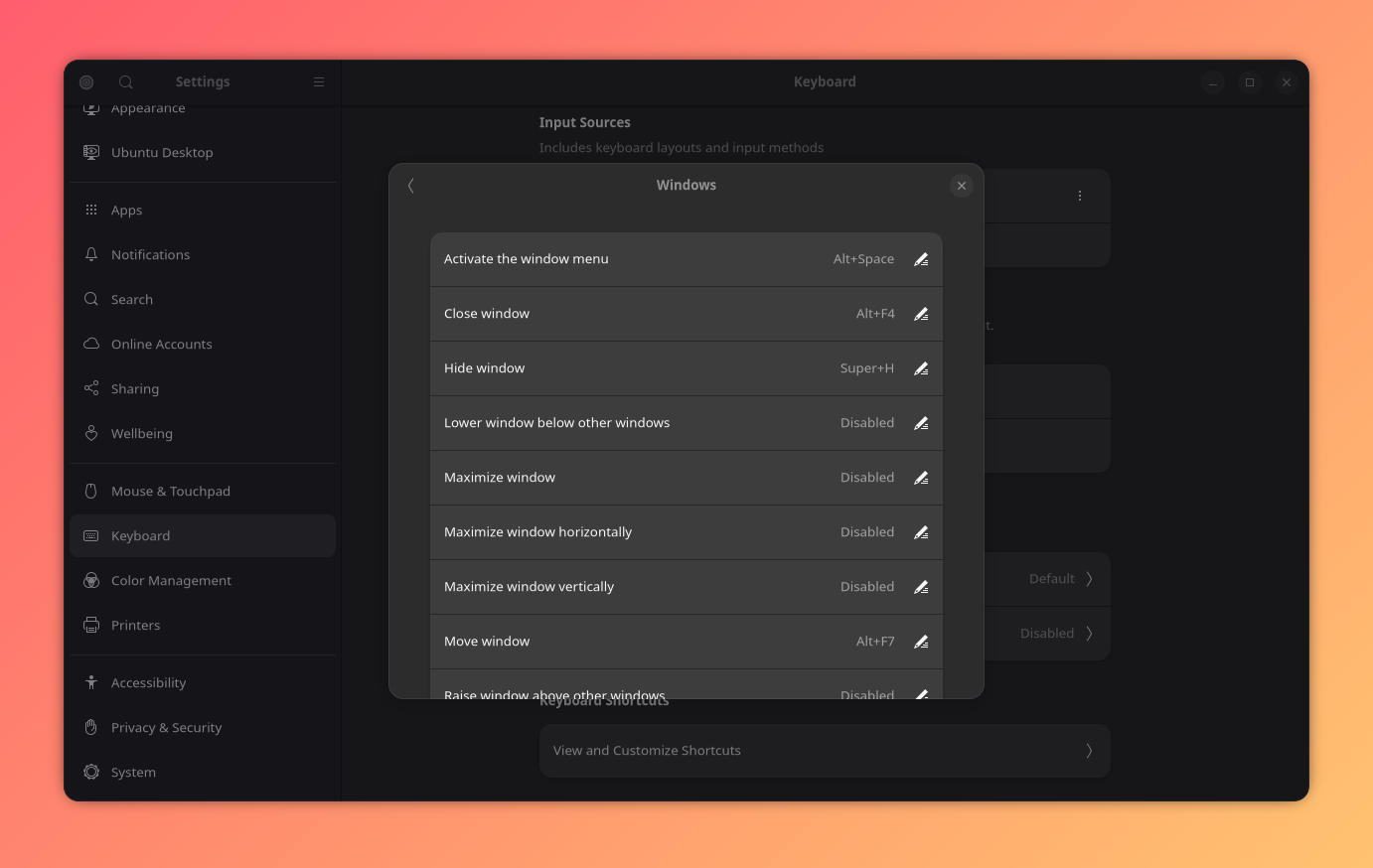
You're all set with desktop hotkeys, shell aliases, and a healthy muscle memory. Sure, it's not for everyone, but many Linux users find they’re more efficient with keyboard shortcuts. If the keyboard isn't your thing, you can always a hot-corner superhero.
Level up with these quick wins
Make yourself at home: Learn your desktop environment's window management shortcuts and add some of your own.
Tune the terminal: Create three shell aliases for commands you often reuse, then practice until they're your new habit.
Quick draw: Install an app like Synapse.
You've really got the power!

Becoming a better Linux user isn’t about checking boxes on a “power user” list. It's building your confidence, exercising your curiosity, and practicing kindness to others in the community. If you recognize yourself in these signs, you’re already well on your way.
