


There are ways to transfer files over the internet. Twenty years ago, it was FTP for technically advanced people and emails for lazy people. (And Torrents for legally challenged people),
Then came Dropbox and other cloud services and things have moved in that direction.
But sharing large files through cloud services has its own quirks. Most services either have strict size limits, require account creation, or quietly store your data on their servers even when encryption is involved.
This is where CheezyPizza comes in.
What does CheezyPizza do?
CheezyPizza is an open source, browser-based file transfer app that uses WebRTC to transfer files directly between two browsers.
This means there is no server in the middle, no login, no installation required. Just open the site, share a link, and the transfer happens peer to peer.
It is actually a fork of FilePizza, which is a pretty solid tool but has its limitations. Like large files would fail, and there is no way to pause or resume a transfer if something goes wrong.
This is the reason why Jeevan forked it into CheezyPizza and started adding the features he needed.
Here's what CheezyPizza does differently than FilePizza:
- Large file support: It works reliably for files larger than 10 GB. However, some browsers may restrict this.
- Pause and resume feature: Interrupted transfers pick up from the last byte, with progress saved via OPFS or IndexedDB. It happens on the downloader side only.
- Flow control: High/low watermarks on the WebRTC data channel prevent fast senders from overwhelming the receiver.
- SHA-256 verification: files are checked before being written to disk.
Project repo mentions that all WebRTC communications are encrypted using DTLS.
The project is being actively developed, with more features planned.
You can try it at cheezypizza.in or check out the source code in the repository.
Testing CheezyPizza
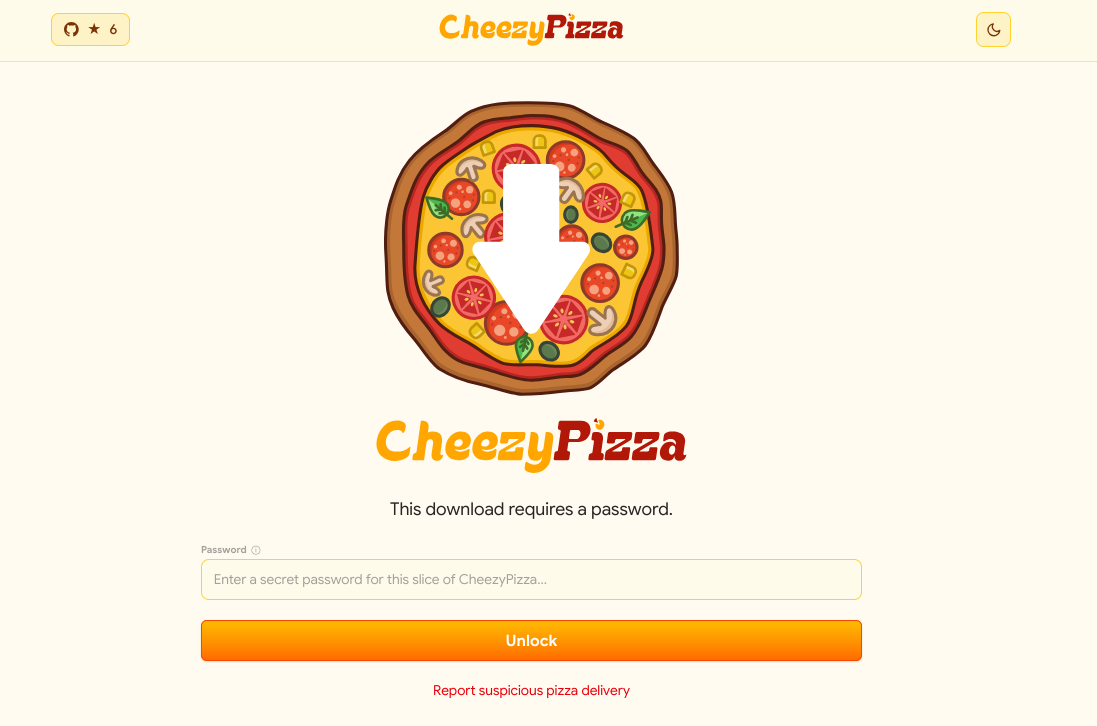
The idea is simple. You upload the file to the Cheesy Pizza web interface. You can password protect the file, if you want.

And then you get links, short and full URLs, both can be used. There is also a QR code generated for ease.
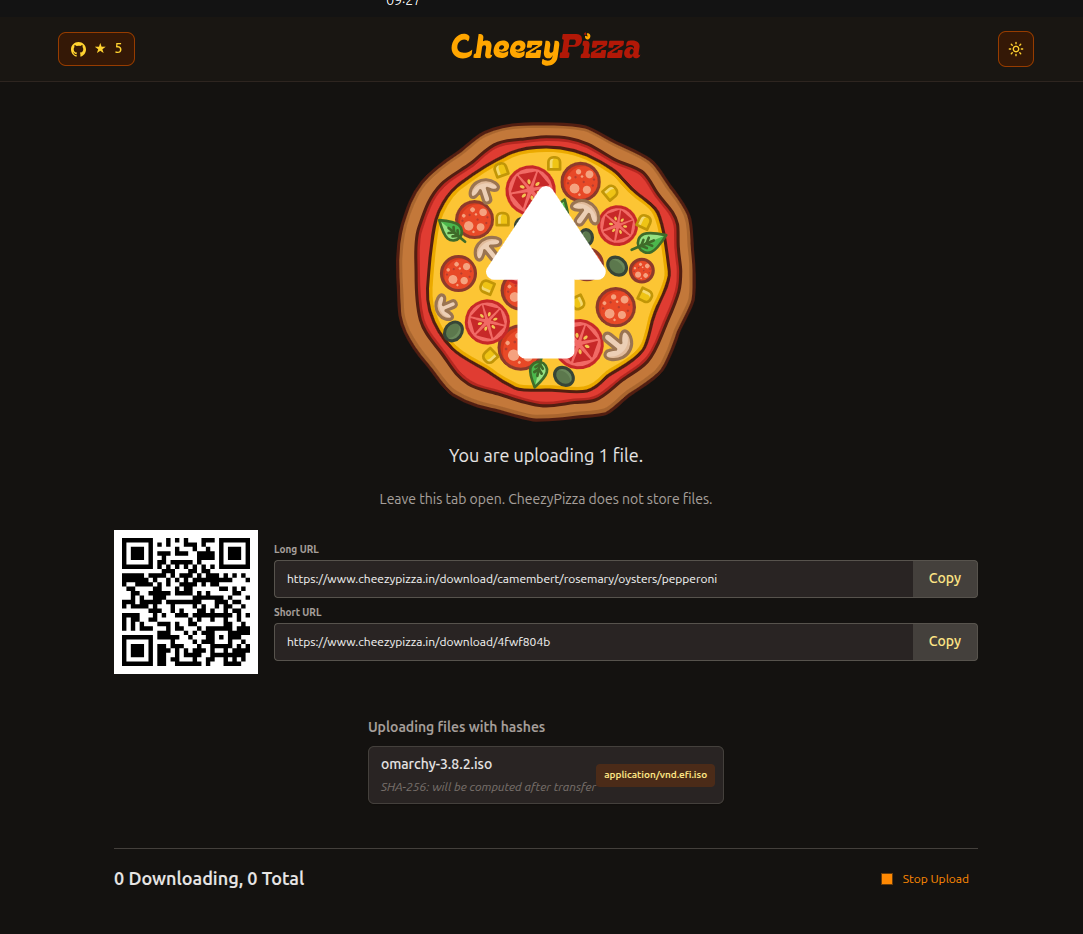
I uploaded Omarchy ISO file of around 7 GB and shared it with my teammate Sreenath, who is a few thousand kilometers (or miles) away from me. When he started the download, I could see the status changed to file transfer as my file was now being uploaded.
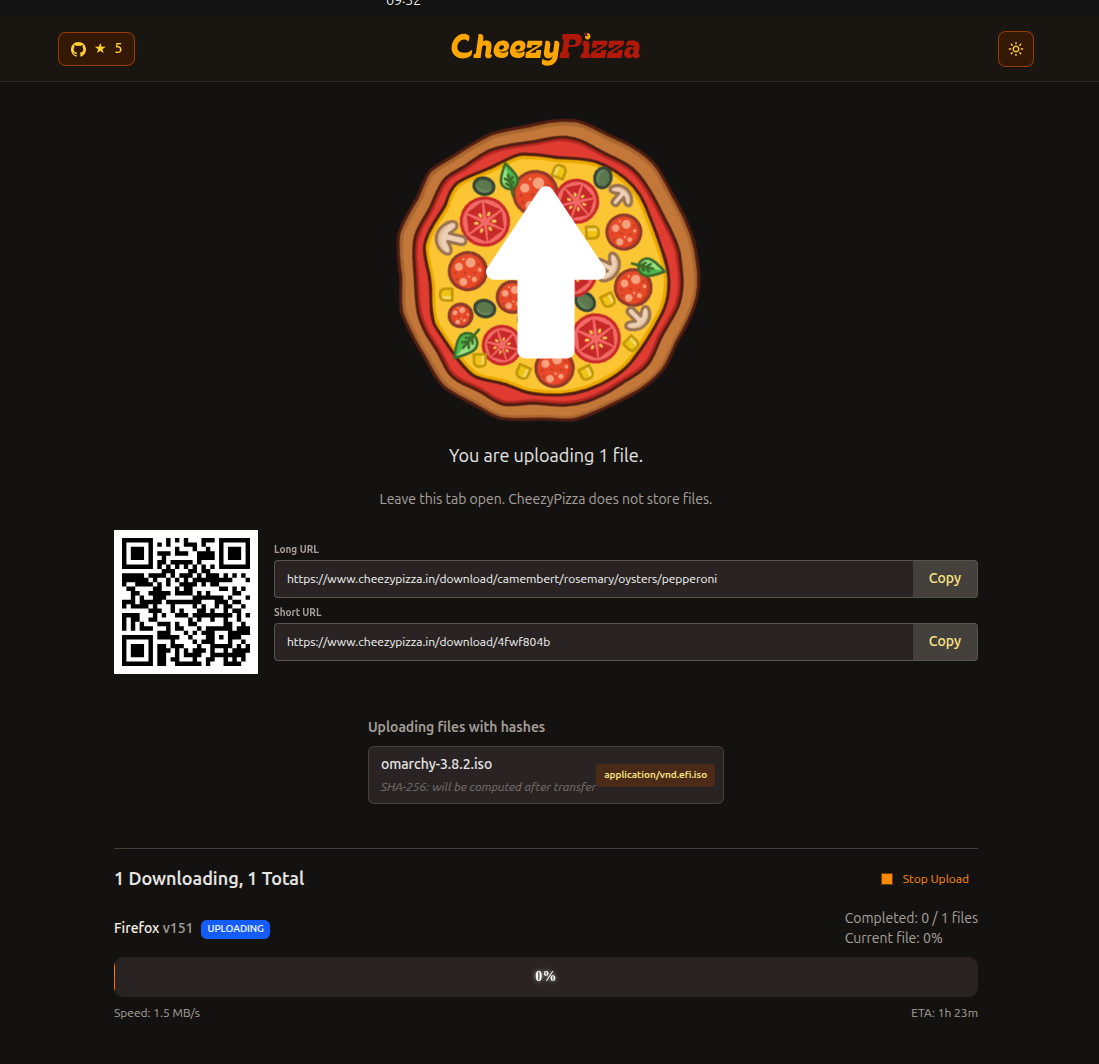
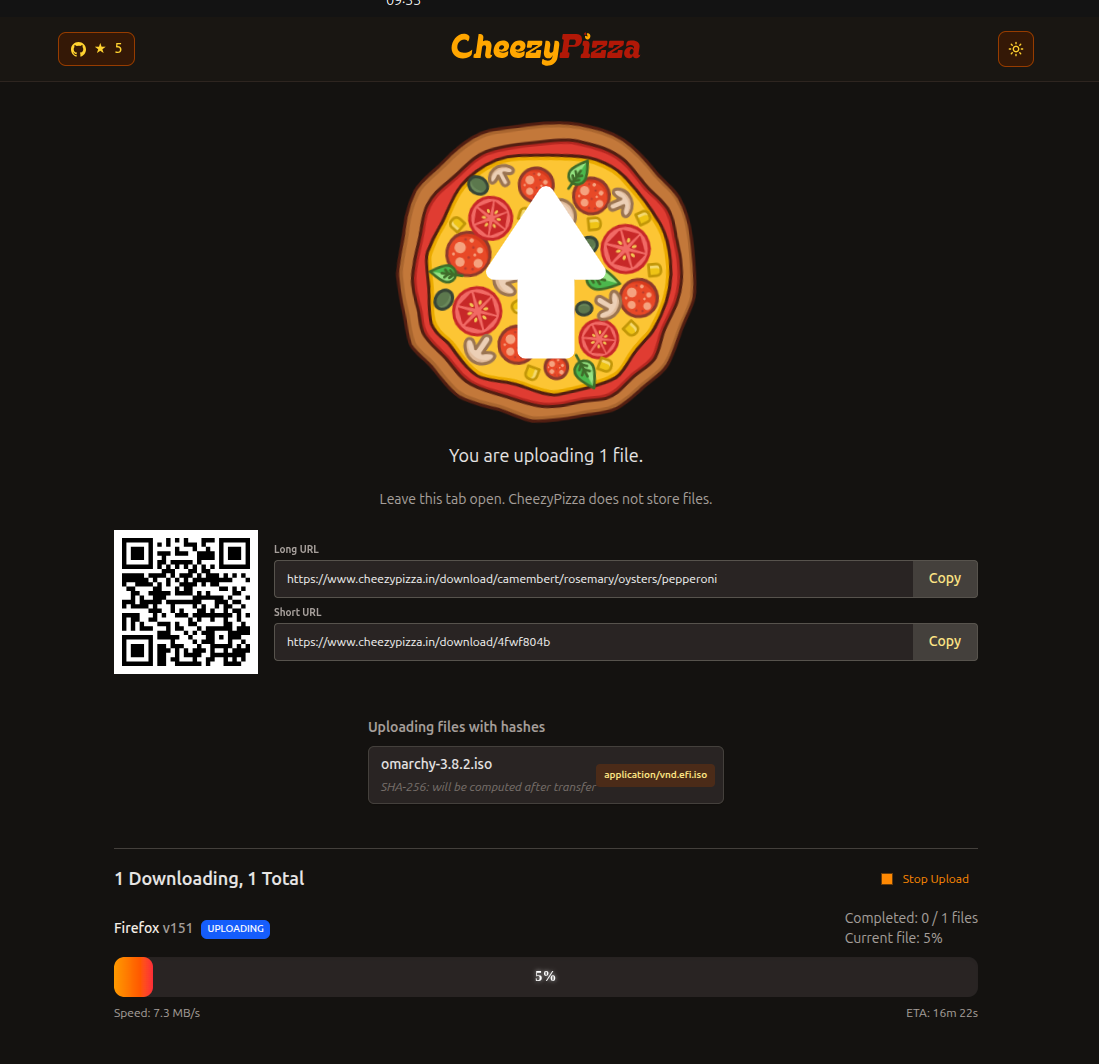
Initially, the file transfer was in a few KBps but soon it the speed increased into few hundred KBps, and then it peaked at around 7 MBps, I think. It took 2-3 minutes to reach the max speed.
On the downloader side, the browser shows a notification about persistent data storage.
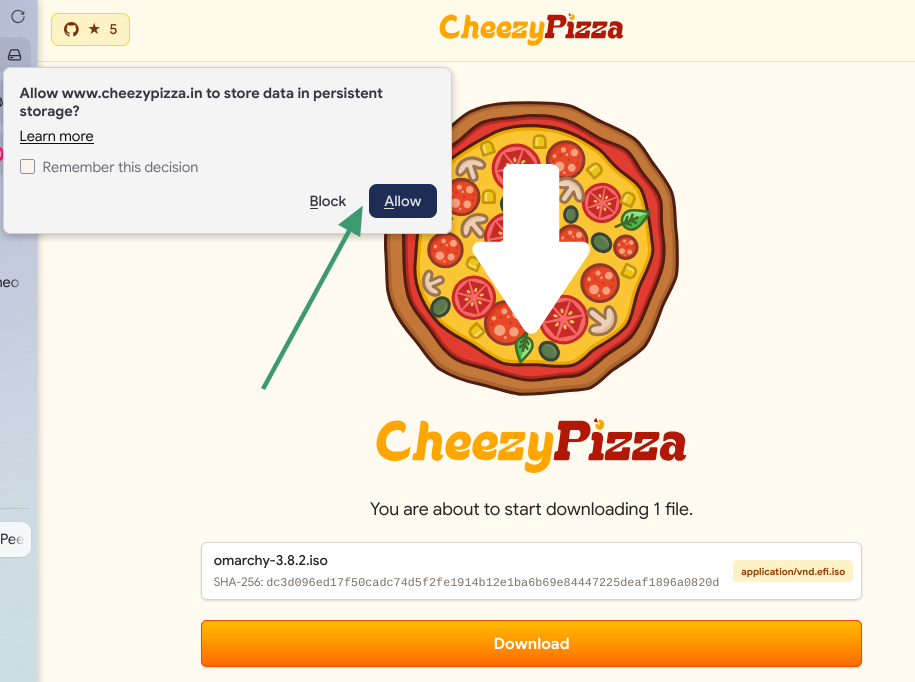
It also shows that the downloader can close the tab and resume the transfer later.
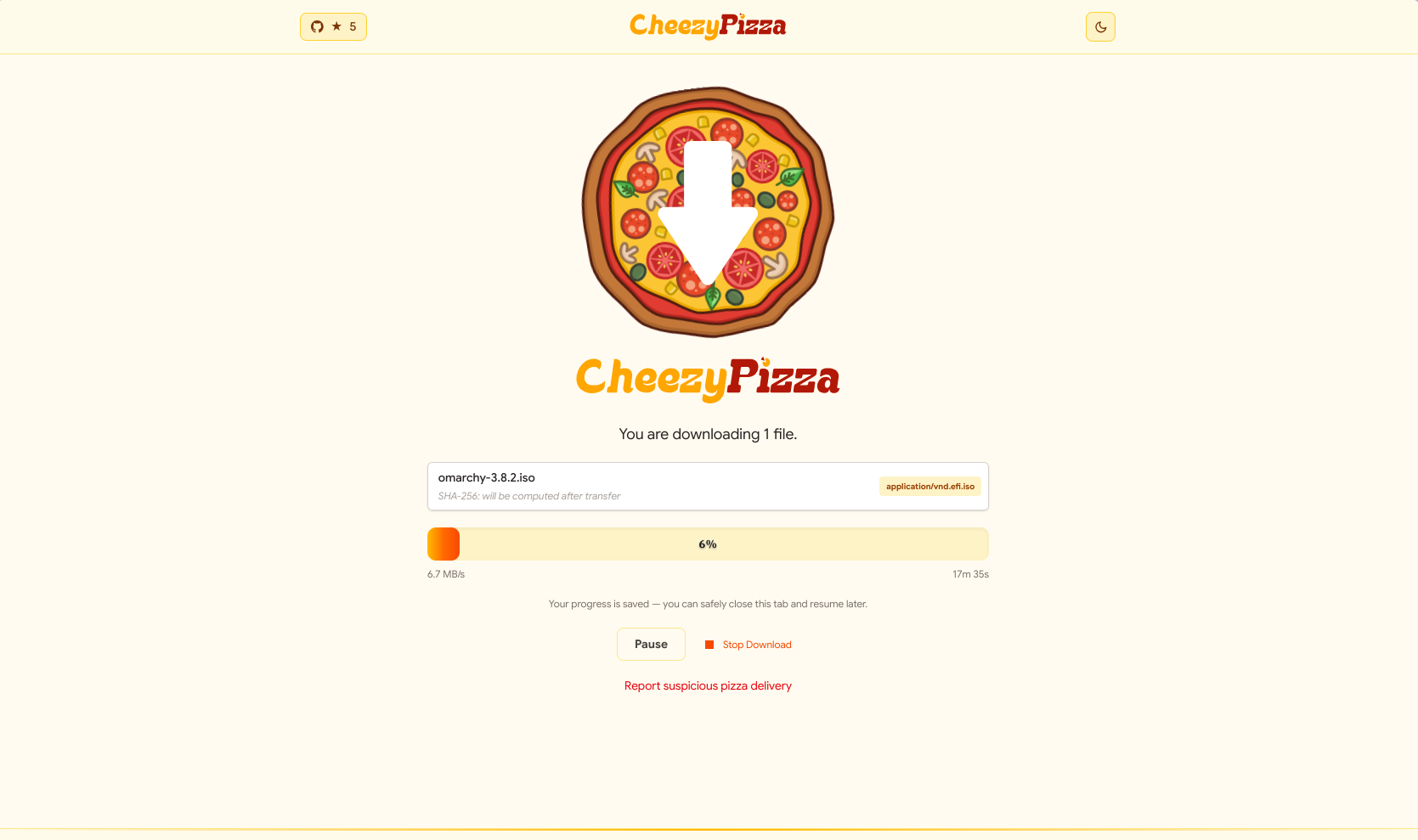
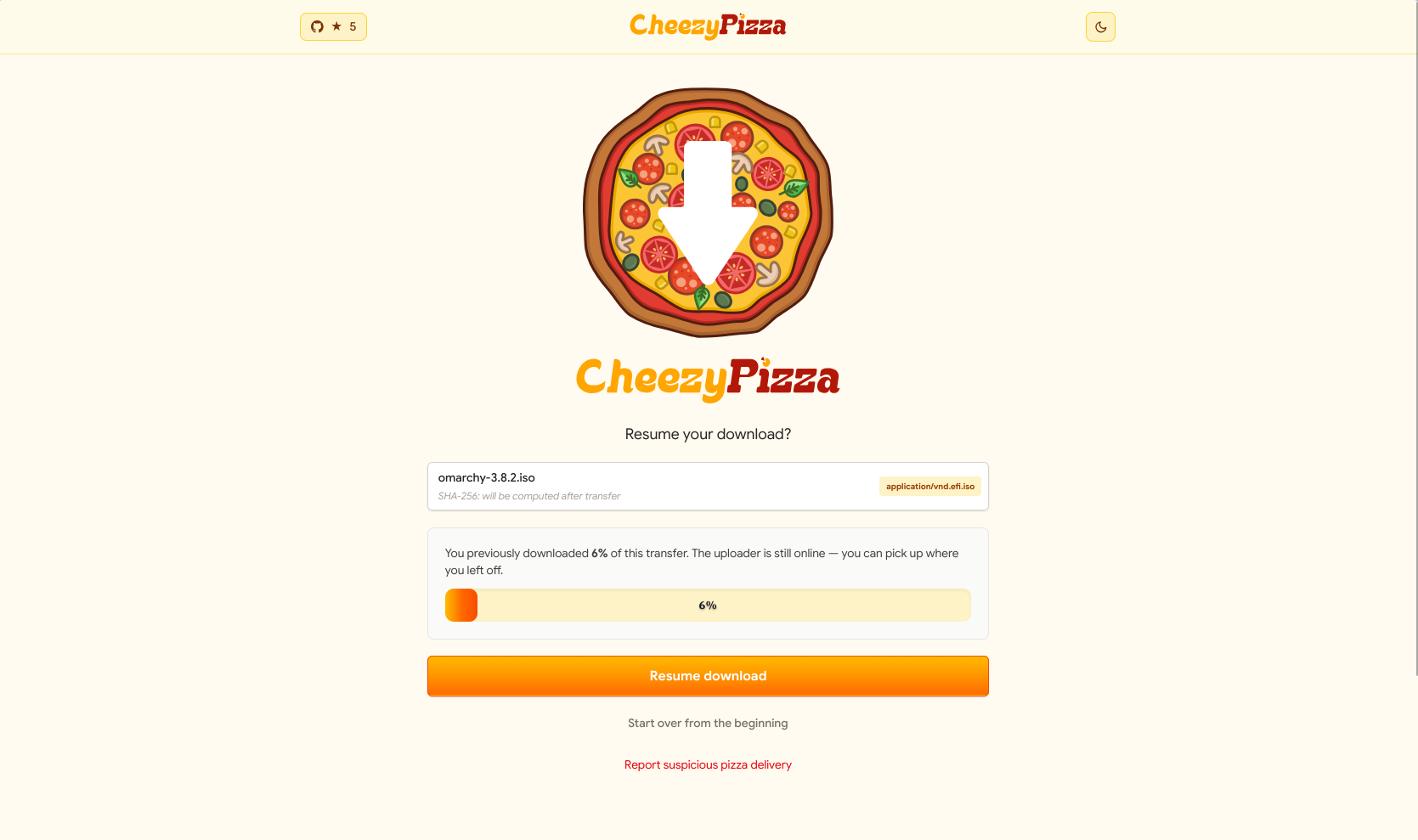
To test the pause resume feature, Sreenath closed his browser a few times and opened the link again. CheezyPizza correctly recognized the the file was being downloaded earlier.
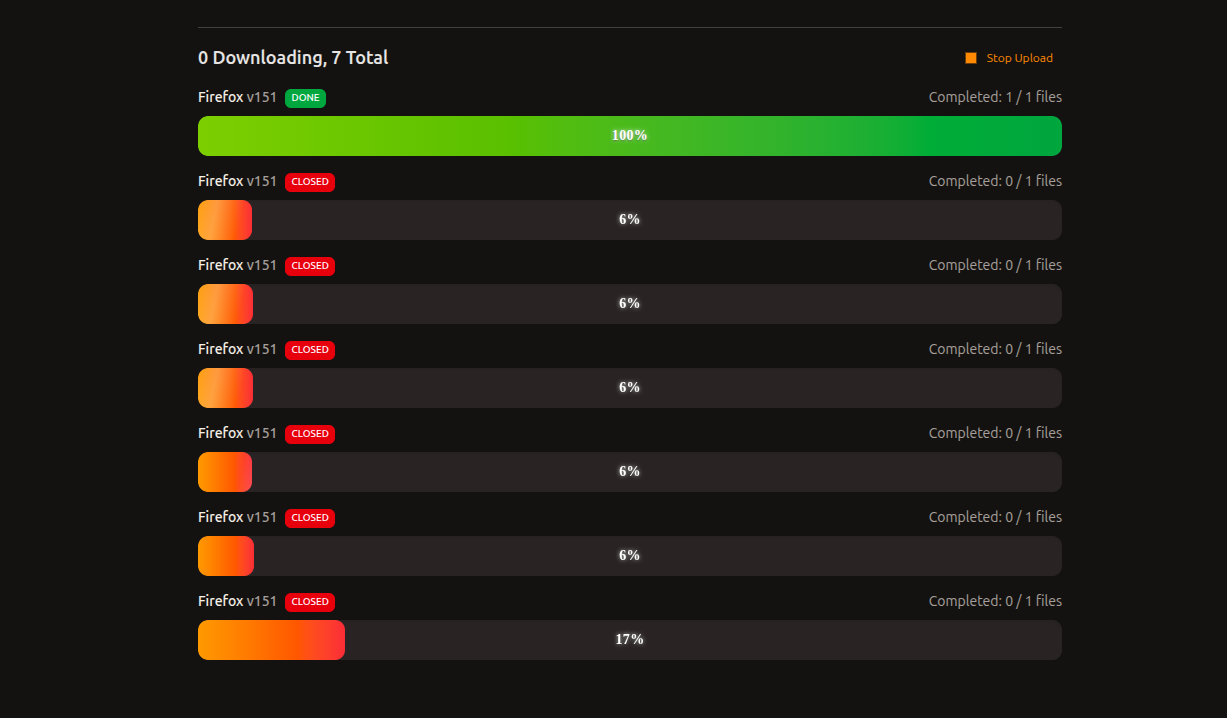
At the other end, it showed me, the uploader, several interrupted transfers.
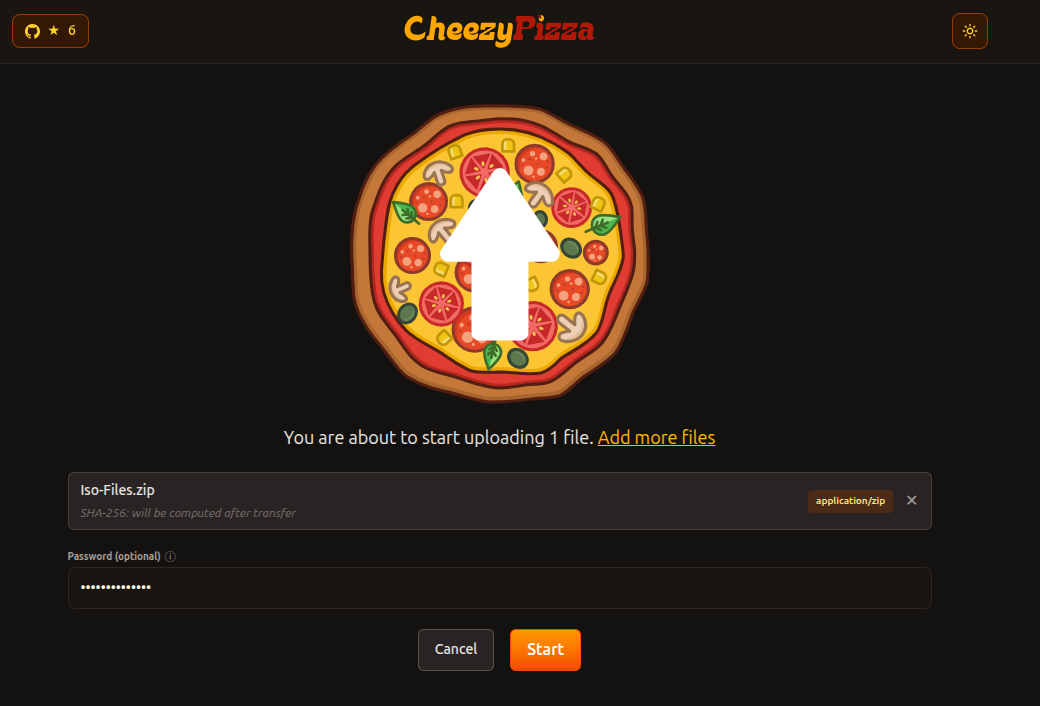
Password protect the transfer
By the way, the file transfer can be password protected, too. Just add a password while initializing the file upload and share the password with the downloader.
Uploader need to stay online
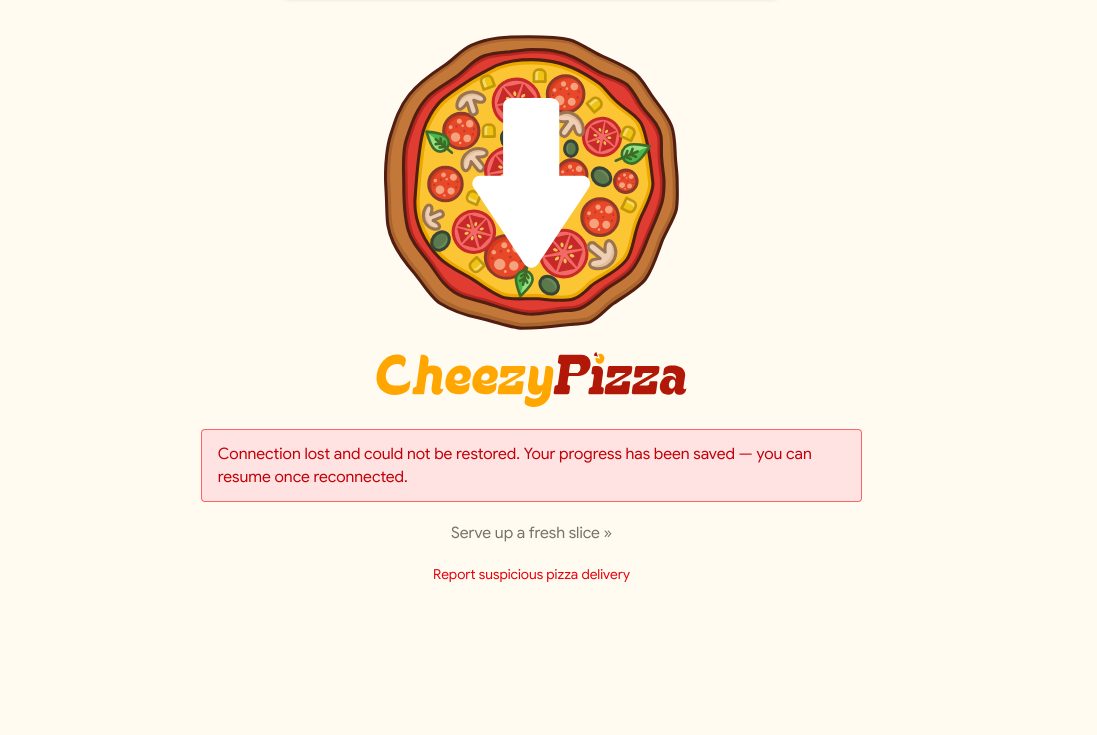
When I, as the uploader, closed the browser tab, things were lost and it could not be resumed.
Worth a bite?
Many large file transfer (and cloud storage) services store data on their servers, even if it is encrypted. If you want a peer-to-peer alternative, CheezyPizza is worth trying.
FilePizza does the same job, of course, but CheezyPizza adds a few extra toppings to that and no, it's not pineapple.
The pause and resume feature is a nice touch, but if the uploader closes the tab, everything falls apart and that is a problem.
I am not sure whether CheezyPizza supports self-hosting, but there is a Docker mention in the README and since it is web-based, self-hosting should be possible.
By the way, if you want to share files between devices on the same network, a local file transfer tool like LocalSend works well for that.
Would you use a service like CheezyPizza for large file transfers over the internet? Share your thoughts in the comments.
If this helped you, consider supporting It's FOSS
It's FOSS has been helping people use Linux for the past 14 years. Help us stay independent from big tech. Become a Plus member, enjoy ad-free reading and get 5 eBooks.
Skip the AI slop and SEO spam in your Google results
Tell Google you prefer It's FOSS, and it will show our Linux news and tutorials, created by experienced Linux users, more often when you search. It takes just a click.
Set as preferred sourceGet FOSS Weekly in your inbox
