


Raspberry Pi can be used as a desktop. It's not the best experience, as it may start to struggle while playing HD videos in the web browser or start doing other intensive tasks, but it still can be an alternative choice if you don't want to invest in a dedicated mini PC.
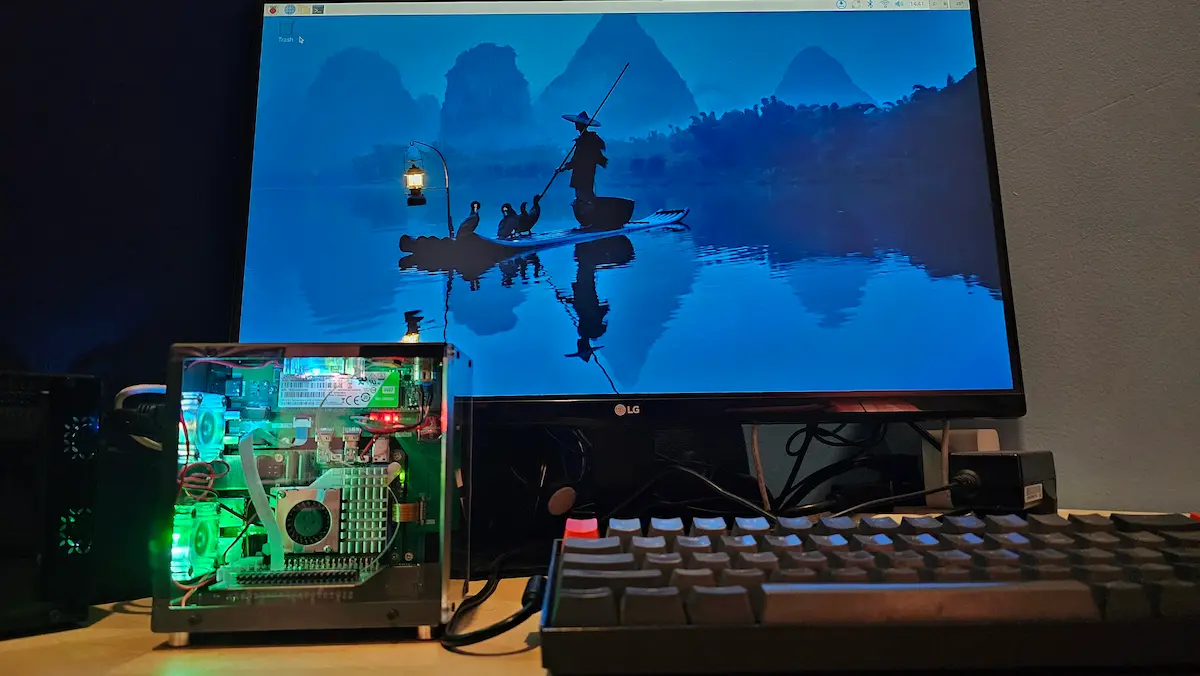
I have set up Raspberry Pi for my four-year-old daughter. She does minimal stuff on it, mainly playing interactive games on GCompris and doodle on Tux Paint. And since I used it as a desktop, I also briefly explored a few more operating systems.
From CCTV to media servers, there are plenty of operating systems available for Raspberry Pi for various purposes. But here, let me share a few OS choices you could try if you want to use Raspberry Pi in a desktop setup.
DietPi
DietPi is an extremely lightweight, Debian-based Linux distribution optimized for Raspberry Pi like single board computers.
They are named DietPi for the reason that it is lighter than other Raspberry Pi operating systems out there. Don't just take my word for that; DietPi has benchmark tests to flaunt.
With minimal CPU and RAM usage, you can confidently run it on your Raspberry Pi even if it has 1 GB RAM although it won't be too practical for desktop usage in my opinion.
From backup to service controls, DietPi also has several custom tools and applications to make your computing life smooth. You can even automate DietPi installation by configuring dietpi.txt.
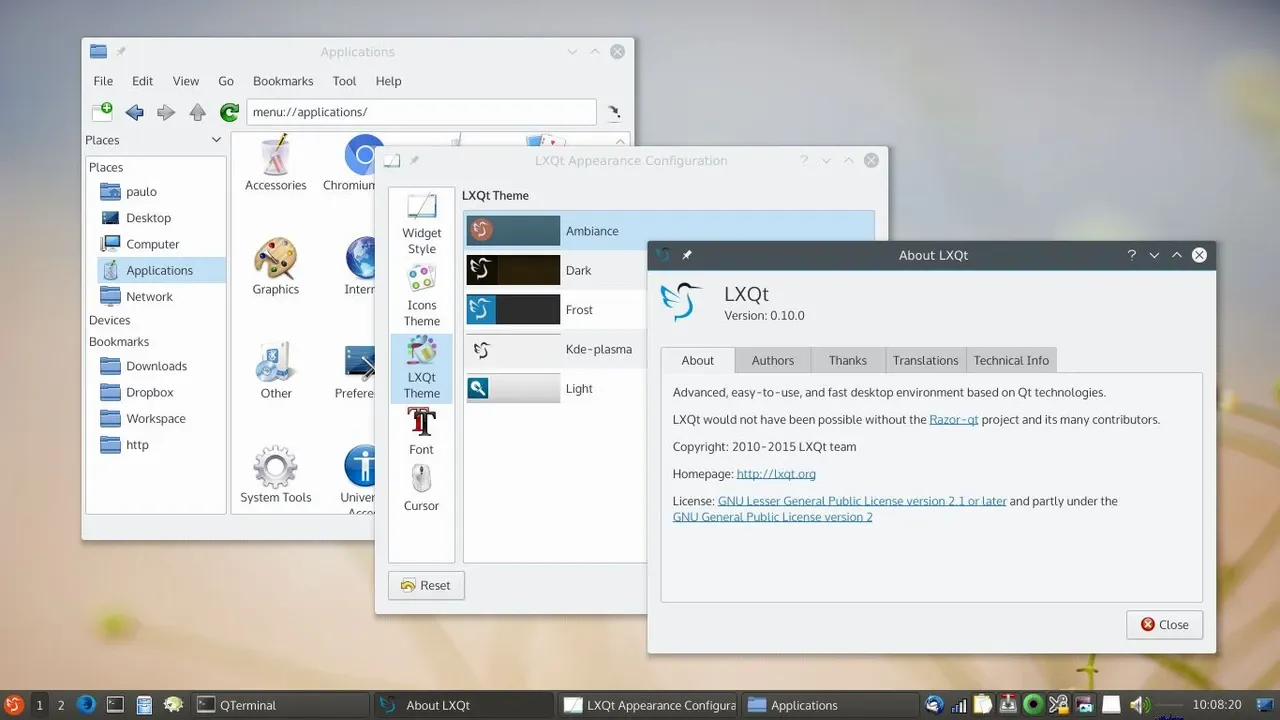
DietPi doesn't have a default desktop environment. You'll have to choose between LXDE, LXQt, MATE, Xfce and GNUStep while installing the OS.
This is an extremely actively developed project. You get frequent system updates and new point releases.
Twister OS
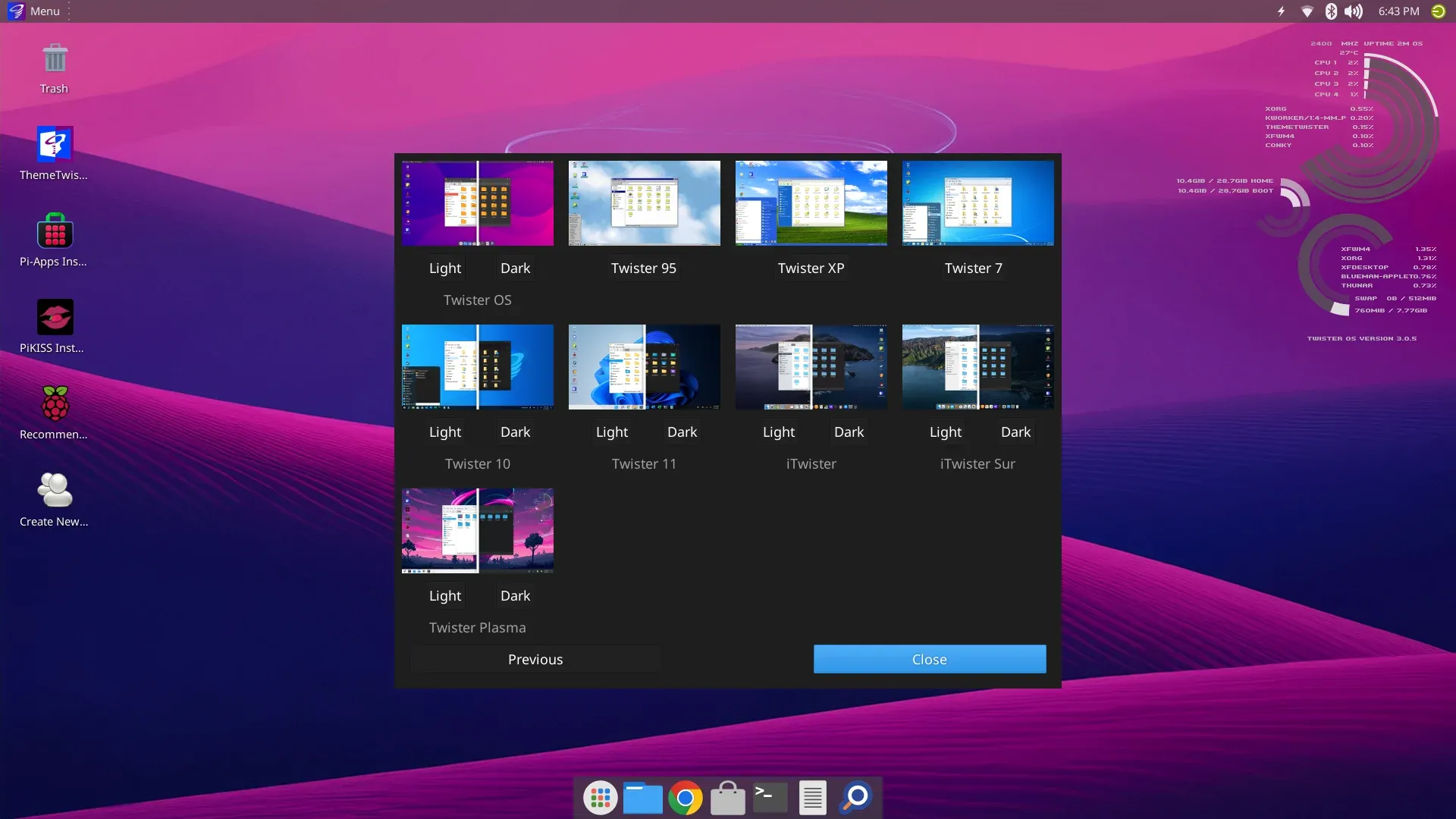
With Debian at its core, the twist in the story of this operating system is its ability to change appearance.
Twister OS comes with a 'ThemeTwister' app that gives you 15 different themes that include imitating retro looks of Windows 95, XP, 7 and 10. You can also get relatively modern looks with macOS theme or use the classic Plasma theme. The desktop environment here is Xfce.
There is more than just looks. It comes with Box86 and Box64 emulators installed by default and these emulators help you use the traditional x86_64 applications (non-ARM) on your Pi.
Twister OS also provides you with Chromium Media Edition that allows you to watch streaming content from Netflix, Disney+ etc.
You also get third-party software stores, Pi-Apps and PiKISS by default.
Armbian
I have huge respect for this project. Armbian stands for ARM+Debian, which essentially means Debian for ARM devices.
Armbian supports a huge number of ARM-based single board computers, not just Raspberry Pi or a selected few. For someone who have tried obscure and new SBC entrants in the market, Armbian has been a godsend.
Armbian supports XFCE, GNOME and Cinnamon desktop environments. I suggest sticking with XFCE or perhaps Cinnamon as I know from experience that GNOME could be resource hungry.
With tools like armbian-config, you can easily setup network and configure your system.
There are several under-the-hood changes that make Armbian a worthy choice for your Raspberry Pi.
Personally, I have not used Armbian on Raspberry Pi yet but I have it installed on my ArmSoM board.
piCore (Tiny Core Linux)
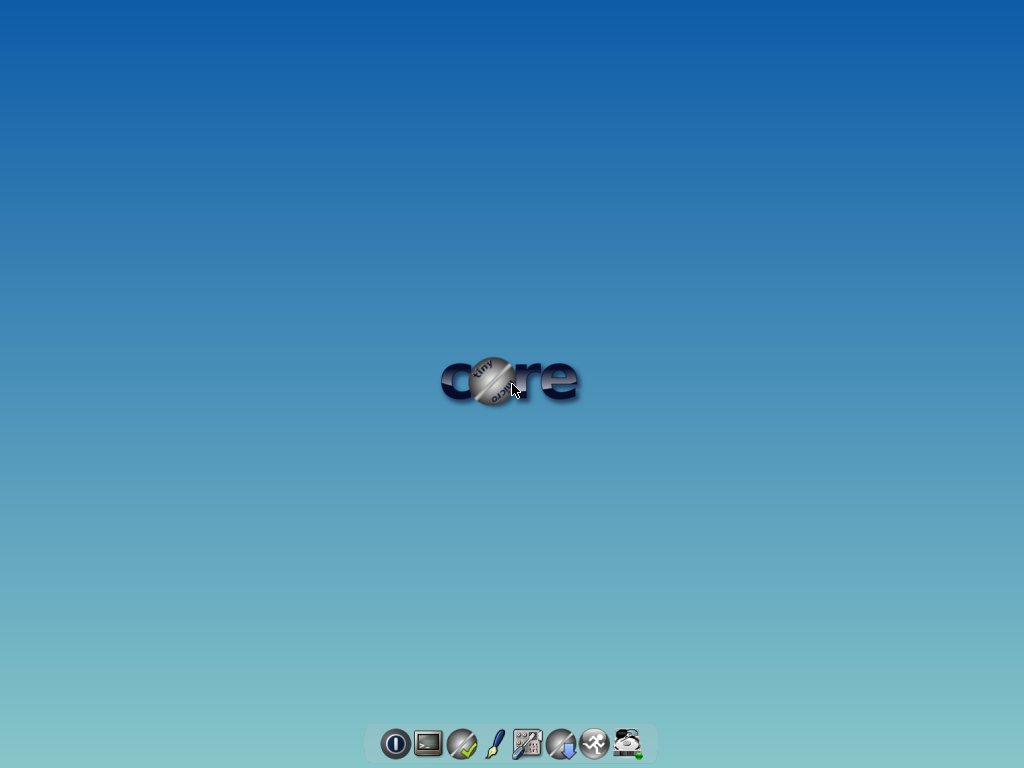
piCore is the ARM version of Tiny Core Linux, an ultra lightweight Linux distribution. If you are not looking for anything fancy and have a low end Raspberry Pi, this could be the choice of the operating system.
The base piCore image is just 40MB. Yes, it is tiny. It may not look modern but that is also not the goal here. The aim is to provide you with an extremely lightweight operating system that gets the job done. I mean, you can even run it on a Raspberry Pi Zero.
Now, you may not be able to run a lot of software on low-end hardware but if your needs are limited, this could be a project worth trying.
RISC OS
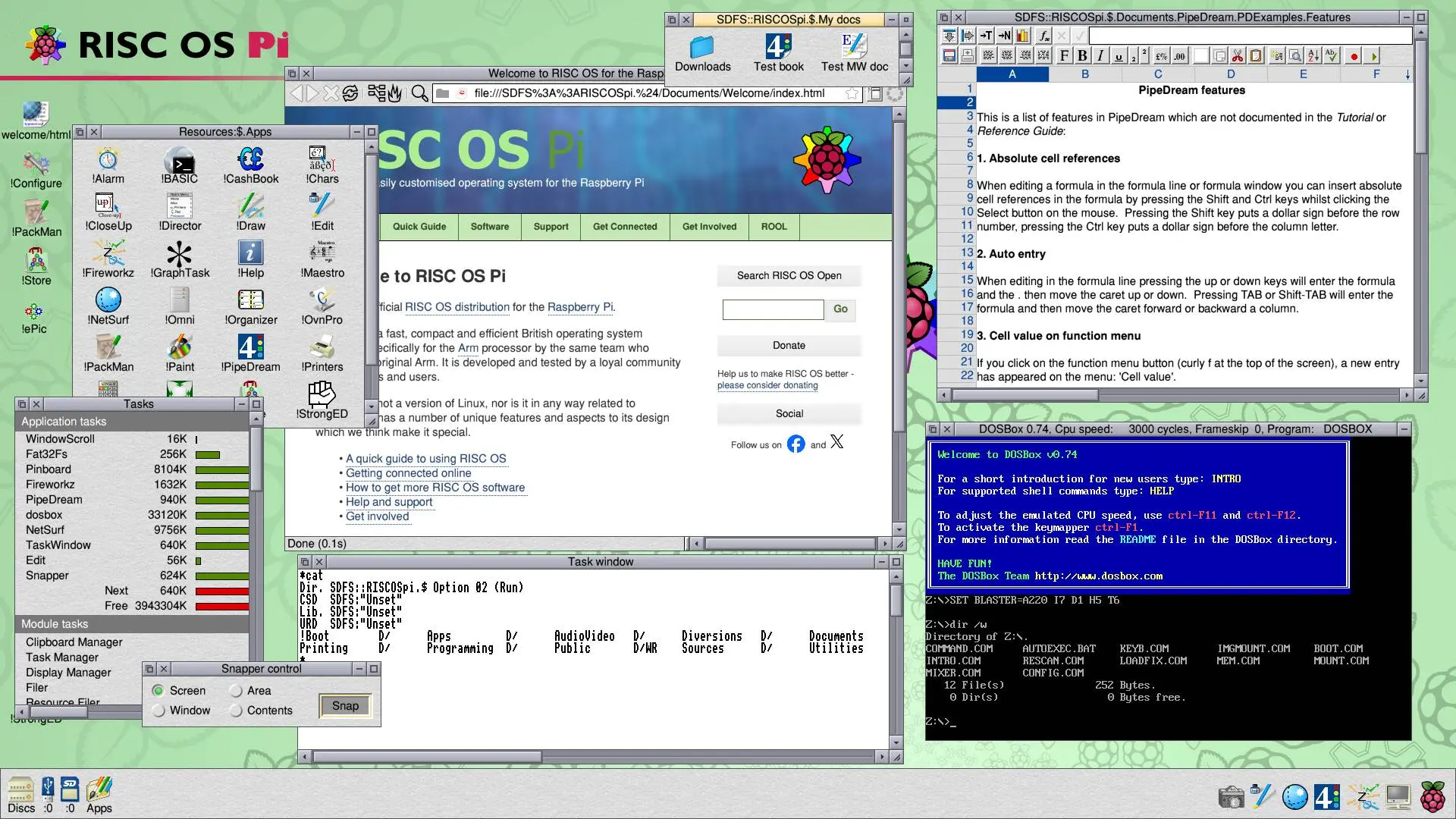
If you never heard of RISC OS, let me tell you that this is the OG operating system project for ARM computers. It goes back until 1987, when it was first developed by Acorn Computers of England.
Acorn Computers is the company that designed ARM architecture. ARM stands for Advanced RISC Machines but originally, it was Acorn RISC Machines. British people who used computers in the 80s would remember the Acorn systems.
Acorn went out of business, and their RISC OS version 5 was open sourced in 2018. It has been developed by the community since then. There are a few apprecitable developemnts such as the inclusion of packaged software and apt like package manager, PackMan (no relation to Arch's Pacman).
Unlike the other options in this list, I won't consider it a mainstream solution. However, I would like to see the RISC OS userbase grow; its community flourish and that's the reason why I have included it in this list here. I have not tried it personally yet but this is on my list of things to do in 2026.
ARM version of your favorite Linux distros like Ubuntu, Pop!_OS and more
Many mainstream Linux distros also provide ARM versions. If you have a specific liking and want to stick with a familiar environment, you can check if there are ARM variants of your favorite Linux distro and if it supports the Raspberry Pi you have.
From what I know, Ubuntu, Pop!_OS, Manjaro, Alpine Linux, Kali Linux and many more distros support Raspberry Pi.
Fedora does not support Raspberry Pi 5 at the time of writing this article.
Conclusion
To be honest, the best operating system for Raspberry Pi would be Raspberry Pi OS in most cases. They have created an ecosystem of hardware and software and the official OS is a cohesive part of it. You are also likely to get more documentation and tutorials written around Raspberry Pi OS.
But you don't have to stick with it. There are choices and you may find them suitable for your needs. After all, the best operating system is the one you feel comfortable with.
