


Ubuntu 9.04 was my first distribution. Back in 2009, I was a post-grad student at Politecnico di Torino and we had an Operating Systems class in the curriculum. As this course relied heavily on Linux and thus I kind of forced myself to replace Windows 7 with Ubuntu 9.04. I borrowed the CD from a friend. And yes, CDs were used for operating system installation at that time.
That was 16 years ago. I have not looked back since then. Linux has been the primary operating system on my personal computer. And Ubuntu has been my choice of distro for the most part of it.
And I have seen the transition Ubuntu has taken since then. I was there to see new projects launched by Canonical and not take off, sadly.
This article here is a trip down the memory lane. From Ubuntu One to Ubuntu Unity, all those experimental ideas that could not sustain and were eventually discounted.
Ubuntu One: The iCloud for Ubuntu
Ubuntu One still exists but not in the same format and doesn't have the same features it was once created for.
Today, it's just a single sign on (SSO), a way to log in to Ubuntu related online accounts to be used with websites like Ask Ubuntu, Ubuntu Community forum, Ubuntu Pro account etc.
Back then, Ubuntu One was a lot more. It was equivalent to Apple's iCloud. I think iCloud was the inspiration behind it. Ubuntu wanted to give you a unified, connected experience. Cloud storage was at the beginning stage and so was streaming music.
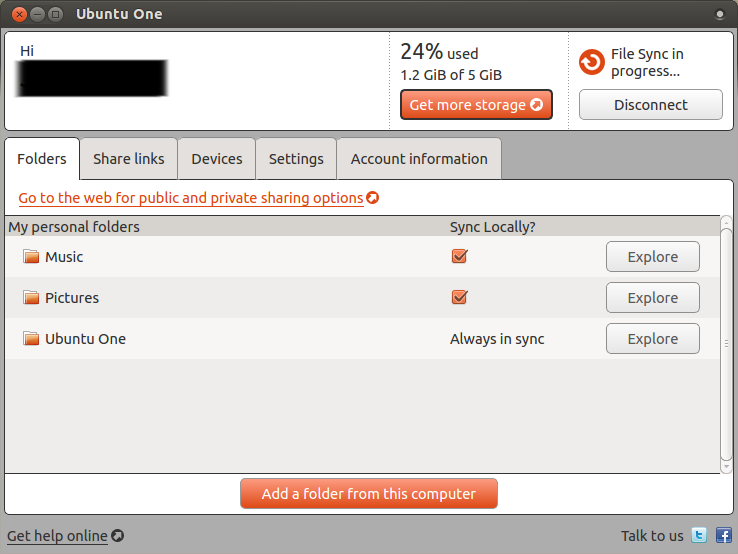
Ubuntu One account gave you 5 GB of free cloud storage with provison to buy more storage if required. You could save your contacts and automatically backup images taken from your Android smartphone. You could also sync Tomboy notes and some other application data (if the apps supported them) between two Ubuntu computers.
I don't remember if it allowed synchronizing applications installed from software center or not. You know, like Apple, Android and Microsoft Windows keep a track of your installed apps and allow you to reinstall them on a new device.
Ubuntu One Music Store: iTunes's Ubuntu version
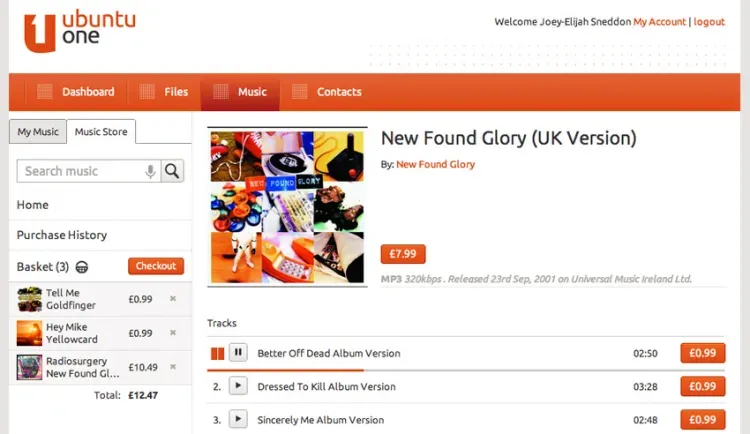
I did not mention it in the earlier sections, but Ubuntu also sold music through the Ubuntu One mechanism.
As I said, it (seemed to be) modeled on iCloud. Back in 2010, streaming music was still a few years away. People bought digital copies of their favorite songs through platforms like iTunes.
Canonical offered users to buy music and save it in their Ubuntu One account. This was one of the several ways they tried making money to sustain the Ubuntu project.
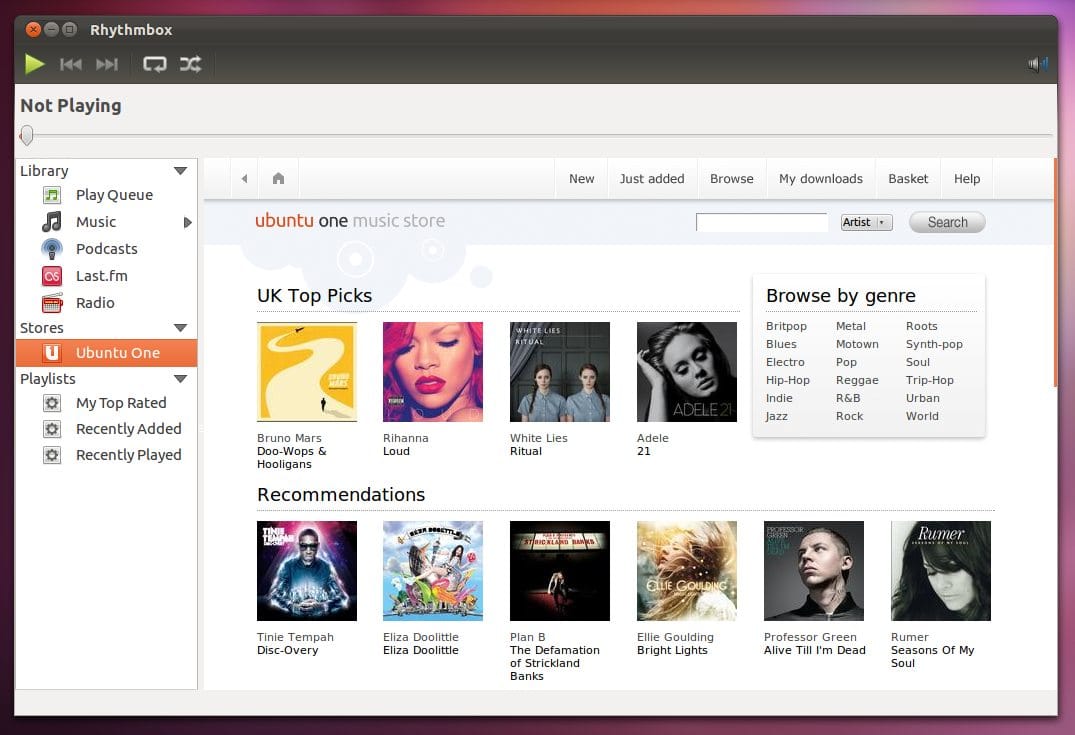
The option to purchase music was also integrated into Rhythmbox, the default music player at that time (still is).
Ahead of the Ubuntu 14.04 Trusty Tahr release, Canonical discontinued most of Ubuntu One features like cloud storage, file synchronization, and music purchase.
The cited reason was that offering 5 GB of free storage itself was straining and when other services were offering 25-50 GB of free cloud storage, it made Ubuntu One less lucrative. Canonical also wanted to focus on their goal of converging desktops, tablets and smartphones.
And that brings me to the next shortlived Ubuntu project: convergence.
Convergence: Did not converge
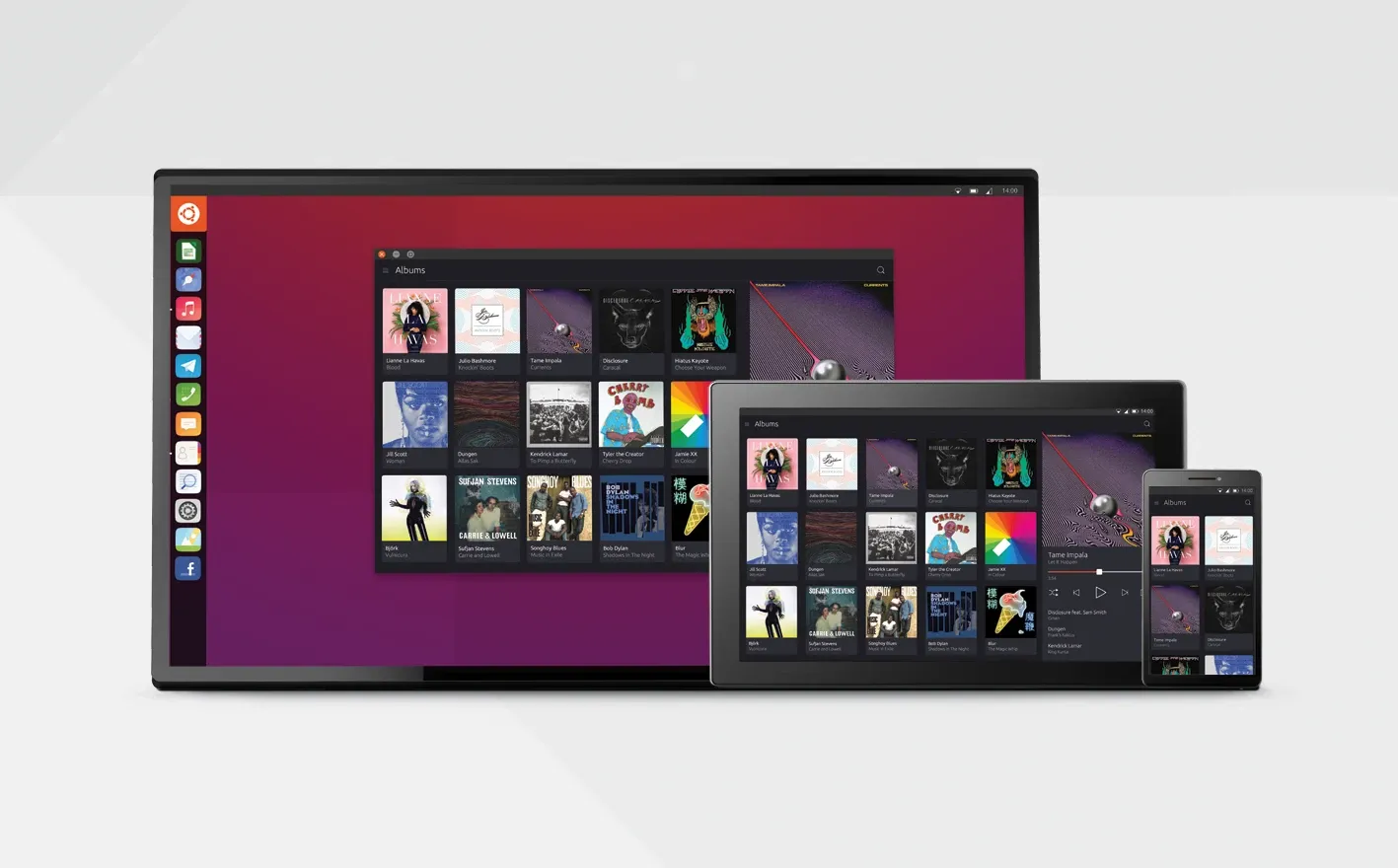
Convergence. This is the term that was on every Ubuntu user's tongue around 2014. Ubuntu had big plans for providing a 'unified' computing experience on devices of all sizes, i.e., laptops/desktop, tablets and smartphones. You connect Ubuntu running on your phone and tablet to a monitor, and it provided you with a desktop feel. Samsung Dex still does this.
And it launched several projects for this, some software and some hardware (well, kind of).
Despite several years of hard work, Canonical gave up on the convergence dream in 2017.
Perhaps they understood that desktop Linux is not where the money is and decided to put their effort on making Ubuntu more attractive for developers (by developing Snaps) and servers (OpenStack, LXD containerization, and more).
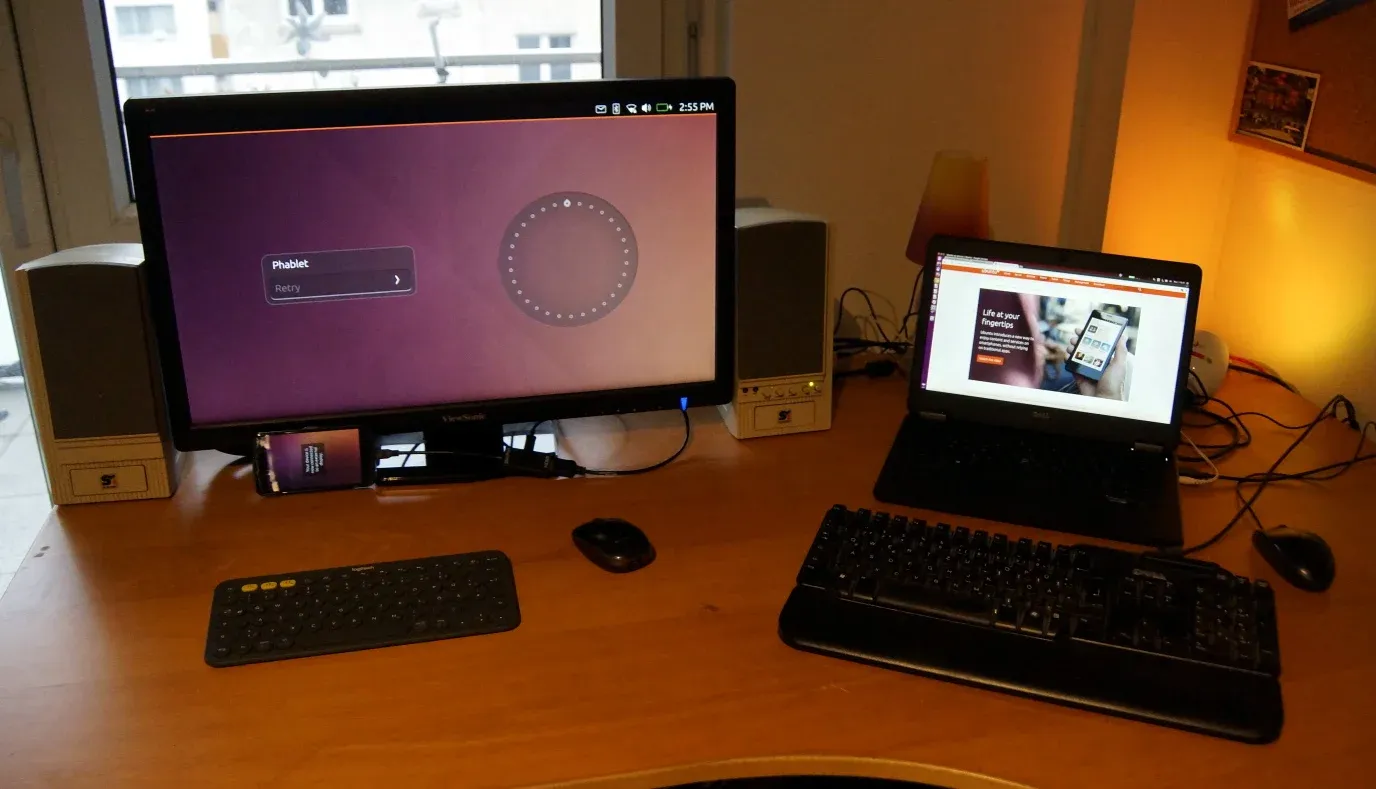
There were serveral projects in play for convergence. I'll cover them individually in the next sections.
Ubuntu Edge: The most successful failure

With the aim at convergence, Canonical was ambitious for an Ubuntu-powered smartphone.
In the summer of 2013, Canonical launched a massive crowdfunding campaign to create Ubuntu Edge, the flagship Ubuntu phone.
It broke records, raising over $12 million through its campaign. Yet we never saw this device because, despite breaking crowdfunding records, it did not reach its target of $32 million.
Yes, the goal was to raise $32 million to create an alternative to Android and iPhone. Sadly, it did not materialize, and Canonical dropped the idea of going into hardware and pulled itself back to focus on the software part.
Embedding MKBHD's video for an extra dose of nostalgia.
Ubuntu Touch: Touch and go
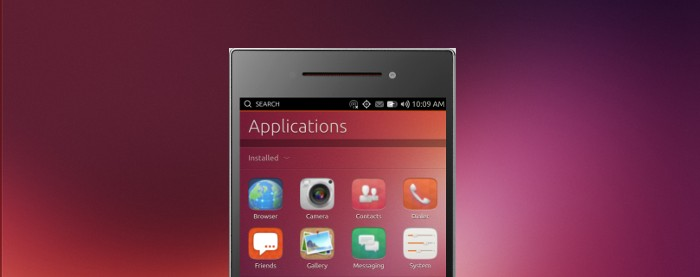
Before jumping onto the hardware bandwagon with Ubuntu Edge, Canonical released the developer preview of a touch-friendly Ubuntu-based operating system, Ubuntu Touch. It allowed installing mobile screen friendly version of Ubuntu on devices like Google Nexus. Ah! Google Nexus, the OG flagship killer of that time.
That was in the beginning of the year 2013. By the year end, Canonical's hardware plan with Ubuntu Edge had not materialized. But that did not stop Ubuntu Touch. At least not for the next few years.
The software project was still on and we had our first official Ubuntu phone in 2015. It was produced by a Spanish company, BQ.
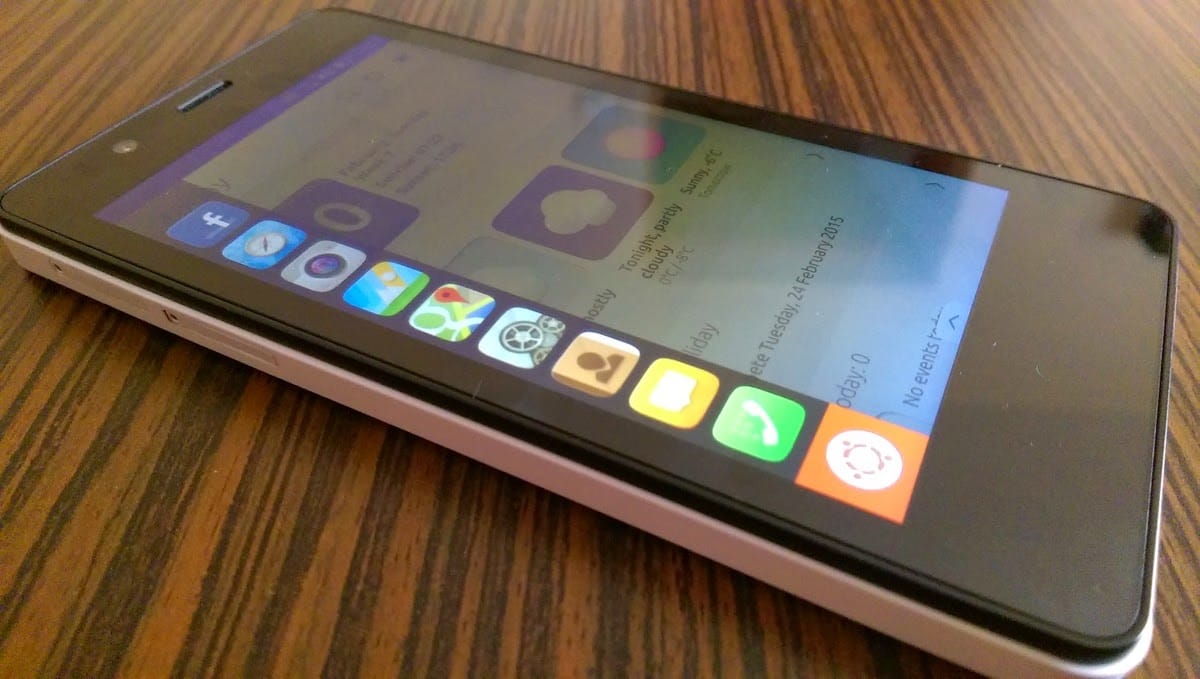
The model was BQ Aquaris 4.5. It was a tiny, entry level smartphone with Ubuntu Touch on it. Ubuntu Touch provided a different layout experience and if you see older videos, you'll understand what I mean by it. There were only a few native apps here. So, a workaround was to 'create new apps' using 'web-links'. Web-links were basically like PWA, The icons showed up like apps and when you clicked on them, they would open the mobile version of the website.
How do I know all this? Well, as an ardent Ubuntu fan, I had pre-ordered the first Ubuntu Phone. Despite all its limitations, bugs, and annoyances, I genuinely tried to use it as my main phone for couple of months. Eventually, I gave up on this. I did write some tutorials on it on It's FOSS. If you have been following us for a long time, you might have come across them.
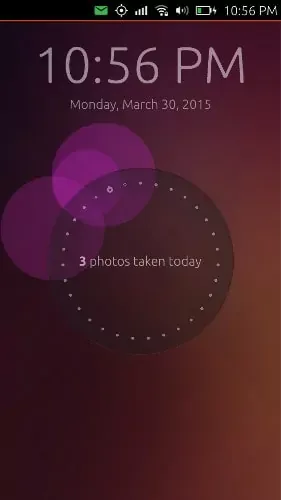
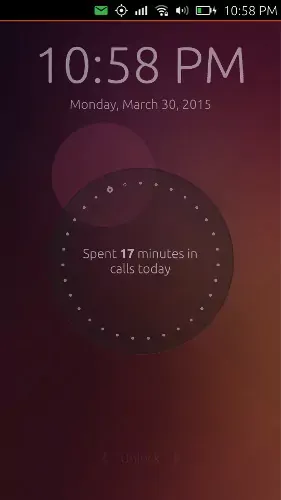
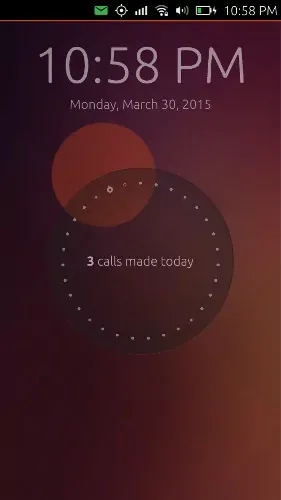
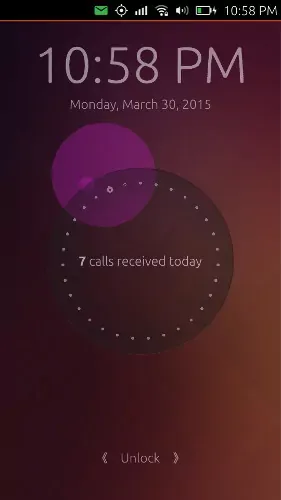
I loved the interface, specially the lock screen that had circles and dots and showed information like how many photos were taken in the day and how many emails were received, etc.
Ubuntu Unity: Sowed a divison
In 2011, Ubuntu 11.04 was shipped with a new desktop environment, called Unity.
This was the first revolt I experienced in my Linux life. Those were turbulent times. GNOME 2 was being replaced by a more modern GNOME 3 which had a radical interface change from the classic GNOME.
In addition to that, Ubuntu decided to ditch GNOME altogether and started offering its homegrown Ubuntu Unity.
I was considerably new at the time and had no attachment to GNOME whatsoever. And thus I liked Unity without any prejudice. While we took things for granted, Unity had features that were ahead for that time. Remember lenses, scopes?
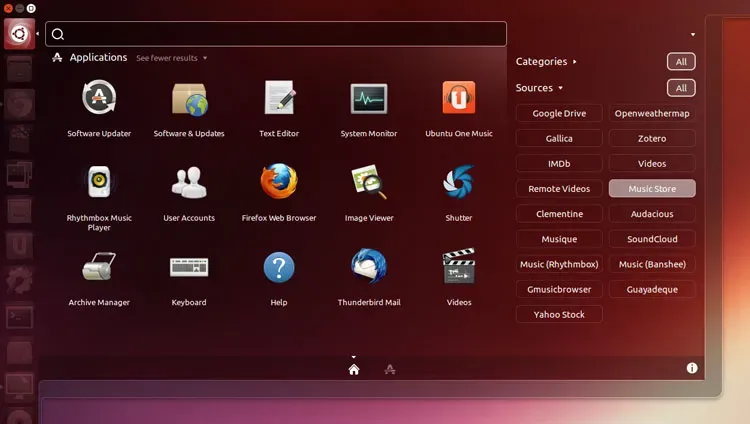
You could search for stuff in the Unity Dash (think of it like GNOME Activities), and the search results would combine local plus internet search. But not from anywhere and everywhere but only from a handful of preselected websites like Wikipedia, IMDB, ebay etc. Search had options to limit the 'scope'.
An old video from Quidsup YouTube channels shows it in action.
Unfortunately, Canonical pulled the curtains back on Unity in a sudden announcement just ahead of Ubuntu 17.04. With version 17.10 release, Ubuntu switched back to GNOME but not vanilla GNOME. It was a customized GNOME version that had the flagship Unity-styled launcher on the left. Till date, Ubuntu uses a similar customized GNOME interface.
Mir: Dead for desktop
Canonical ended its convergence dream in 2017 when it announced the discontinuation of the Unity project. Convergence was supposed to arrive for the masses with Unity version 8 and Unity 8 never arrived on the scene.
While Unity 8 was at the core of the entire convergence thing, Mir display server was at the core of Unity 8.
Technically, Mir is not dead. It is still used for Internet of Things (IoT) projects. But Mir is no longer in the plan for Ubuntu desktop.
Wubi installer: Made testing Ubuntu easier
If you were on the Linux scene between 2008-2013, you must have come across Wubi.
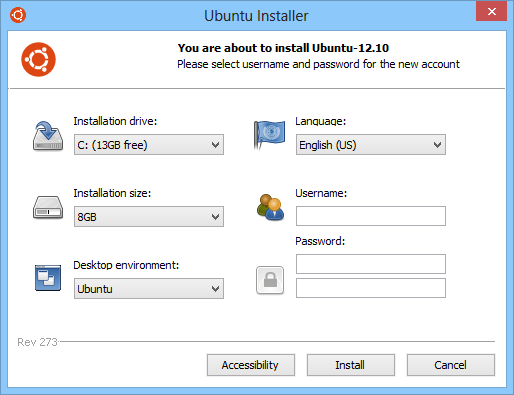
This was an interesting project as it was not started by Canonical but become part of Ubuntu CD with version 8.04 LTS.
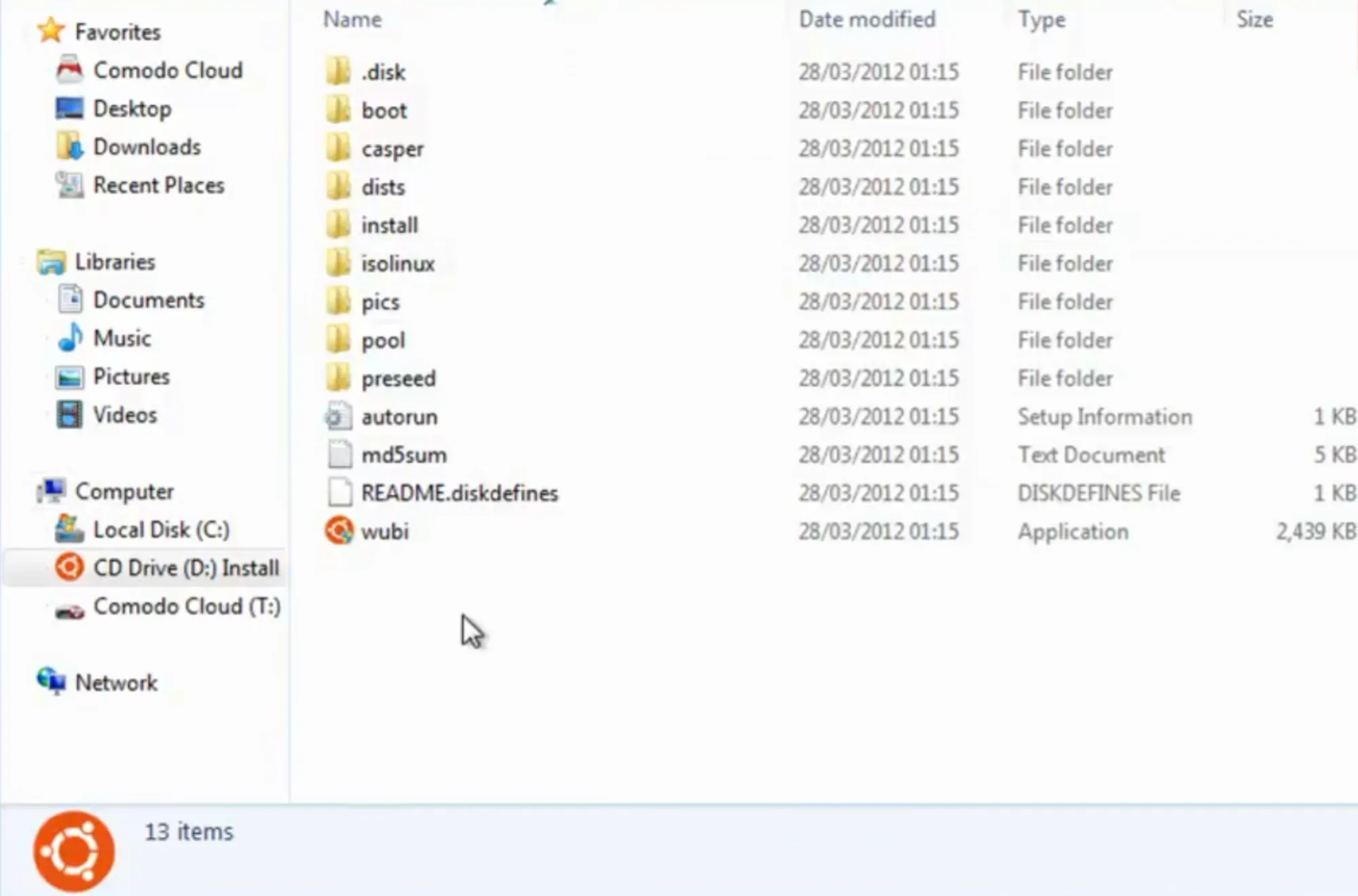
With Wubi installer, Windows users could install Ubuntu in (sort of) dual boot mode from inside Windows without touching any disk partition. This made things a lot less scary as you didn't mess with the disk partitioning like the real dual boot process. Ubuntu was installed in a loop device, on the C or D drive of Windows.
Here's a demo video of Ubuntu installation using Wubi. See how easier things were with Wubi.
You know, you could even transfer the installed Ubuntu to an external USB disk and use it on another system.
I hardly used Wubi as I was fully committed to Linux but I know Wubi fans still live among us today.
Ubuntu Make: Still here but for how long?
Before Snap was a thing, Canonical tried making life easier for developers by providing them a command line interface for easily installing their favorite development tool. This CLI tool was "Ubuntu Make" and you could use it by typing umake in the terminal.
Before 2016, you could use it to install and configure development tools and frameworks using the umake command. Heck! I remember writing installation tutorials of Atom and VS Code that included the umake instructions.
Things changed with the introduction of Snap packaging format. Sandboxed Snap apps made things easier for developers. Ubuntu Make took a backseat.
Ubuntu Make is still an active project but I am not sure if there are many takers for this forgotten project.
What next? Snap .... he he
Just kidding. Despite all the negative feelings in the community about Snap, it is still useful for the developers who just want a usable environment.
That morbid joke aside, when I look back, I think Canonical had a vision. They tried to provide us with a modern desktop operating system that was at par with, if not ahead of, its counterparts like Apple and Microsoft.
It also seems like they didn't stick behind some ideas for long or did not take a risk with the finances (for the Ubuntu One cloud concept). I don't want to put blame on them. It's just that I would have loved to see Ubuntu succeed with all these projects.
As I said earlier, I may have made mistakes with the dates and other trivia. If you notice something, please let me know. And if I missed an entry that should have been in this list, please share it in the comments.
