


One of the simplest projects you can have for your homelab is NAS (Network Attached Storage). NAS is not something new, it's been in existence for a long time but was mostly used in enterprises and institutions for centralized storage.
Cloud storage came and the demand for NAS subdued. Well, kind of. But it's making a comeback again and this time among self-hosting and homelab enthusiasts.
There are dedicated hardware from brands like Terramaster and Synology. And they usually come with their own operating systems. But you don't necessarily need to buy dedicated NAS hardware. DIY enthusiasts can build a NAS with Raspberry Pi like devices or even old computers. What you can use on that hardware is a dedicated open source NAS operating system.
What is a NAS, again?
In case you did not know already, a NAS (network-attached storage) can help you store files on your network that can be accessed by any device connected to the same network. Think of it as the cloud, but one that you own and control, is on your subnetwork, and you not having to worry about the privacy concerns.
As such, they require operating systems, and I am going to list out the best possible options in my opinion. This is not a ranking list.
1. OpenMediaVault (OMV)
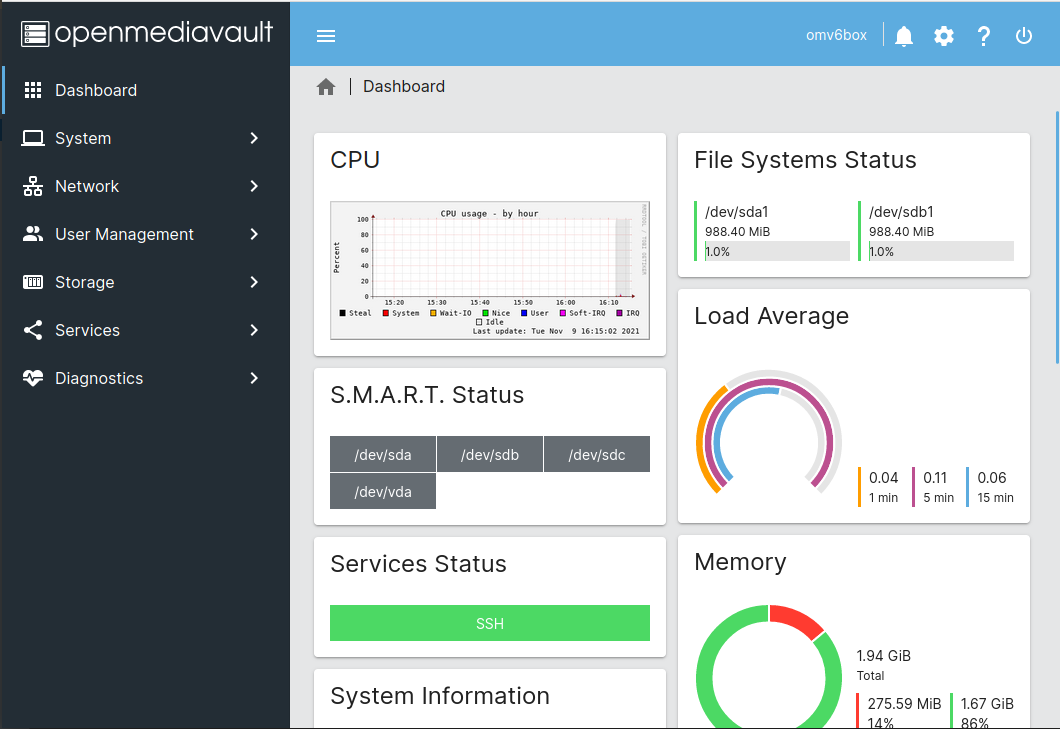
OpenMediaVault is a Debian based distribution that flaunts its easy out-of-the-box usage and compatibility with most things that you might want to make a server with, be it an old laptops or computers, single board computers, etc. In a way, it is a full-fledged OS that can be used on a daily basis that also happens to work as a NAS server. It also supports a lot of plugins which can heavily extend the features of the OS, including more connectivity options, browsers, containerization, etc.
- Supported Filesystems: EXT3, EXT4, XFS, JFS, Btrfs
- Minimum System Requirements: 1 GB RAM, any CPU architecture
- Services: SSH, NFS, SMB/CIFS, RSync (more like (S)FTP, DAAP, OneDrive through plugins)
- Interface: Web-browser based
- Monitoring: Syslog, Watchdog, S.M.A.R.T., SNMP, E-mail notifications, etc.
- Extra Features: Wake on LAN, Kubernetes support through plugins, snapshot support of shared folders
If you want an option that doesn't require a lot of tinkering, and especially in the case where you are turning an old system into a NAS server, this is probably the best choice for you.
2. TrueNAS
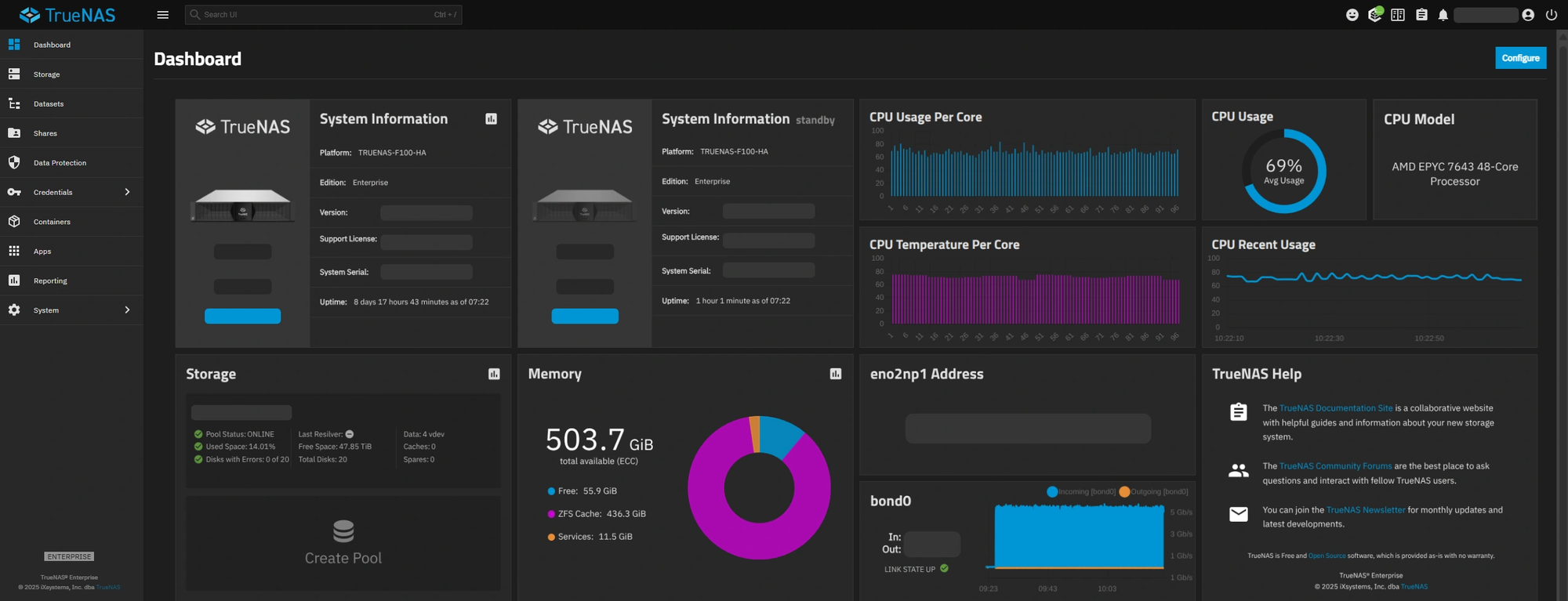
While OMV is the OS for the everyday user, TrueNAS is more oriented towards power users and enterprise purposes. It has a very high-end feature set, with two versions for different purposes. There is the CORE/Community edition, for more DIY purposes, and the SCALE/Enterprise edition for a more professional touch. Both are based on the ZFS filesystems. There are far too many features that cater to very specific needs, and we encourage users to check them out on the official website, but is a breakdown of the most salient features of both editions:
TrueNAS Community Edition (CE)
- Based on: Debian 12 for version 25.04
- Supported Filesystems: ZFS, limited support for EXT3/4
- Minimum System Requirements: 8 GB RAM, 2-core 64-bit processor
- Services: SSH, NFS, SMB/CIFS, AFP, FTP, WebDAV, iSCSI, RSync, etc.
- Interface: Web-browser based UI including a global search bar
- Monitoring: UI based internal monitoring, TrueCommand for fleet monitoring, REST API for automated monitoring, NetData (plugin), SNMP, E-mail notifications, S.M.A.R.T., etc.
- Extra Features: Unlimited ZFS snapshots, enhanced OpenZFS security, data reduction, IPMI hardware monitoring, built-in support for free apps like Nextcloud, Plex, and Prometheus, etc.
TrueNAS Enterprise
- Based on: Debian
- Supported Filesystems: ZFS
- Minimum System Requirements: 8 GB RAM, 2-core 64-bit processor
- Services: SSH, NFS, SMB/CIFS, AFP, FTP, WebDAV, RSync, etc.
- Interface: Web-browser based UI
- Monitoring: REST API for automated monitoring, NetData (plugin), SNMP, E-mail notifications, S.M.A.R.T., etc.
- Extra Features: Unlimited ZFS snapshots, data reduction, IPMI hardware monitoring, enhanced OpenZFS security, KVM VMs, Docker support, Kubernetes support, etc.
Although a little heavier on the resources, TrueNAS is truly (no pun intended) the one to get the job done if you have ample hardware resources and can cater to your very specific needs through extra plug-ins.
3. Rockstor
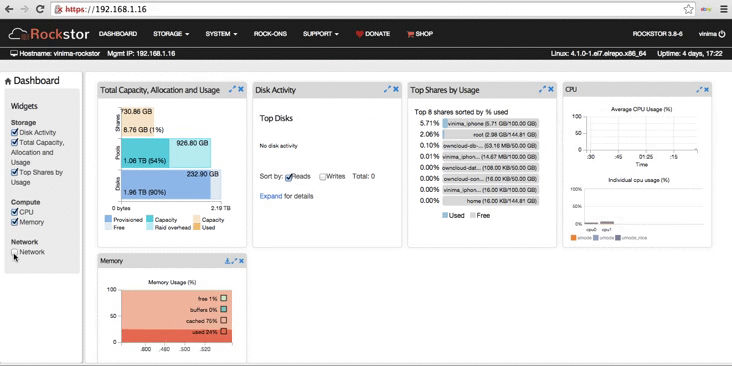
Rockstor is an OpenSUSE-based NAS OS that aims for easy installation, setup and use, making it quite ideal for DIY usage and home-NAS servers. To extend their base features, they have introduced the concept of Rock-Ons, which are Docker plug-ins that extend features into media players, file-sync, torrent clients, productivity, networks, etc. The list of Rock-Ons installed by default is here, and all available Rock-Ons are here. Now on to the general list of features of Rockstor:
- Supported Filesystems: Btrfs
- Minimum System Requirements: 2 GB RAM, 64-bit processor
- Services: SSH, NFS, Samba, SFTP, LDAP, NIS, etc.
- Interface: Web-browser based UI
- Monitoring: Internal smart-probe mechanism, REST API for automated monitoring, NFS, SNMP, E-mail notifications, S.M.A.R.T., NTP, etc.
- Extra Features: Copy-on-write snapshots, Bitrot protection, built-in compression, Docker apps, etc.
Rockstor is feature-heavy, especially due to the Rock-On plugins that are available. It can be well suited for your private server needs, with a lot of customizability options provided.
4. XigmaNAS
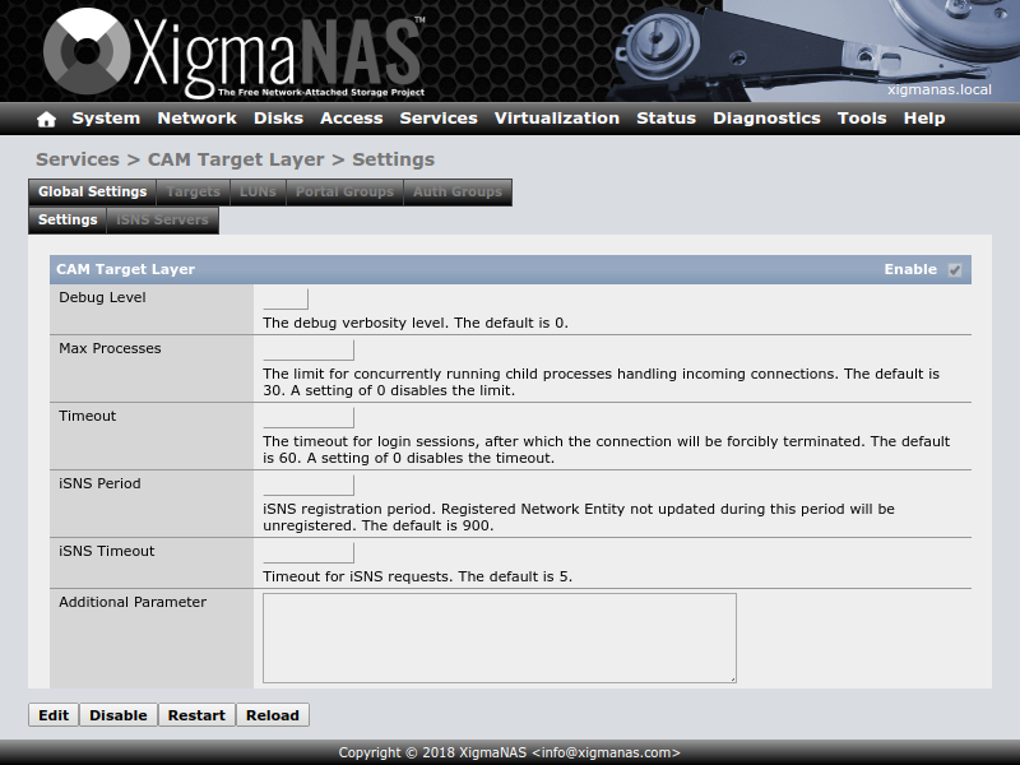
XigmaNAS is a FreeBSD-based OS that emerged from FreeNAS (a.k.a. TrueNAS CE). XigmaNAS aims at longetivity, with one of the most prominent purposes being extending support of NAS devices that might be outdated, or just easily setting up old hardware for same. Its highlight features are:
- Supported Filesystems: OpenZFS and UFS, with read-only support for FAT32, NTFS, EXT 2/3, etc.
- Minimum System Requirements: 512 MB RAM for embedded installations, 64-bit processor
- Services: SMB/CIFS, NFS, Samba AD, AFP, RSync, Unison, iSCSI, TFTP, SSH, NFS, (S)FTP, etc.
- Interface: Web-browser based UI
- Monitoring: RRDtool (for Graphical System Statistics), syslog, UPS monitoring (via NUT), SNMP, E-mail notifications, S.M.A.R.T., etc.
- Extra Features: BitTorrent client (Transmission), iTunes/DAAP server (Firefly), IPMItools, Syncthing, Fuppes (for DLNA/UPnP-AV clients), MiniDLNA (fully compliant with DLNA/UPnP-AV clients), webserver (Lighttpd), VirtualBox with WebSocket VNC server, internal file manager, etc.
XigmaNAS is perfect if you have been thinking of that old potato sytem into a NAS server particularly, and works just right with enough features up its sleeves.
5. EasyNAS
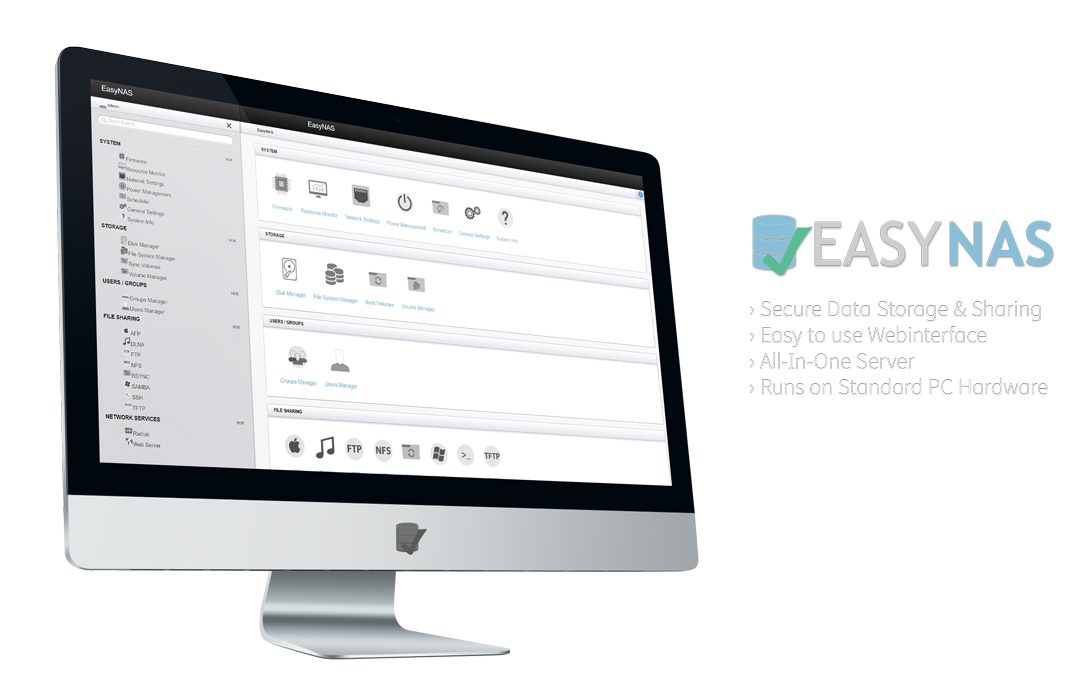
EasyNAS is another OS that has been around a long time, making it a point to make it easy for anyone and everyone to create a NAS server from any system they might have available. Built on OpenSUSE as well, it avails several features such as:
- Supported Filesystems: BTRFS, etc.
- Minimum System Requirements: A processor of at least 500 MHz
- Services: CIFS/SMB, NFS, FTP, TFTP, DLNA, RADIUS, iSCSI
- Interface: Web-browser based UI
- Monitoring: Real-time resource monitoring on the web interface
- Extra Features: Btrfs features such as compression, snapshots, resizing, balancing; modular design to easily add/remove components
EasyNAS is designed mostly for people who value data privacy and safely, and are using old hardware.
Some other NAS-like options
Let me also share a couple of options that are not necessarily NAS but can be used in the same regard.
CasaOS
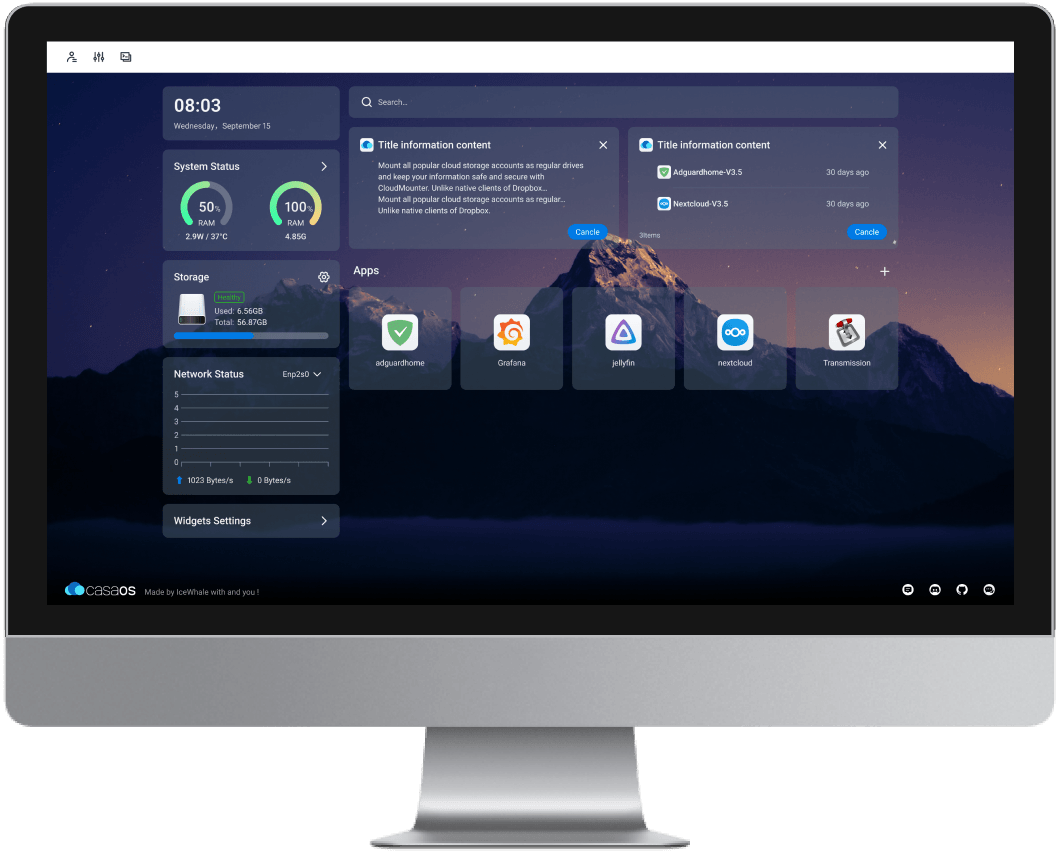
CasaOS is designed to be an easy to use personal cloud built around Docker. It comes with cutting edge features, a slick interface, enhanced accessibility through various devices, and so on. It comes with a one-click Docker app store with apps such as Plex, Jellyfin, etc.
- Supported Filesystems: ext4, Btrfs, XFS, ZFS (if installed manually on the host OS), NTFS, exFAT, FAT32 (via external drive support)
- Minimum System Requirements: 2 GB RAM, any 64-bit CPU or ARM SMB
- Services: Same network connectivity through apps like CasaOS Files UI, while external devices can connect through various third-party s
- Interface: Modern, minimal, dashboard-style web UI
- Monitoring: CPU, memory and other resource stats on the web interface
- Extra Features: Home cloud, built-in photo management (CasaOS Photos), media streaming integration, local-first design (no cloud account required), API & extension support, etc.
If you're looking for a beginner-friendly NAS OS that doesn't require a lot of setting up or technical knowledge that can be easily run on SBCs like Raspberry Pi where you can easily set up Docker apps, then CasaOS could be just what you're looking for.
TurnKey File Server
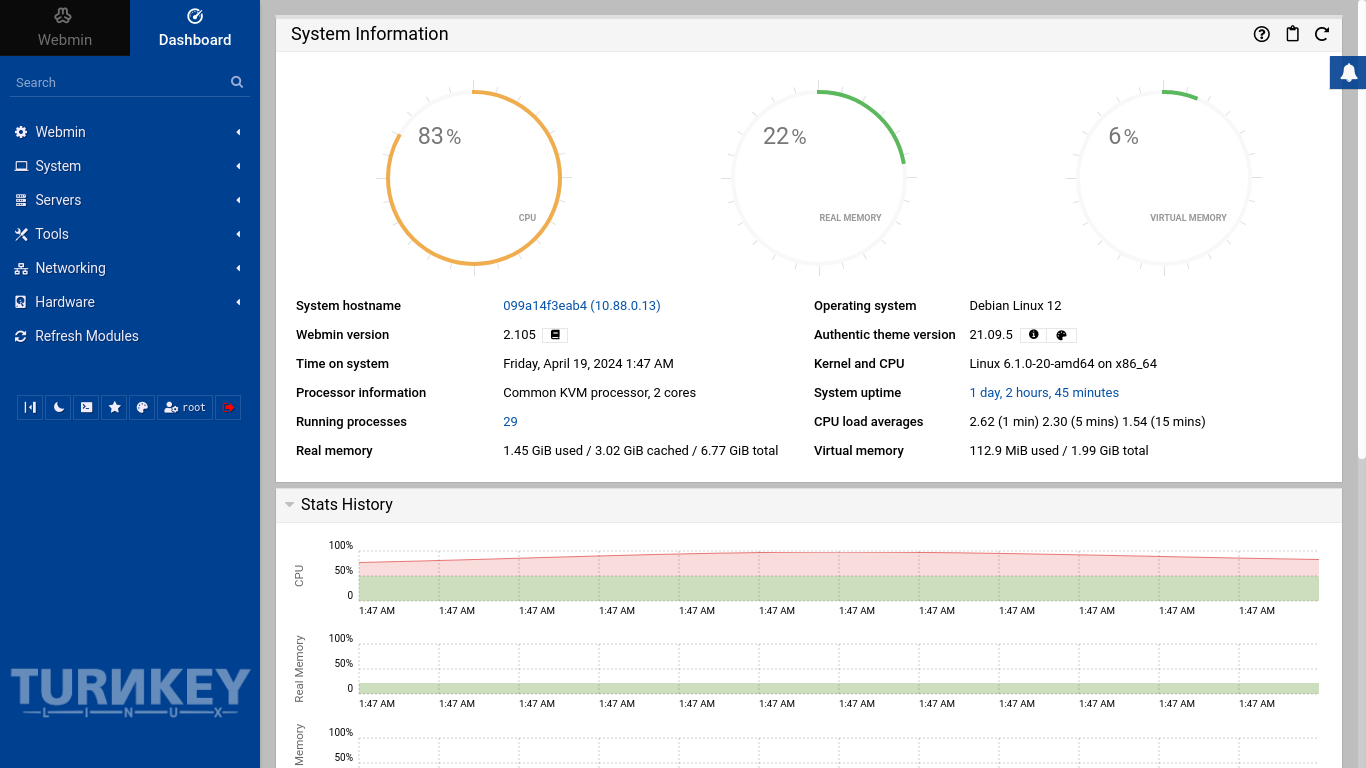
TurnKey File Server, built on top of TurnKey Core is a Debian based OS that aims to make it easier to share files across a network. It is not defined as a NAS OS as it lacks some pivotal features related to monitoring and security, but it can still be used to create a NAS server. Its highlight features include:
- Services: SMB (Samba), SFTP, NFS, WebDAV, RSync, WebDAV CGI
- Interface: Web UI via WebDAV CGI for file access and management
- Monitoring: Preconfigured monitoring with e-mail alerts
- Extra Features: Compression utilities (zip, rar, bz2), SSL support, preconfigured default setups for quick deployment, etc.
If you want something that doesn't require a lot of tinkering and is rock-solid (it is Debian based, so goes without saying), you can't go wrong with TurnKey.
Conclusion
The options for NAS operating systems are plenty, all with different specialties in mind. Some are better suited for older hardware, while some aim at enterprise-level execution. For any system that you might have that you might want to turn into your own personal server, these options have you covered.
Let us know if we missed one that you think ought to be on this list. Cheers!

