


Linux gaming has been getting some wins lately, and while most of it is thanks to the hard work of countless open source contributors and community members, Microslop, err, Microsoft's unhealthy obsession has also been driving people towards the platform.
There is also another side to this, where developments outside the platform affect it.
Steam, which is among the key drivers of that growth, has a new client update that offers many useful upgrades.
What do you get?
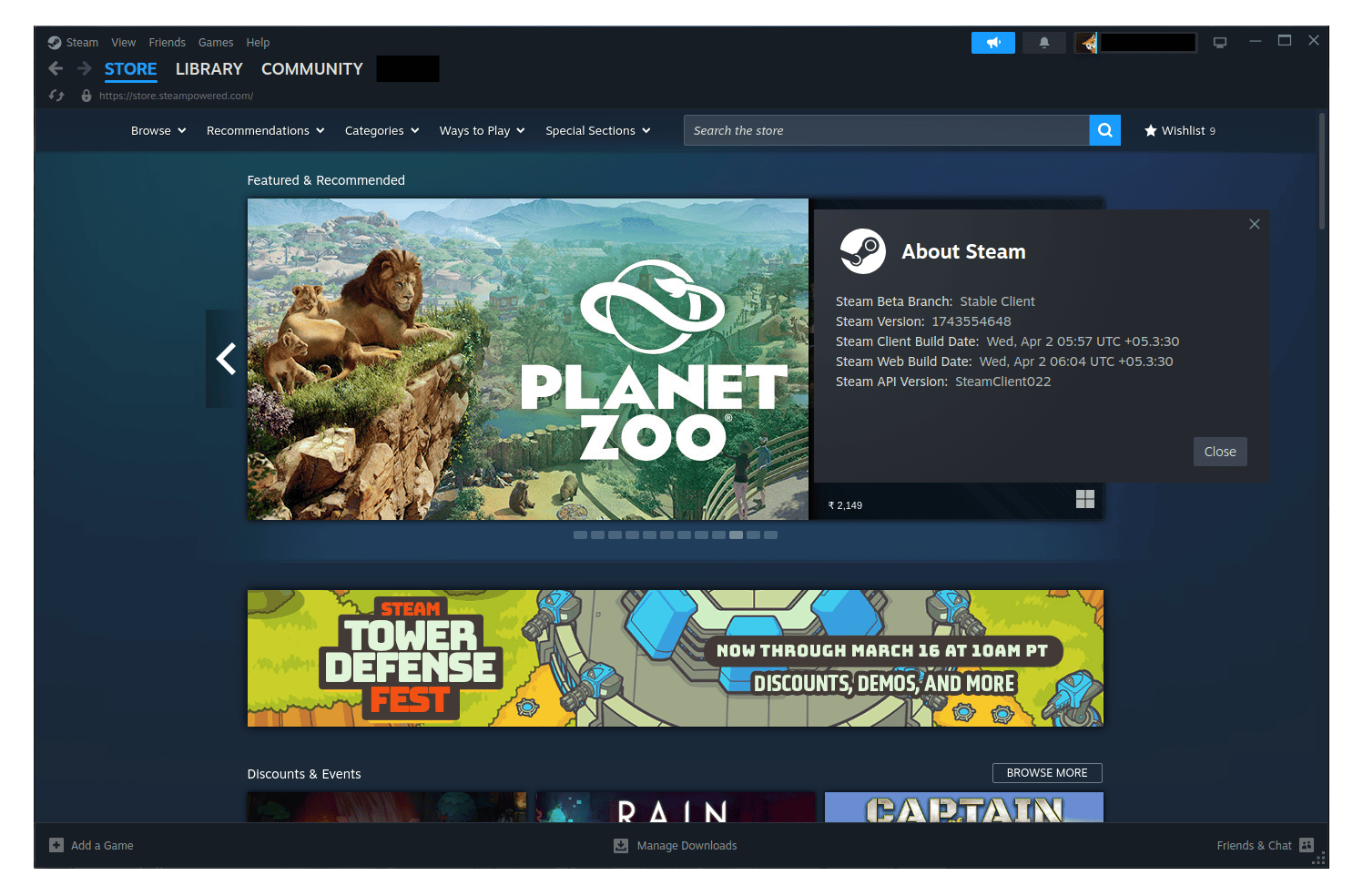
The most relevant fixes for Linux users address a bug where Proton games were incorrectly flagged as "Not valid on current platform" for users with huge libraries. A related instance of the same bug also affected offline mode specifically, so if you have a large library and have been running into these issues, both cases should now be sorted.
Moving on from that, the /store chat command has been updated to use the new Store trailer player (the video player that shows game trailers) instead of the old one.
On the library side, any game demos you have installed that are no longer available will now show a prompt to uninstall them rather than a play button. Plus, any new demos and free-to-play titles will appear at the top of your recent games list.
Steam is also rolling out opt-in anonymized framerate data collection, currently in beta with a focus on SteamOS devices. The data is stored without any connection to your Steam account but is tied to the type of hardware you are playing on. Valve says this will help improve game compatibility information.
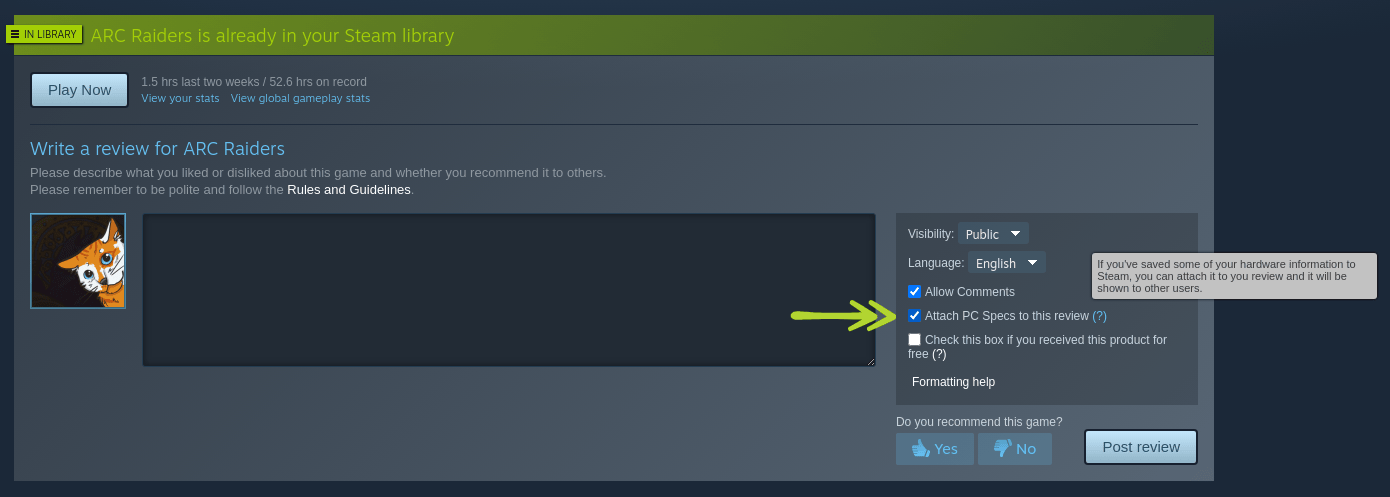
Then there are Reviews, which are getting a small but useful addition. You can now include your hardware specs when writing or updating a user review on a game's store page, giving your review a bit more context for other gamers.
Depending on who you ask, this can either be a privacy headache or a genuinely useful signal for judging how a game runs on hardware similar to yours.
Finally, a fix went out for an issue where the game beta/version info was showing the date the beta was assigned to you, rather than the date the actual game build was created.
How to get Steam?
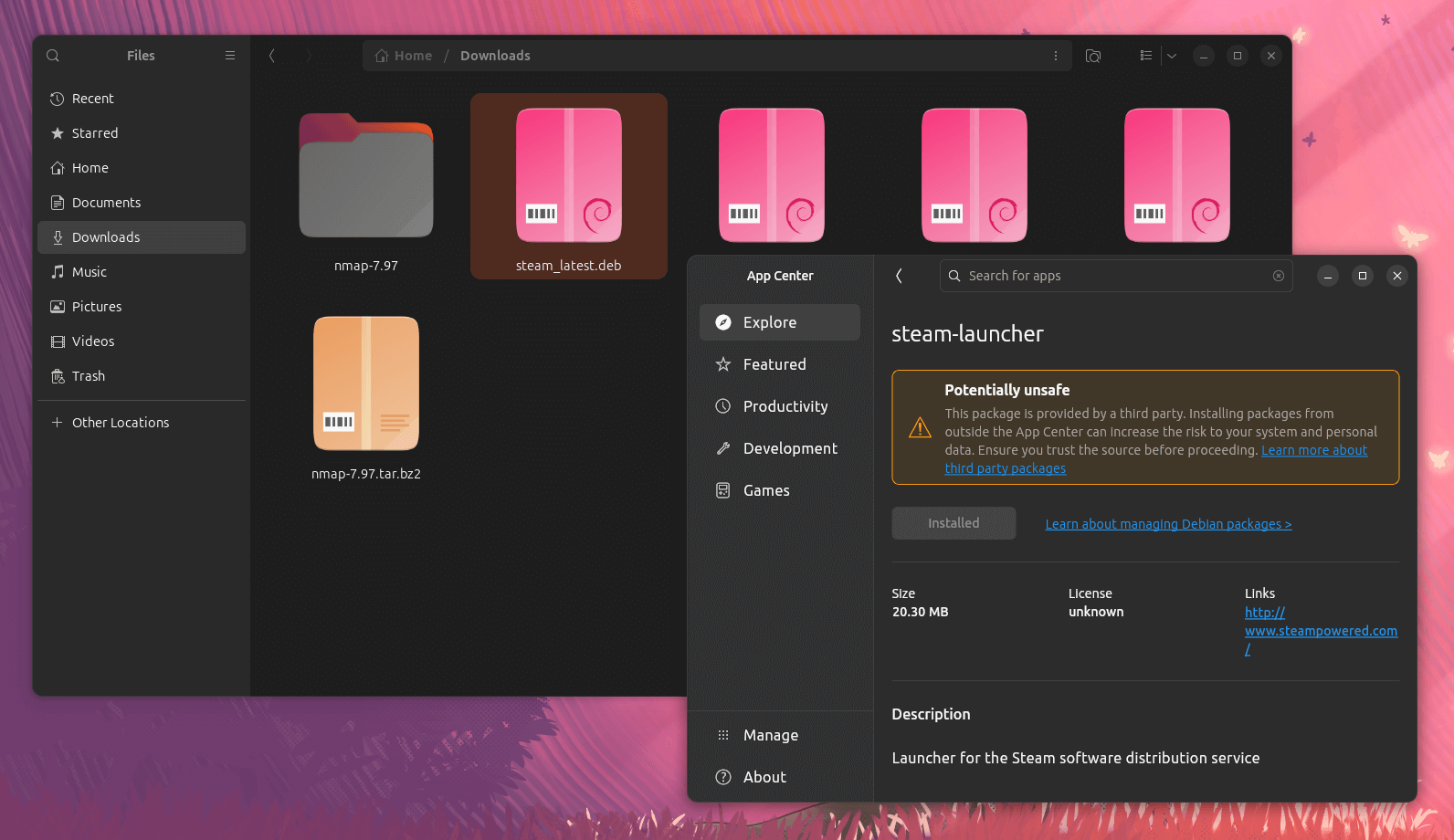
Officially, Valve only provides DEB packages for Linux, so you can get it installed on Debian, Ubuntu, and other derivatives without any issues. On Ubuntu, you just double-click on the package and click on "Install" to get it on your system.
There are some unofficial builds out there that do work, and if I had to suggest one, it would be the RPM Fusion version of Steam (available on GNOME Software). But again, this is not provided by Valve, so verify it before installing.

