ONLYOFFICE has released native ARM64 builds of its Desktop Editors for Linux. People running Ubuntu, Fedora, OpenSUSE, Arch Linux, and other distributions on ARM hardware can now install the office suite without needing to jump through hoops or settling for a proprietary web-based office suite.
If you have never used the desktop editors for ONLYOFFICE, then let me guide you through what it does well.
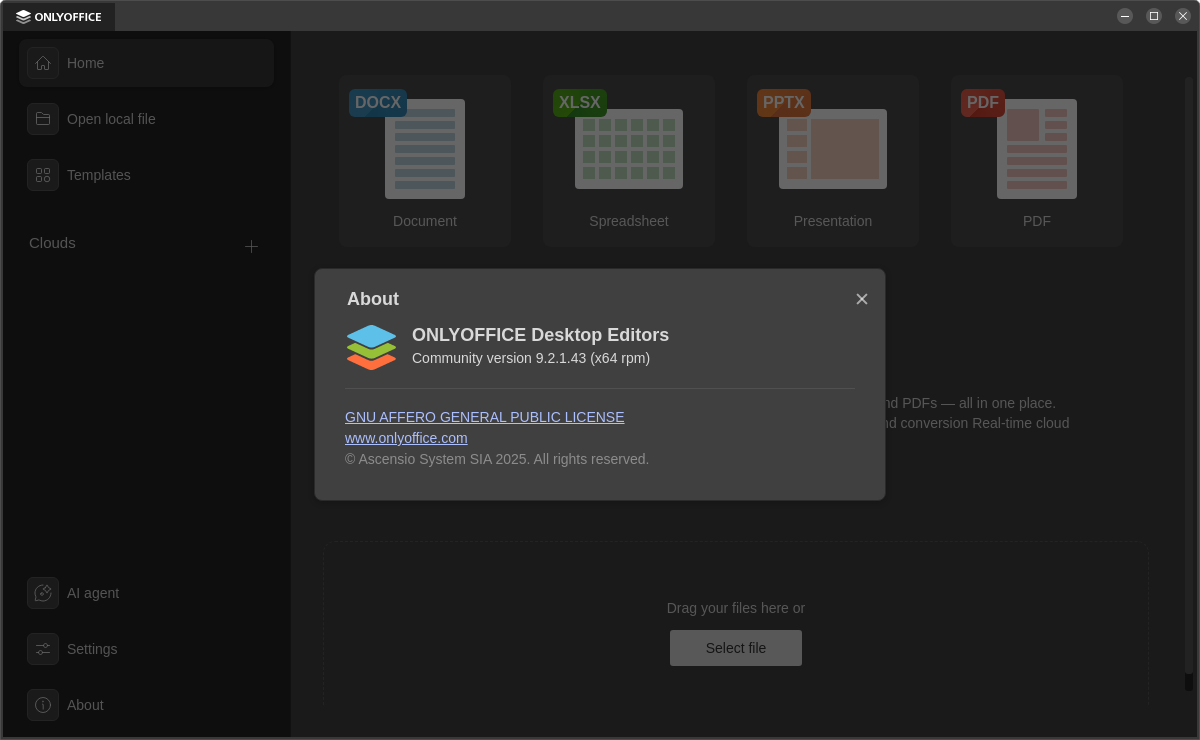
The suite is free and open source. It includes editors for text documents, spreadsheets, presentations, PDFs, and forms, with format support covering ODT, ODP, ODG, DOCX, XLSX, PPTX, CSV, and PDF.
And, unlike some greedy office suites on the market, everything works offline without needing an internet connection, and there's no pre-installed AI doodads. Of course, if you want it in your workflow, then you can easily add it.
Pointing out ARM processors' better energy efficiency, the ONLYOFFICE folks explained why they did this. ARM-based Linux devices are becoming more common, and they offer longer battery life, silent hardware designs, and fast wake-up times.
In their words 👇
With the growing adoption of ARM-based Linux devices, users can now install ONLYOFFICE Desktop Editors natively and enjoy stable performance, full functionality, and offline document editing.
Get ONLYOFFICE Desktop Editors for ARM
There are easy-to-install packages for Debian, Ubuntu, Fedora, OpenSUSE, Arch Linux, and other distributions available on the official website.
Be sure to download the ARM64 packages, and don't be shy away from going through the linked installation instructions if you find yourself lost.
If the above doesn't cut it for you, then the GitHub releases page for the project contains additional binaries and the source code for the desktop editors themselves.
Suggested Read 📖: 6 Best Open Source Alternatives to Microsoft Office for Linux
 Abhishek Prakash