


People who aren't fans of their office suite handing over data to feed some deluded AI system opt for open source alternatives with comparable functionality and no snooping to worry about.
LibreOffice is one of those options that has proven itself time and again with its versatility and easy-to-use interface. Heck, it's so good governmental agencies have been switching to it and saving some good money as a result.
A new point release, LibreOffice 26.2, has been announced by The Document Foundation that focuses on delivering upgrades across all editors. The folks from Collabora Productivity have contributed over 2,000 commits to this release too.
🆕 LibreOffice 26.2: What's New?
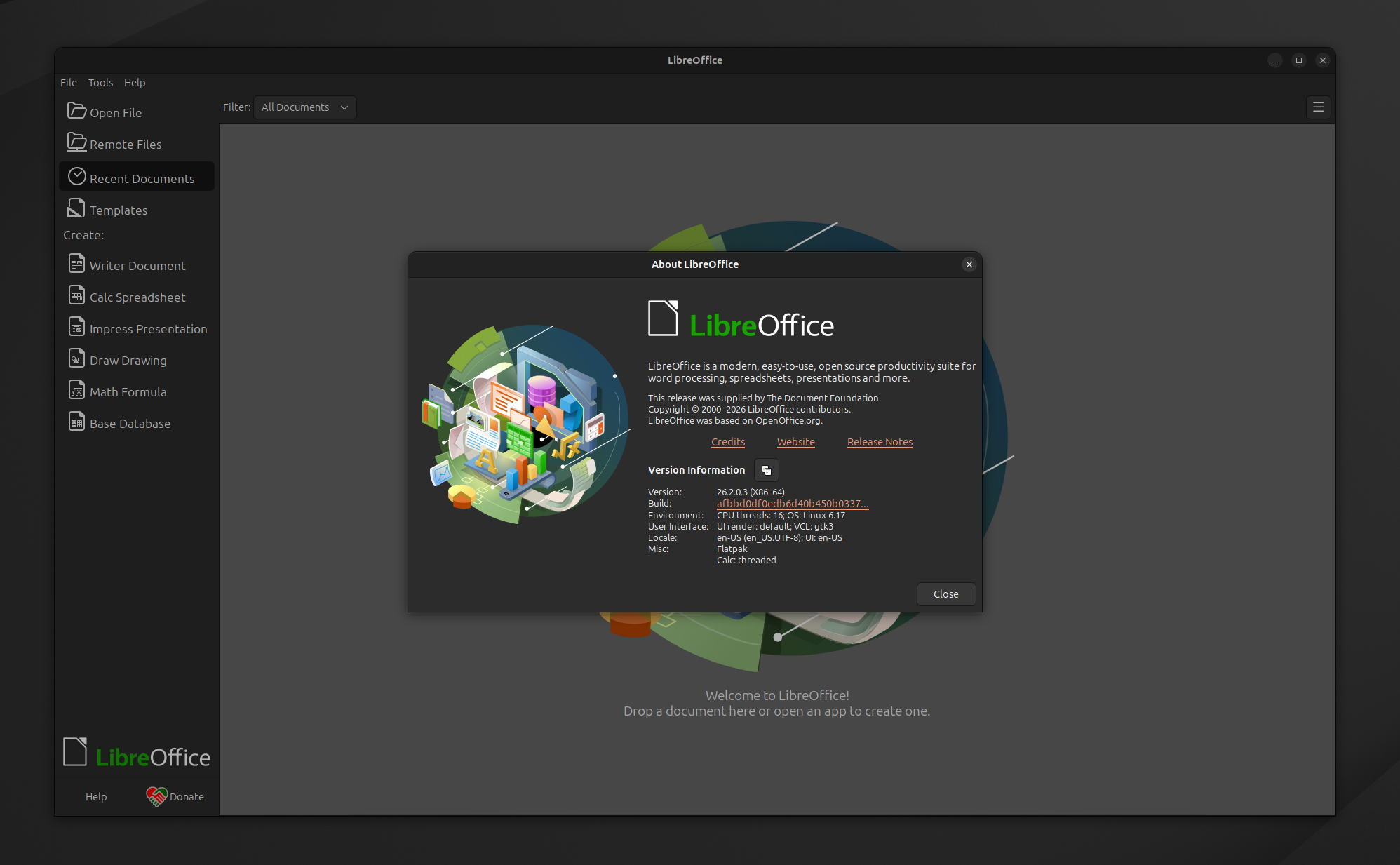
Writer gets several pagination and tracking improvements. Floating tables now behave properly with keep-with-next and don't split paragraph attributes, avoiding awkward page breaks.
Similarly, the editor can now split floating tables for better DOCX export, partly deleted paragraphs in Track Changes don't clutter numbering list, and auto-caption insertion now works when pasting single images if you have configured it via the AutoCaption Images setting.
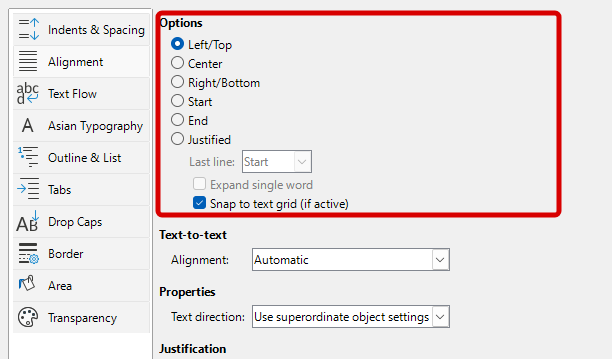
Then there are the new "Start" and "End" paragraph alignments that automatically adapt to text direction. This should be useful for documents that combine left-to-right and right-to-left text.
Calc has received major performance and format upgrades. Pasting content from Excel is better now thanks to BIFF12 clipboard format support, and scrolling in sheets with many hidden columns is noticeably faster too.
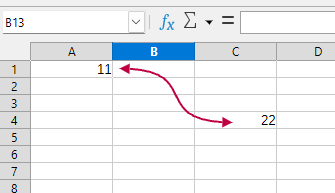
Connector shapes are a new addition that help with diagram work within spreadsheets, and the Remove Duplicates function and Reject All Changes operations both run faster.
Additionally, the Excel 2010-365 format is now the default when saving XLSX files.
Impress adds better audio/video support on Windows, using the Microsoft Media Foundation integration for providing native playback of common codecs.
The Layouts panel and Theme dialog now use IconView widgets for a cleaner experience.
Miscellaneous Changes
3D chart performance issues have been fixed, Google Drive authentication has been improved on Windows, and EPUB exports are significantly faster, with a helpful progress bar now being shown.
For those who work with .md files, the import and export of Markdown content is now possible, including clipboard support and the ability to use ODT/DOCX templates when importing.
Graphics and core improvements round out the release. Skia rendering is now the standard on Windows and macOS. SVG files with pattern fills render faster on Linux thanks to backend optimizations.
⚙️ How to Install/Upgrade?
For most Linux users, Flathub supplies this LibreOffice release for quick installations. Those on other platforms can get the appropriate files from the official website.
Existing Linux desktop users can wait for the upgrade to be delivered by their distribution or manually install the tar package.

