KDE announced late last year that it would create its own Linux distribution. The effort builds on years of work to showcase Plasma and KDE applications in their intended form.
The result of that is KDE Linux, a new operating system developed directly by the KDE team. It arrives during a time when desktop projects are seeking greater control over their software ecosystems.
KDE Linux Alpha: An Early Look
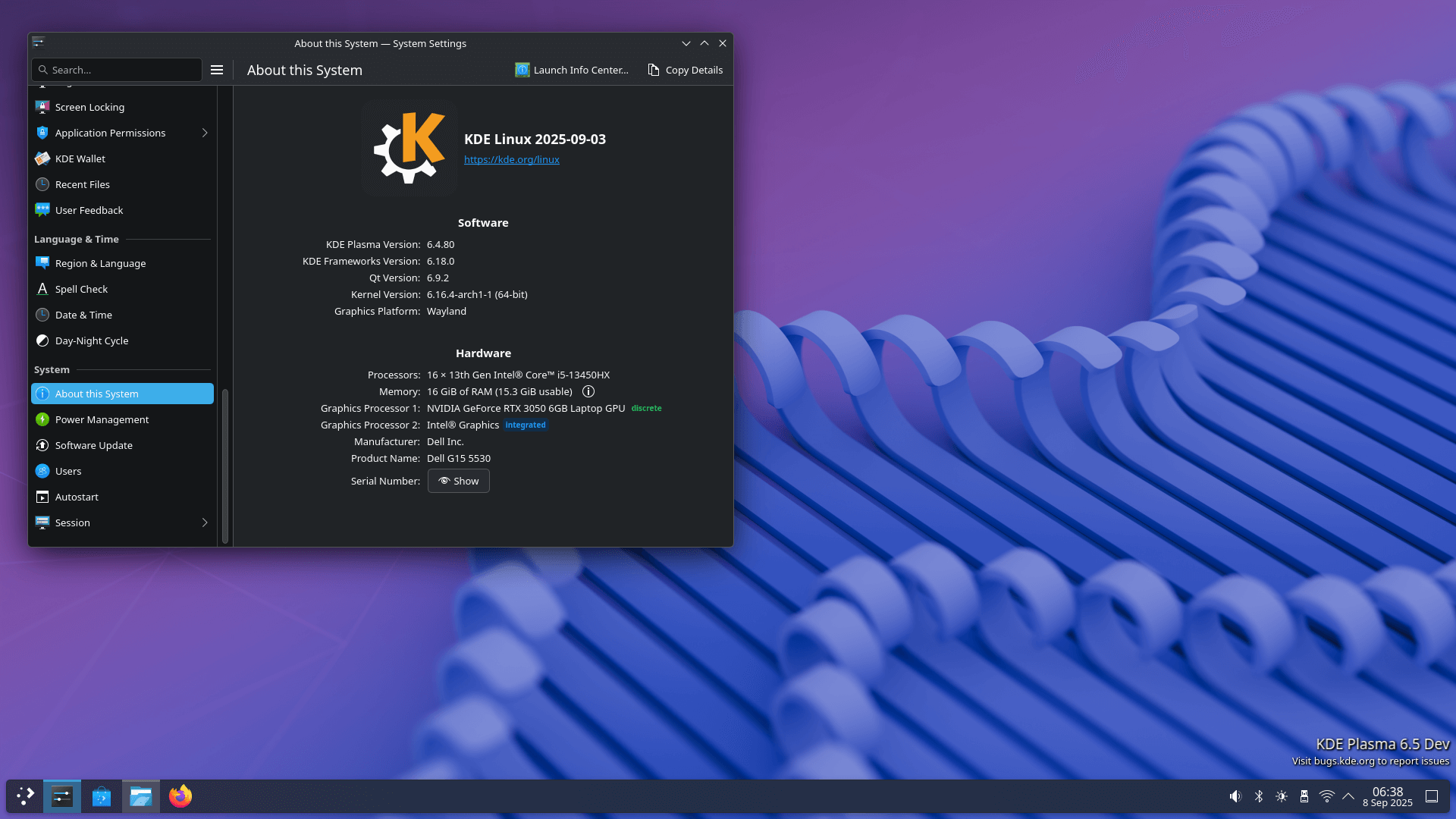
The undertaking, codenamed "Project Banana," has now reached its first alpha release. KDE Linux aims to serve as an official distribution that can deliver a consistent, polished Plasma experience. It is also designed to make testing new features easier for developers and contributors.
It is based on Arch Linux and uses an immutable design. This means the core system is read-only, ensuring stability and reliability. Atomic image-based updates are used to keep the system current, and rollback support helps protect against broken updates.
Software management is handled primarily through Flatpak and Snap, available via Discover and the terminal. Other packaging formats, such as RPM and DEB, can be used through container tools like Distrobox and Toolbx. There's also support for running AppImage.
Do keep in mind that this distribution is not intended to replace other KDE-focused operating systems such as KDE neon or Kubuntu.
There are some known issues, such as Secure Boot being unsupported, NVIDIA GPUs before the GTX 1630 needing manual fixes, and Flatpak apps having integration problems. But these are expected in such an early release.
You can install KDE Linux's Alpha build from the official website. You just need a UEFI-based computer with an Intel or AMD processor, at least 1 GB of RAM, and at least 6 GB of storage. More storage (12 GB) is strongly recommended to enable system rollbacks.
The system image is provided as a .raw file. Users can download it, verify its integrity, and flash it to a USB stick with ISO Image Writer. Booting from USB provides access to the live environment before installation.
Some Thoughts
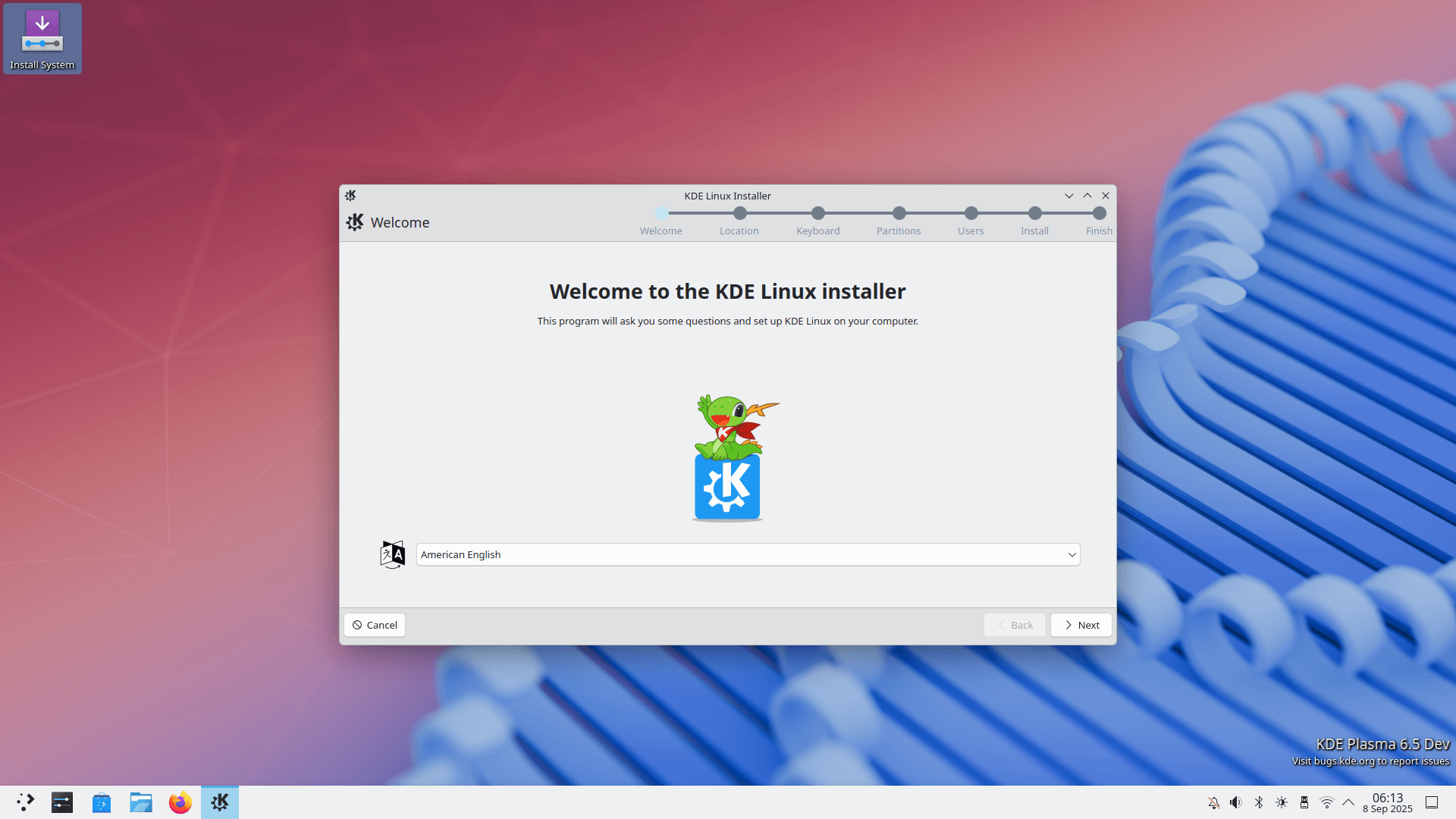
I took it for a quick spin on my Dell laptop, and the experience was actually quite hassle-free. I installed it using a live USB onto an external SSD using the KDE Linux installer, which is the same one used on KDE Plasma.
After installation, I rebooted into KDE Linux and was welcomed by Konqi, KDE’s mascot, in the Welcome Center. I completed the onboarding process and opted in to share anonymous usage data to help the KDE team.
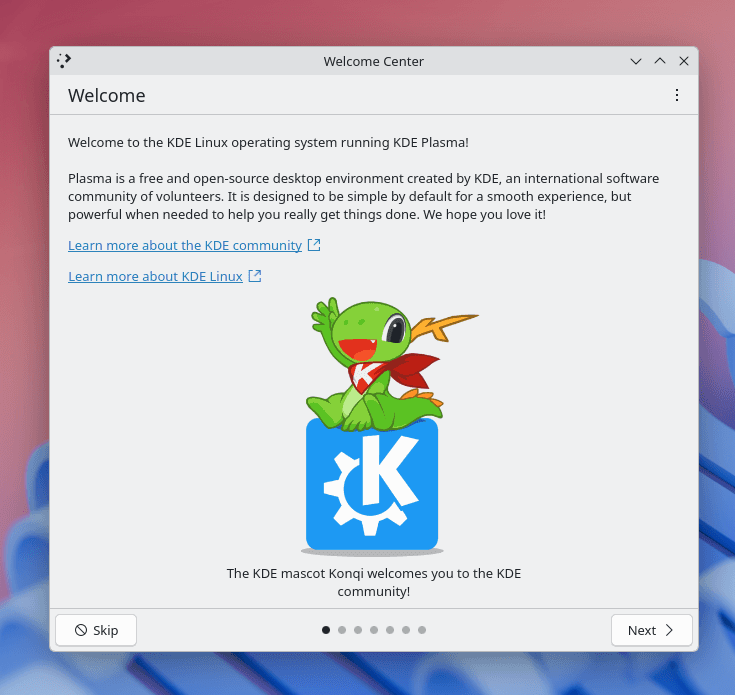
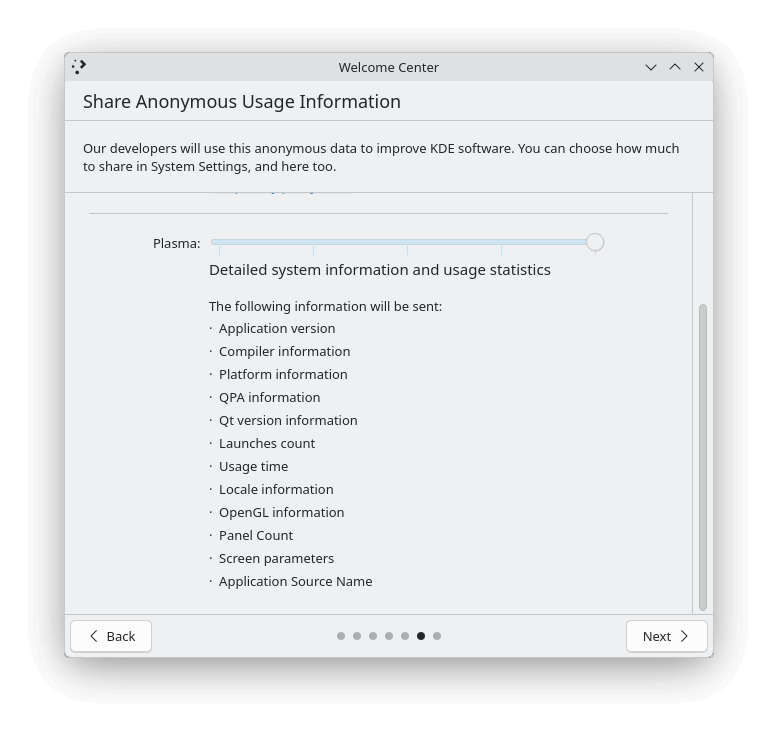
The Welcome Center and the telemetry opt-in page in it.
The pre-installed apps are practical, covering essentials like Firefox for web browsing, Konsole as the terminal, Haruna for media playback, KDE Connect for wireless file transfers, and KWallet Manager for securely storing passwords and credentials.
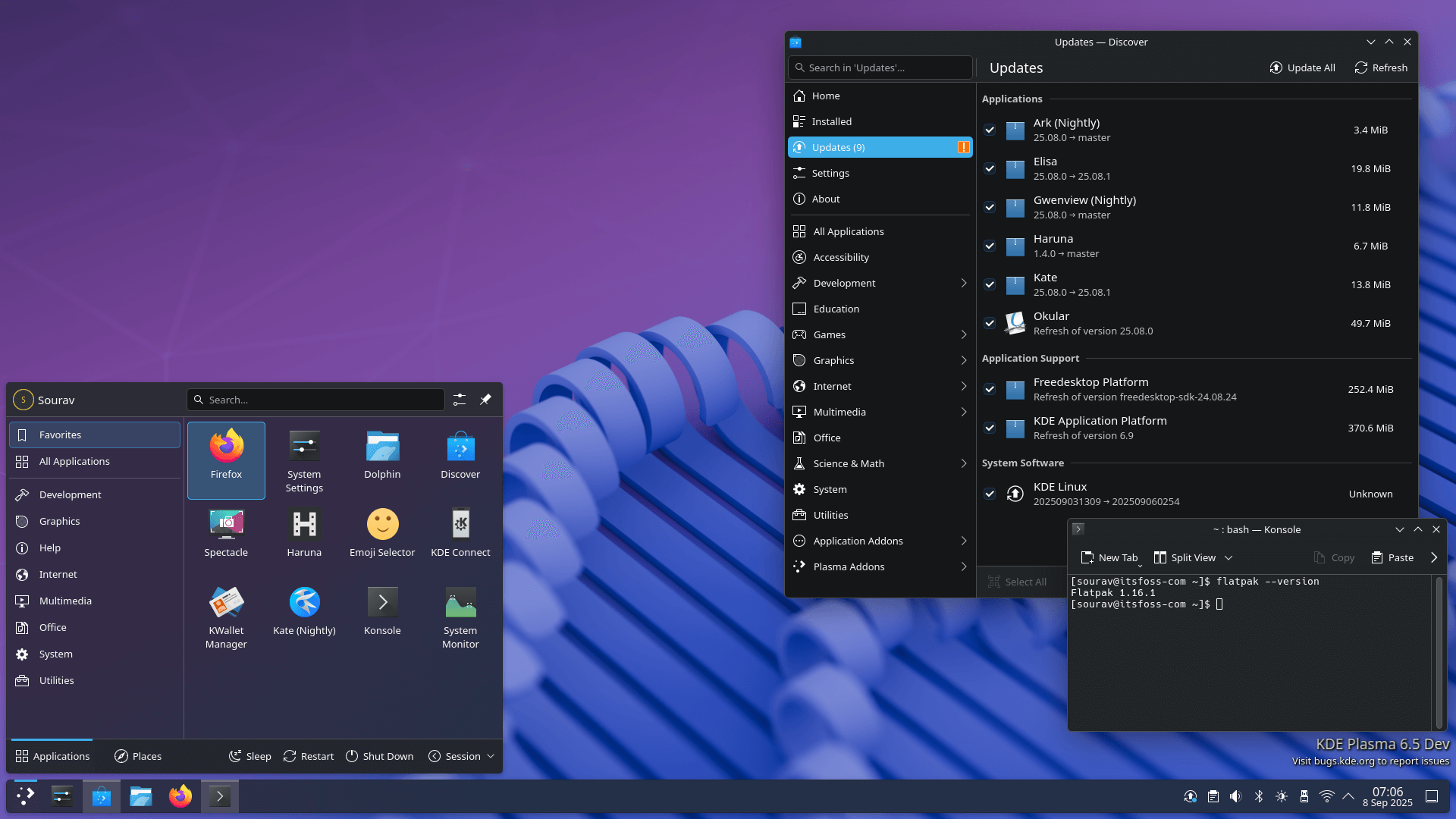
The default wallpaper and theme collection is impressive too, offering a mix of neat landscapes and abstract designs. They complement the Plasma desktop nicely.
Though, these visuals are not final and may change before the stable release.
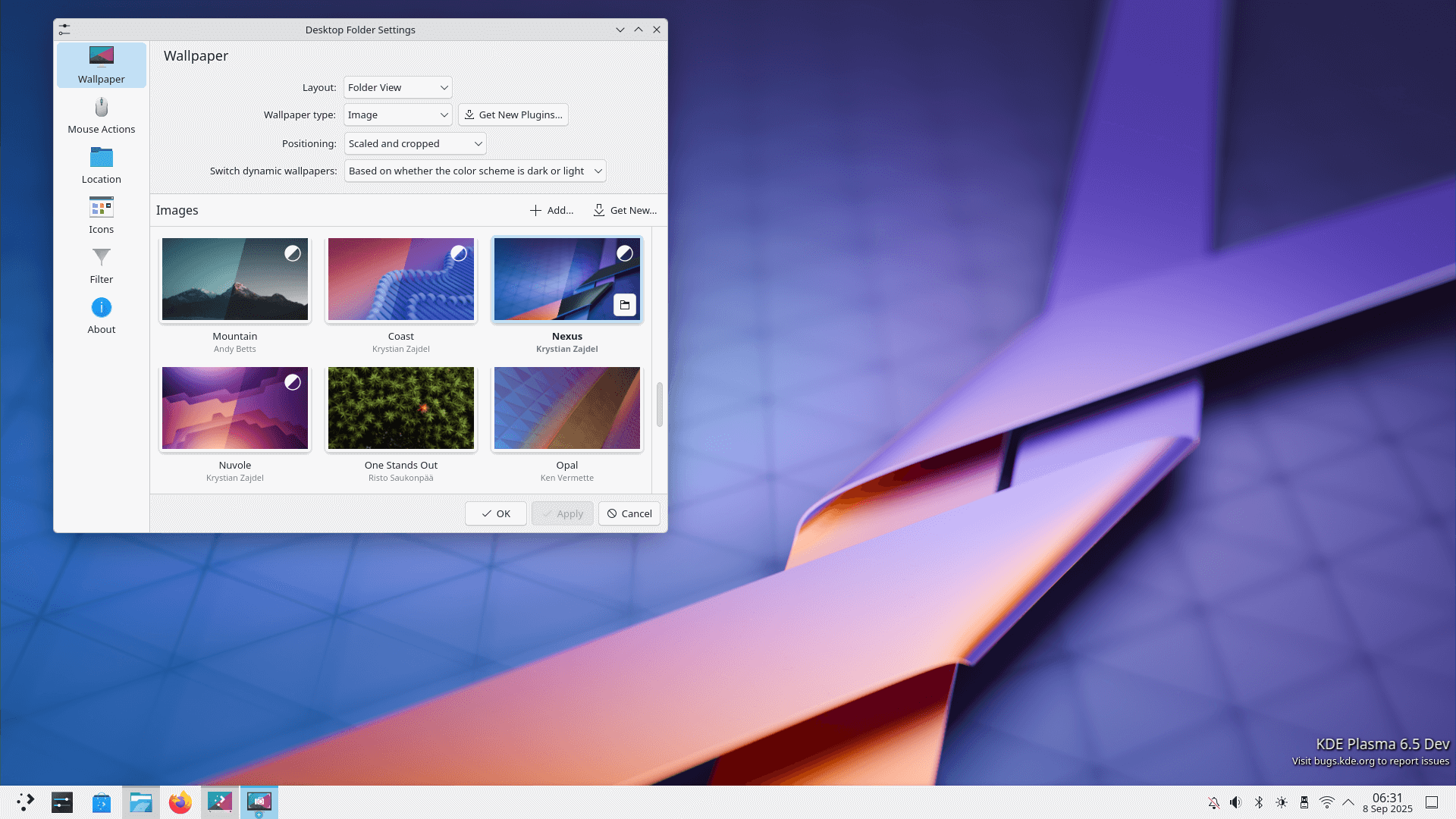
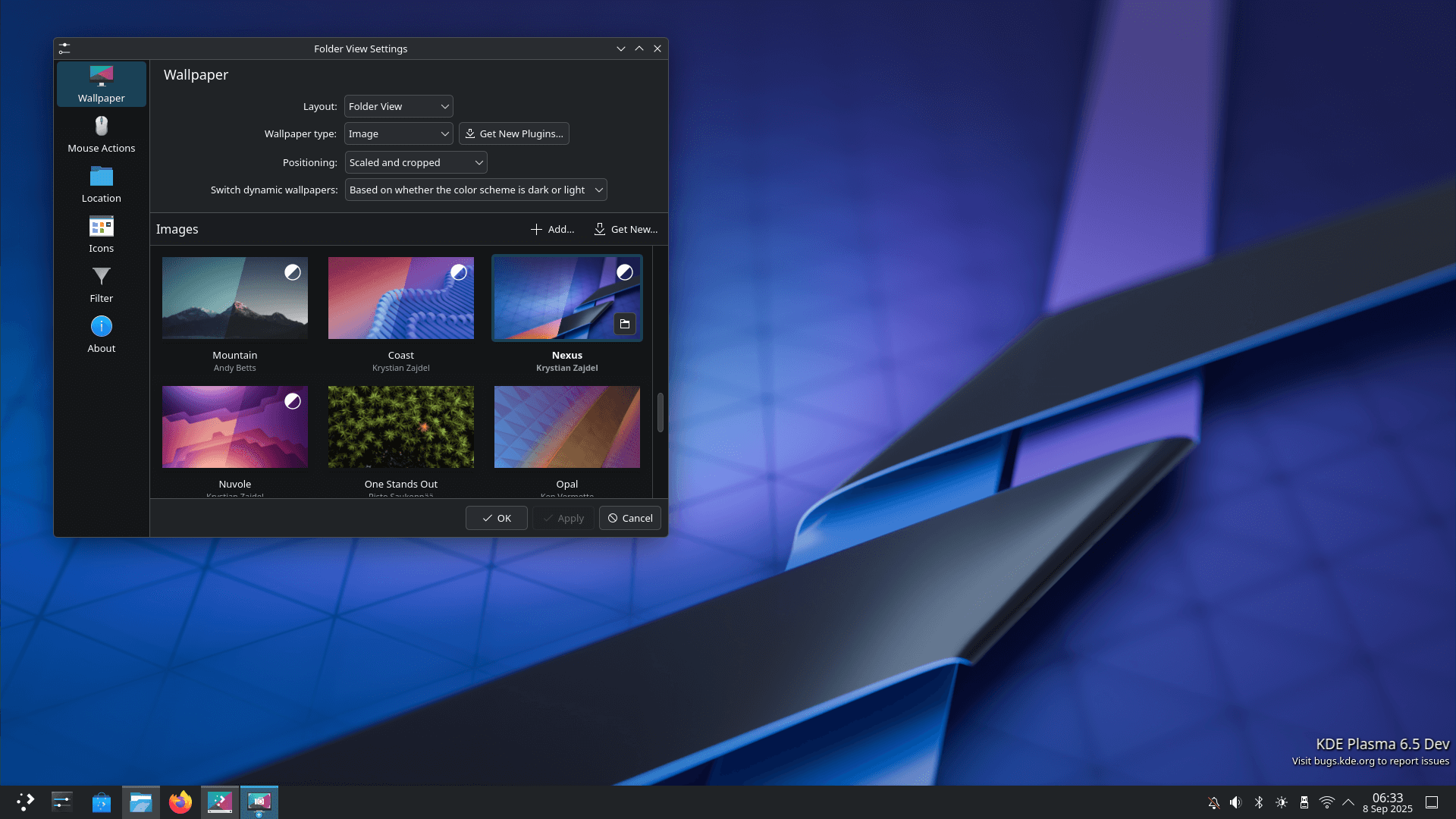
The wallpaper selection is peak!
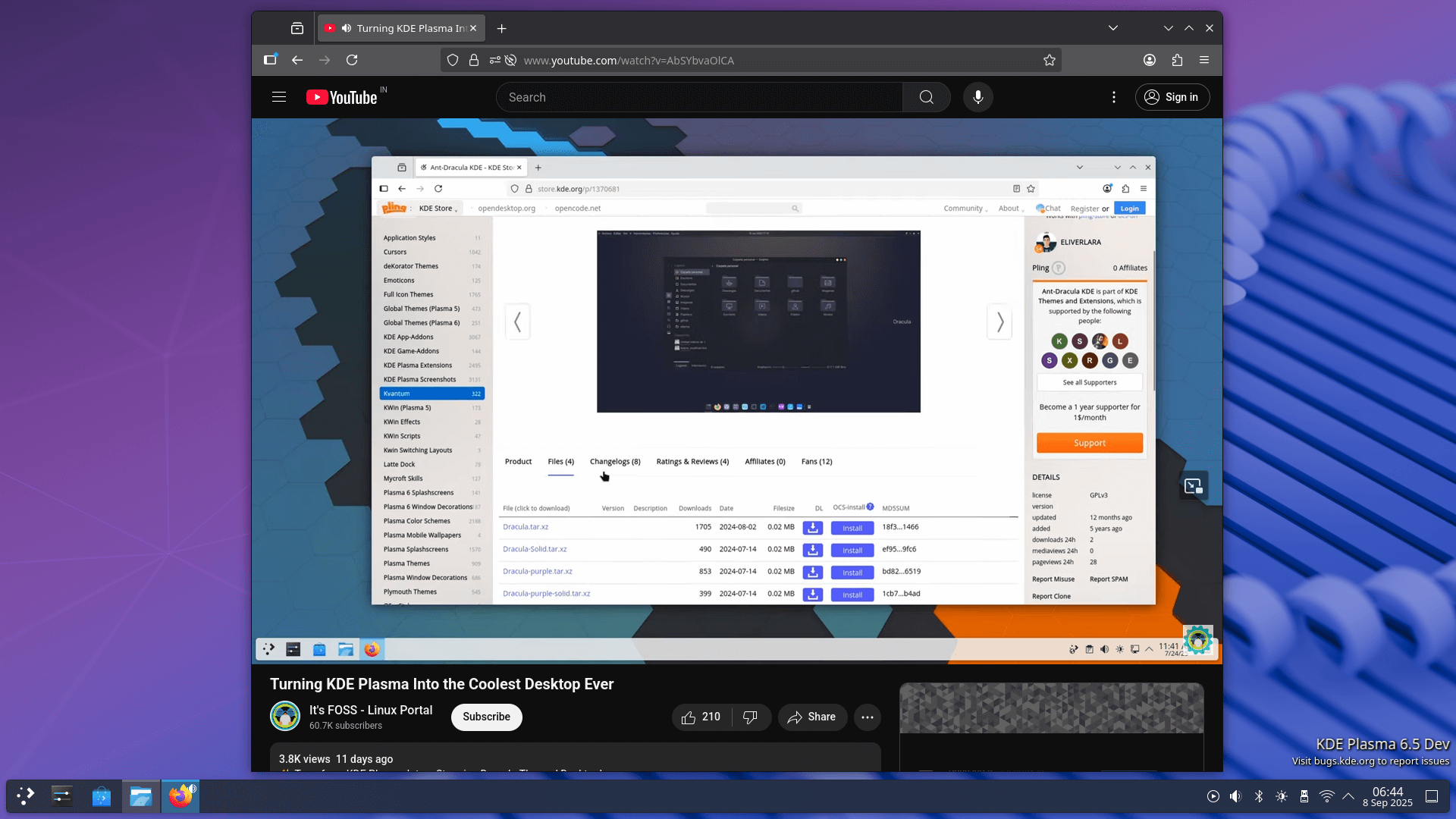
I tested video playback on Firefox, and everything ran smoothly with no glitches, artifacts, or other issues. Web browsing was also seamless, with most websites loading quickly and without problems.
I also ran a quick Geekbench CPU benchmark, and the performance was pretty good. The single-core score of 2388 means my laptop is fast for games and everyday tasks, and the multi-core score of 11,426 shows it can handle multitasking and heavier workloads well.
Overall, KDE Linux ran smoothly on my Dell G15 5530.
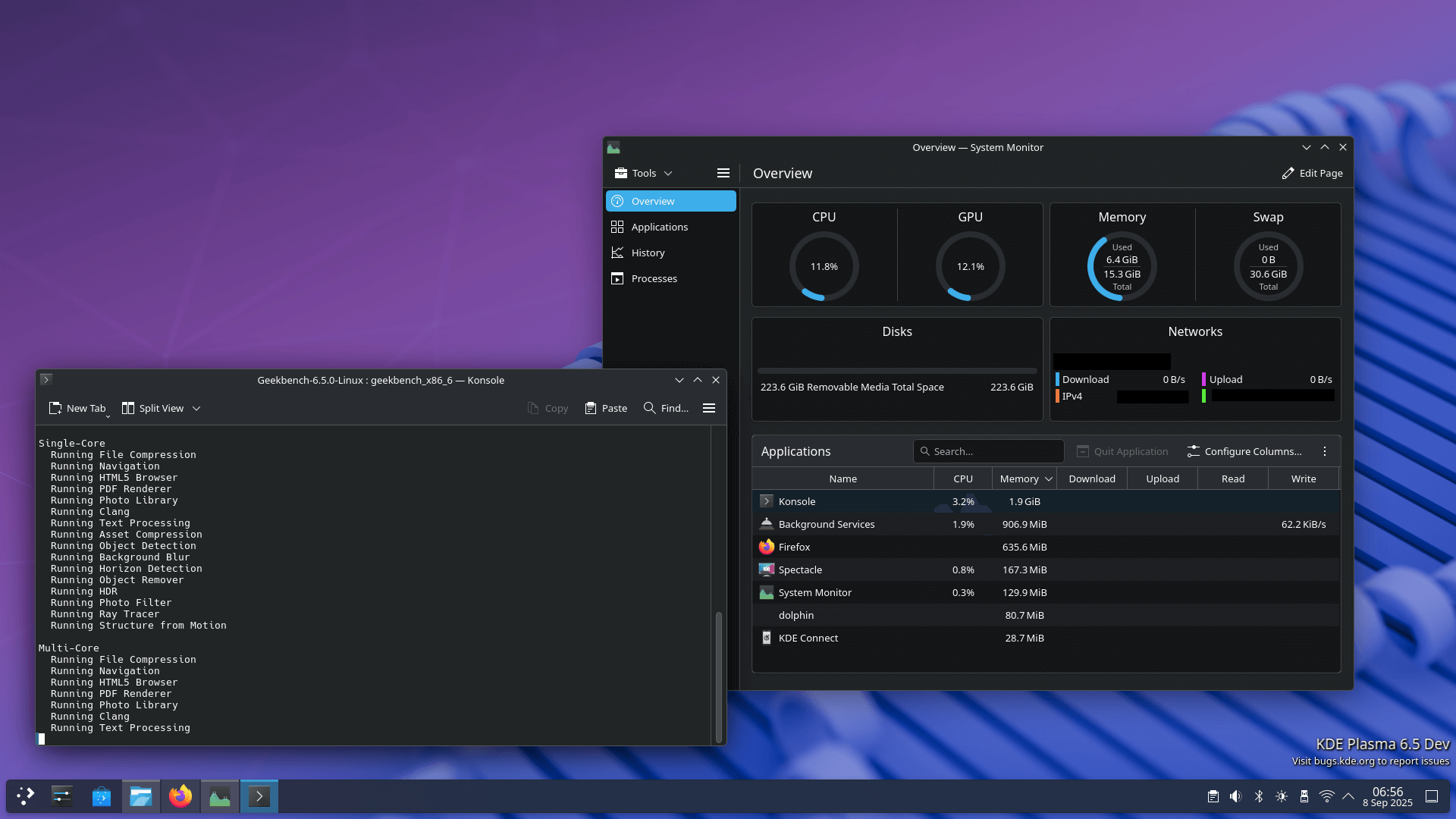
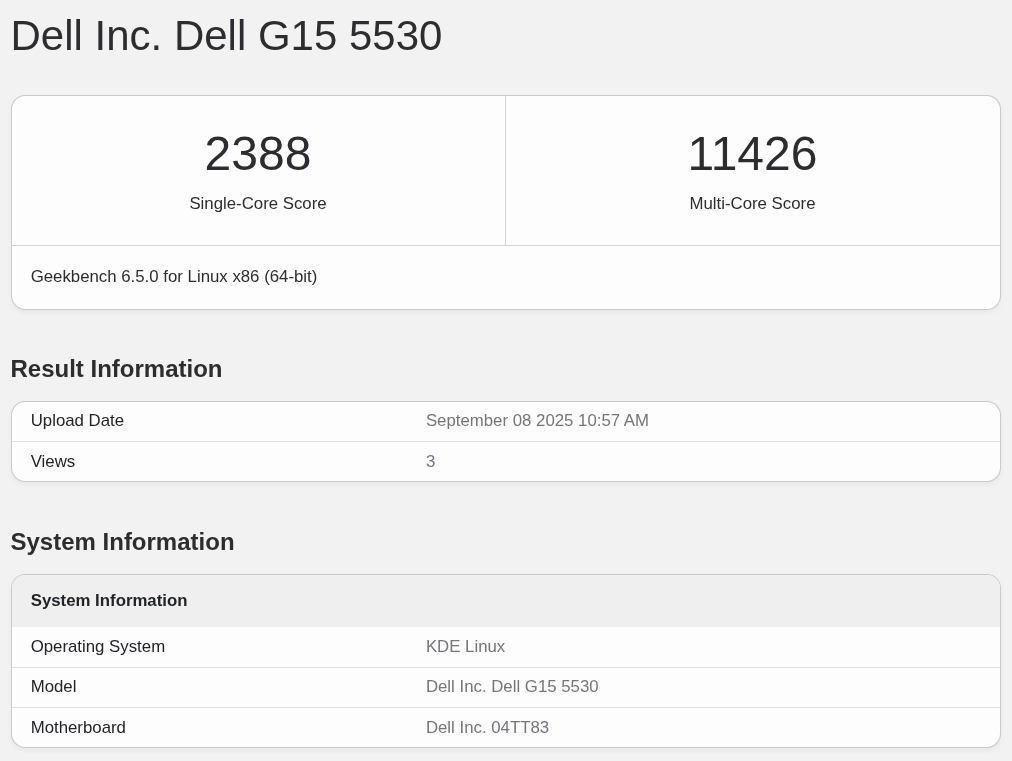
The CPU benchmarking results can be found on Geekbench.
Multi-monitor use was bliss too, with smooth window management, consistent scaling, and familiar behavior, making the experience feel just like a standard Plasma setup.
In the end, I can't wait to see KDE Linux go stable. It already feels like something I could use every day without much hassle.
Suggested Read 📖
 Ankush Das