


The convergent 2D editor Graphite has been promising a desktop editor for some time now, with the goal of releasing it by the end of 2025. While 2025 passed without a full public desktop release, we did get a Christmas gift in the form of the first release candidate. Up until then, it had only been available in the web browser, and it could be installed as a Progressive Web App (PWA), but the native desktop application was still just a roadmap item.
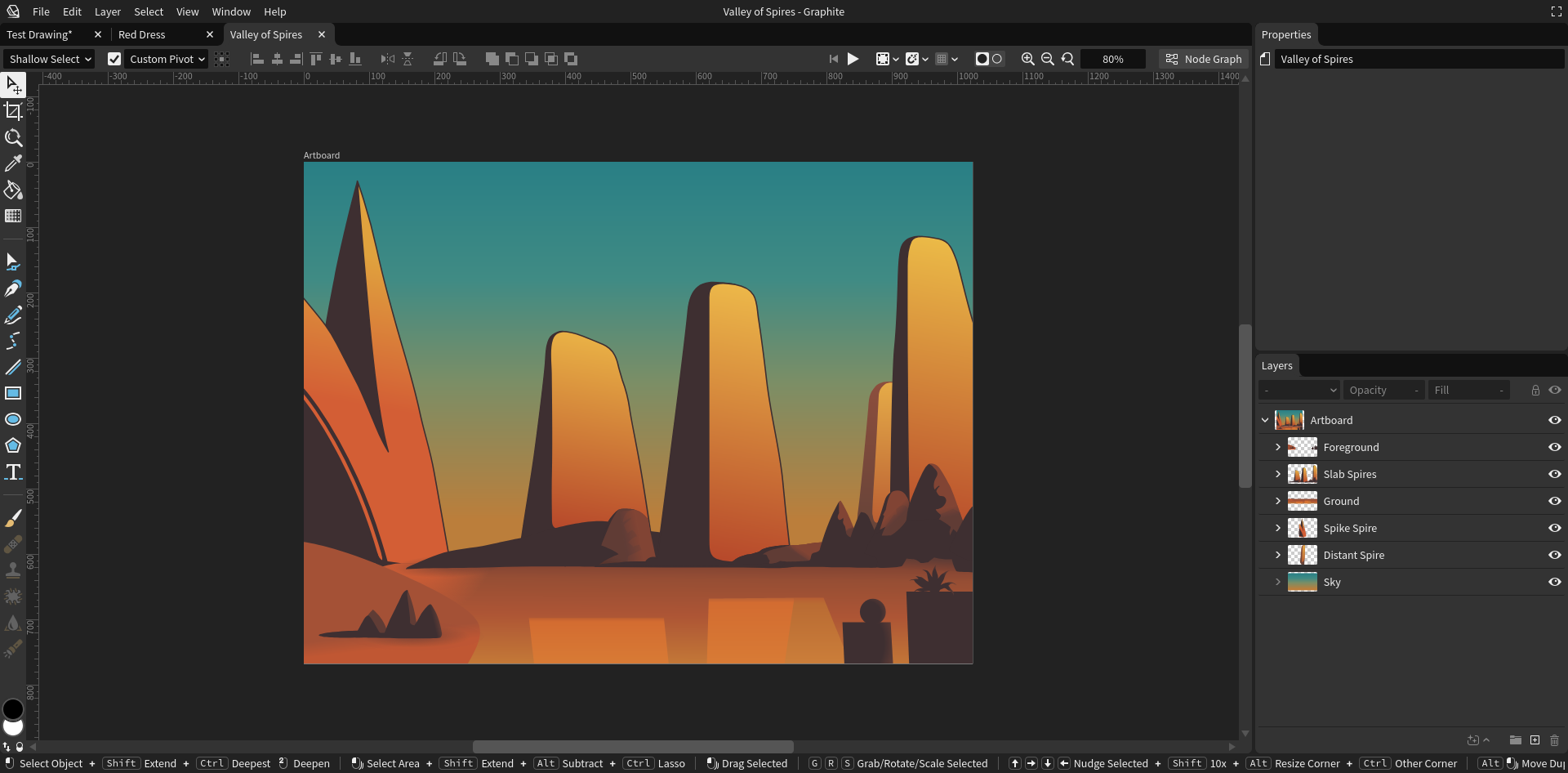
The first release candidate, an AppImage, did not work for many Linux users (myself included), but a second release candidate was released on January 6, 2026. This release comes as a Flatpak, and fortunately, it does work on my system with one important caveat: I have to launch it with UI acceleration disabled to avoid a blank window.
I will share what the Graphite desktop experience is like on Linux in this article and you'll see why I am rallying behind this graphics application.
What is Graphite?
Graphite is an open-source, Rust-based, node-based 2D editor that is aiming to be "the Blender of 2D" editors, combining tools for vector graphics, animation, desktop publishing, raster graphics, and image compositing all in one. It is roughly comparable to PixiEditor and the new Canva Affinity in this way, though Graphite aims for much broader coverage of the 2D landscape. If successful, it will be the "Swiss army knife" of open-source graphics, right next to Blender.
At this time, its vector tooling is the most mature of the many features listed on the project's roadmap. Basic raster editing was also recently introduced, but it is not enabled by default in the desktop build. If you are looking to test Graphite in its fullness, you will still have to use the browser version for now.
Trying the Desktop Build
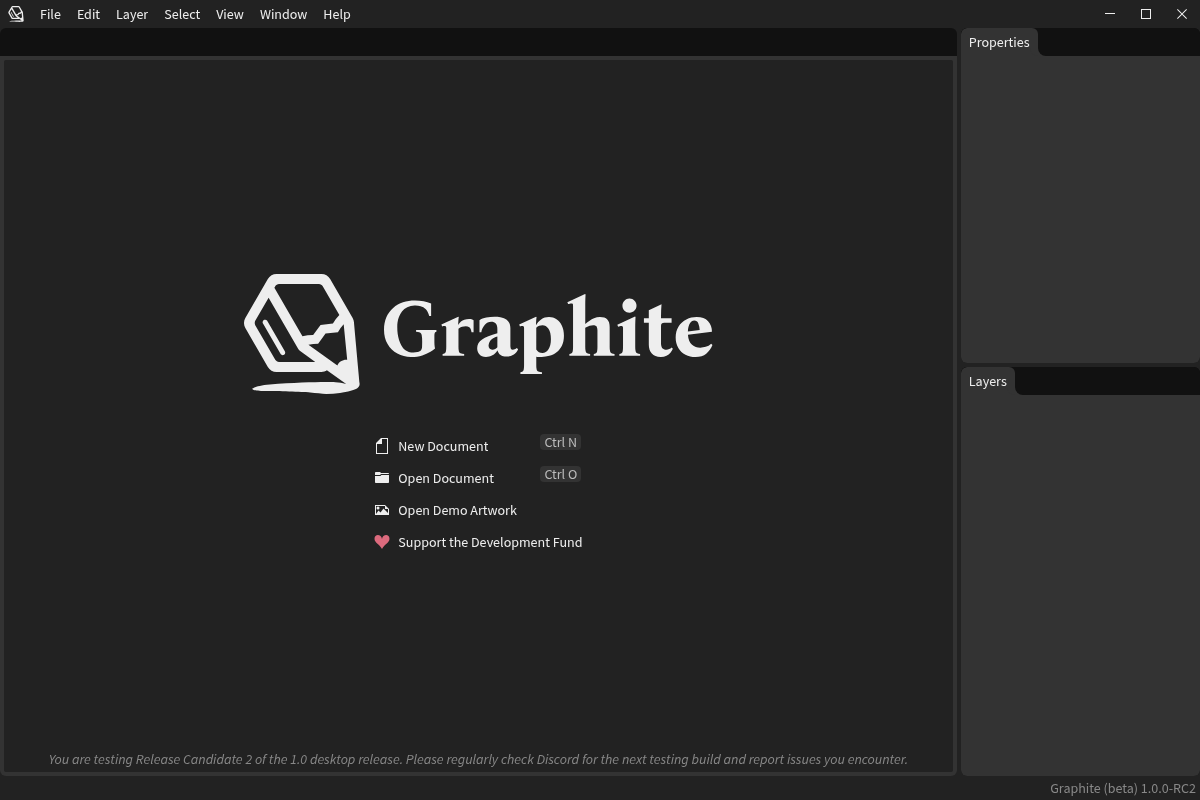
In order to try the desktop build, you first need to access the #announcements channel on the Graphite Discord and look for the latest release candidate. It has not yet been made publicly available otherwise, since there are still some showstopper issues to be ironed out before a full release.
The second release candidate was released as a Flatpak and a NixOS package. The Flatpak is recommended for most Linux users. You will need to manually download the zip file, unzip it, and install it using:
flatpak install ./Graphite.flatpak
If you prefer, you can double-click the Flatpak to install it with your distro's software manager or app store, so long as it supports Flatpak. For example, GNOME Software and KDE Discover should work just fine. Once it is installed, you can run it from the terminal using:
flatpak run art.graphite.Graphite
Fixing the Blank Window Issue
If you encounter a blank window when it runs, close the window by clicking in the top right corner (where the close button would be) and then try running with UI acceleration disabled:
flatpak run art.graphite.Graphite --disable-ui-acceleration
This flag affects the UI layer; avoid disabling GPU access entirely since it can hurt performance (including the viewport).
A Note About Flatpak Sandboxing
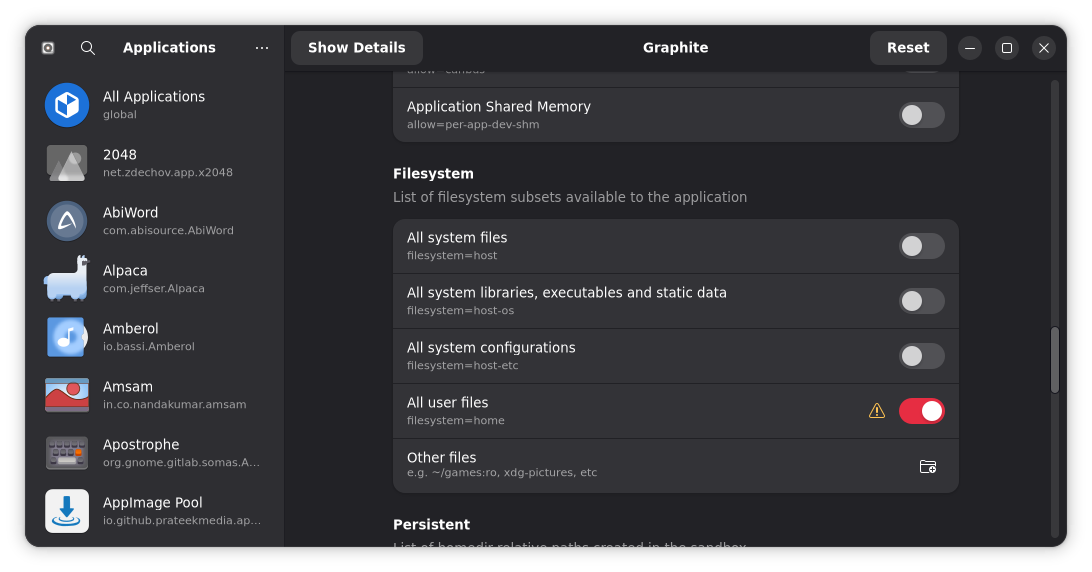
Because this build ships as a Flatpak, keep in mind that file access can be sandboxed depending on your distro and Flatpak configuration. If you have trouble browsing certain folders or importing assets from specific locations, you may need to adjust permissions using Flatseal.
Where the Rubber Meets the Road: What is it Like in Practice?
With this being an early stage of Graphite's development (somewhere between alpha, according to the roadmap, and beta, according to the desktop app's UI), I am not doing an in-depth review of its features and functionality.
That being said, I have been testing Graphite on the web for some time, so my goal here is to compare the desktop app to the version available through the browser.
Desktop vs web: what actually changes?
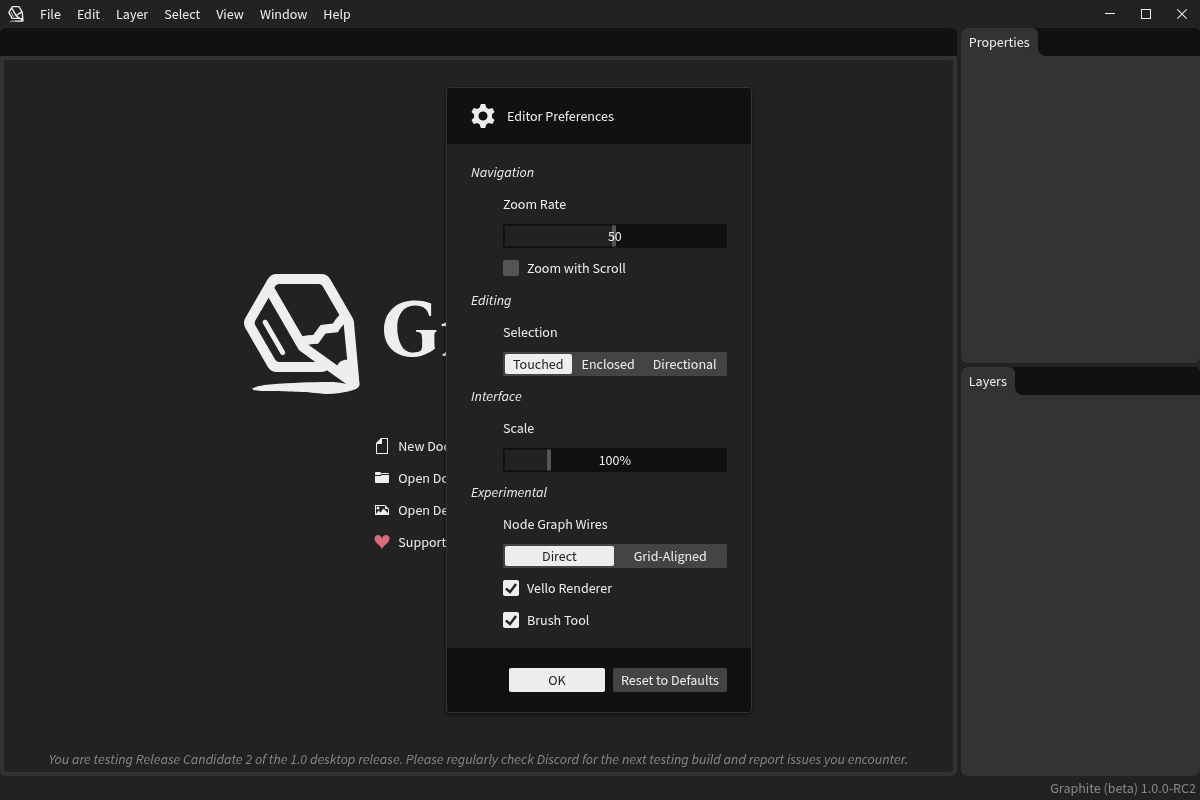
In day-to-day use, the desktop build feels very similar to the web build. both versions share the same core code, but the desktop runs most of its code (including the viewport) natively, with Chromium Embedded Framework (CEF) used only for the outer UI. The web version on the other hand, uses WebAssembly. The desktop version no longer uses Tauri (this was an older experiment).
Still, having it installed as a desktop application does make a few things nicer:
- It behaves like a normal app in your launcher and window switcher, rather than being another browser tab.
- It is easier to keep installed and revisit regularly as release candidates improve.
- On paper, it should offer a more "native" experience for files and system integration over time, though this still depends on the current state of the Flatpak build and its permissions.
While you can install the web app as a progressive web application, this still means you're technically running Graphite in your browser, which can add its own overhead and sometimes brings along addons and other background services you may not need. On less resource-available systems, especially, this can be a problem.
Functionality
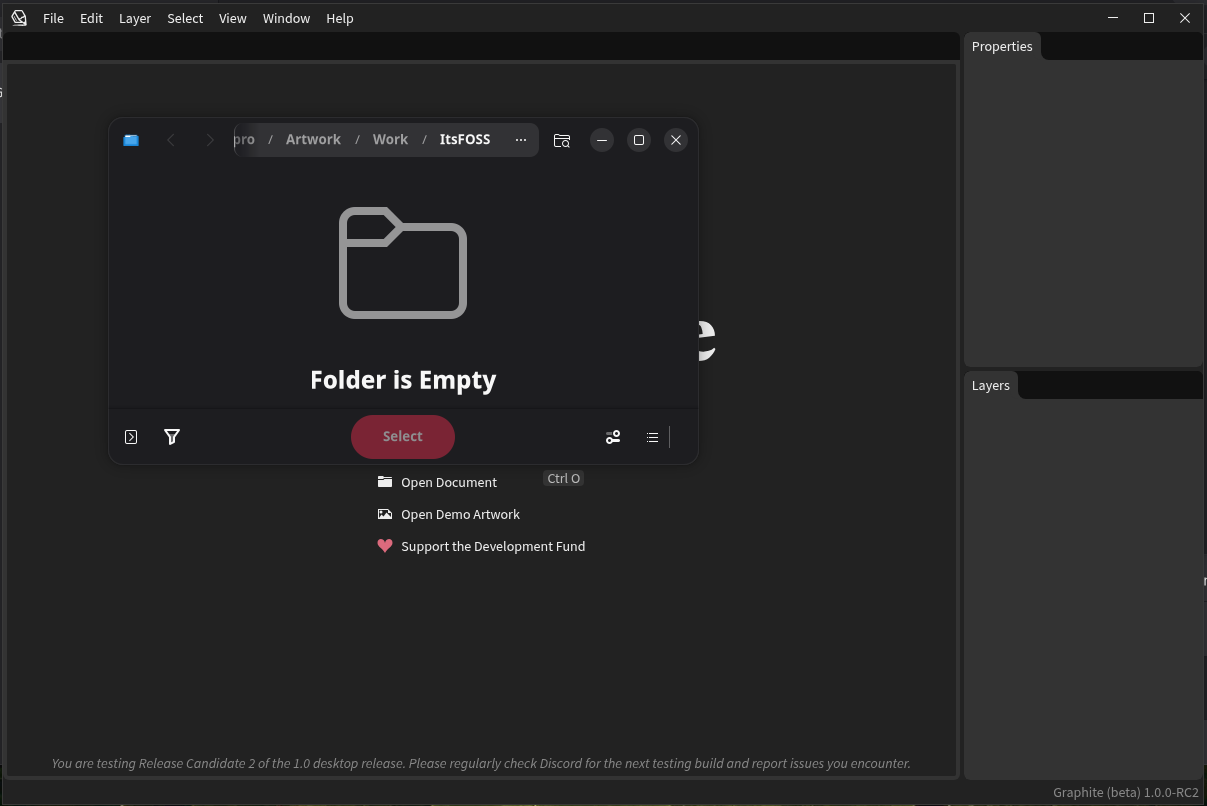
Compared to the web version, the desktop build is largely the same. All the same vector tools are available, along with import and export functionality. Not much to be said here because the buttons and features I tried work as expected.
Tooltips also work, as does integration with file portals for opening, saving, and import/export of files in supported formats. This comes as no surprise, since both are built on the same code.
Performance
This is where Graphite still has some catching up to do, compared to the established open-source giants like GIMP and Inkscape, though to be fair, my experience on the desktop has been hampered by having to disable UI acceleration to avoid the blank window issue.
Basic vector editing feels fine, and larger brush strokes (once brush tools are enabled) are fairly smooth. Smaller brush strokes lag noticeably, which all but rules out using that tool for complex drawing right now. That is understandable at this stage, since the brush tool is still experimental.
Stability
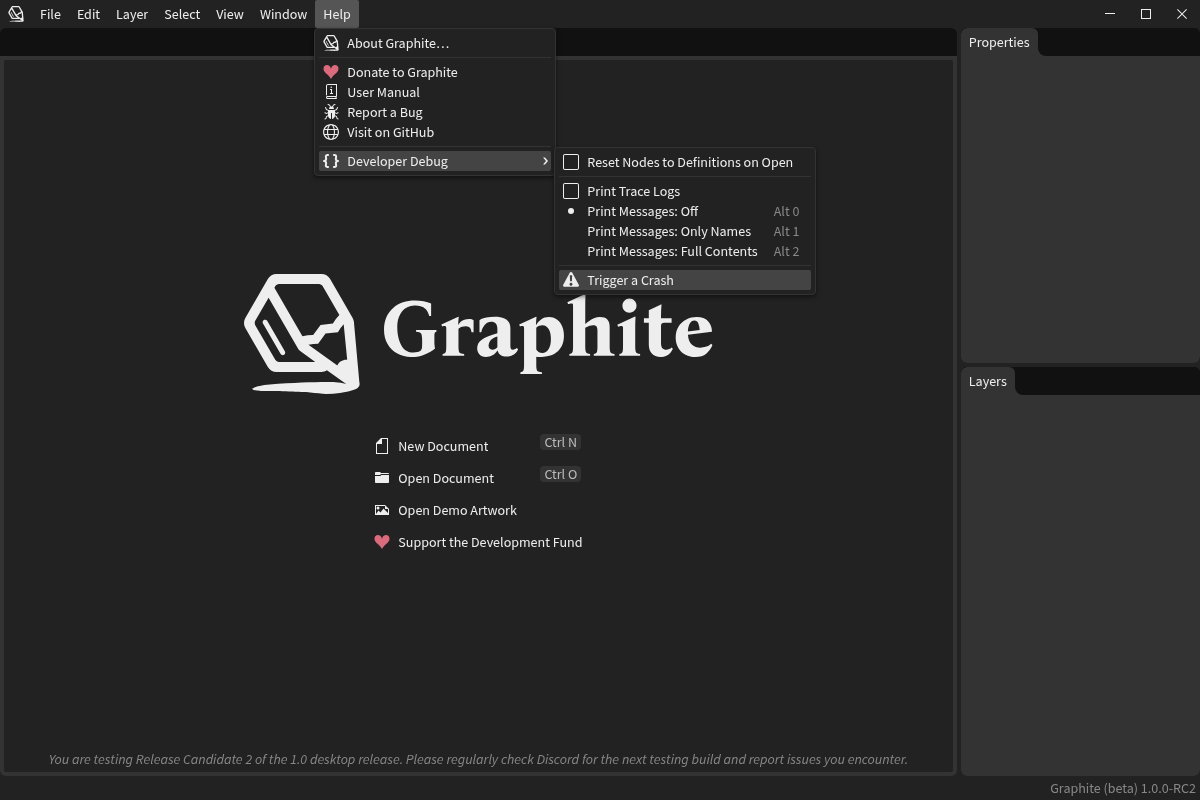
Personally, I have yet to crash Graphite on the web in my testing, though it has had moments of struggling with especially large imported SVGs, which can slow the browser down significantly. That said, the desktop app seems to handle large files relatively well, which could be either the result of optimizations made since the web app was last updated (in September), or the result of the desktop app not being hampered by overhead from the browser.
Of course, the usual caveats apply with any in-development software. You shouldn't entrust your critical work to an application that has not yet been marked as stable.
Notable Quirks
There were only two minor issues I encountered when testing quirks in the desktop build:
- Double-clicking the window does not trigger maximise
- Running without
--disable-ui-accelerationresults in a blank window (on my system)
Both of these are known issues, so I expect them to be resolved (at least for most users) before the full public release of the desktop version. Fortunately, I haven't encountered any actual showstoppers in my testing so far.
Updating and Uninstalling
Since this second RC is distributed as a downloadable Flatpak file (rather than through Flathub), you'll need to run manual updates in the future by installing any future release candidate(s) or the final release when it drops.
If you want to remove it, you can uninstall it with:
flatpak uninstall art.graphite.Graphite
Alternatively, you can also use your distros software manager/app store, if it supports Flatpaks. You'll also need to manually remove the configuration folder in ~/.local/share/graphite.
Final Thoughts: Can I Use This For Real Work?
At this stage, Graphite is not yet something I would deploy for critical client work, but it is already solid enough to get a clear sense of what it will be capable of once it matures. In my opinion, it has many of the tools needed for real-world vector workflows, and with a realistic understanding of its capabilities and current limitations, you could still pull off impressive work.
The main question is not whether Graphite is promising, but how quickly the desktop experience can become reliable for most users. If you do test it, this is the stage where feedback matters.
If you hit issues, include details like your distro, GPU, and whether you had to use --disable-ui-acceleration, then report what you find through the project's usual support and issue-tracking channels. That being said, it remains to be seen what the future has in store, especially on the desktop. I am hopeful for it.
