


Nostalgic about the past? Get a slice of the past by installing the retro terminal app cool-retro-term, which, as the name suggests, is both cool and retro at the same time.
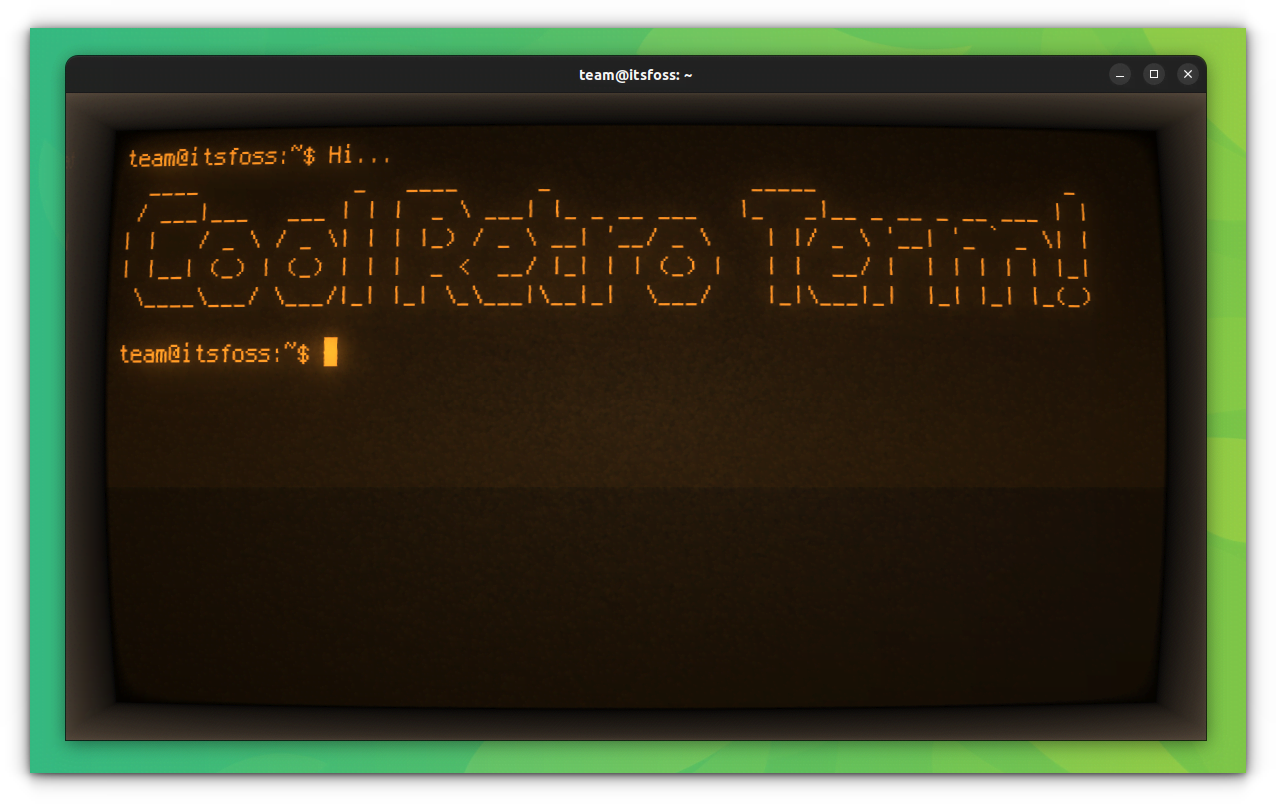
Do you remember the time when there were CRT monitors everywhere and the terminal screen used to flicker? You don’t need to be old to have witnessed it. If you watch movies set in the early ’90s, you’ll see plenty of CRT monitors with green/B&W command prompts. It has a geeky aura which makes it cooler.
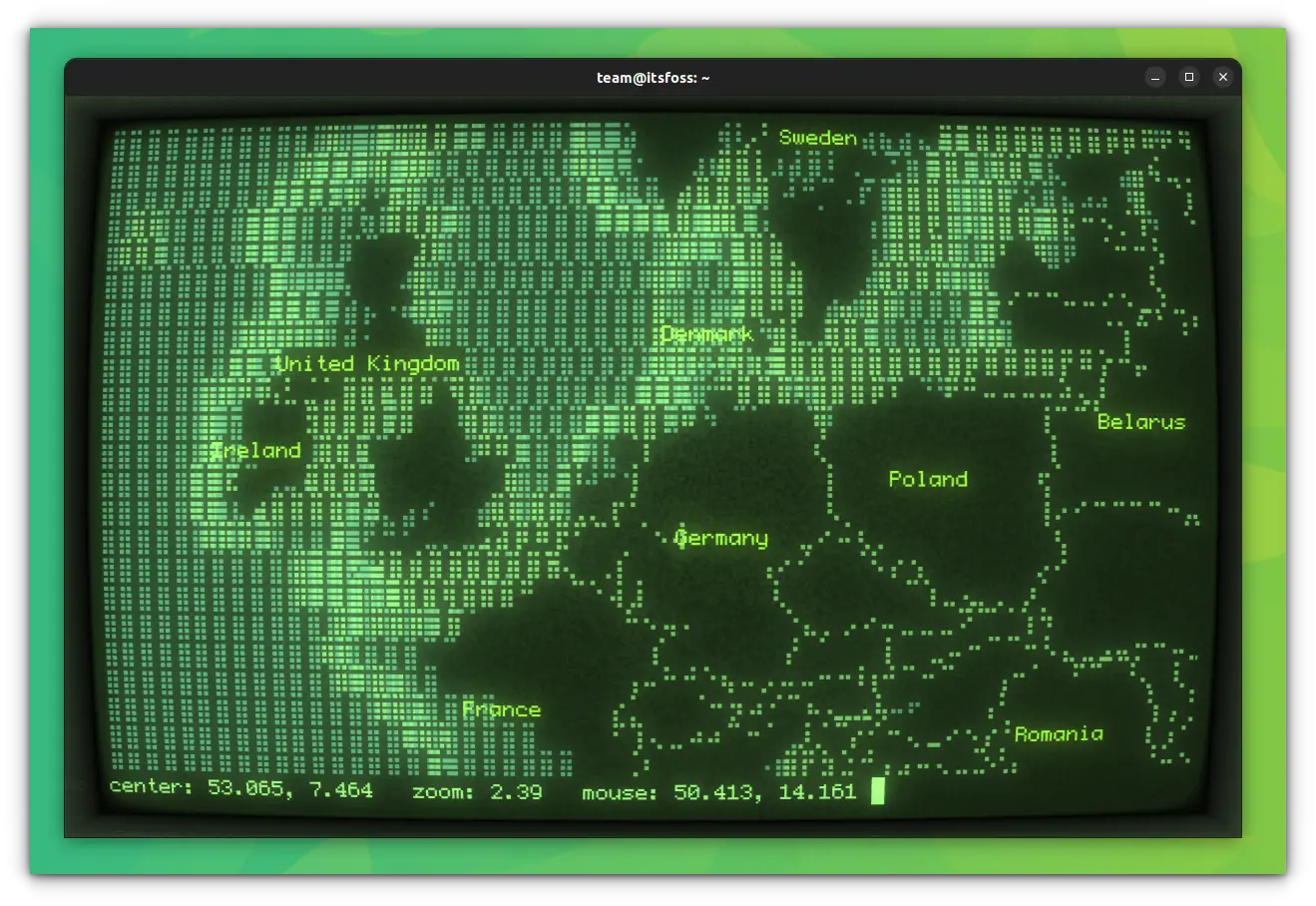
If you are tired of the terminal appearance, and you need something cool and ‘new’, cool-retro-term will give you a vintage terminal appearance to relive the past. You can also change its color, and animation kind, and add some effect to it.
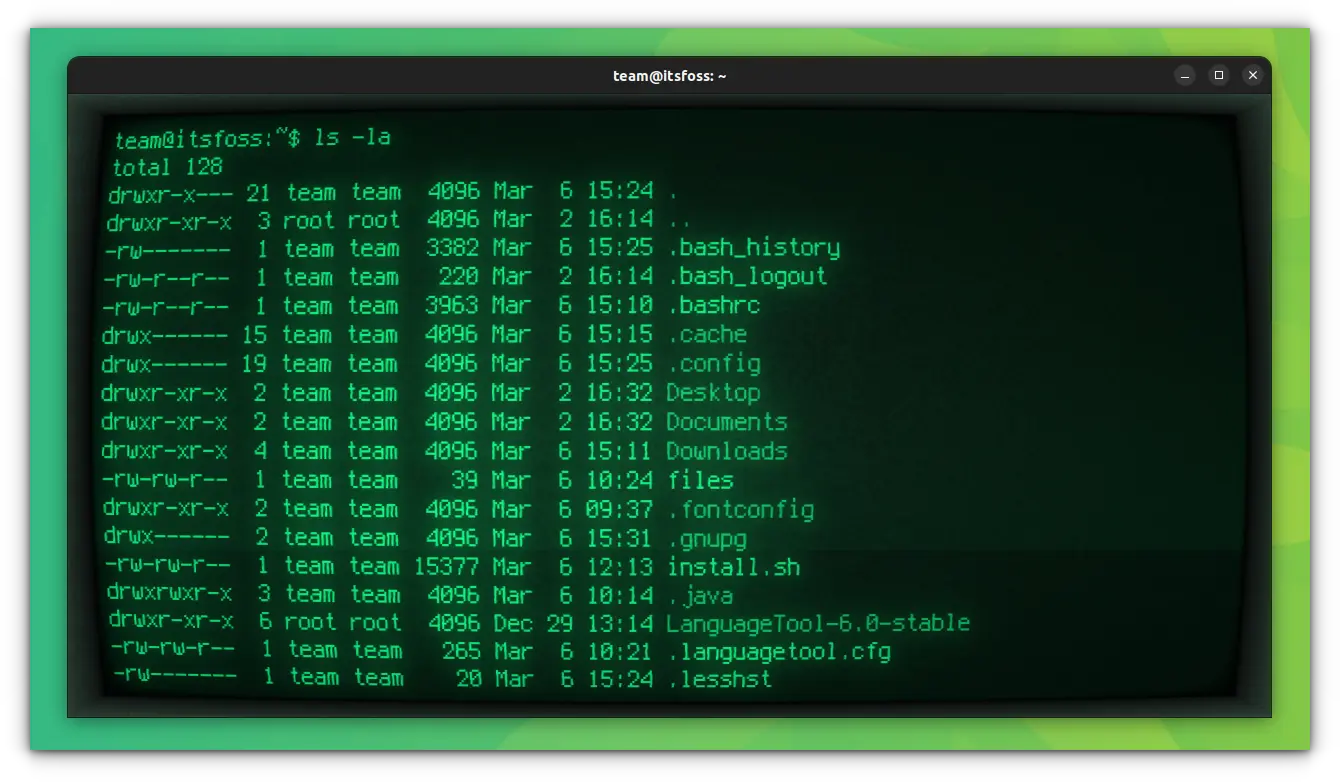
Install Cool Retro Term in Linux [Recommended]
Since it is a quite popular tool, it is available on the official repositories of almost all Linux distributions. On Ubuntu, you can install it by running the following command in a terminal:
sudo apt install cool-retro-termSimilarly, if you are running Arch Linux, use:
sudo pacman -S cool-retro-termOr, in Fedora:
sudo dnf install cool-retro-term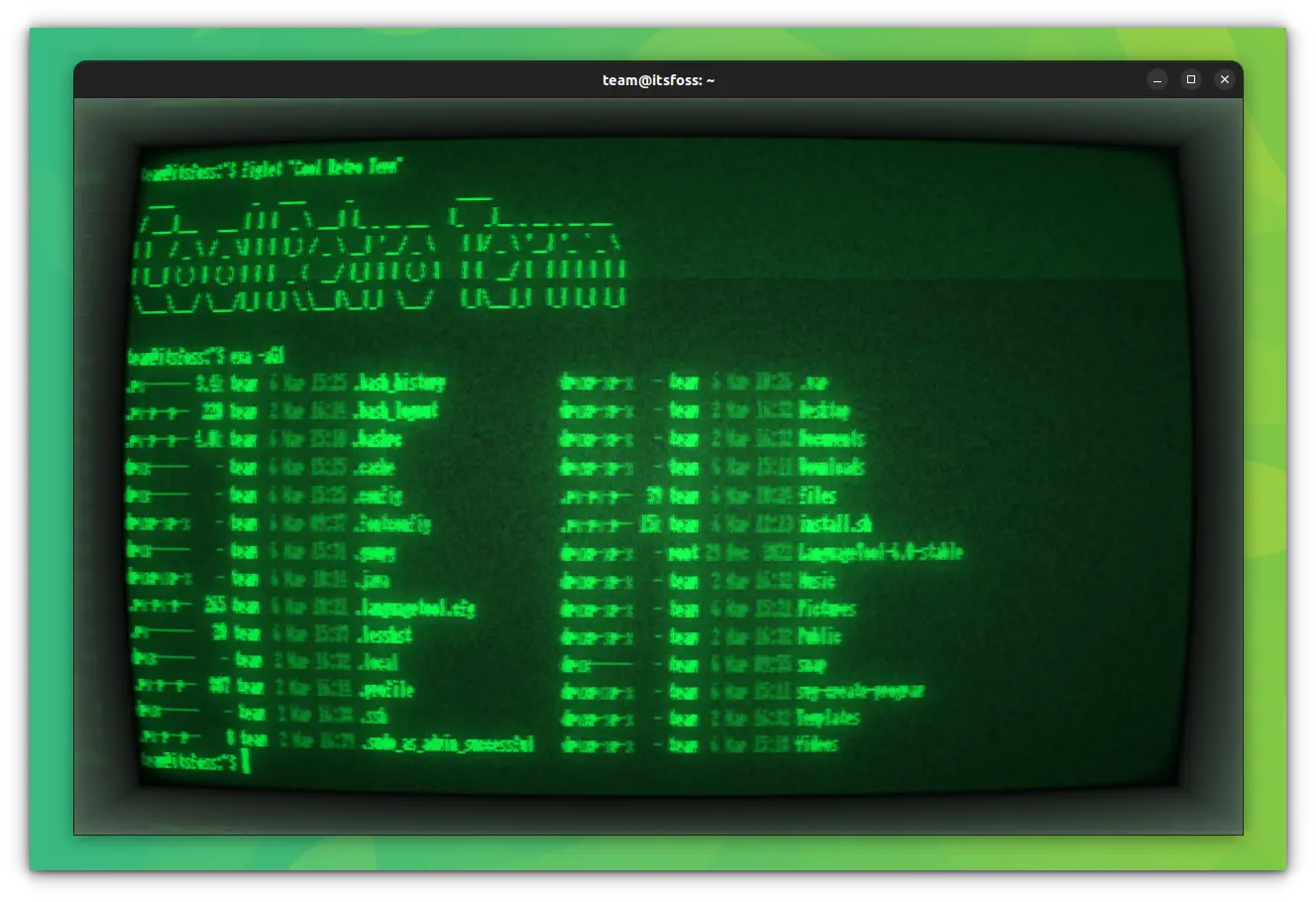
To remove the package installed from repositories, you can use the respective removal command:
sudo apt remove cool-retro-term
sudo pacman -Rs cool-retro-term
sudo dnf remove cool-retro-term
Respectively for Ubuntu, Arch Linux, and Fedora.
Install Cool Retro Term in Older Ubuntu-based Linux distributions
There are PPAs available for easily installing cool-retro-term for Ubuntu 18.04 and Linux Mint 19.
sudo add-apt-repository ppa:vantuz/cool-retro-term
sudo apt update
sudo apt install cool-retro-term
To remove, run:
sudo apt remove cool-retro-term
sudo add-apt-repository --remove ppa:vantuz/cool-retro-term
sudo apt update
Install cool-retro-term from the source code [Not Recommended]
For installing this application from the source code, you need to install Git and a number of dependencies first. Some of the known dependencies in Ubuntu-based distributions are:
sudo apt install \
	git \
	build-essential \
	qmlscene \
	qt5-qmake \
	qt5-default \
	qtdeclarative5-dev \
	qml-module-qtquick-controls2 \
	qml-module-qtgraphicaleffects \
	qml-module-qtquick-dialogs \
	qml-module-qtquick-localstorage \
	qml-module-qtquick-window2 \
	qml-module-qt-labs-settings \
	qml-module-qt-labs-folderlistmodel \
	qtquickcontrols2-5-dev
Extra packages needed for at least Ubuntu 20.04
sudo apt install \
	qtquickcontrols2-5-dev \
	qml-module-qt-labs-platform \
	qml-module-qtquick-controls \
	qml-module-qtquick-layouts \
qml-module-qtquick-localstorageNow, run the following command to install it:
git clone --recursive https://github.com/Swordfish90/cool-retro-term.git
cd cool-retro-term
qmake && make
Once the program is compiled, you can run it with this command:
./cool-retro-termIf you like to have this app in the program menu for quick access so that you won’t have to run it manually each time with the commands, you can use the command below:
sudo cp cool-retro-term.desktop /usr/share/applicationsTo remove the Cool Retro Term, if you did not copy the desktop file to /usr/share/applications, just remove the cool-retro-term folder from the location, where you performed the commands. Else, delete the desktop file from /usr/share/applications also.
Now run:
sudo apt autoremoveOr remove all the unnecessary dependency packages.
Install Cool Retro Term in Linux as Snap
If your Linux distribution has Snap support enabled, you can use this command to install cool-retro-term:
sudo snap install cool-retro-term --classicUbuntu users can find it in the Software Center as well.
To remove it, use:
sudo snap remove cool-retro-termTweaking Cool Retro Term
Cool-retro-term offers several ways to tweak the appearance. You can access the settings by right-clicking on the interface if there is no menu panel by default.
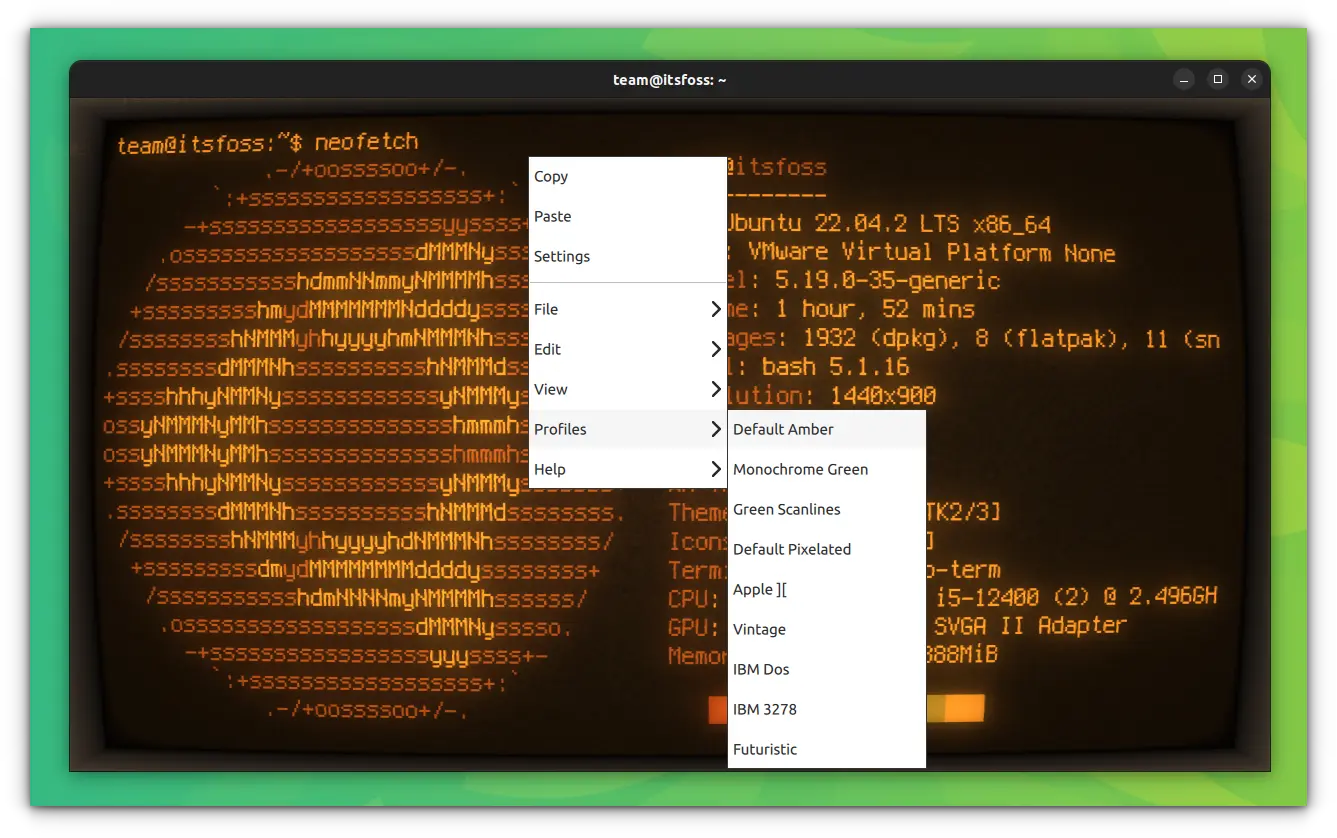
From here, you can go to the Settings option for further granular tweaks.
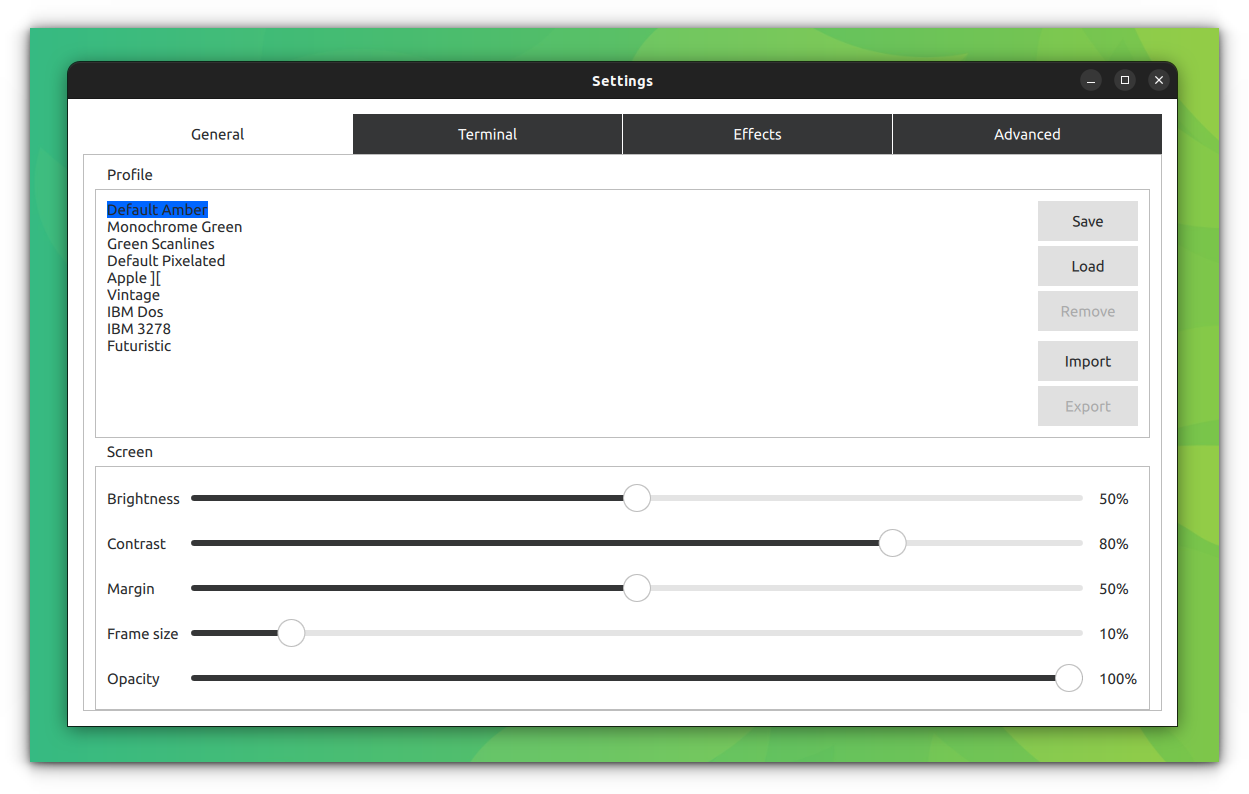
In my opinion, it’s one of the best terminal emulators for Linux. It gets all the points for bringing back memories. Enjoy the vintage terminal in Linux :)
Want more retro stuff in Linux?
If you like retro stuff like this, there are plenty more such thing to take you back into the 80s and 90s.
For example, playing retro games with DOSBox.
 Sagar Sharma
Got a spare system? Turn it into a retro gaming console with specially crafted Linux distros.
Ankush Das
Or just read about others re-exploring the software from the bygone era.
Bill Dyer
Reviews on web
What others are saying about Cool-Retro-Term:
- Cool-Retro-Term Lives Upto its Name on sudoscience.blog
- Awesome Retro Linux Terminal Emulator on YouTube.com (TechHut)
- Make Your Linux Terminal Look Like a Retro Computer on howtogeek.com
If this helped you, consider supporting It's FOSS
It's FOSS has been helping people use Linux for the past 14 years. Help us stay independent from big tech. Become a Plus member, enjoy ad-free reading and get 5 eBooks.
Skip the AI slop and SEO spam in your Google results
Tell Google you prefer It's FOSS, and it will show our Linux news and tutorials, created by experienced Linux users, more often when you search. It takes just a click.
Set as preferred sourceGet FOSS Weekly in your inbox
