


After months of teasers, Canva relaunched Serif’s famous tools as the all-new Affinity in late October 2025; a single app combining Photo, Designer, and Publisher. It’s now free to use, with additional features such as Canva AI only available with a paid Canva subscription. Still, Canva has kept Serif's traditional platform support, with only Windows and macOS receiving native releases.
However, that hasn't stopped the AffinityOnLinux community in their tireless efforts of making Affinity on Linux a reality. As someone who had used it in the past, I gave it a try to see how well it works on Linux for day to day usage.
What is AffinityOnLinux?
Since September 2025, the AffinityOnLinux team has been making scripts and other methods for setting up Affinity available via their GitHub repo. Their work provides methods for installing Affinity with various launchers and Wine management apps, including Bottles, Heroic, Lutris, and Rum. They also provide solid documentation for artists who'd like to run these popular tools on their Linux system, but may be less tech-savvy.
Method 1: AppImage (Recommended)
By far, this is definitely the easiest method you can use. There's not much to be done other than to download the AppImage and run it.
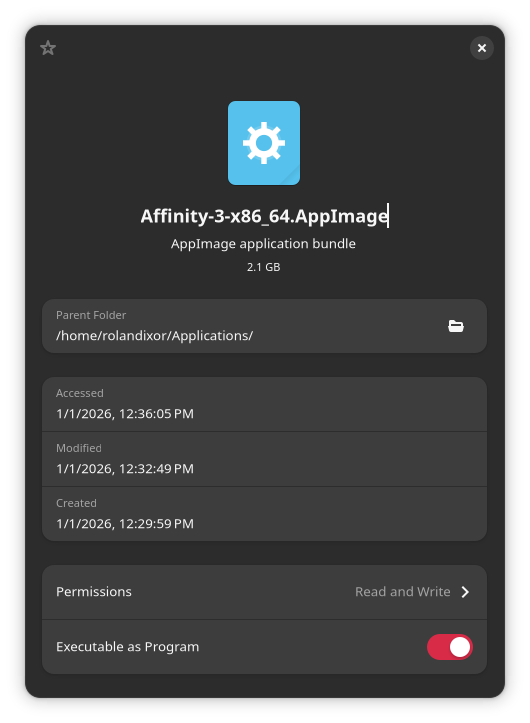
In order to run the AppImage, you'll first need to mark it as executable. You can do this in the file manager, using file properties (in GNOME, that's "Executable as Program").
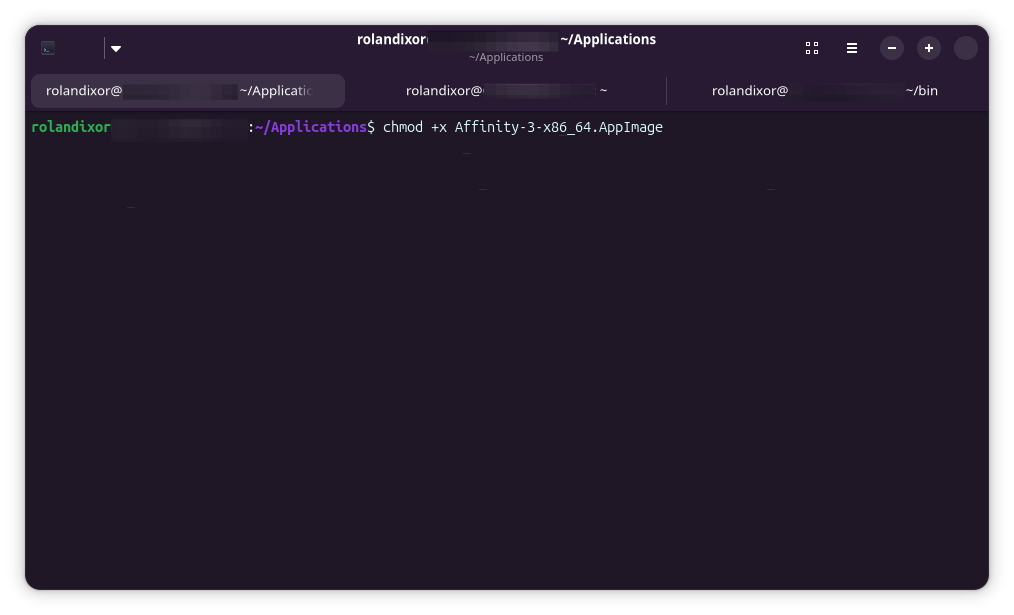
Alternatively, you can run chmod +x Affinity-3-x86_64.AppImage in a terminal.
Once you've marked it executable, you can run the AppImage by double-clicking, as you would with any executable. If you have Gear Lever installed (recommended) it will give you the option to integrate the AppImage with your menu. No other steps are required with the AppImage.
How well does it work in practice?
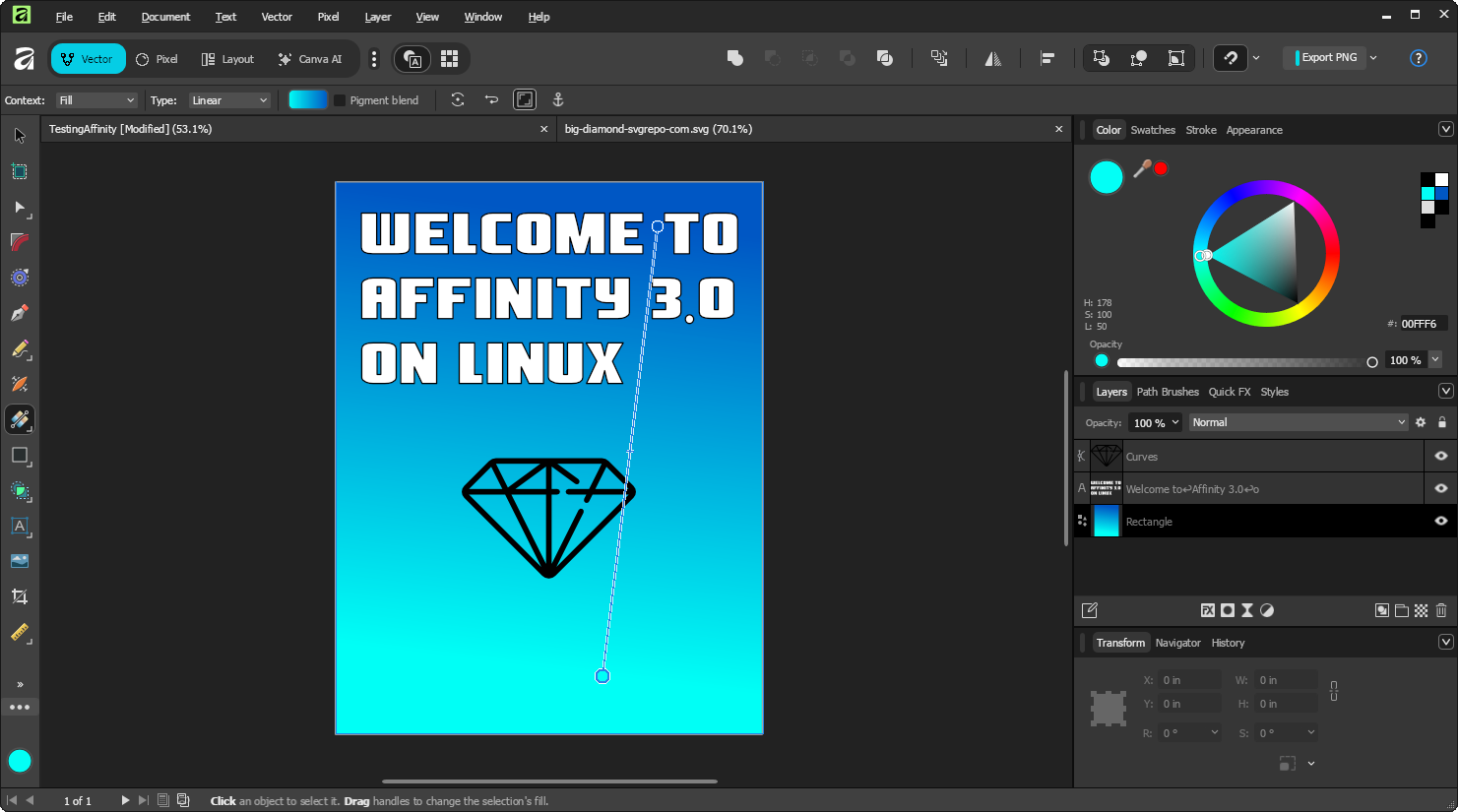
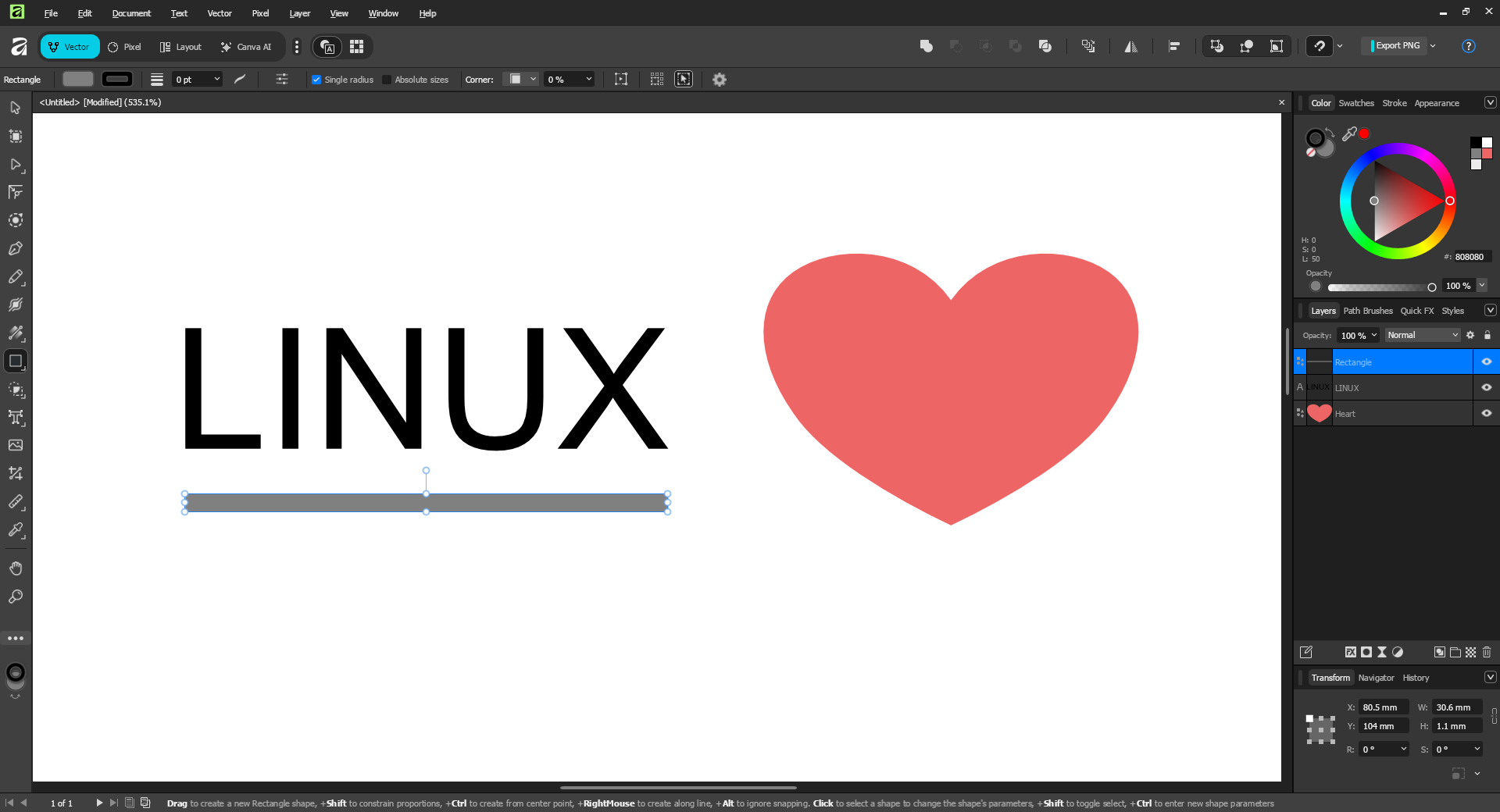
In my testing, I didn't encounter any notable issues with this method. It runs smoothly (at least, on my hardware and software setup), without stuttering or graphical artefacts, and integrates well with the desktop. Tooltips, dialogs, modes, text, and other features work just fine, and file saving/opening and export also work. In other words, you could easily fool someone this is a native build of Affinity for Linux, if they don't dig too deeply.
The only thing I noted was that certain paths and recent files from the creator's own system were baked into the AppImage. This isn't a big deal, since you can easily remove the recent file entries and navigate to your own home folder, but it does "break the simulation" a bit if you're expecting a "clean install" experience.
Can you use it for real work?
From my experience using it, yes. To be clear, I DID NOT test advanced filters or plugins, but many of the standard features that would be useful for real work are fully usable in my experience. I had no complex files to test, but performance with basic testing seems reasonable, and comparable to a native application.
Method 2: Automated script (Experimental)
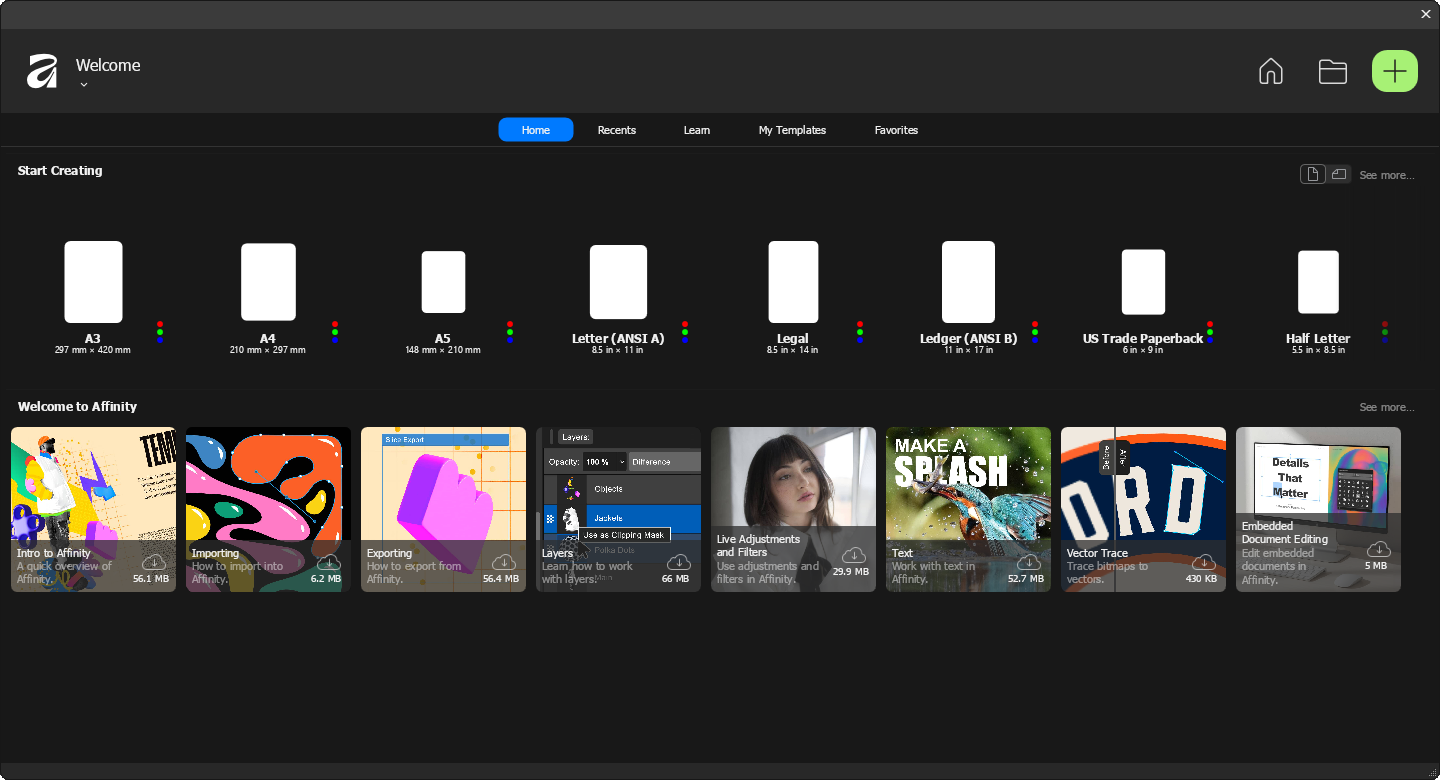
This method is useful if you want to set up Affinity in a wine prefix and may want to tweak anything. It uses a Python script for setting up Affinity using its installer (which you'll need to download manually), and handles any missing dependencies as well. Do note, however: this installer is experimental. If you run into any issues, the AppImage is still the recommended method to use.
To use the script, download affinity_installer_unified.py and mark it as executable (chmod +x affinity_installer_unified if using the terminal). Then you can run it with python3 ./affinity_installer_unified.
You'll get a window like this:
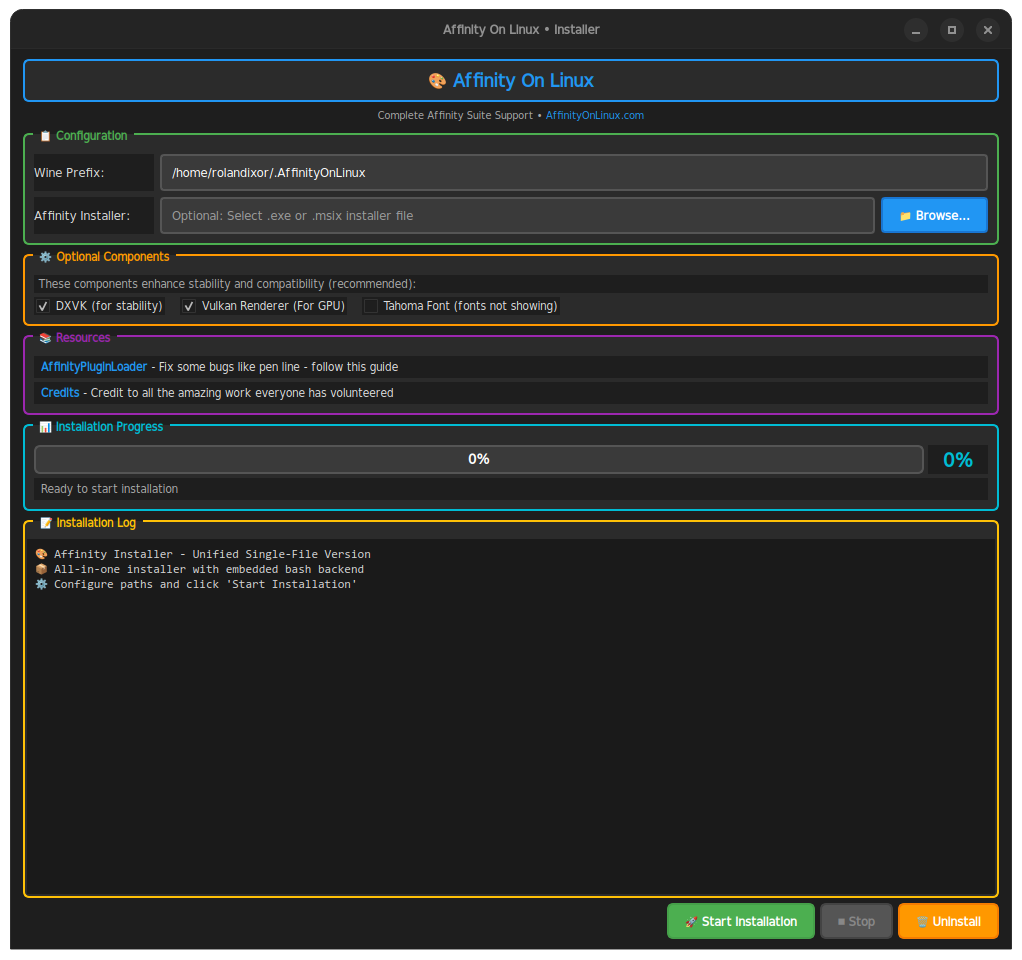
The script will also ask for your password to give it permission to install the necessary dependencies. Once you've done this and pointed it to the Affinity installer, you can click "Start Installation".
The script will automate the setup process for you:
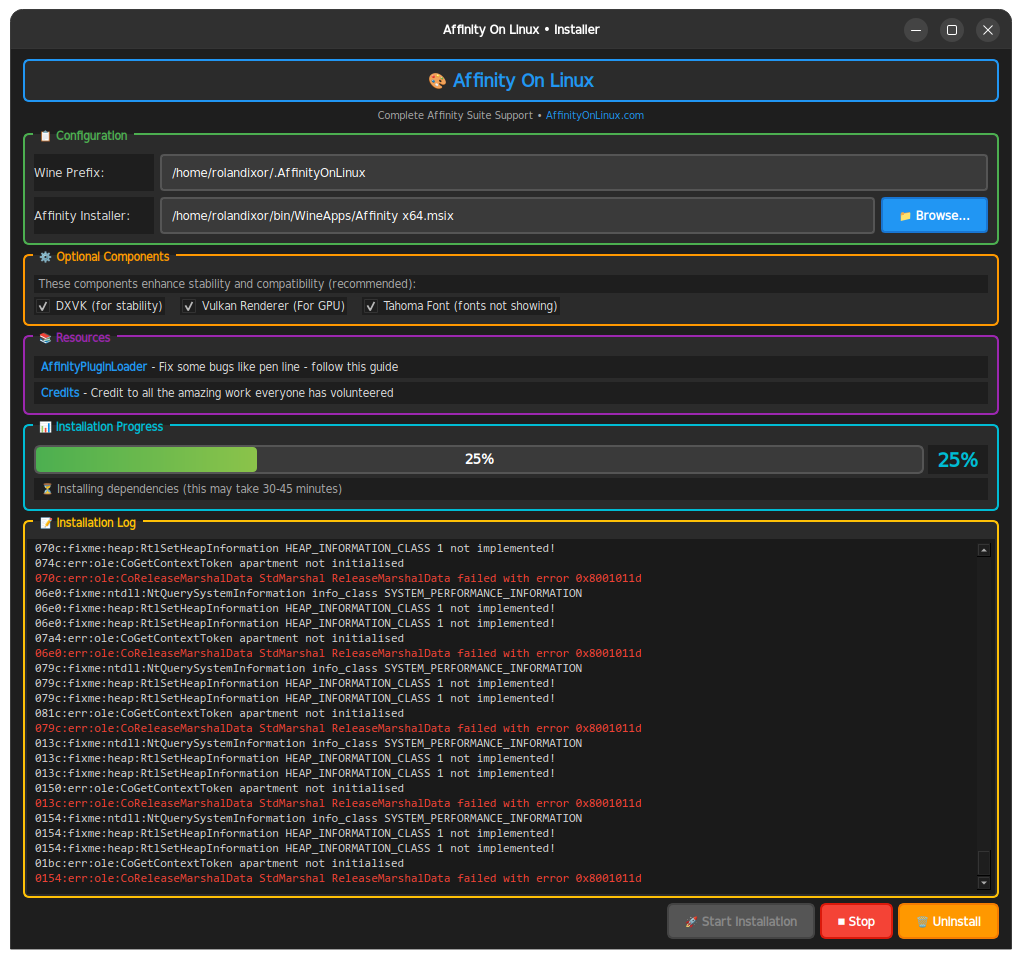
Once it's installed, you can run Affinity straight away. If you later need to remove Affinity, you can use the same script and just click Uninstall instead.
How well does it work in practice?
In my testing, this method has some issues with rendering windows unless you maximize them, showing black surfaces in most of the window. However, once you do maximize, the app runs relatively smoothly and can be used pretty much as expected, so long as you're not using any dialogs that spawn their own windows.
It's worth noting that such issues can be due to graphics driver compatibility, and can occur even with native applications in some cases (depending on your system), so don't be put off by my experience with this method, as your experience may differ.
Can you use it for real work?
From my experience, I would say that yes, you can use this method for installing Affinity to do real work. Since this method gives you the freedom to customize the setup as needed, it's possible to try tweaking it if you run into issues.
Other methods (Not tested by me)
As mentioned earlier, you can install Affinity via a number of other methods, including Bottles, Lutris, and Rum. However, I haven't tested these for various reasons, which I'll explain in brief here.
- Bottles/Lutris: The AffinityOnLinux project supports these, but they're essentially managed/scripted options, so, I've skipped them to avoid repeating the same underlying setup work in a different UI.
- Rum: Rum is explicitly the “terminal” route in the project’s guide list. Since it overlaps heavily with the standard Wine CLI approach, I did not test it separately.
What doesn't work (Overall)
Regardless of the method you chooce, you should be aware of a few things., you should be aware of a few things. Firstly, since Canva hasn't released a native Linux client, you may run into some features that either don't work outright, or don't work as intended.
- It's currently not possible to sign in to your Canva account. Affinity will show "Sign Out" in the file menu, but you should not use this as you won't be able to log in your own account.
- WebView2 (based on Edge) is currently broken in Wine. For this reason, any features that require WebView2 will fail to work. These include the Help View and some dialogs.
Will Affinity ever be native on Linux?
Despite the promise of creative freedom, Affinity's October release landed without word of Linux version, and Canva has made no mention of a so much as a roadmap suggesting one is on the way. Serif’s long-standing position was that they wouldn’t port Affinity to Linux unless there was a clear return on the engineering investment, and some past staff responses came across to many Linux users as dismissive.
Even so, intrepid Linux users have been getting Affinity running under Wine for years, including back when its installer made that far from straightforward out of the box. Will it ever come our way natively? Never say never. Recent rumours suggest attitudes within Canva may be more positive.
Final thoughts
I hope you've found this guide helpful in getting Affinity running on your system. While compatibility isn't perfect, it's sufficient for getting a feel of the program (if that's your desire) and even potentially for using it to do real work.
If you'd like to follow development of these projects, you can check them out on GitHub, or join the project's Discord.
It will be interesting to see if Canva ever releases an official build for Linux, especially as tools like Inkscape and GIMP continue to improve by leaps and bounds this year, with big, important releases on the horizon for both.
