


When we think of open-source apps for design, productivity, or even just for fun, we usually picture desktop software running natively on our computers. The web still feels like it belongs to proprietary giants like Google Docs, Figma, Canva, and CapCut. But open source has been catching up fast.
There’s now a growing wave of browser-based open-source apps, many with public hosted instances you can use for real work right away. Some can also be self-hosted later, but this list focuses on the ones you can simply open and start using.
Here are the open-source web apps I enjoy using the most, with no installs, just a browser.
If you think It's FOSS is doing a great work, please support us by opting for a Plus membership. You also get 5 eBooks on Linux, Docker and Bash scripting.
Our lifetime membership option is available for $89 (instead of $149). This special price is applicable until 5th January.
1. ONLYOFFICE (DocSpace)
Public instance: https://www.onlyoffice.com/docspace
Availability: Startup cloud is free (up to 3 admins, 2 GB storage, up to 12 rooms, unlimited users and guests). Business plans are available at cost.
License: AGPL-3.0
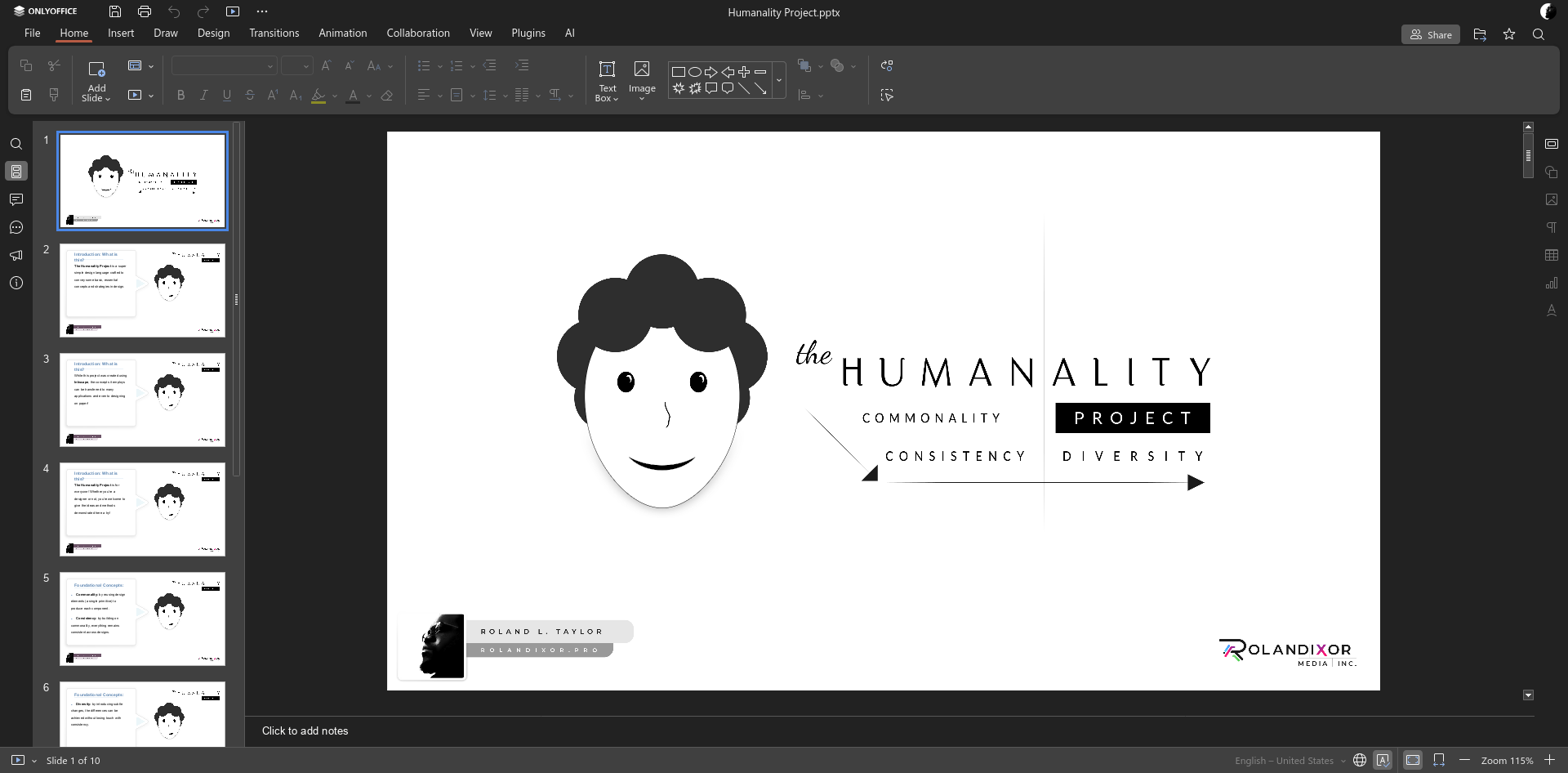
Of the most feature-complete open-source office suites, ONLYOFFICE is also one of the most popular, especially among those who prefer visual and format compatibility with Microsoft Office. Widely known for its desktop apps and self-hostable integrations with Nextcloud and other services, ONLYOFFICE also has its own publicly available collaborative office solution in the form of DocSpace.
DocSpace differs from a regular “cloud drive with an editor” in that it’s a room-based document collaboration platform. This means you can use it to organise files into rooms, invite others, and control access either at the space or room level. Rooms can be used for standard collaboration, public sharing, and form filling, or, you can create private rooms, designed for more sensitive work, where your ONLYOFFICE applies end-to-end encryption.
2. OpenCut
Public instance: Same as the homepage.
Availability: Free to use (including commercial use), no subscriptions or watermarks.
License: MIT
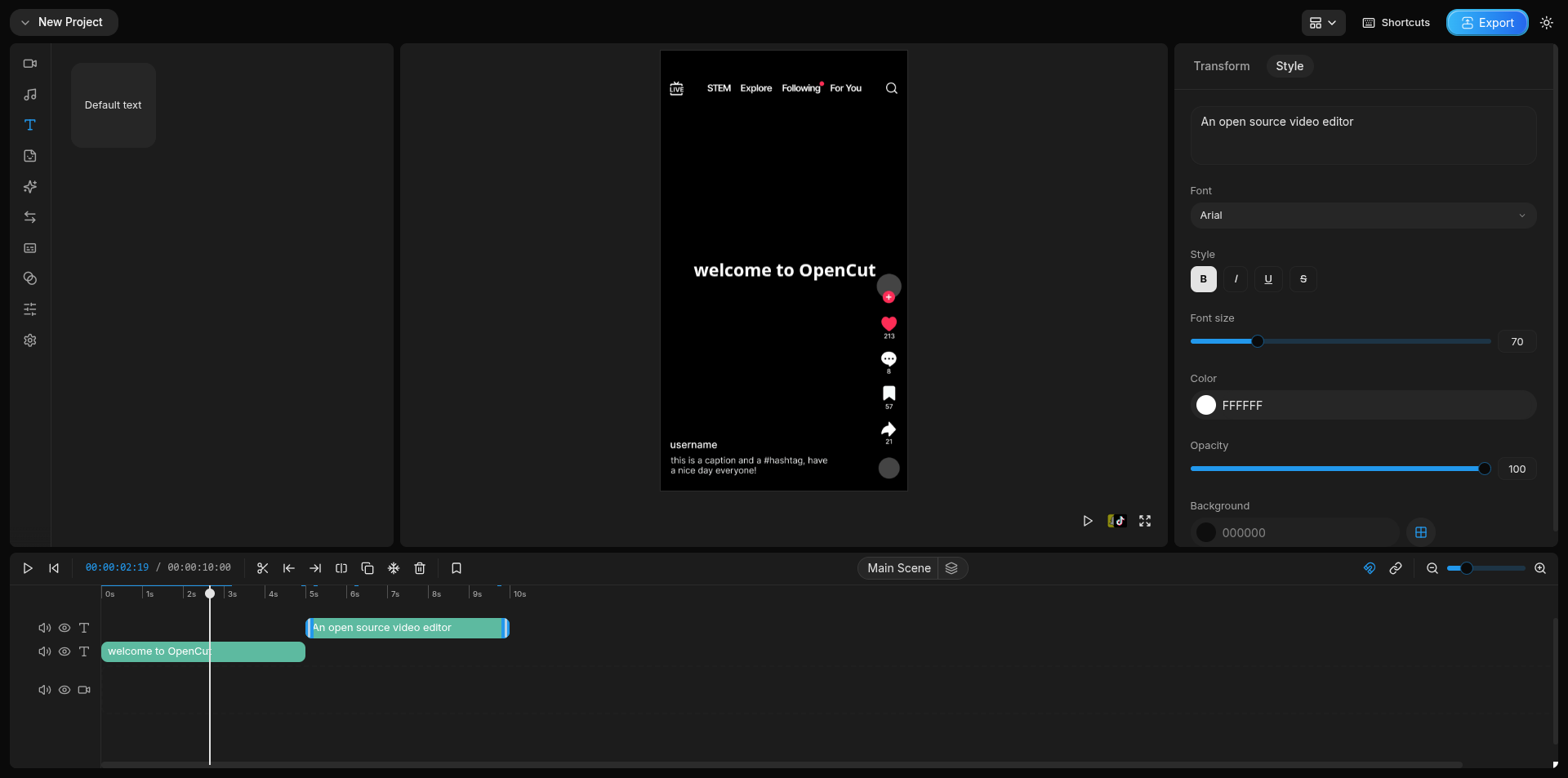
OpenCut is an ambitious new project, created in just July, 2025. It's an open-source alternative to CapCut, the popular video editor that powers much of the creative industry online today. It’s aims to prove that a modern, approachable video editor doesn’t have to be a heavy desktop app, nor does it have to be locked behind a subscription.
Running completely in the browser, OpenCut uses a familiar timeline-based workflow, with tools simplified and streamlined so that even the everyday user can jump into editing without hassle. As with many open-source solutions, OpenCut leans into privacy, with all video processing occuring locally on your device. Not only does OpenCut not have access to your content: you keep all the rights to everything you create.
3. CryptPad
Public instance: Same as the homepage.
Availability: Free to use (without sign-up). 1GB of storage available with a free account. Paid accounts available, as well as donation without subscription.
License: AGPL 3.0
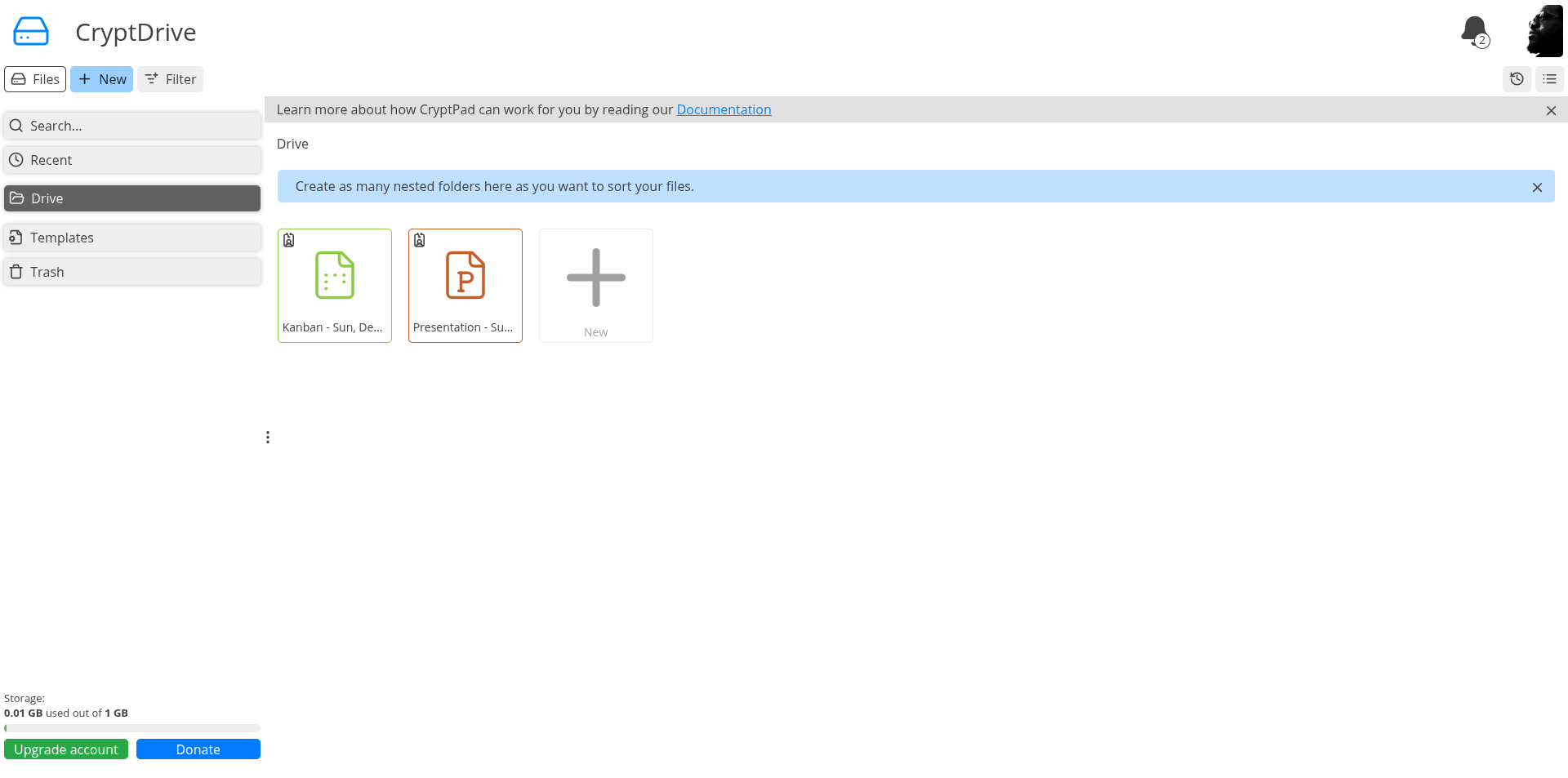
CryptPad is a free, fully web-based office and collaboration suite for personal and commercial use, hosted in privacy-conscious France. As the name suggests, one of the main selling points of CryptPad is that it's fully end-to-end encrypted. This means that your data is not only protected when it's sitting in your browser, but even when it's passed to the server.
Unlike Google Docs, CryptPad keeps some degree of separation between its "CryptDrive" offering and the document editors - in that you can edit a document in any of the editors without automatically saving it to CryptDrive. Of course, this is fully optional, but it's a neat way to bolster privacy or cleanly separate collaborative and personal tasks.
Within, you'll find a full suite of web apps, including office applications based on ONLYOFFICE, a kanban-style board, forms, a code editor, markdown slides, and more. Unlike Nextcloud, which uses the ONLYOFFICE Document Server, CryptPad uses its own fully integrated OPENOFFICE code.
4. DocuSeal
Public instance: Same as the homepage.
Availability: Free plan available. Pro is $20/user/month. Free plan includes “indefinite document retention”, but only 10 request emails/month.
License: AGPL-3.0
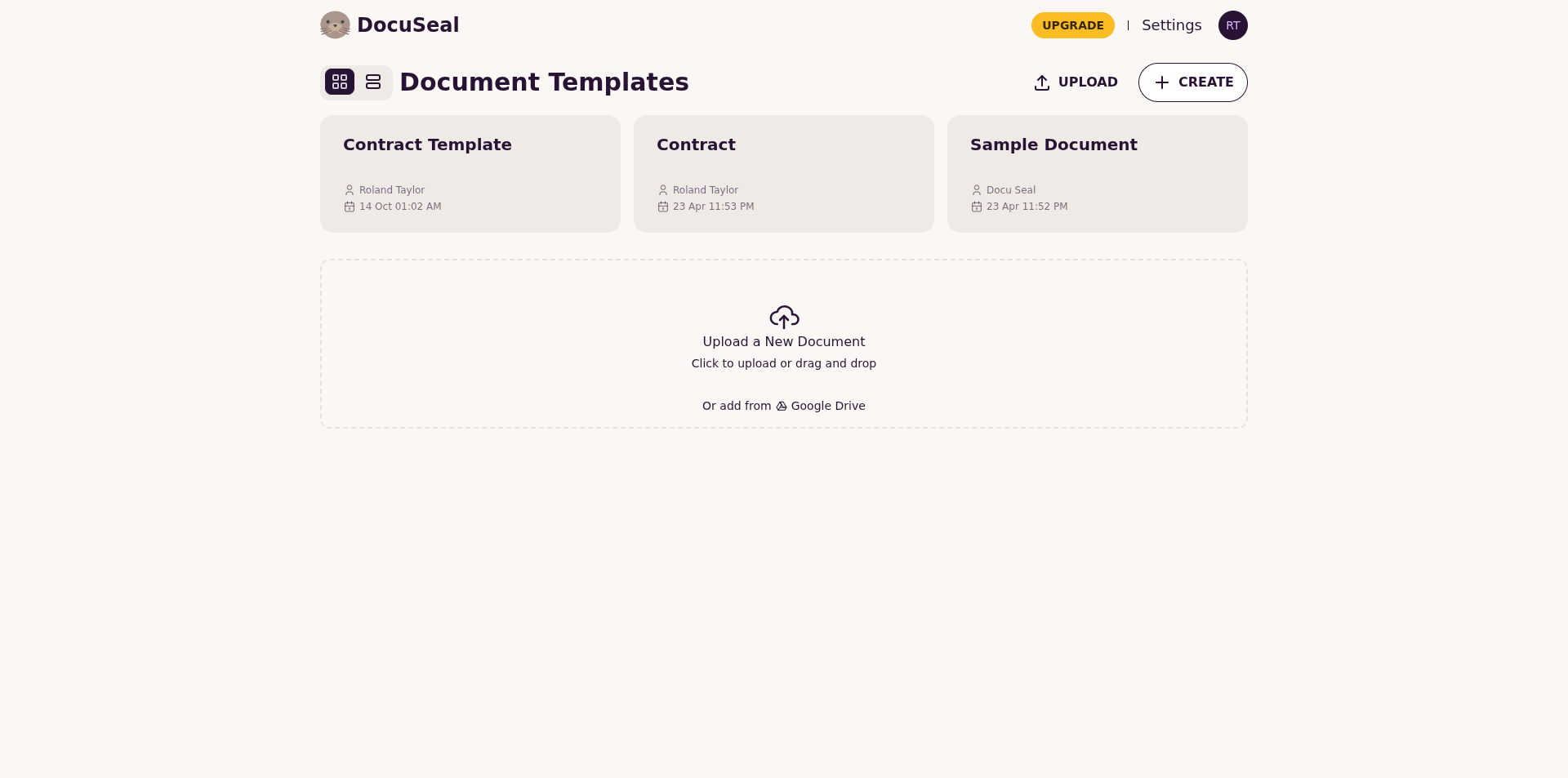
DocuSeal is a solid counterexample to the idea that open-source software can’t be used for serious work. Digital signing is usually the domain of business professionals, and yet DocuSeal feels right at home. It’s an open-source document filling and e-signature platform that lets you prepare documents, send them to people to fill and sign, then download the completed files from any device. It’s the solution I personally use.
It also challenges the assumption that polished web apps have to be proprietary, especially to succeed. DocuSeal is genuinely well put together, and its hosted cloud instance is more than enough for personal use and many small businesses. If you ever want full control, you can also self-host it.
According to DocuSeal, the free cloud plan has no fixed usage limits, though it’s subject to a fair use policy. In practice, the main limitation you’ll notice is email delivery. Free accounts can only send 10 signing requests by email per month. That said, DocuSeal doesn’t put a hard cap on the number of documents you can sign overall.
5. Excalidraw
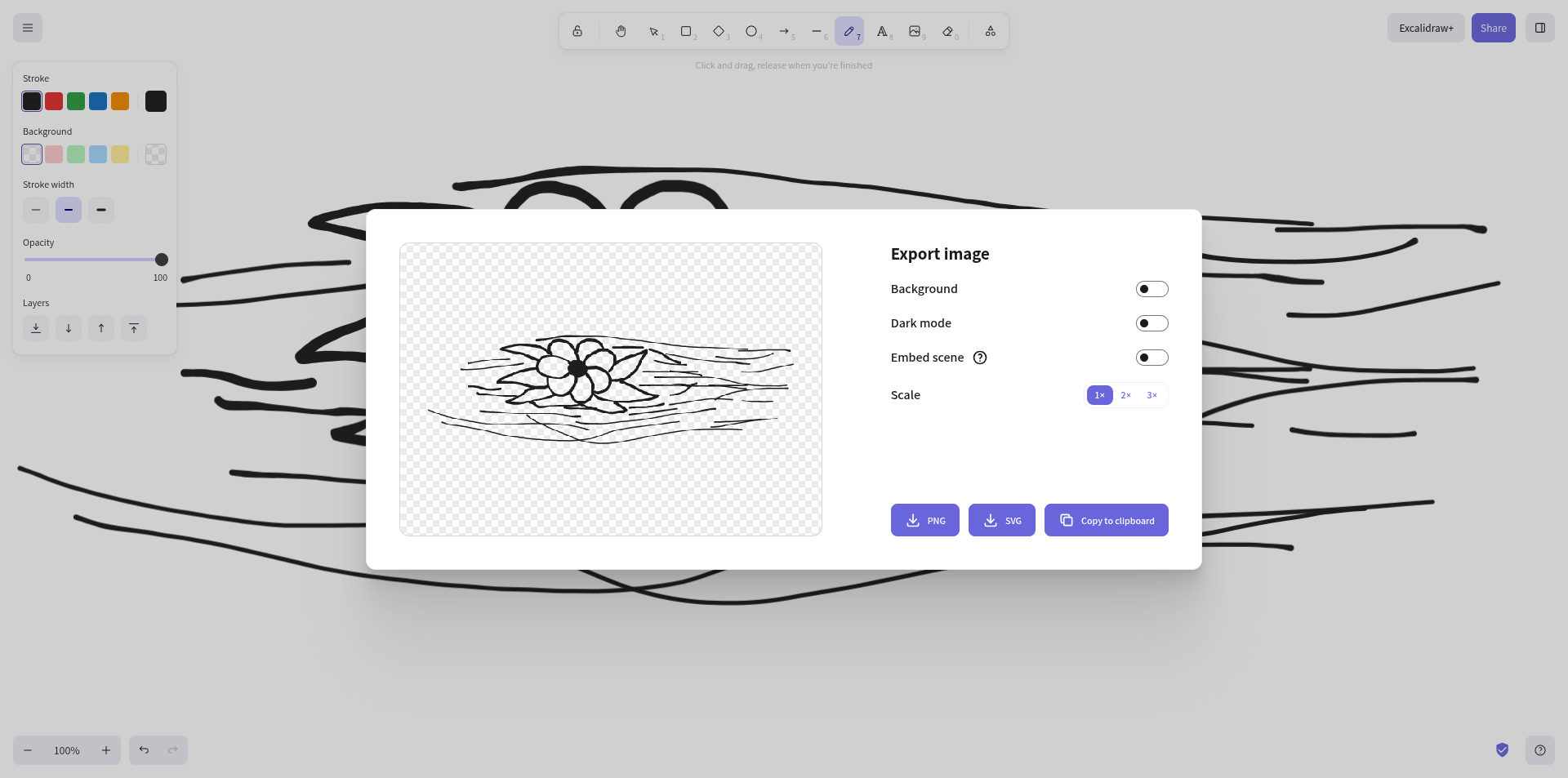
Public instance: Same as the homepage.
Availability: Free to use. Optional Excalidraw+ is $6/month per user.
License: MIT
Excalidraw is a slick, open-source whiteboard app for personal and collaborative sketches, diagrams, and wireframes. Its controls are comfortable and intuitive, and its hand-drawn style keeps your work looking clean even if you’re not a professional artist.
Beyond that, its biggest selling points are how lightweight and privacy-friendly it feels. Drawings live locally in your browser by default, and when you do share work, Excalidraw supports end-to-end encryption for shared sessions and links.
One thing to note is that self-hosting Excalidraw mostly means self-hosting the editor. The project’s own docs note that a self-hosted instance currently doesn’t support sharing or collaboration features, and some conveniences offered by Excalidraw+ live on their hosted backend.
6. Grist (Grist Core)
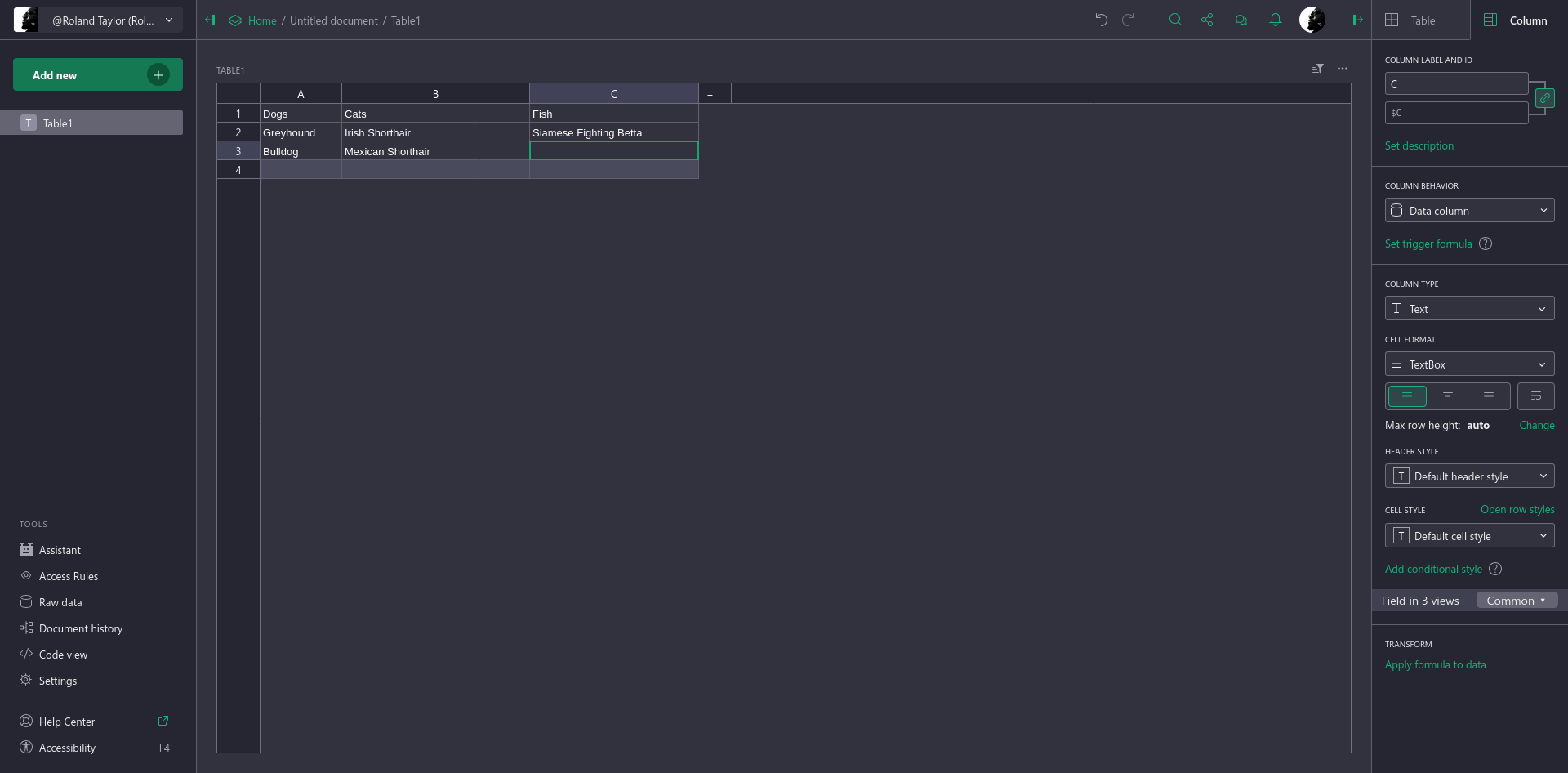
Public instance: https://docs.getgrist.com/
Availability: Available as a hosted service with both free and paid plans. Community edition (“Grist Core”) can also be self-hosted.
License: Apache 2.0 (Grist Core)
Grist is an open-core, web-based relational spreadsheet solution that allows you to view datasets in multiple ways. Its interface somewhat resembles that of familiar editors like Google Docs and LibreOffice Calc, but with some UX tweaks that make spreadsheet management more of a first-class citizen, since this is its core function, after all.
Under the hood, Grist is designed for relational data, which means you can link tables together using reference columns. This makes it more like a database than a traditional spreadsheet. Grist also supports forms for collecting data, Excel functions, and even Python.
Like Excalidraw, Grist uses a model with an open-source core, and a hosted service that includes additional features that aren’t part of Grist Core. That being said, the official hosted instance is still the quickest and easiest way to try it live, even if you choose to self-host later.
7. Graphite
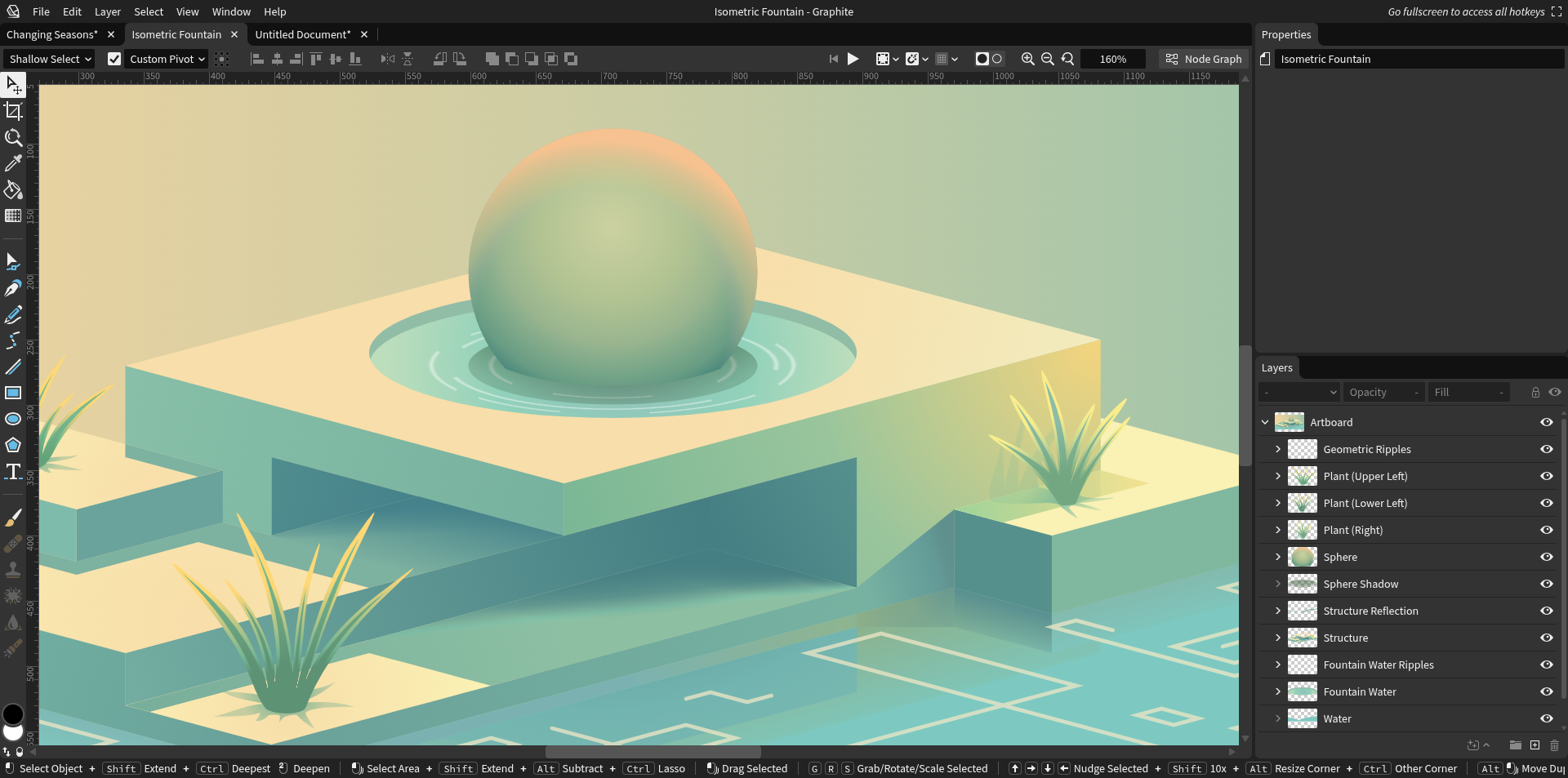
Public instance: https://editor.graphite.art/
Availability: Free to use; accepts donations and support through memberships.
License: Apache 2.0
Graphite is a modern, open-source 2D graphics editor that aims to mimic the model popularised by Blender: a single, unified editor that for multiple domains. While it describes itself as “desktop-first”, it’s currently easiest to use in the browser. Interestingly, even in the browser, Graphite runs locally on your machine, so your work never passes through some remote server.
There’s no paid version of Graphite, so until the desktop app is fully stable, the public web editor is the main way to try it.
Like Blender, it leans heavily on nodes, but it was designed around a procedural, non-destructive, node-based core from its inception. You can still work with familiar 2D tools like primitives, layers, and brushes, but the node graph remains its most robust feature. Right now it’s primarily a vector tool, with an experimental raster toolset that’s improving quickly. Longer-term goals include supporting other 2D workflows, such as animation and desktop publishing.
8. Penpot
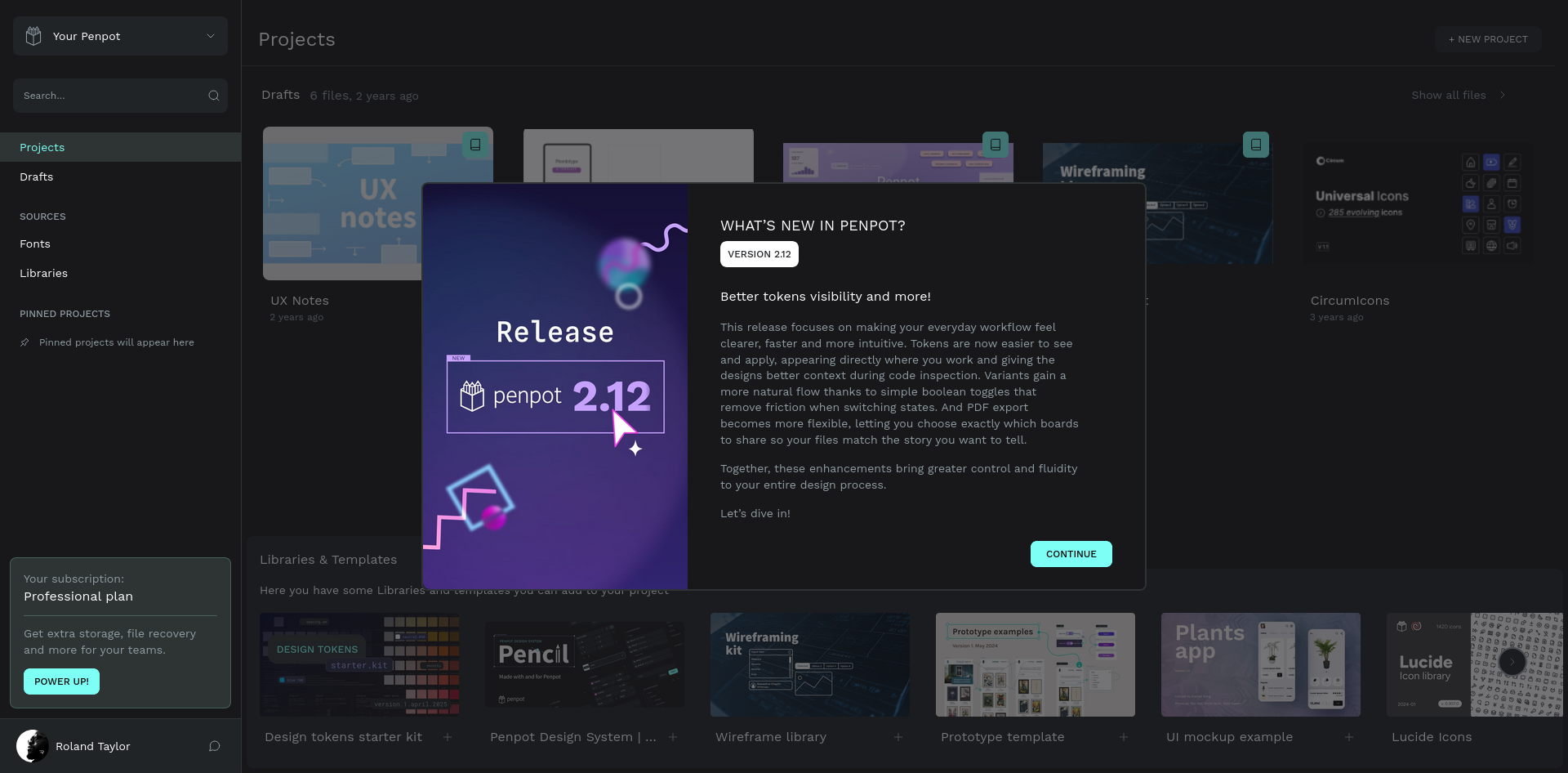
Public instance: https://design.penpot.app/
Availability: Free plan available. Paid plans are also available.
License: MPL-2.0
Penpot is no doubt one of the most polished open-source alternatives to Figma, Adobe XD, and similar design tools. It’s built from the ground up for developers and designers to collaborate smoothly and efficiently, and because it’s web-based, it has no dependencies beyond a modern web browser.
Penpot supports prototyping and design systems, and it also offers code generation features that can make handoffs easier, especially for UI work. Its interactive previews make it simple to share clickable demos with stakeholders and testers.
A big part of Penpot’s appeal is that it leans on open standards like SVG, CSS, and HTML, alongside its own .penpot format for saving and sharing project data. It can also be self-hosted if you need custom deployments or stricter privacy, but the public instance should be sufficient for most folks, and can be installed as a Progressive Web App (PWA).
9. Godot Web Editor
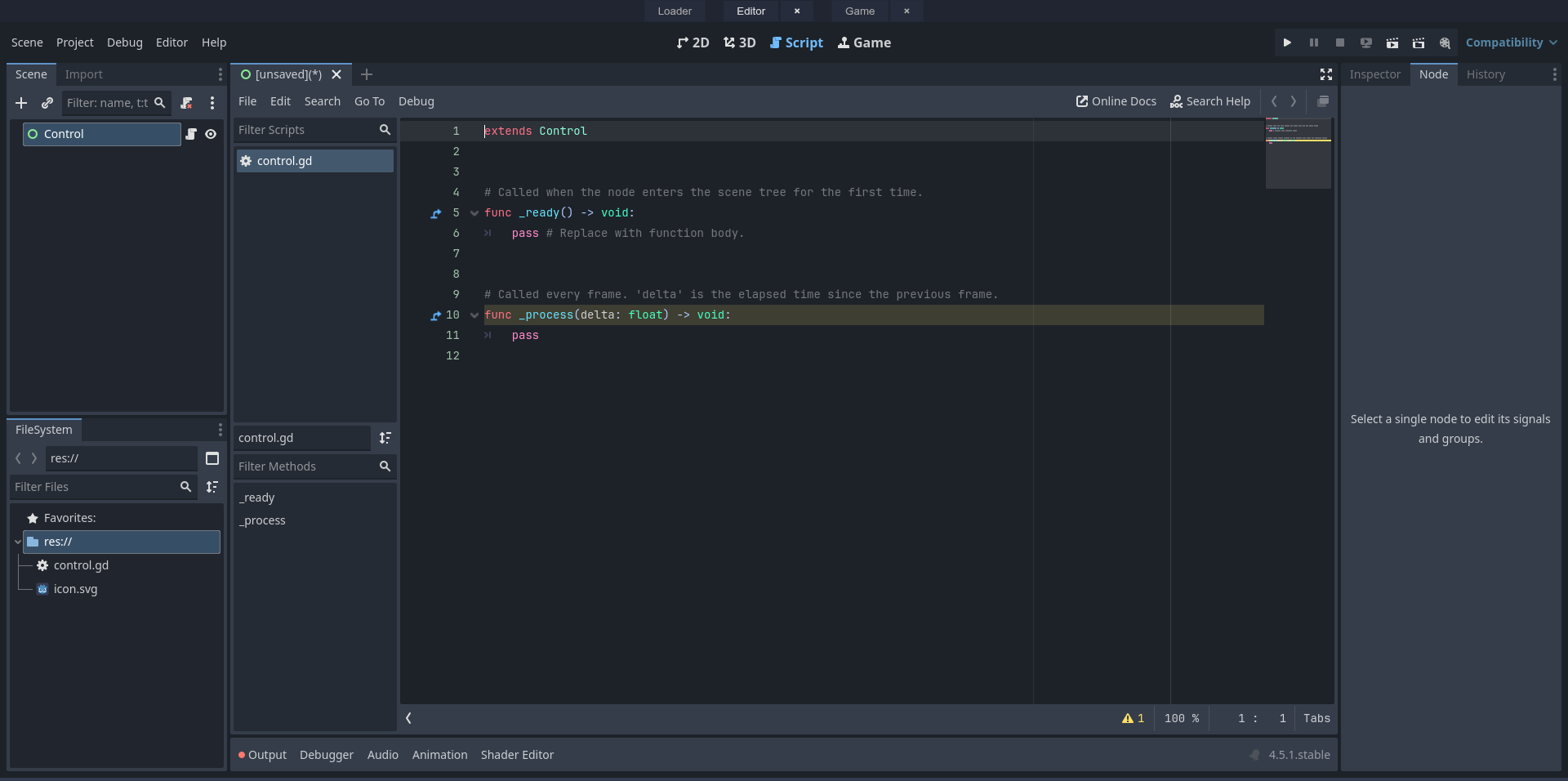
Public instance: https://editor.godotengine.org/
Availability: Free to use. Donations accepted via the Godot Foundation.
License: MIT
Godot is arguably the most famous truly open-source game engine in existence. It’s one of the biggest success stories in open-source game development, and it keeps growing with every release. While Godot is primarily a desktop tool, it can also run on the web and on mobile. That said, Godot’s web editor isn’t ready for production work yet, but it’s genuinely useful for educational and experimental purposes.
Some of the key limitations compared to the native editor are that project exports are disabled, and there’s no C#, GDExtension, or debugging support. However, you can still download your project sources and export them using the desktop version. Overall, I’d say this is one to keep an eye on for future developments, though how quickly it matures will largely depend on both user demand and developer interest.
10. Jitsi Meet
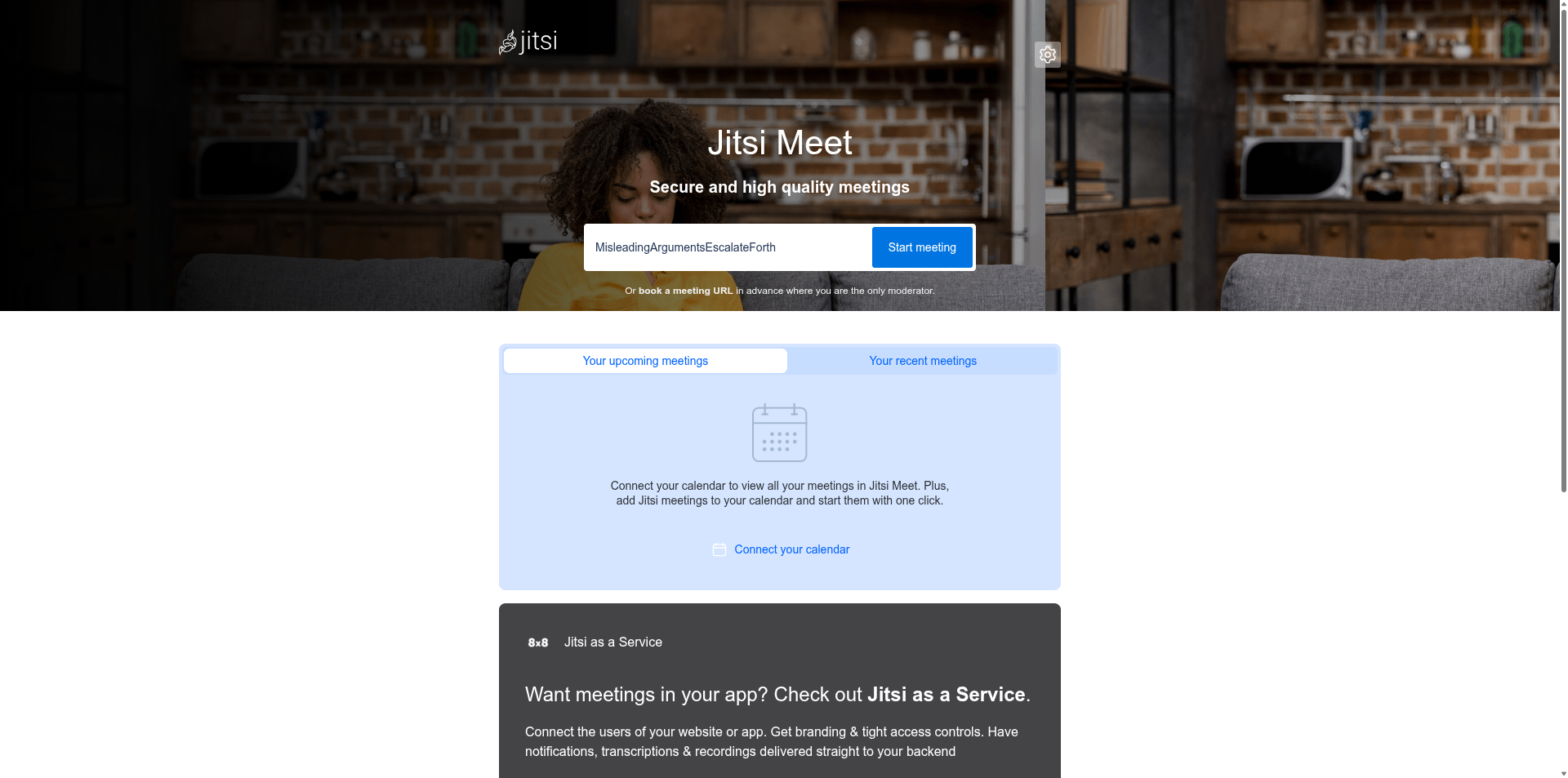
Public instance: https://meet.jit.si/
Availability: Free to use (public instance). Paid hosting is available separately via Jitsi as a Service.
License: Apache 2.0
Jitsi is an open-source alternative to Zoom and a standout option for online communication and collaboration. It’s built on open standards too, using WebRTC for real-time audio and video, with XMPP-based signalling on the backend.
Feature-wise, Jitsi covers most of what people expect from a modern meeting app, including screen sharing (content sharing), chat, polls, hand-raising, reactions, and virtual backgrounds. It also has noise suppression support, which you can toggle from within meetings. It's my go-to solution when meeting with clients for 1 to 1 meetings.
The main public instance supports most of its feature set, except for moderation controls. By default, meet.jit.si treats all users as "moderators" by default, though with soft controls. It requires an account for the person creating the room, but otherwise anyone can join. You can reuse the same meeting URL whenever you like, though Jitsi rooms are open to anyone, so it’s worth using a name that's difficult to guess for anything sensitive. It's possible to add a password after the meeting starts, but it gets reset once everyone leaves.
11. Mermaid Live
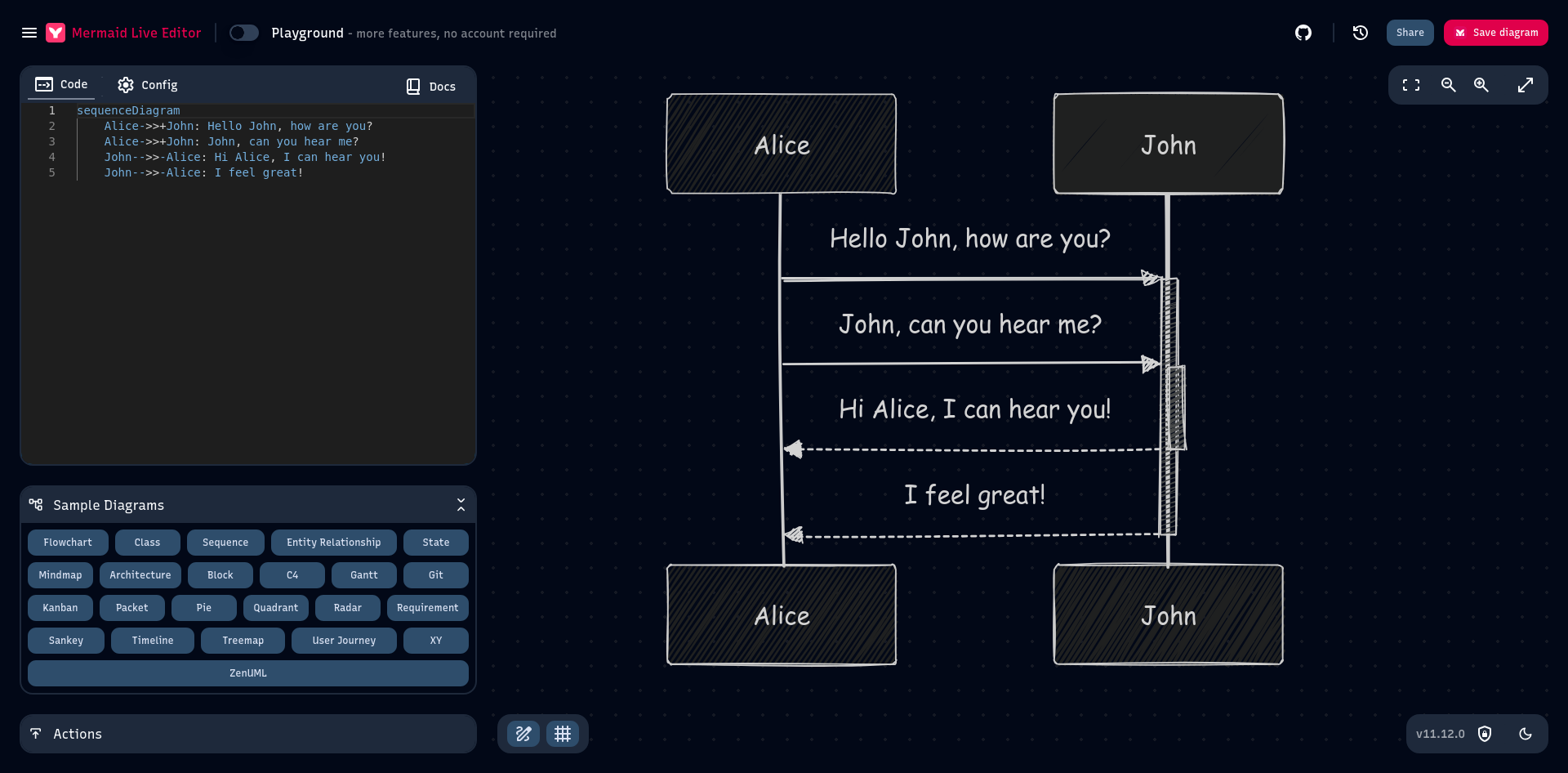
Public instance: Same as the homepage.
Availability: Free to use, no sign-up required.
License: MIT
Mermaid Live is a web-based diagram editor, built on the concept of "diagrams as code". Rather than drawing your diagrams, as you might in an app like Dia, you write definitions in a simple, Markdown-like language. Mermaid instantly renders your diagram on the other side. It’s a useful tool for writing documentation or other technical content, because it makes diagrams versionable, editable, and closer to the text they explain.
Mermaid Live supports a wide range of diagram types, including flowcharts, sequence diagrams, treemaps, and more. Examples are provided right from the editor, allowing you to get up to speed quickly, even if you've never used it before.
Diagrams can be exported to PNG and SVG formats, or you can get a markdown insert for inclusion in your text files.
12. Taiga
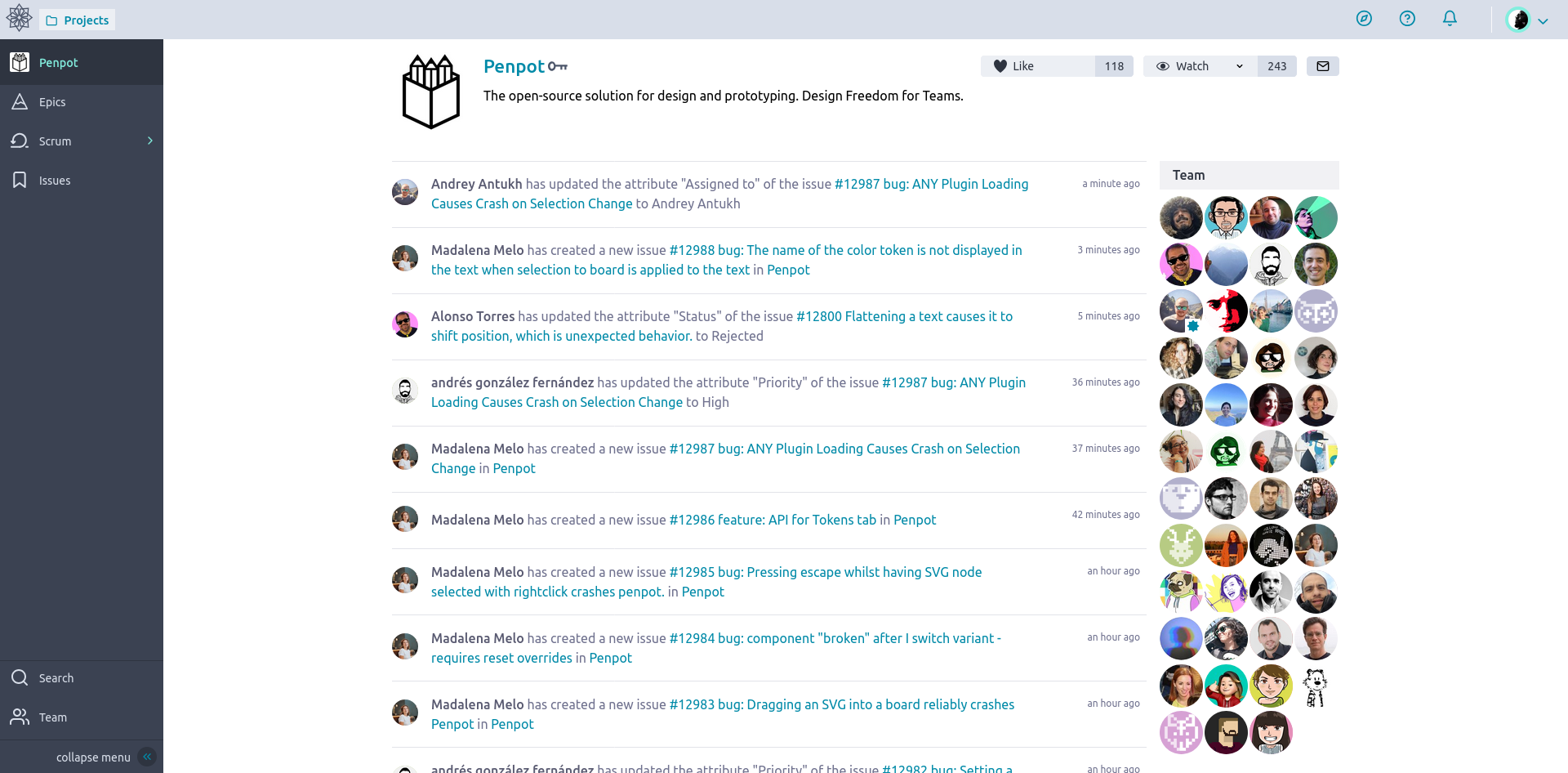
Public instance: https://tree.taiga.io/
Availability: Hosted Taiga Cloud (including a free plan), plus paid plans.
License: Split licensing (Backend: MPL 2.0, Frontend: AGPL 3.0)
Taiga is an open-source agile project manager that combines both Scrum and Kanban methods in one application. Penpot uses it for project management (the creators of Penpot also created Tiaga). Taiga is built around the primary functions agile teams typically use, including Epics, Scrum, Kanban, and Issues, with extras like Wikis thrown in.
It’s a lighter solution than other solutions such as Jira and Asana, and should be useful even to those who aren’t agile or scrum experts. The hosted instance has a free plan, though of course there are paid plans available for users who need something more. Self hosting is also possible if you'd prefer to be in control.
13. Squoosh
Public instance: Same as the homepage.
Availability: Free to use, no sign-up required.
License: Apache-2.0
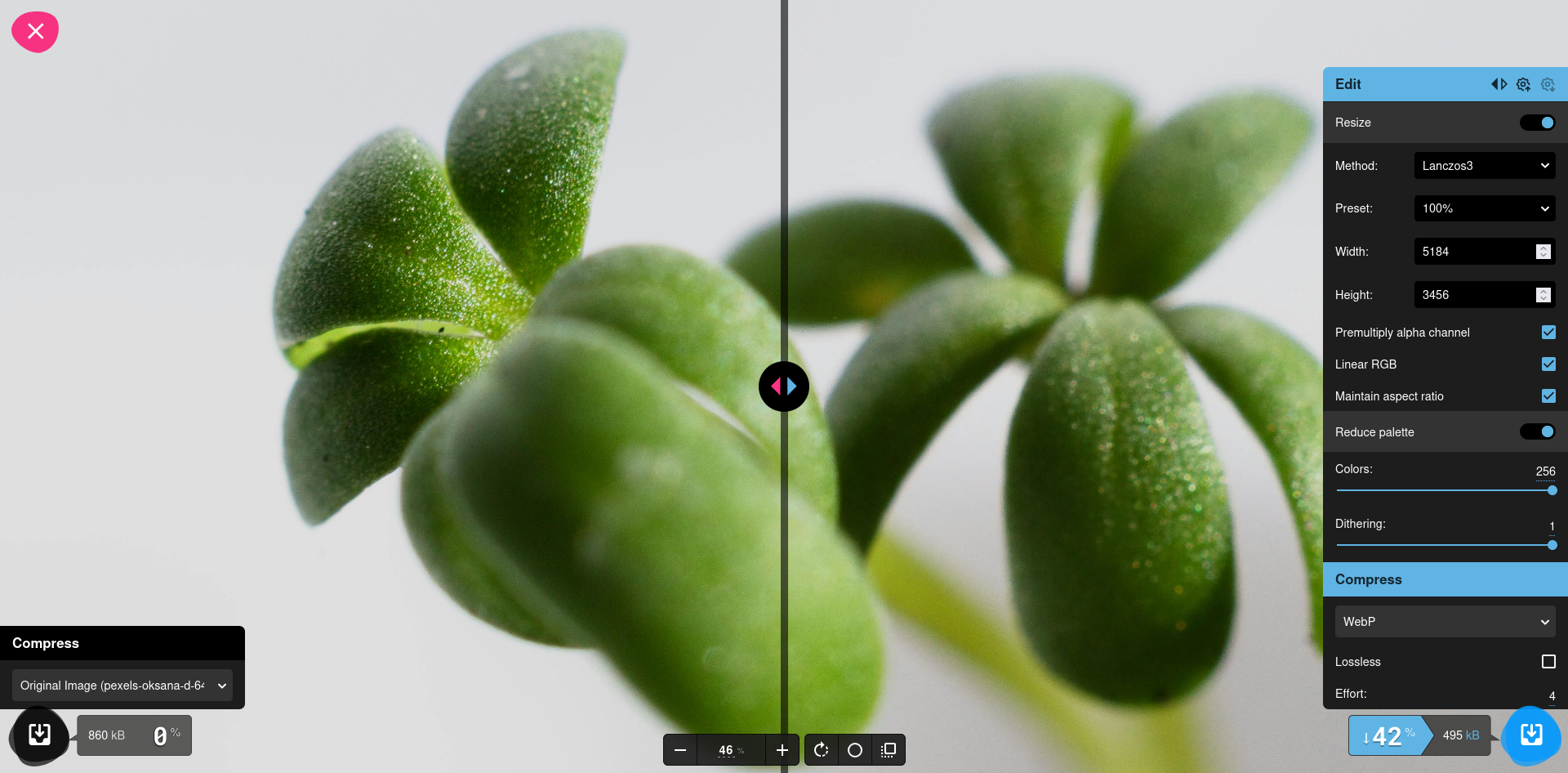
Squoosh is a highly effective image optimiser that runs entirely in the browser, and often gives better results than various CLI tools. It's my favourite tool for image optimization, hands down.
Squoosh supports the major formats, including AVIF, JPEG, PNG, and WEBP, and many codecs and settings that you can adjust and compare side by side. Changes are applied almost immediately, and you can zoom and compare the original and resulting image side by side.
Like many other tools in this list, Squoosh processes files locally on your device. Even so, it's fast, allowing you to achieve a much smaller file in minutes. However, Squoosh does use Google Analytics for basic usage metrics. It is a Google product after all.
Bonus: Special Mentions
There are many more open source software that can be used from your web browser.
LanguageTool (sort of)
Public instance: Same as the homepage.
Availability: Standard version is free. Optional Premium and Teams plans unlock other features.
License: Core is open-source under LGPL-2.1.
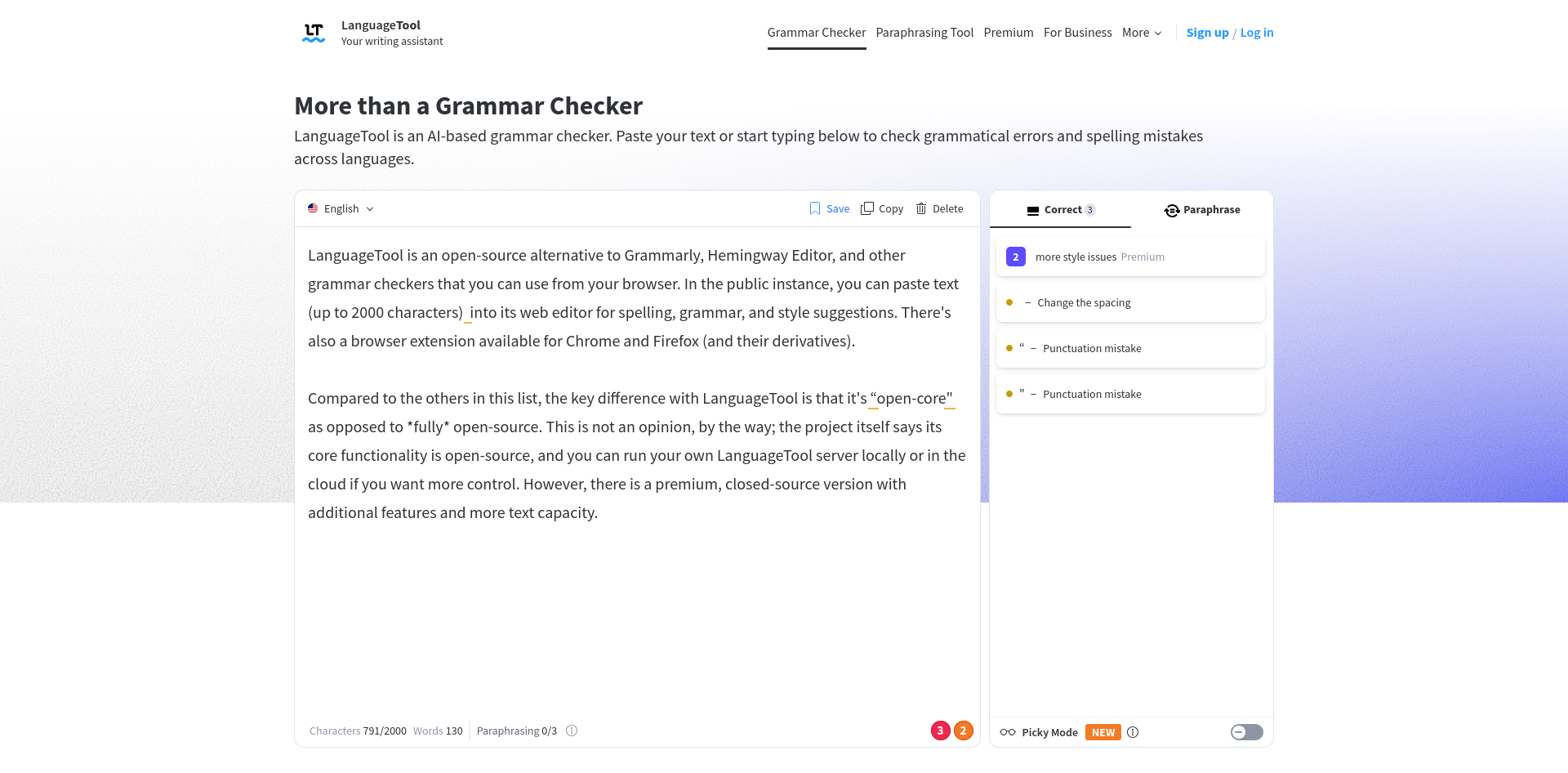
LanguageTool is an open-source alternative to Grammarly, Hemingway Editor, and other grammar checkers that you can use from your browser. In the public instance, you can paste text (up to 2000 characters) into its web editor for spelling, grammar, and style suggestions. There's also a browser extension available for Chrome and Firefox (and their derivatives).
Compared to the others in this list, the key difference with LanguageTool is that it's “open-core" as opposed to *fully* open-source. This is not an opinion, by the way; the project itself says its core functionality is open-source, and you can run your own LanguageTool server locally or in the cloud if you want more control. However, there is a premium, closed-source version with additional features and more text capacity.
LanguageTool was based in Germany until it was acquired by a US-based company a couple of years ago. Since then, there have been privacy concerns raised by a few enthusiasts. We at It's FOSS use the premium version of LanguageTool, we have been using it for several years and there doesn't seem to be any other viable mainstream open source alternative to Grammarly.
There are many more
Web apps aren’t just for office work and design tools. Some of the platforms we use every day are web apps in the truest sense, even if we don’t think of them that way.
As a bonus, here are a few of my favourite open-source projects you can use from a browser, and you might not even have realised they’re open-source.
- GitLab (gitlab.com): An open-core, web-based Git hosting solution, with CI/CD, issues, wikis, and more. It's the most popular alternative to GitHub, and used by projects like Inkscape and GNOME. GitLab Community Edition is MIT-licensed.
- Codeberg (codeberg.org): The main public instance of Forgejo, a democratic, community-driven non-profit software forge. Like GitLab, it's an alternative to GitHub, but community-run. Forgejo itself is hosted on Codeberg and licensed under the GPLv3.0.
- Element Web (app.element.io): A web-based Matrix client, Element supports standard Matrix features like rooms, DMs, and optional end-to-end encryption depending on the room and server setup. Element Web is released under the GPLv3.0 license.
- OpenStreetMap (openstreetmap.org): Arguably the primary alternative to Google Maps, OpenStreetMap is an open-source web app, under the GPLv2 license, which people use every da. The map data is also open-licensed, under the Open Database License (ODbL).
Final Thoughts
Web apps power many of the things we do day to day, and it's refreshing to see that open-source hasn't been left behind in this way. This list is just small example of the innovation and quality that can come up about from the open-source model. It also proves that you don’t always need a heavy desktop install to get serious work done.
Whether you’re designing interfaces, collaborating on documents, sketching diagrams, hosting meetings, or polishing writing, you can do it all from a browser, using tools you can trust and inspect, so you have confidence about what they’re doing and where you're data is going.
With apps like these already existing or in active development, the future of the open web is in good hands. We can be thankful knowing that we have solid, open choices for the modern, web-based tools we depend on.
If this helped you, consider supporting It's FOSS
It's FOSS has been helping people use Linux for the past 14 years. Help us stay independent from big tech. Become a Plus member, enjoy ad-free reading and get 5 eBooks.
Skip the AI slop and SEO spam in your Google results
Tell Google you prefer It's FOSS, and it will show our Linux news and tutorials, created by experienced Linux users, more often when you search. It takes just a click.
Set as preferred sourceGet FOSS Weekly in your inbox
