Okay, fine, not only Linux, but macOS too. A proposal has been pitched under Microsoft PowerToys that looks to introduce a new optional Command Palette Dock.
This would offer quick access to any selected Command Palette extension and work with the Command Palette launcher.
Sounds interesting? Let's dig in. 🤓
A Promising Proposal
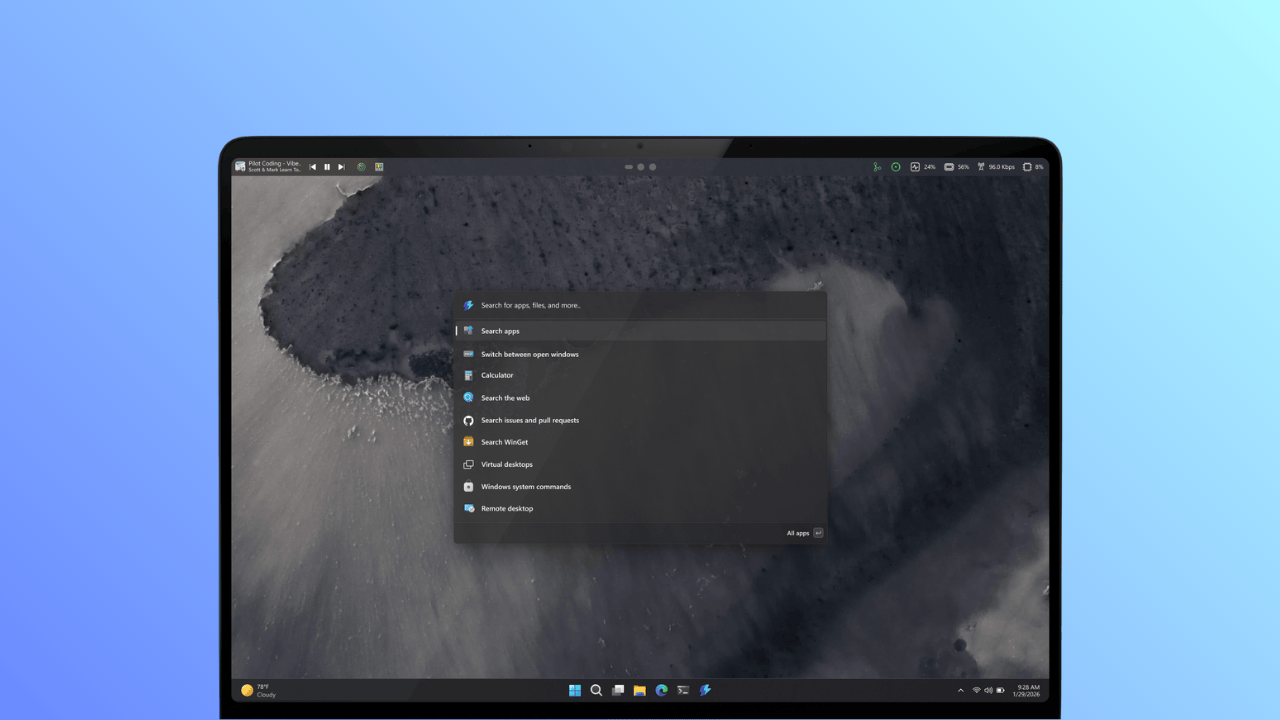
First, let me explain to you what PowerToys are. These are an open source set of utilities that have been built with power users in mind that extend the capabilities of Windows.
On the other hand, the Command Palette is a launcher that lets you quickly open apps, run commands, and access tools.
The proposal linked above calls for the addition of a new persistent dock element that would sit in the interface, giving users one-click access to their pinned extensions.
It can be placed anywhere on the edges of your screen, be it top, bottom, right, or left, with there being a zoned approach for the placement of extensions. In a three-panel layout, these can be placed at the start, center, or end of the dock.
Source: Niels Laute
All existing Command Palette extensions work with this, and the appearance of the dock is customizable too, where you get to choose from different background and theme options.
There's also the option to rearrange any added extensions.
The developer behind this, Niels Laute, is looking for feedback from the community. He's looking for info on whether you'd actually use it, which extensions you'd pin, and what kind of scenarios would benefit the most from a docked experience.
Déjà Vu?
The Linux user inside you might already be screaming that we already have this! And you wouldn't be wrong. Most popular distros like Ubuntu, Fedora, and Pop!_OS already ship with something similar.
This only further strengthens the notion that Windows is taking notes from other platforms. Now, if only they could do away with their tendency to snoop on user data and shove AI into everything, the OS might actually stop drawing so much hate.
💬 Well, what are your thoughts on this? Don't hold back!
Suggested Read 📖: Our Guide to GNOME Shell Extensions
 Abhishek Prakash