


Privacy in 2026 is a bit of a joke. Governments have turned surveillance into standard operating procedure, and Big Tech companies treat your personal data like a free-for-all buffet, helping themselves, then selling the leftovers to data brokers who do the same.
That's pushed people toward privacy-first alternatives, and quite a few companies have stepped up to meet that demand. Tuta is one of the more recognizable names in that space, offering encrypted mail and calendar services to over 10 million users worldwide.
Now, the company is looking to round out its ecosystem with the one piece that's been missing, an encrypted cloud storage solution.
A haven for your files?
Tuta first laid the groundwork for this back in July 2023, when it announced the PQDrive project with backing from the German government. The initiative had received €1.5 million in funding through the KMU-innovativ program, a grant scheme that supports small and medium enterprises in research and development.
The goal was clear from the very beginning. It was to build a cloud storage service secured with post-quantum encryption, not just conventional algorithms.
To get there, Tuta partnered with the University of Wuppertal, which handled key research tasks including testing cryptographic algorithms and figuring out how to deduplicate encrypted data without punching holes in the security model.
All that effort has now produced a product ready for real-world testing. Starting today, Tuta Drive enters closed beta, with select users receiving early access to put it through its paces ahead of a public release.
It is an end-to-end encrypted cloud storage service that fits directly into Tuta's existing ecosystem alongside mail and calendar. Everything you store gets encrypted without any action needed on your end, and the zero-knowledge architecture means Tuta has no technical ability to read your files or share them with anyone else.
The encryption underpinning Drive is the same TutaCrypt protocol Tuta already uses for its mail service. It combines classical and quantum-resistant algorithms in a hybrid approach, so even if a quantum computer cracks one layer down the line, it still has to contend with the other.
And, the service is hosted in Germany, which brings strict GDPR protections into play on top of the technical safeguards.
Arne Möhle, CEO of Tuta, announced this by commenting that:
With Tuta Drive, we are taking the next step towards offering a full private digital workspace.
Today, more than ten million citizens and businesses, including journalists, whistleblowers and activists use Tuta Mail as an alternative to insecure email offered by mainstream providers.
Adding an encrypted cloud storage to Tuta will enable them to also store their files securely.
Test run
We were given early access to the closed beta ahead of its rollout today, and here's a look at what Tuta Drive is like right now.
The interface is minimal, which is fine. You get a familiar sidebar and a top bar that shows you the server connection status and houses quick-switch buttons for Mail, Contacts, Calendar, and Drive.
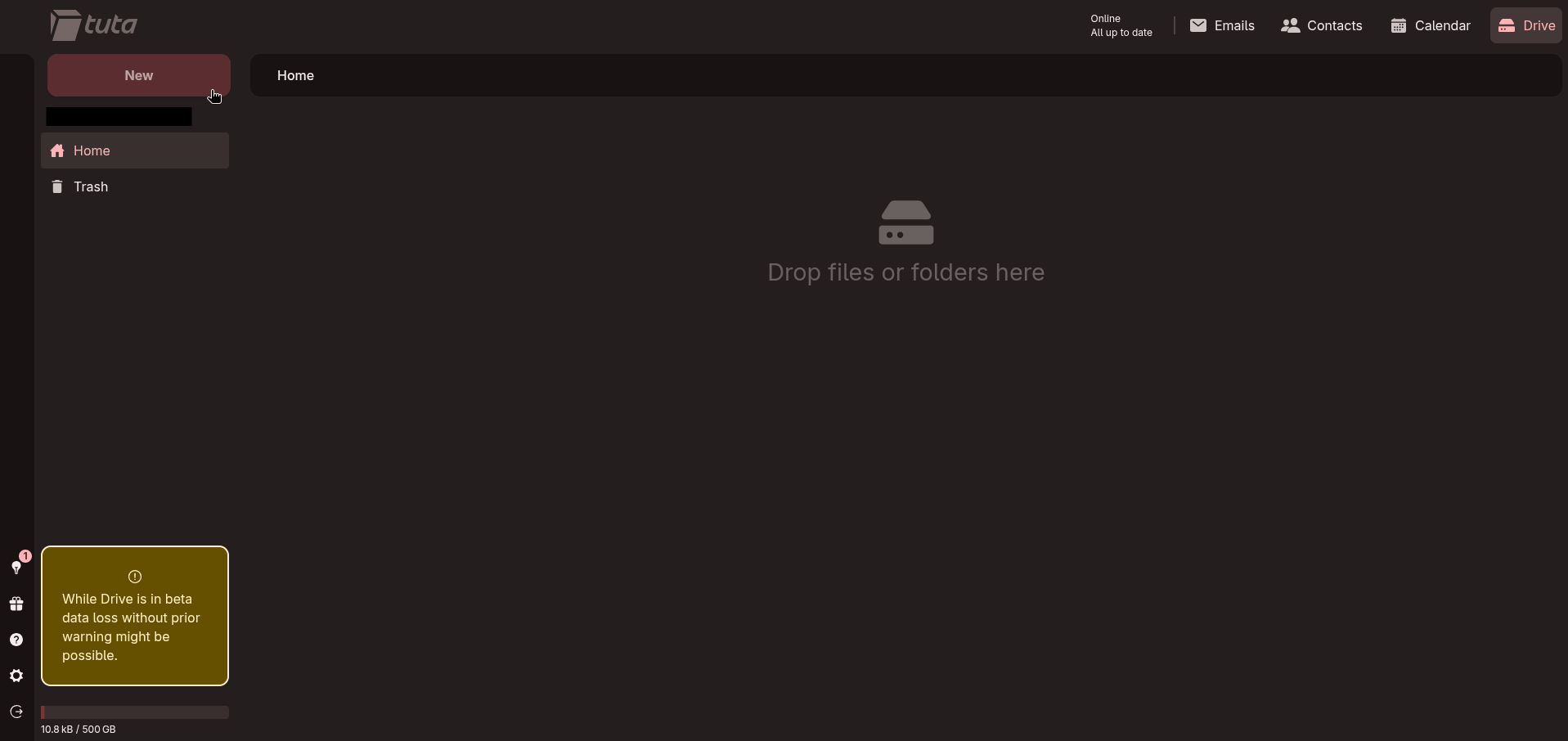
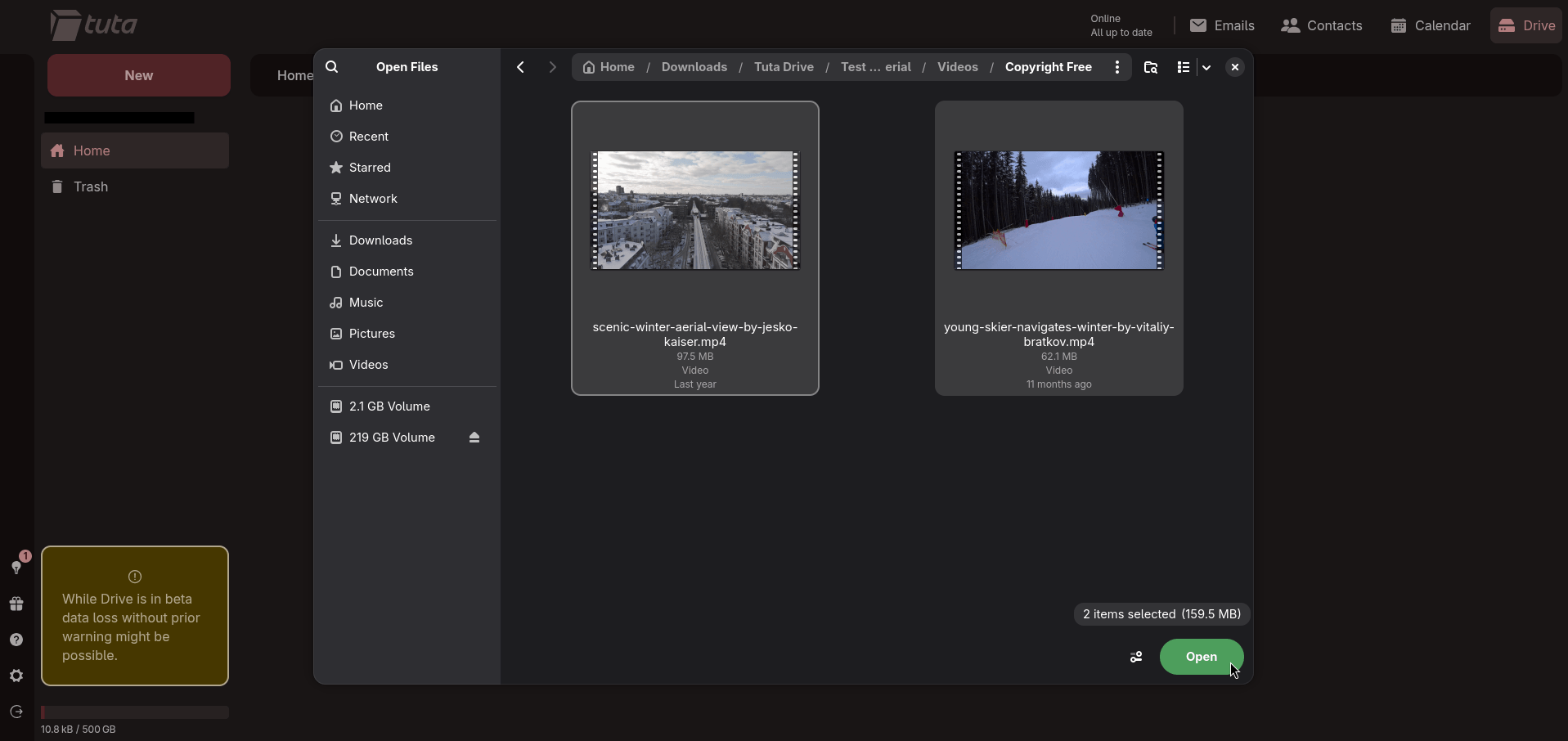
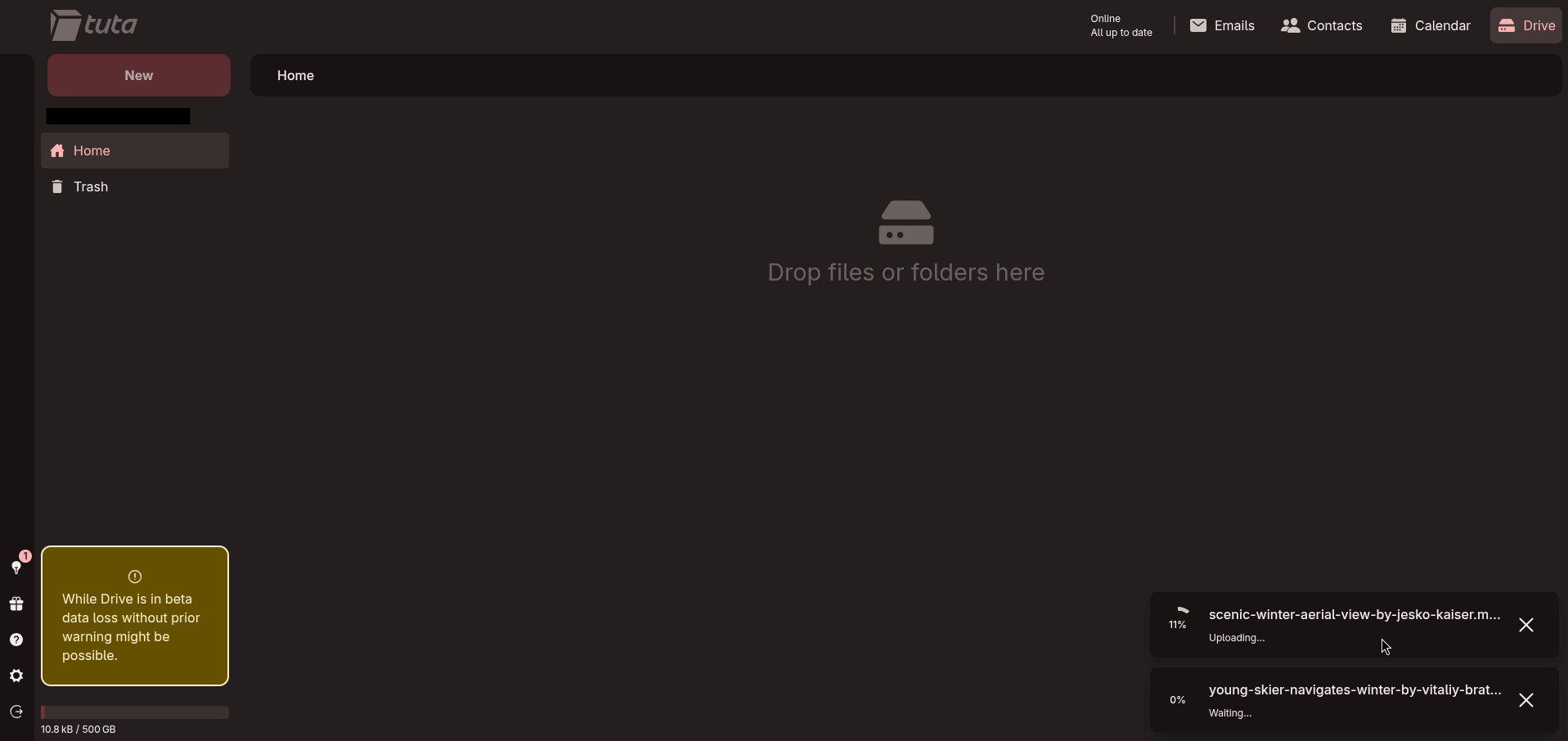
Uploading new files on Tuta Drive.
First, I uploaded two videos to see how Tuta Drive would handle them. Here, the upload speeds were noticeably slow when connected over a VPN, though that's more or less expected. Without an active VPN connection, file uploads were fast.
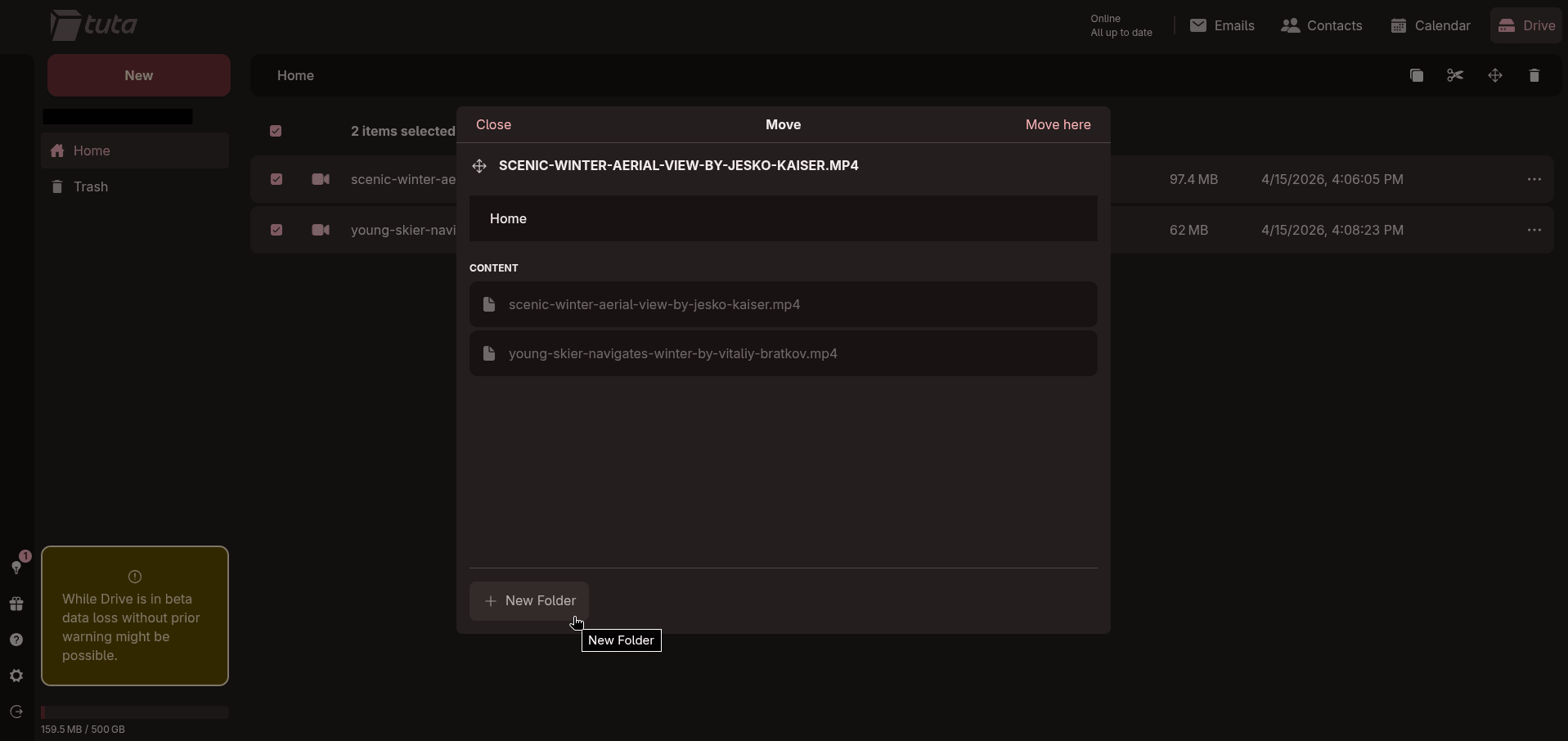
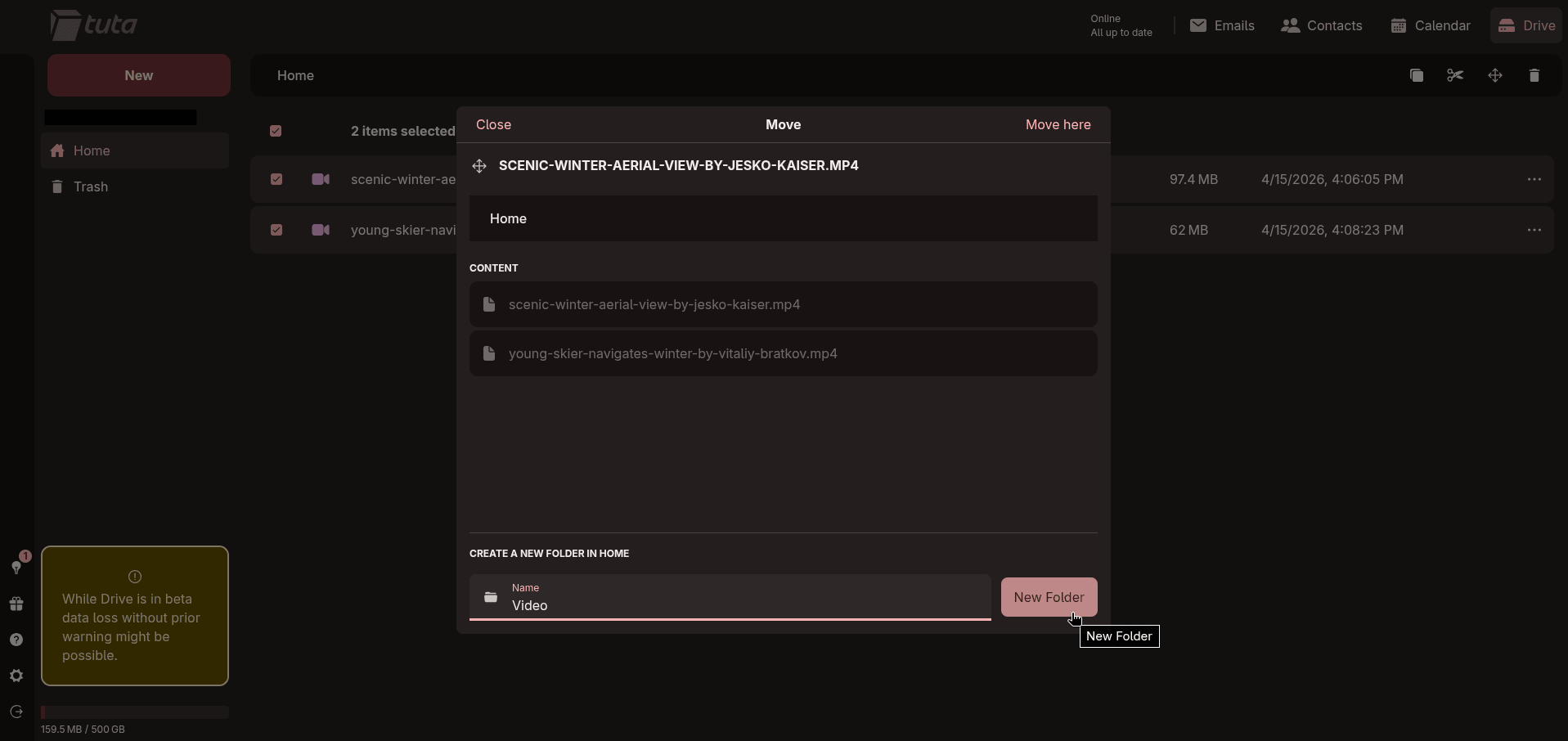
Tuta Drive makes it easy to move any uploaded files.
Moving those files to a new folder afterward was straightforward using the "Move" option from the right-click context menu. Drag and drop works too, and I could manually select specific files without any issues. Cut and paste for moving files around also worked well.
When uploading multiple files at once, a progress list appears, which is handy. The one catch is that you can't scroll through it to check which file is currently being processed, which was a bummer.
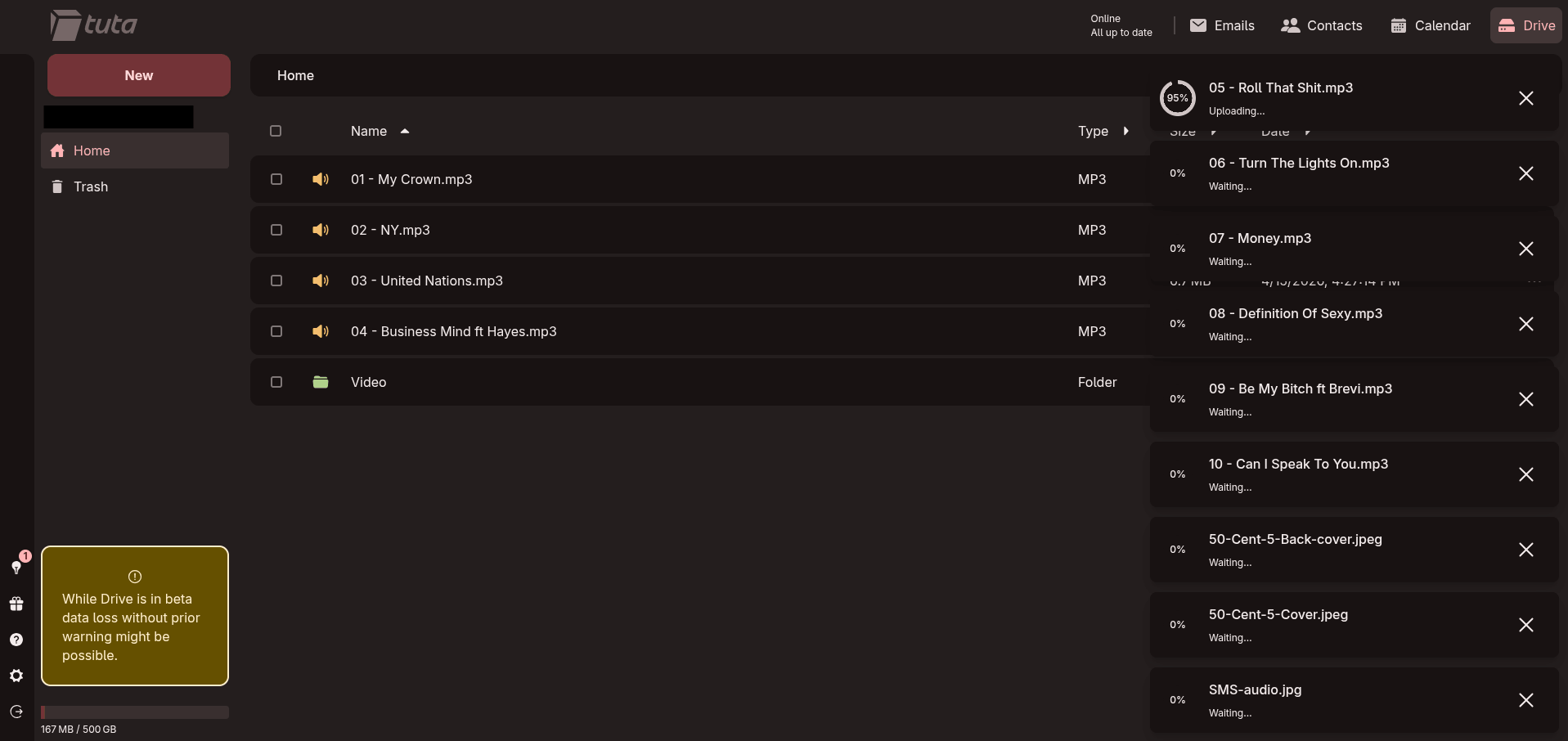
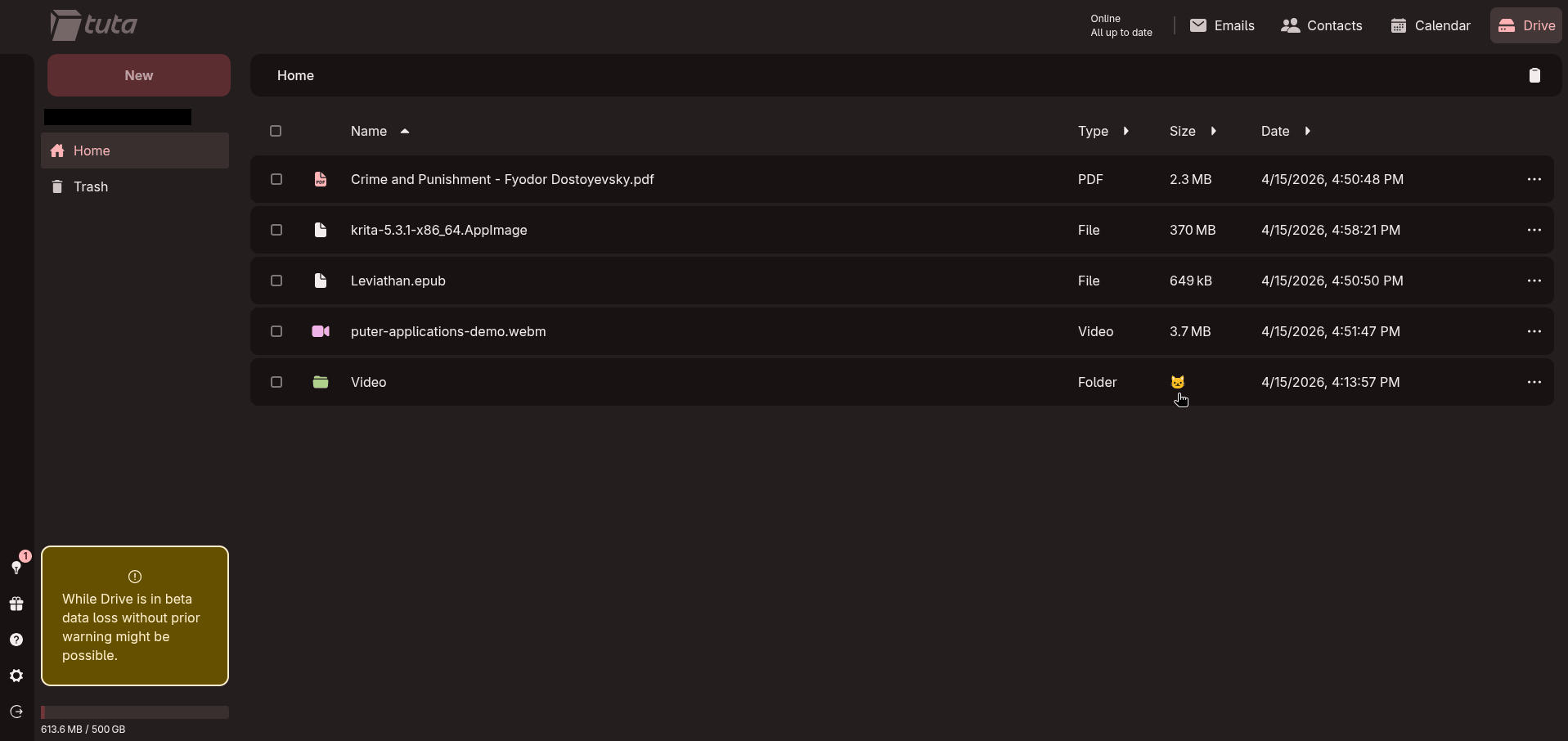
Files are shown with appropriate icons depending on type, so images, videos, and audio all get their own visual treatment. Folders display a cat emoji where the folder size info should probably appear, which looks like a work-in-progress placeholder more than anything else.
If you upload something by mistake or decide a file isn't worth keeping, you can delete it promptly either from the right-click context menu or by hitting Delete on your keyboard. The "Trash" page then gives you the choice to either restore it if it was a wrong call or permanently delete it if you're sure.
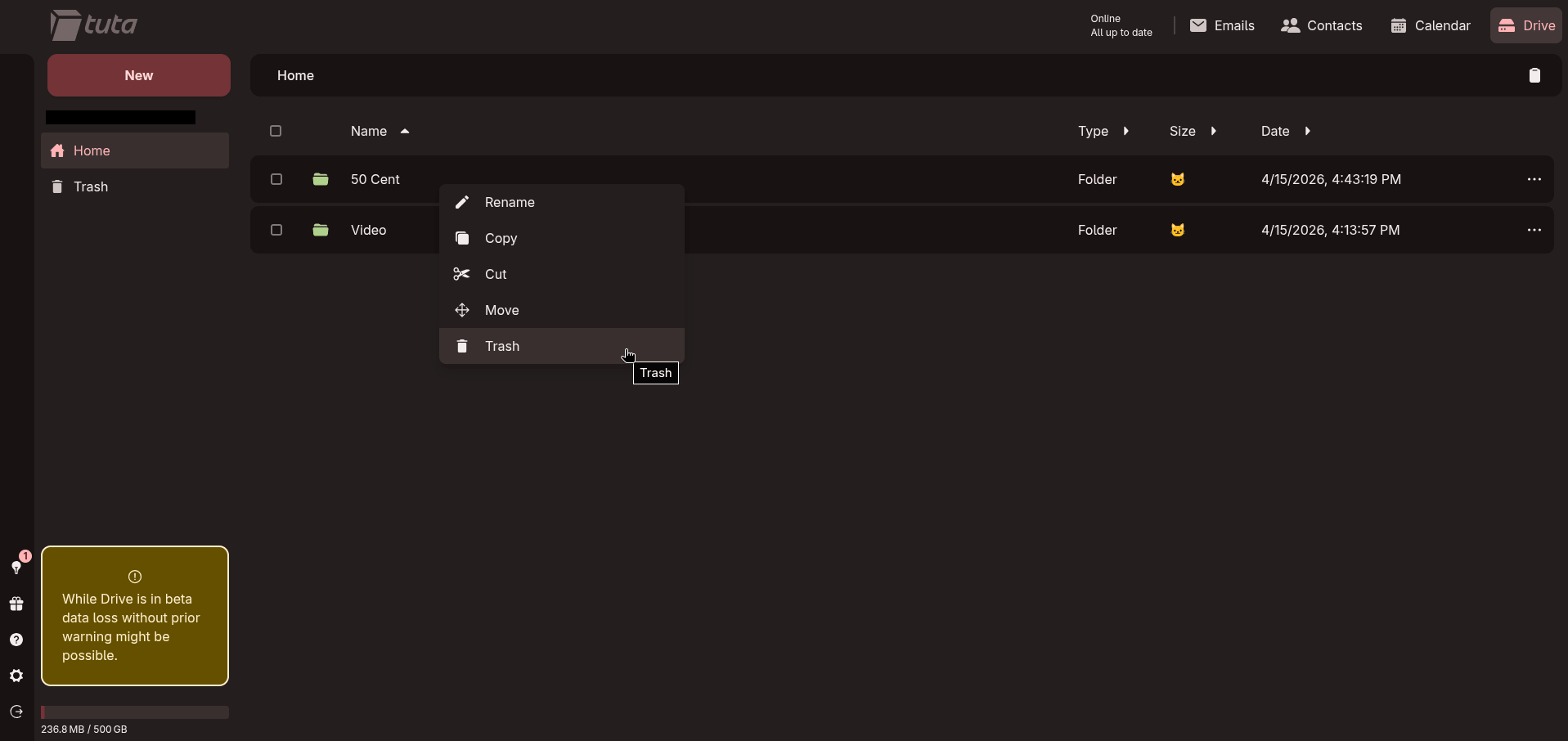
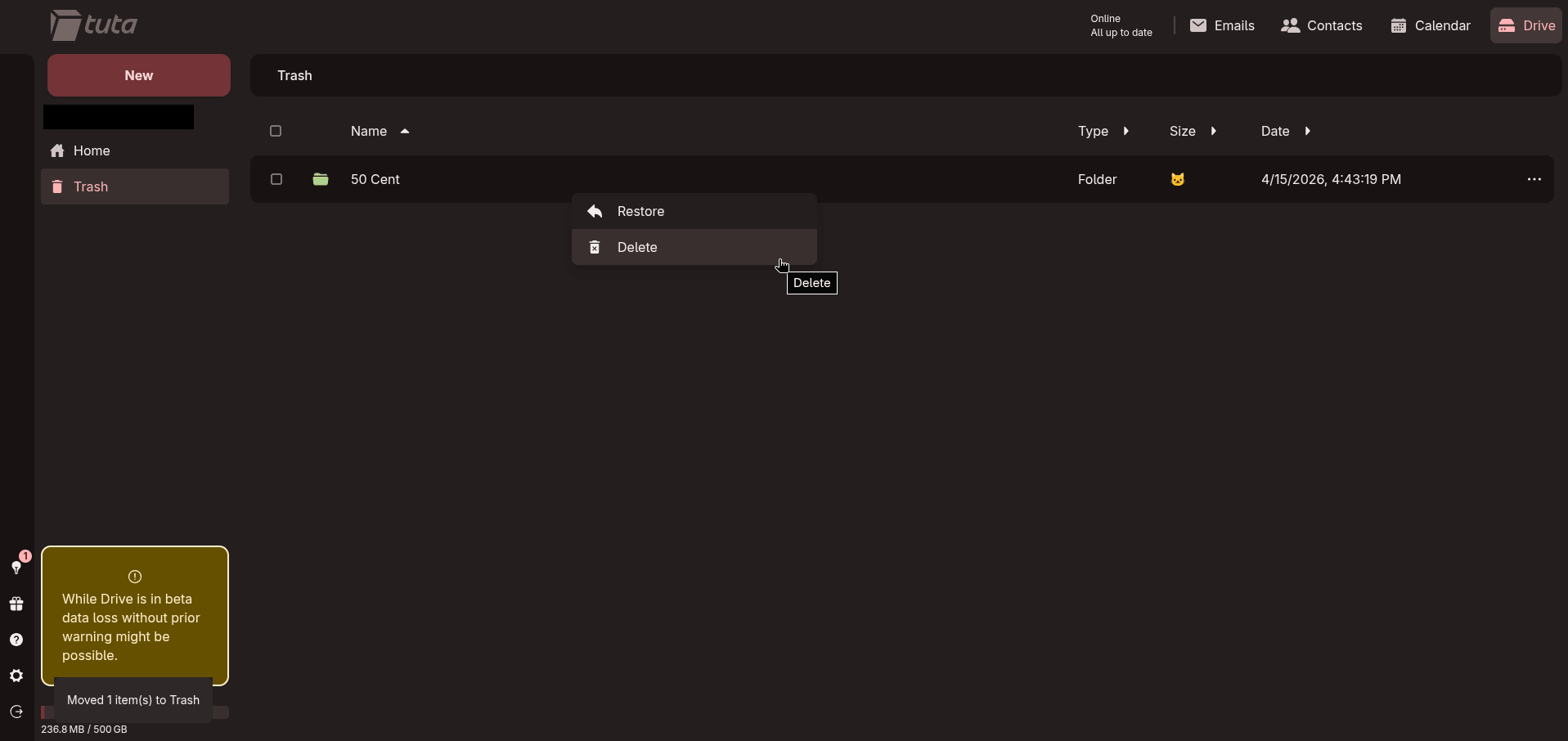
Deleting files from Tuta Drive.
That said, folder uploads aren't supported yet, and the keyboard shortcut support is lacking. Ctrl+A to select everything in a folder, for instance, does nothing. No search tool either; those are the kinds of gaps that user feedback tends to sort out quickly.
Seeing that this is a closed beta, I am confident that the Tuta folks will listen to what people say about their newest offering and act accordingly.
💬 Would you give Tuta Drive a shot, or are you too committed to Proton Drive or other cloud solutions to even look its way?
Enjoyed this update? Support independent Linux news coverage
It's FOSS has been helping people use Linux for the past 14 years. Help us stay independent from big tech. Become a Plus member, enjoy ad-free reading and get 5 eBooks.
Skip the AI slop and SEO spam in your Google results
Tell Google you prefer It's FOSS, and it will show our Linux news and tutorials, created by experienced Linux users, more often when you search. It takes just a click.
Set as preferred sourceGet FOSS Weekly in your inbox

