


If you did not know already, Puter is an operating system that runs inside a web browser. It is open source and you can self-host it if you like.
It has everything you would expect in a desktop. A file system, app store, text editor, IDE, video player, etc. The video below shows it in action. See, how somooth it is.
Why not give it a try yourself here.
Puter has proper office tools now
As you can see in the video above, Puter has a text editor which is capable of taking notes. But it is not enough for rich text format and proper documents.
Now, they are offering ONLYOFFICE in their app center. The open source ONLYOFFICE is a collaborative productivity suite like MS Office 365.
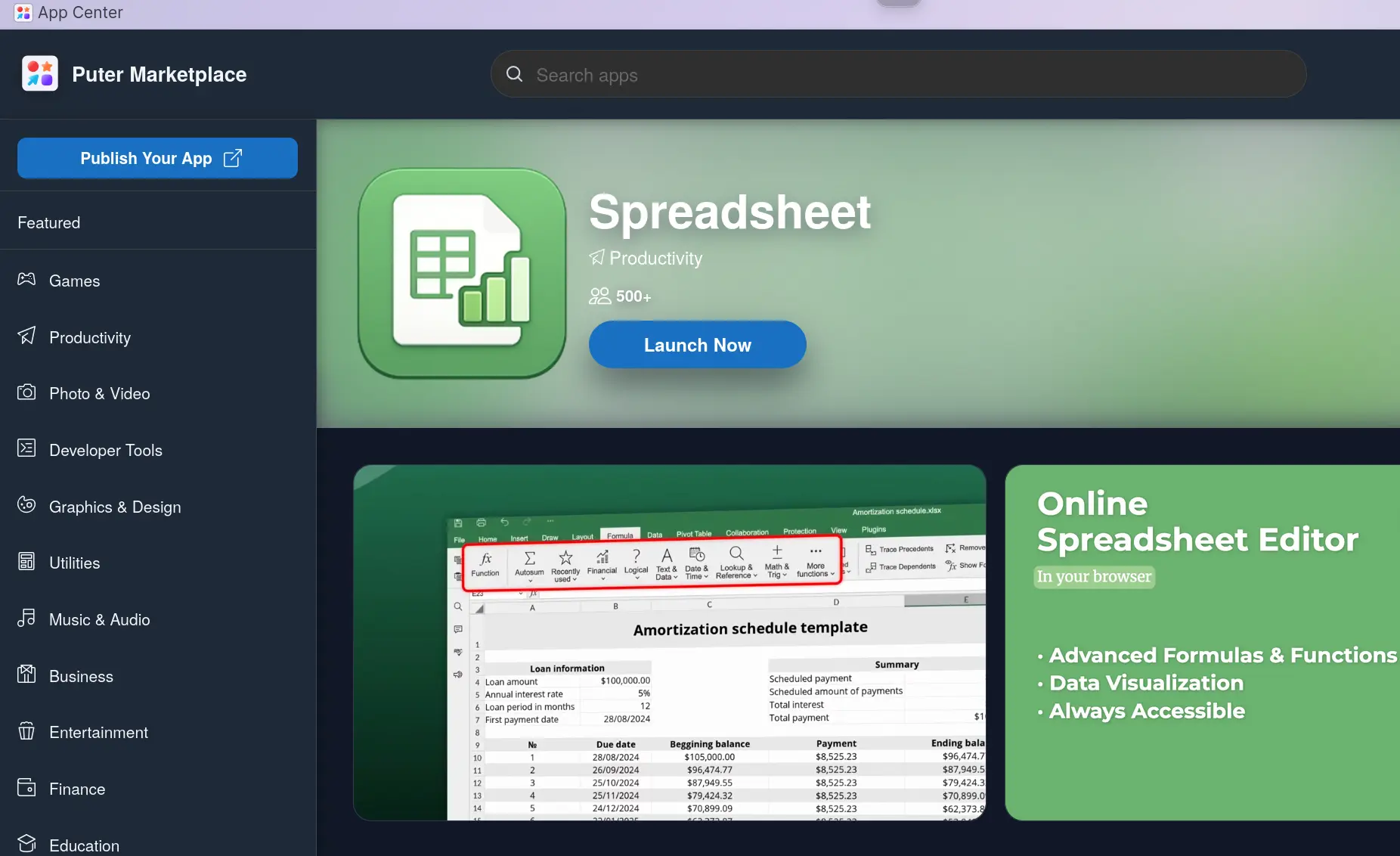
With this integration, you also get spreadhseet, pdf editor and presentation tools. This make the online browser based desktop operating system more capable and complete than ever.
Like Nextcloud but with filesystem
If you ever used Nextcloud, you know that the cloud storage also has office integration with ONLYOFFICE and Collabora (sort of LibreOffice online). The difference I see here is that Puter gives you the entire filesystem, not just cloud storage and productivity tools. This is excellent for people who prefer the comfort of a desktop like environment in the cloud.
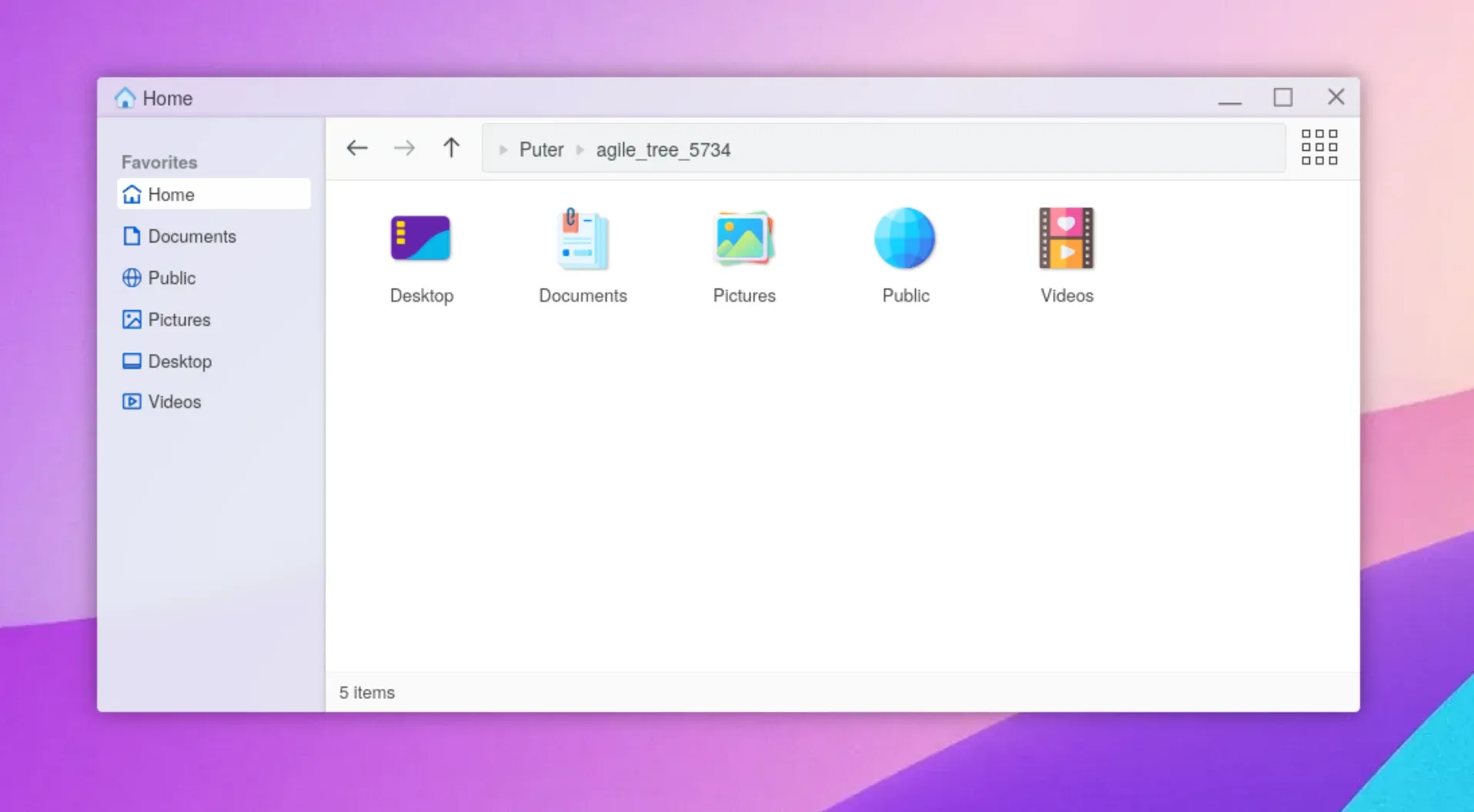
Experiencing the office experience in online OS
I have used ONLYOFFICE in Nextcloud in the past. I have noticed that it does take a bit of time to load the application in both Puter and Nextcloud. Sure, we cannot expect a full office app to open in a jiffy like a text editor. These applications take longer to start, even on local desktop system. It takes pretty much the same in Puter.
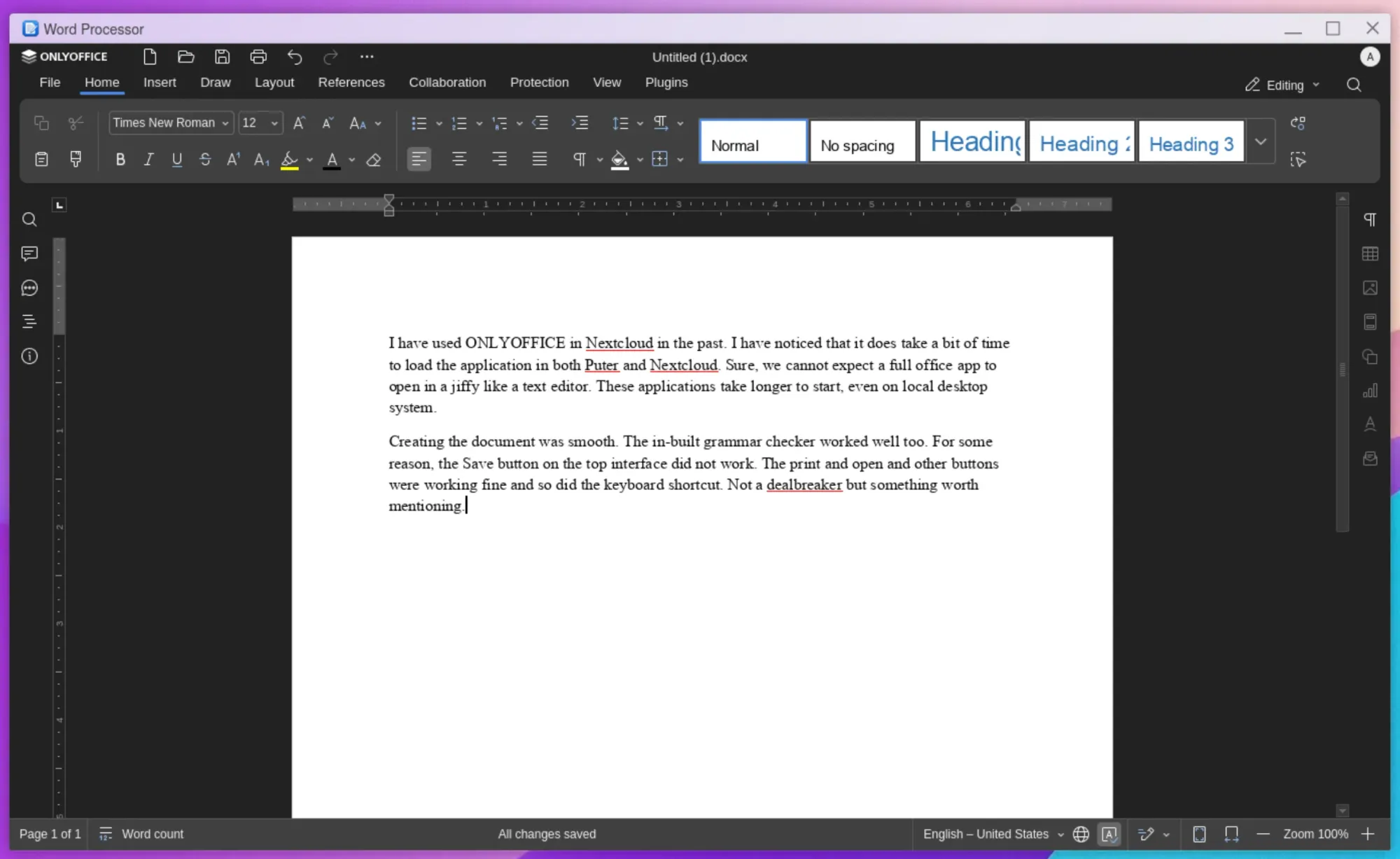
Creating the document was smooth. The in-built grammar checker worked well too. For some reason, the Save button on the top interface did not work. The print and open and other buttons were working fine and so did the keyboard shortcut. Not a dealbreaker but something worth mentioning. I am sure the Puter team will fix it in the next iteration.
Since I didn't have any complicated word document with macros and images, I uploaded a csv file with 1000 rows and opened it in ONLYOFFICE. I was expecting it to take some time to load and struggle but it did not. Obviously, that's a good thing.
I recorded it in a video so that you can see if yourself if it takes too long or lags while moving down the sheet.
I also created a simple presentation slide. Unsurprisingly again, it went smoothly. ONLYOFFICE actually works quite well in a web browser. That is their USP, afterall.
The entire ONLYOFFICE integration gives Puter the complete desktop OS features. After all, ONLYOFFICE also has PDF editor and diagram app (Visio alternative). All your office needs are sorted, that too in a web browser.
Many more apps at your disposal
Puter Marketplace (app store) has many more applications that you can explore and use as per your requirement. From games to coding to AI, there are plenty of options.
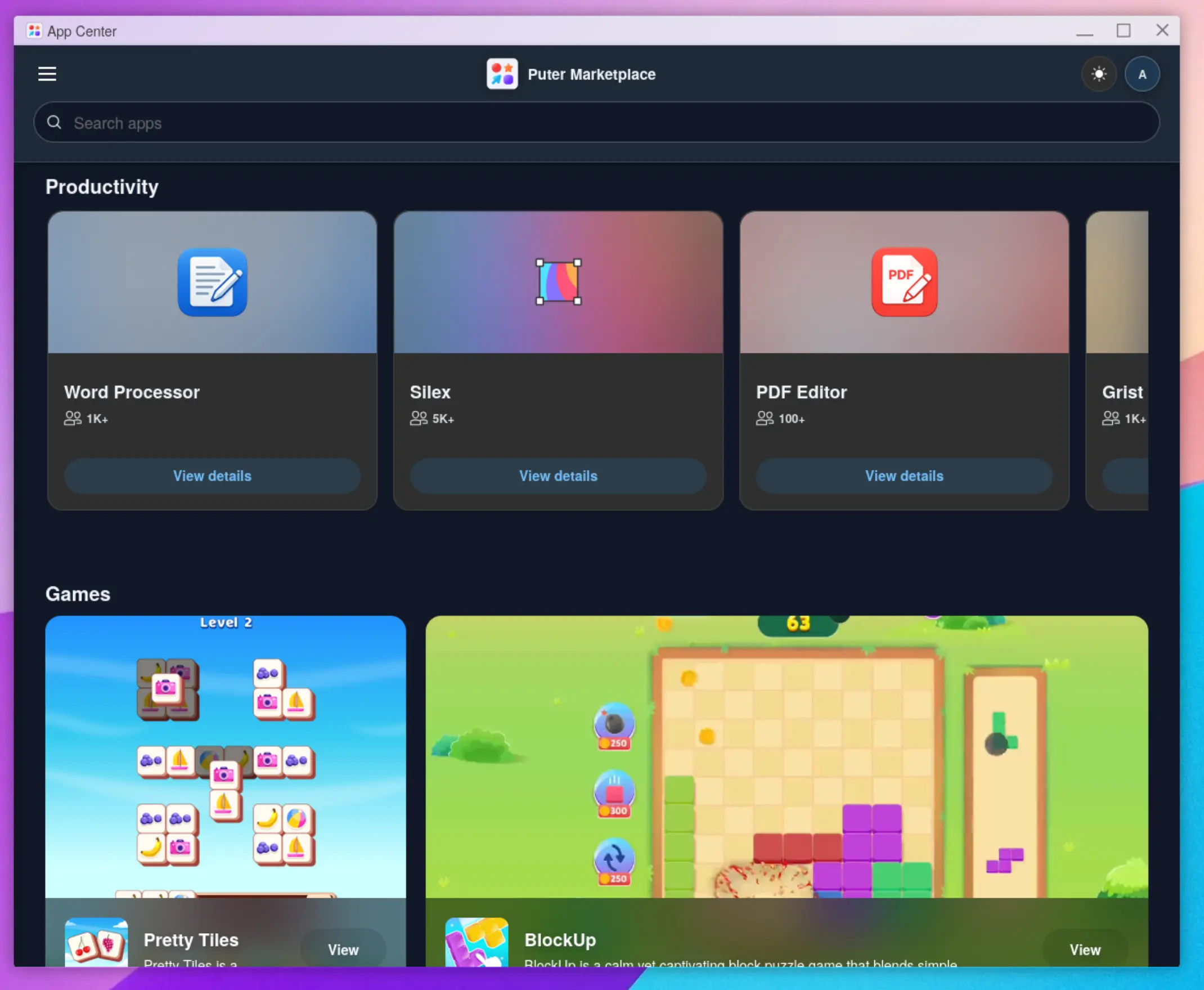
We had covered Puter last summer. In less than a year, Puter has grown and created an ecosystem that is admirable. I was skeptical of the actual, real-world usage of an online operating system that lives in a web browser but it seems there is demand for such a thing. Good to see an open source project filling up this demand.
If you are coming across Puter OS for the first time, you should know that the files you uploaded or created will be available as long as the browser session is not deleted. But if you want to save them for longer period, you can create an account with Puter. If you see a good use of Puter in your workflow or it could help your team (if you have one), you can also self-host it or pay to Puter for their managed hosting.
