


When Proton's Lumo AI chat assistant launched back in September 2025, it addressed a major gap in the chatbot market. One of a service that doesn't prey on the data of its users.
Since then, it has been receiving regular care, with new functionality being added and bugs being addressed.
In a recent announcement, though, they have introduced something that brings it on par with the other AI assistants on the market. Projects, which is part of the Lumo 1.3 release.
This feature lets you create dedicated encrypted workspaces where you can bring together related chats, files, and custom instructions under a single umbrella to carry out focused tasks like working on a research paper or having deep conversations.
Projects also works with Proton Drive (partner link), so you can attach relevant files and folders to any of your workspaces. And all of it stays encrypted end-to-end with Proton's zero-access policy.
Projects in Lumo: Make AI Work for You
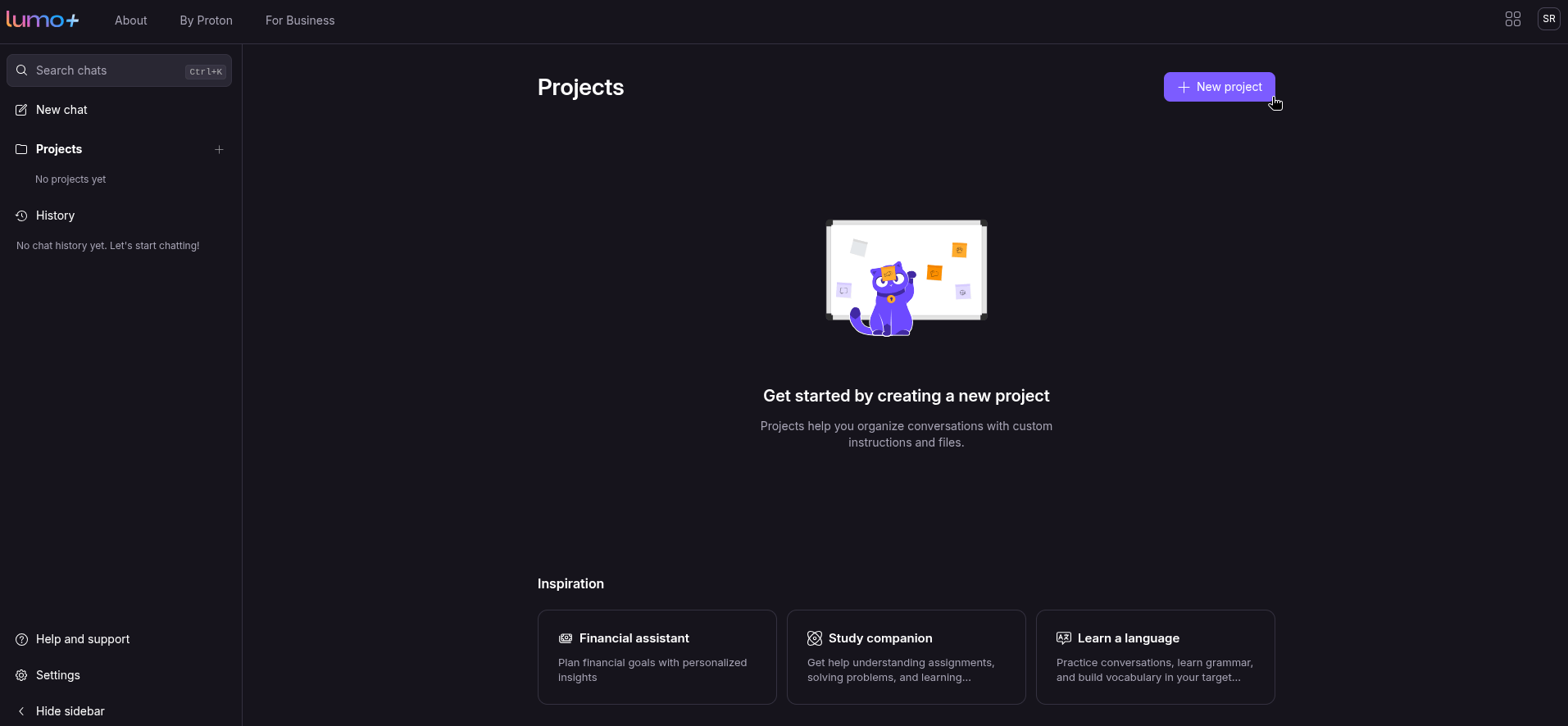
I got started with this new addition by clicking on the "Projects" button on the sidebar and clicking on the purple-colored "New project" button. I then gave Lumo some specific instructions for it to act nonchalant and to act like a cat, helping me with some philosophical and whimsical problems of life.
I gave the project a fitting logo and name too! 🐱
After that, I fed it a scenario where a bunch of good-hearted creatures were under threat from a force of evil, first asking Lumo what these little ones could do to alleviate their misery.
It then gave me a five-point list of things to do for the citizens of Goodpeople Land, and I will say, these were very convincing, with the fourth point particularly piquing my interest.
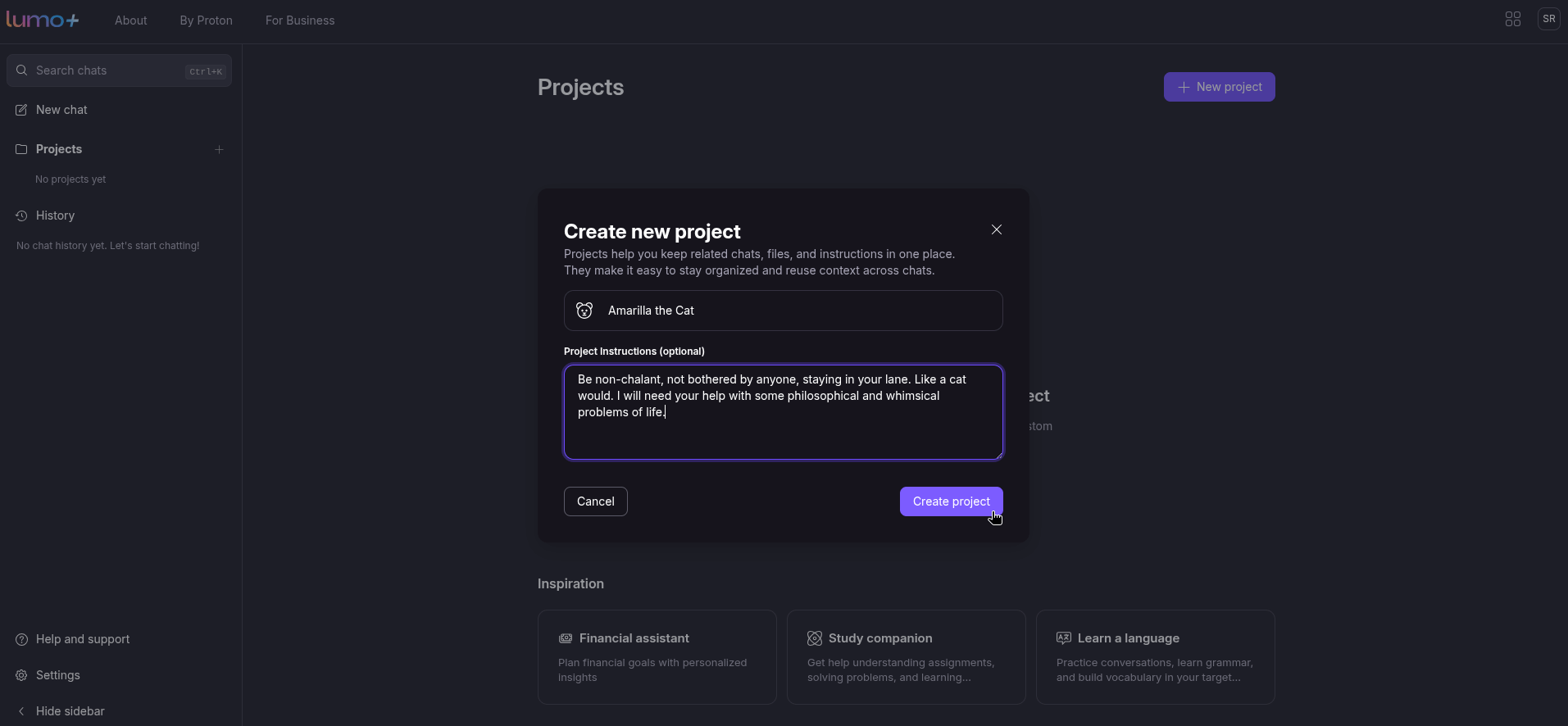
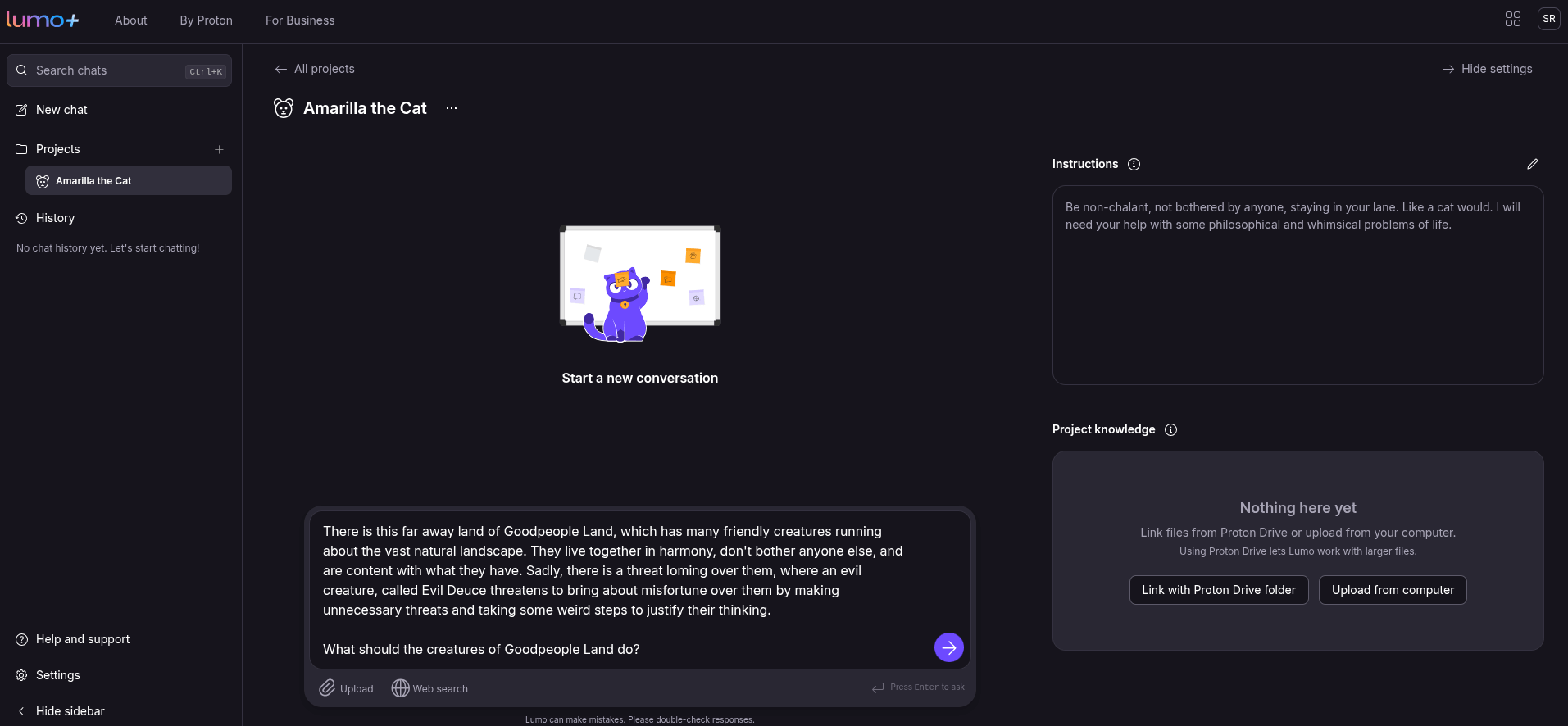
Creating a new project in Lumo. This is how it goes.
I then went a step further, telling Lumo that the evil force was threatening these beings with a superweapon, and provided it with the necessary context. For this, I made use of the Proton Drive integration, uploading a dummy PDF file with the necessary details.
Lumo quickly got to work and again listed out things that could be done to protect against such a weapon of destruction.
If I wanted to, I could give it even more context via Web Search, but I wanted to see what Lumo could do by itself, and perform it did. The Projects interface is very similar to the usual chat interface, with a home page listing any existing projects, any uploaded files, and an accessible way to edit existing projects.
When you click on a project, you will be shown any past chats and a text box at the bottom to start a new one.
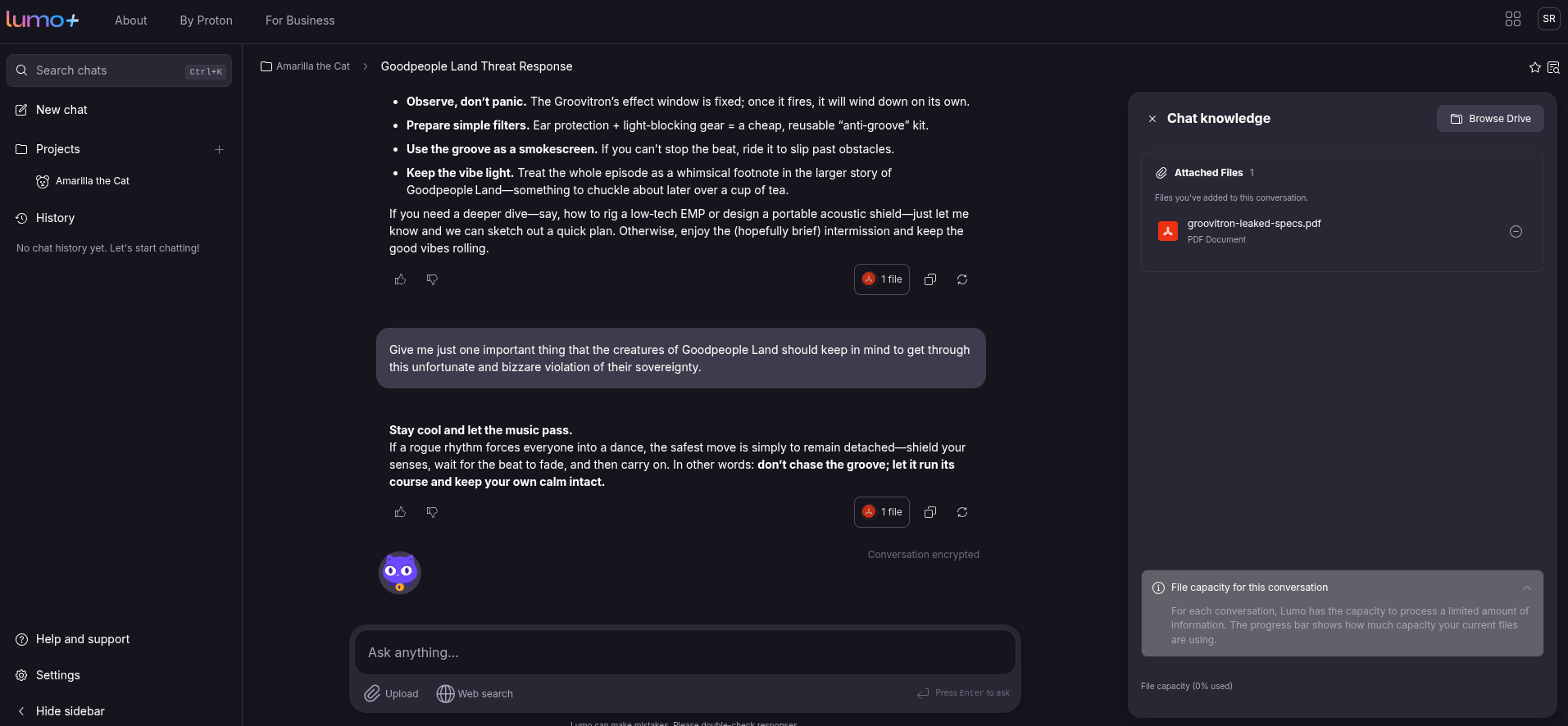
Once in, you can chat along with Lumo to get results, and there is even a handy "Chat knowledge" panel that lists any uploaded files and how much file capacity you have left for a specific conversation.
Sadly, Lumo still doesn't seem to support viewing and analyzing images, but that is okay. It is still a fledgling AI assistant after all; the future looks quite promising for it.
You can get started with Projects in Lumo right now. For free users, there is a limit of one project, with users of Lumo Plus getting access to unlimited projects, better AI models, and better response times.

