2025 has been quite the year for me. It's been full of ups and downs, both on the professional and personal fronts. The challenges I faced this year have made me a stronger person.
I have become more observant, more careful about the things that actually matter. Though I am still learning to focus on what works and let go of what doesn't.
Throughout all this, I found myself relying on some really cool Linux apps that just made everything easier. So, as we wrap up 2025, I wanted to share the five Linux apps that became essential to my workflow this year! 😎
'Tis the season for gifting. If you think It's FOSS is doing a great work, please support us by opting for a Plus membership. You also get 5 eBooks on Linux, Docker and Bash scripting.
Our lifetime membership option is available for $89 (instead of $149). This special price is applicable until 31st December only.
1. Converseen
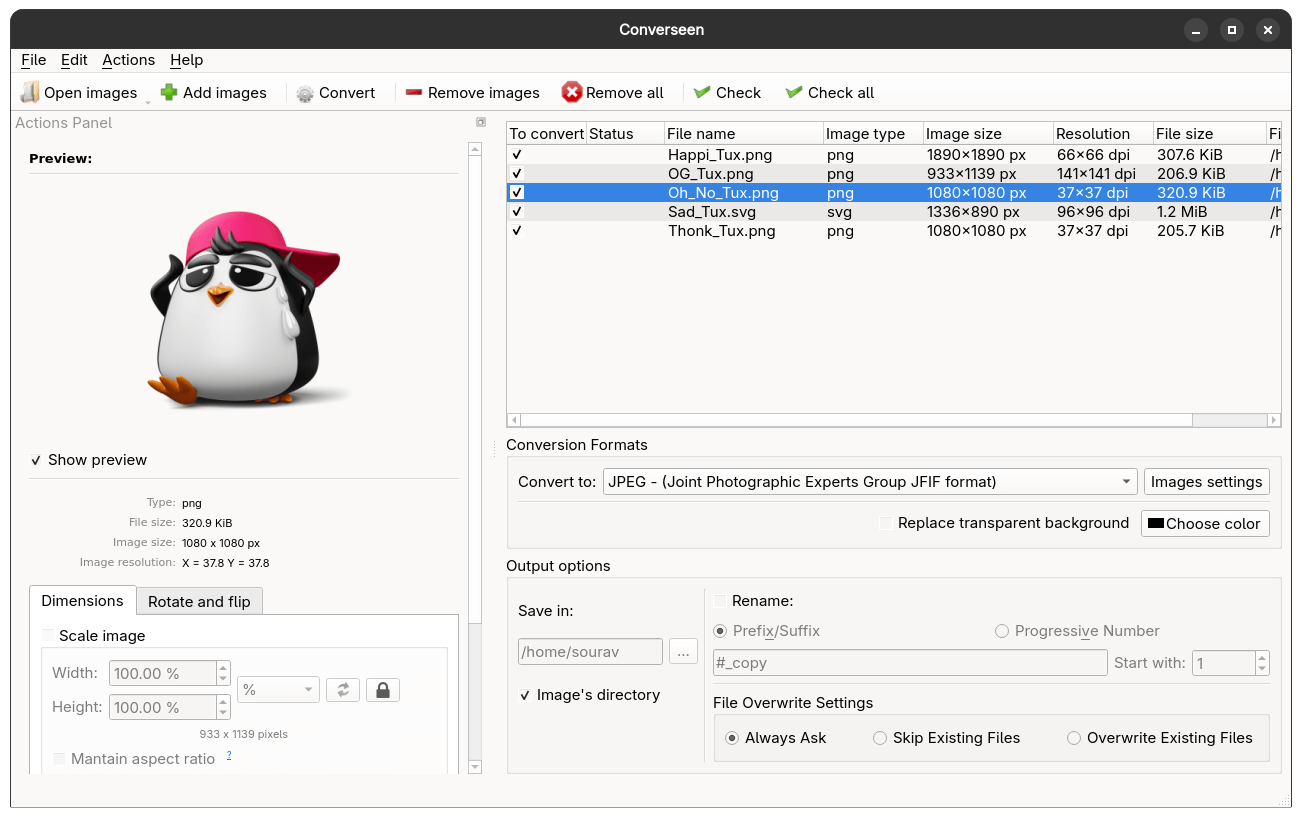
I use Converseen almost every single day. It replaced the proprietary XnConvert for me this year.
My main use case is converting those bloated PNG files into JPEG for adding to articles. Screenshots and images often come in huge sizes, and I need them at a certain size for the web and you, the readers, without losing too much quality.
The interface is simple and gets the job done. You add your images, select the output format, adjust quality settings if needed, and hit "Convert". That's it.
⭐ Key Highlights:
- Batch convert and resize images.
- Supports 100+ formats, including WebP and HEIC.
- Powered by ImageMagick for reliable conversions.
 Abhishek Prakash
2. Packet
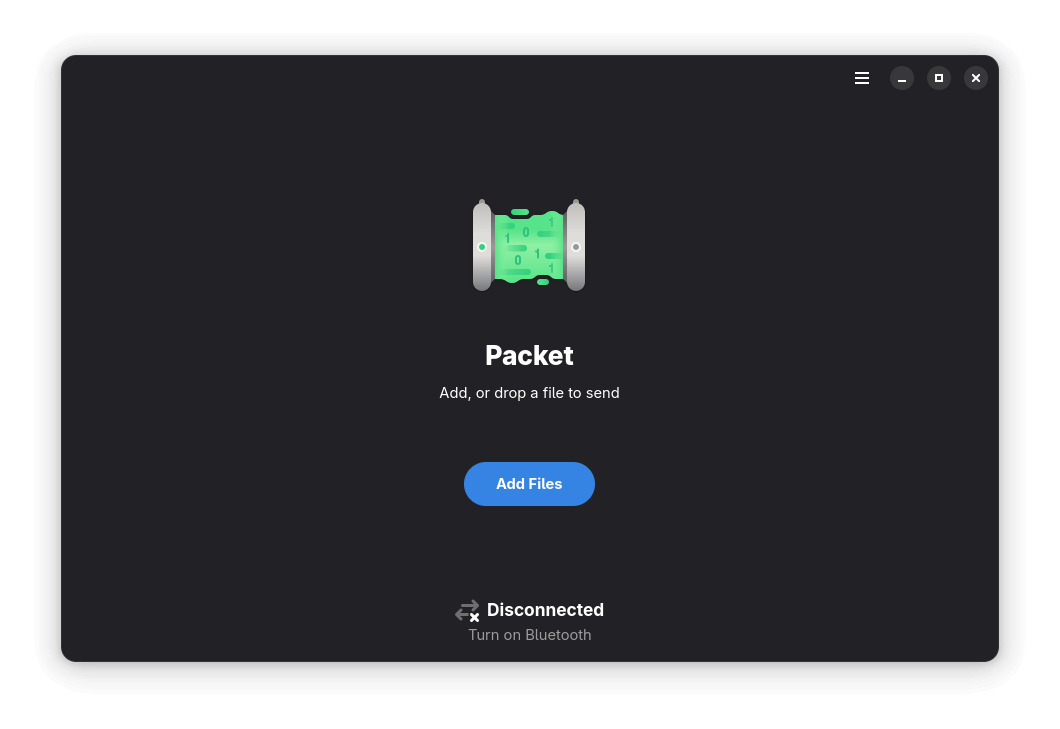
Packet has become a worthy alternative to LocalSend for me this year. The biggest advantage is that it doesn't require other people to install an additional app for file transfers.
The functionality is built into most modern Android phones through Quick Share. This means I can send files to anyone with a recent Android device without having to ask them to install something first.
⭐ Key Highlights:
- Works with Android's built-in Quick Share.
- Fast wireless file transfers over local network.
- No additional app required on Android devices.
 Sourav Rudra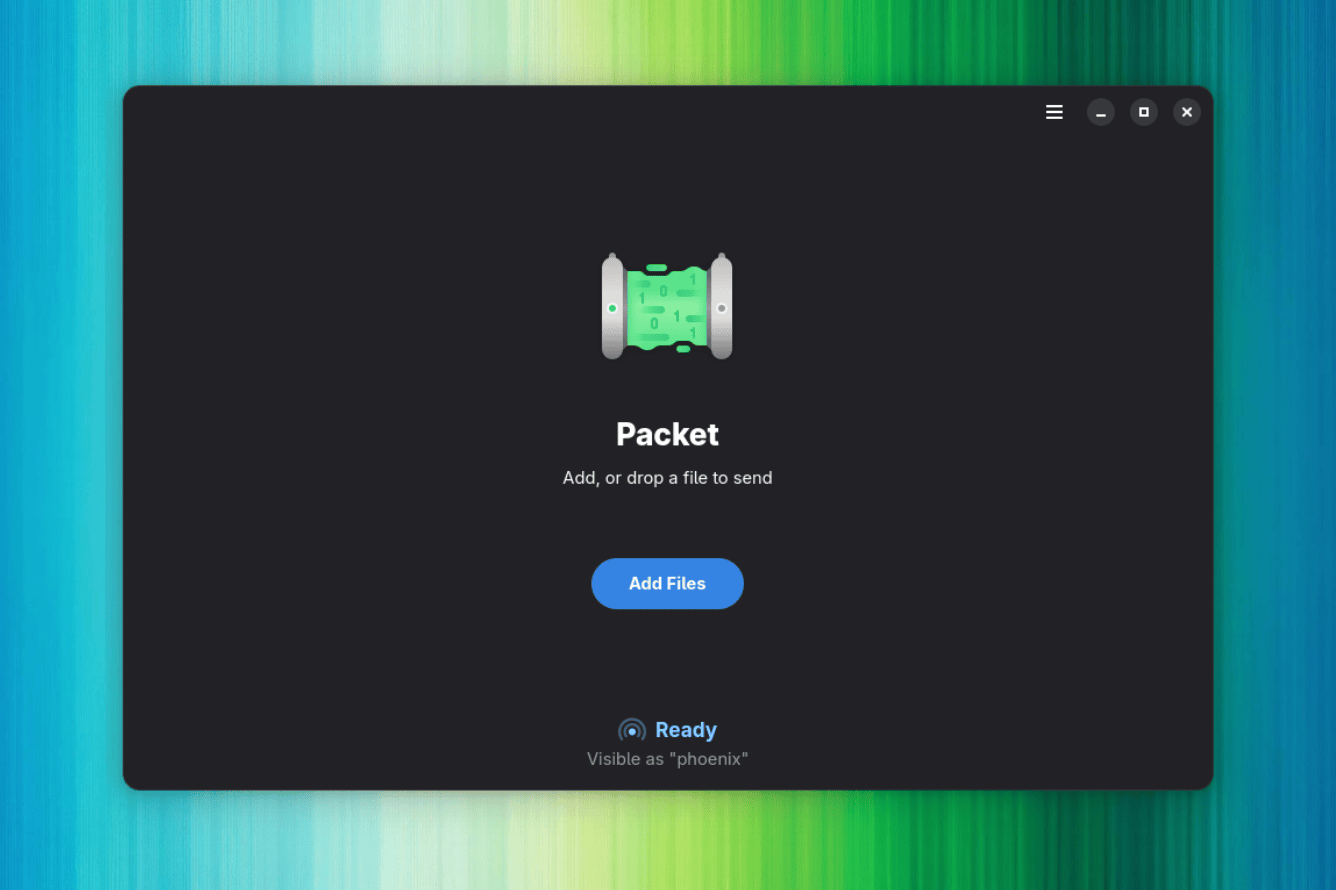
3. Btop++
I use Btop++ whenever I want to see what's going on with my system. It looks really good for a terminal app, with colorful graphs that are easy to read at a glance.
One unexpected use case I discovered is that it acts as a very clean screensaver when I am away from my desk. The live graphs updating in real-time look great on my monitor, and it's more useful than a blank screen or random images.
⭐ Key Highlights:
- Beautiful terminal-based system monitor.
- GPU monitoring support for NVIDIA and AMD.
- Real-time CPU, memory, disk, and network stats.
 Abhishek Prakash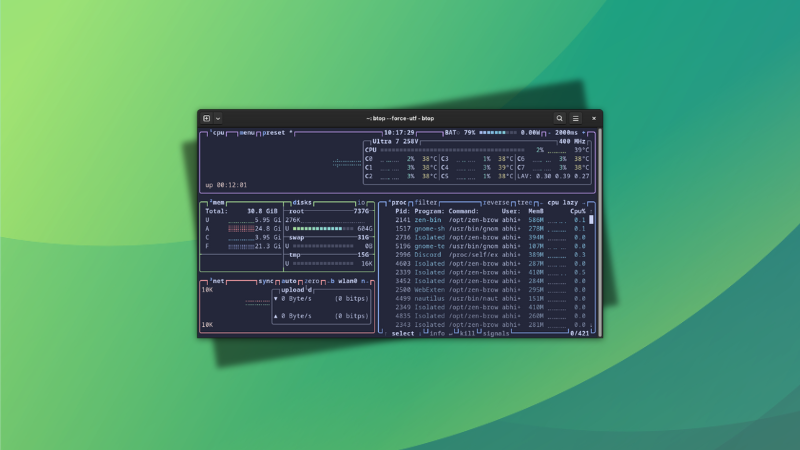
4. Calibre
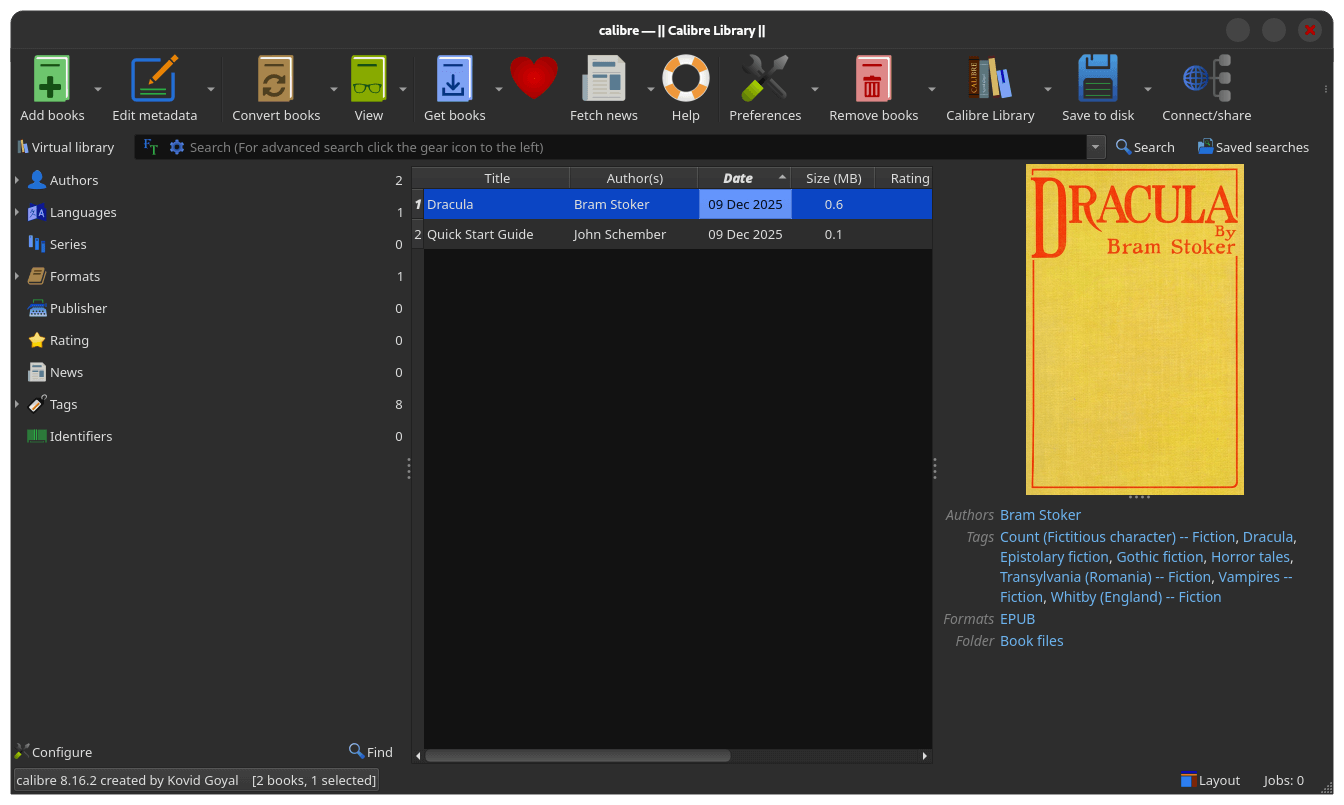
Calibre is a relatively new addition to my workflow this year, but it's quickly gaining a foothold. I have been reading some eBooks lately, and managing them all without a proper tool was getting cumbersome.
The ebook management is good. You can organize your library, edit metadata, convert between formats, and sync to eReader devices. The recent versions also added some AI features that let you discuss books and get recommendations.
⭐ Key Highlights:
- Format conversion and metadata editing.
- Comprehensive ebook library management.
- New AI features for book discussions and recommendations.
 Sourav Rudra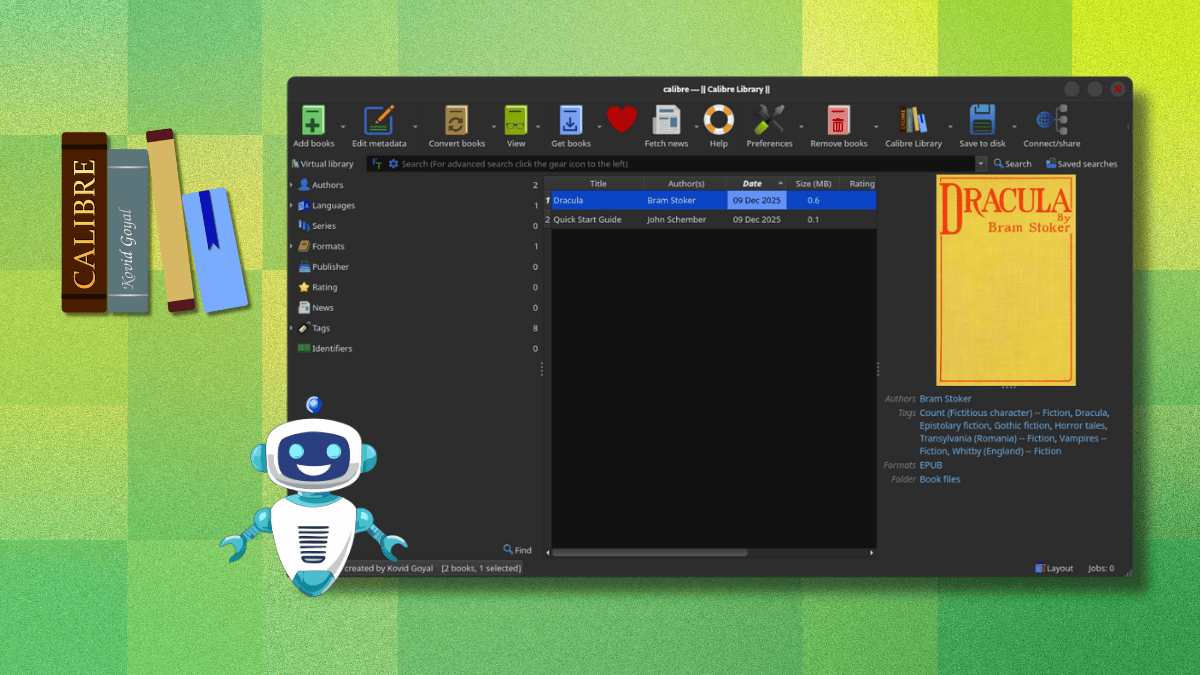
💬 Which were the Linux apps you found most useful in 2025? You know what to do. 👇