


If you have been using Linux every day on your personal computer for a while, you reach a point where things feel... comfortable.
You know how to install a distro. You are not scared of the terminal anymore. You may not remember every command out there, but you know how to figure out things. You understand package managers, desktop environments, and probably basic troubleshooting.
And then this question hits you: what next?
In this article, I'll share five things Linux users should try in 2026 to level up.
First Resolution: Start a homelab (Even a small one)
The single biggest upgrade you can give yourself as a desktop Linux user is running Linux as a server.
I'm not talking about a rack or enterprise hardware. A spare laptop, an old PC, or a small single board computer like Raspberry Pi is more than enough for the beginning.
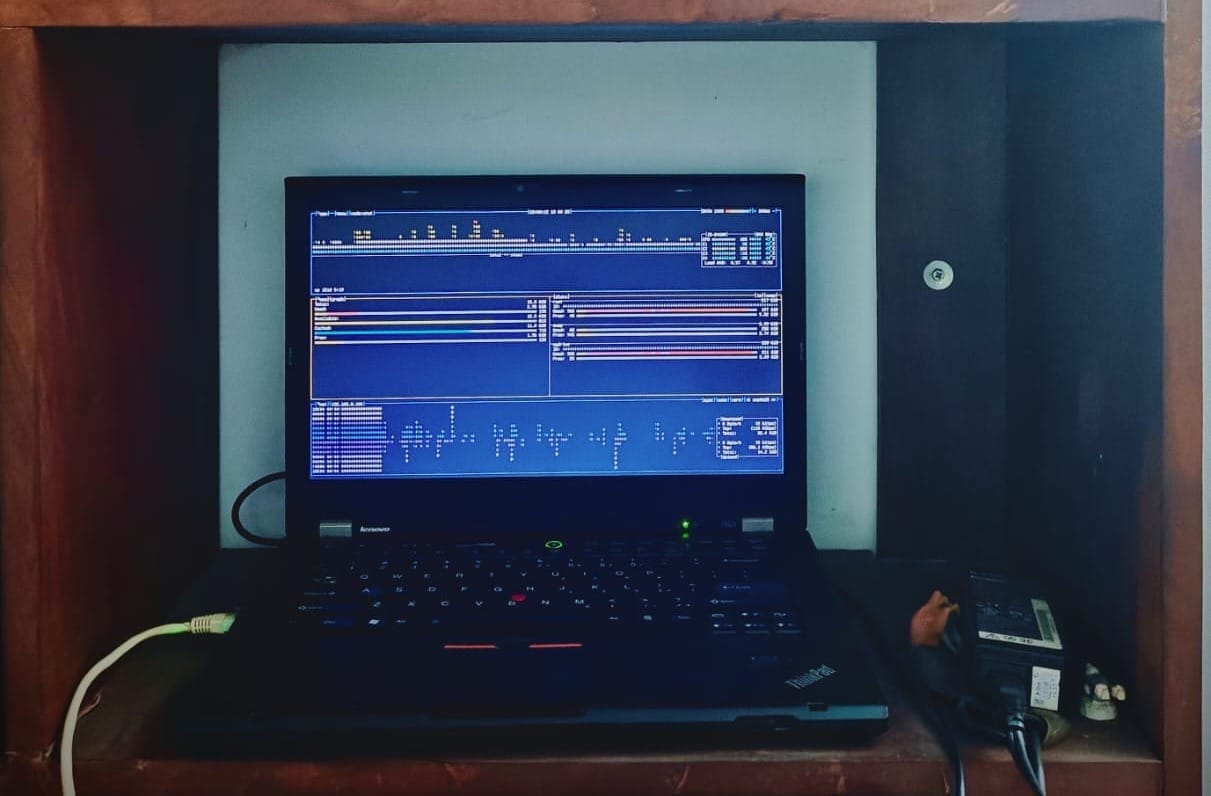
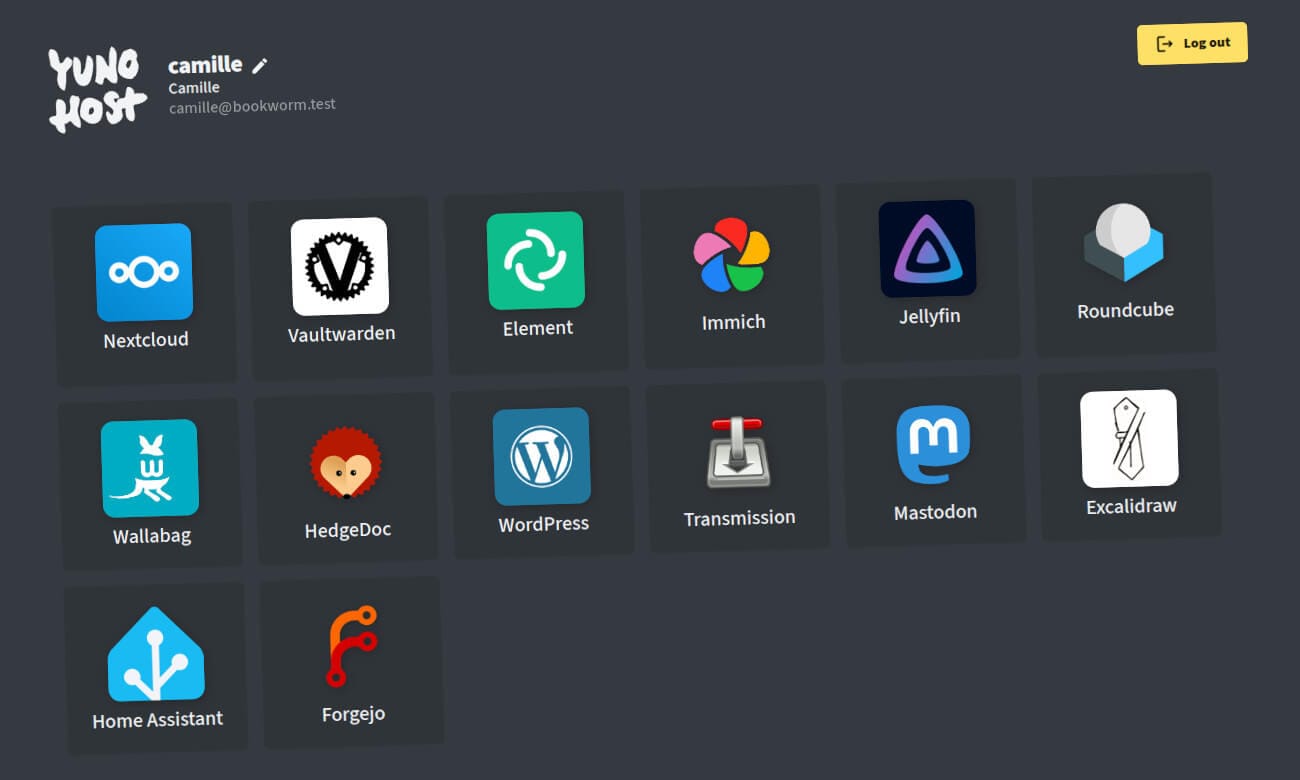
Set it up as a media server, a photo backup system, a personal cloud, an ebook server, or even a small self-hosted dashboard. These are just a few simple tools to get started with your homelab.
To make things easier in the beginning, use a distro like YunoHost or projects like CasaOS or Umbrel that let you easily deploy various services in just a click. Minimal configuration needed.
Why a homelab matters?
Well, the first obvious benefit is the control over your own data, but there is more.
You start thinking about Linux in terms of services, uptime, storage, networking. You won't easily explore these things as a regular home user. This way, Linux turns into a new learning ground.
Actually, I'm starting a new YouTube channel called Casual Homelabber, where I'll be sharing how I'm setting up my home lab as a beginner. Hopefully, it'll help you learn a few things as well.
Second Resolution: Learn Docker (Even just the basics)
Home lab operating systems are great for starting, but sooner or later you will hit a limitation. This is where Docker comes in. After all, all those home lab operating systems run Docker underneath.
You don't need to become a Docker expert. Not that you cannot become one, but you don't need it.
You should know the absolute basics, like what a container is, what Docker images are, what a Docker volume is, how Docker Compose works, et cetera. Just the basics.
 Abdullah Tarek
Why does learning Docker matter?
Here is a real example why you should be doing this. I was using ZimaBoard 2 with ZimaOS. The Jellyfin server deployed from the ZimaOS App Store could not use the GPU and was taking 100 percent of CPU while transcoding 4K media.
So after going through forums and suggestions, I edited the Docker Compose file and fixed the issue all on my own.
That's the power of Docker knowledge.
Once you understand Docker, you are no longer locked into CasaOS or Umbrel.
You can deploy self-hosted software on any Linux distro.
Bottom line, Docker is still a recommended skill for Linux users in 2026. And I have plans for a hands-on Docker tutorial series written specifically for desktop users. If you are a FOSS Weekly newsletter subscriber, you'll be notified when it is available.
Third Resolution: Build a Linux-powered smart home
Smart devices are cheaper and more common than ever. Most people go with Amazon Alexa and Google Home. That is comfortable, but you never know how your data is being misused by them.
As a Linux user, you have an alternative in the form of Home Assistant. With Home Assistant, your data stays local. Automations run even without internet, and different brands (not necessarily) could work together from a single app.
Now, don't go all in for a smart home. Start small. Experiment with smart plugs, motion sensors, or inexpensive smart bulbs.
Do keep in mind to buy devices that are compatible with Home Assistant. Check the official website or ask in forums if you have doubts.
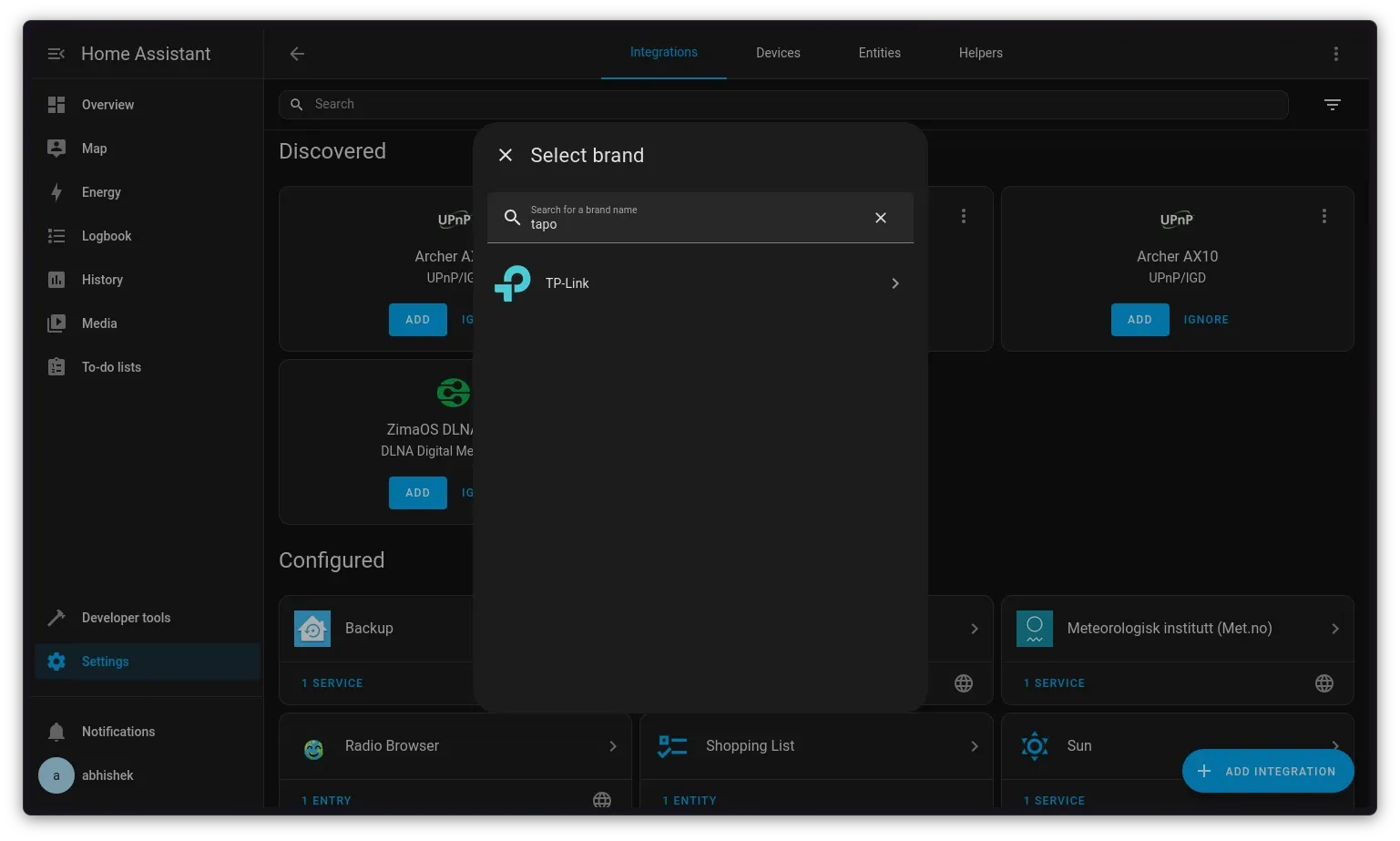
In my case, I have Tapo or TP-Link smart devices (Amazon link) that work well with Home Assistant.
Why smart home?
The smart home automation will help you explore networking basics, service integrations, APIs, and automation logic.
More than anything, it's incredibly satisfying when you take control of your smart home — just as you take control of your system, your computer with Linux.
Fourth Resolution: Go deeper with kernels and system performance
Most desktop Linux users never touch the kernel, and that's fine. But if you want to understand Linux deeply, try kernel-level experiments.
Try compiling a kernel yourself, installing a custom kernel, benchmarking before and after, you know, those kinds of things.
I advise doing this on a spare system rather than making your main system your testing ground.
You can try Liquorix kernel and other low-latency or performance-focused kernels for this purpose.
Compare their boot times, responsiveness, gaming, or workload performance, et cetera.
Why experiment with kernel?
You will start to understand what those kernel flags, schedulers, and other stuff actually do and what they mean. This is a good learning opportunity.
Fifth Resolution: Learn System-Level Programming or eBPF
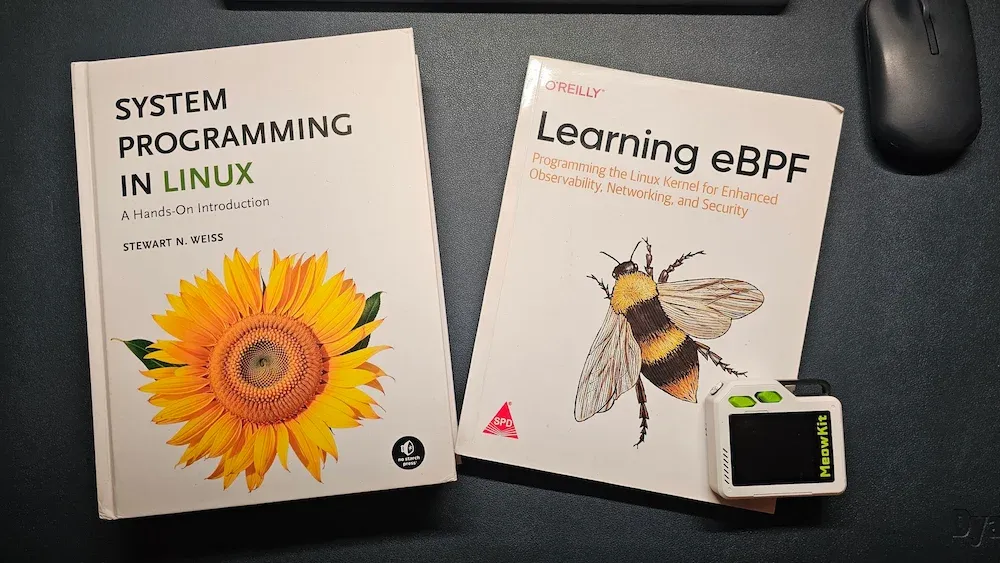
If you want to reach the core of Linux, you have to go lower. I suggest either system programming or eBPF.
eBPF is relatively new and trending these days. It lets you observe and interact with the Linux kernel without modifying it. There are a whole bunch of eBPF tools used for performance analysis, networking, and system monitoring.
While this is more industry-oriented, curious desktop users should not deter from learning eBPF.
System programming, on the other hand, is evergreen.
It teaches you how Linux actually works under the hood. Processes, memory, syscalls, you know, all those things you might have come across in passing.
Even basic exposure will transform how you think about a slow Linux system or bugs and issues.
Bonus Resolution: Try an Immutable Linux Distro
Sixth? Yes, I added an extra for people who want to stay in the comfort of desktop Linux.
You can still challenge yourself by trying an immutable distro like NixOS.
Now, NixOS is not for everyone, as you have a steep learning curve here, but it could be a good challenge for you in 2026.
We have a NixOS tutorial series. It was written two years ago, but it should still help you out.
If you think It's FOSS is doing a great work, please support us by opting for a Plus membership. You also get 5 eBooks on Linux, Docker and Bash scripting.
Our lifetime membership option is available for $89 (instead of $149). This special price is applicable until 1st week of 2026 only.
Final Thoughts
If you have already crossed the Linux beginner stage, the next step is building, breaking, fixing, and understanding.
Again, these are just suggestions. See what suits your interest and how much free time you have.
Start small. See what you already have. Don't start splurging money on devices, gadgets, disks, RAMs (of course).
Now, I want to know what resolution you have as a Linux user. What you would like to do in 2026. Please share it in the comments.
