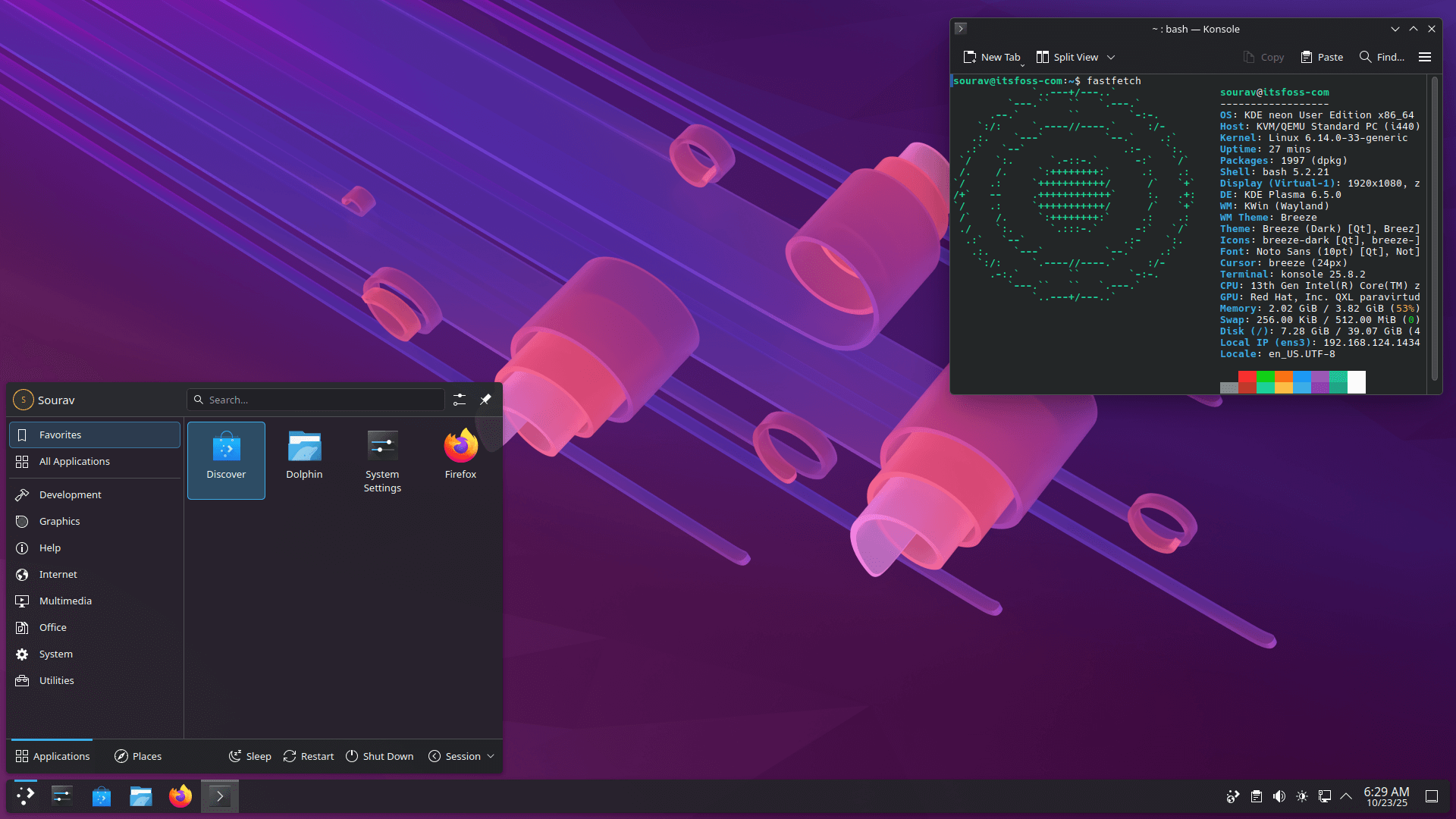
The beauty of desktop Linux lies in freedom of choice. Here, people can opt for a different distribution, window manager, login manager, file manager, terminal, and desktop environment.
KDE Plasma is one of the most popular desktop environments out there, known for its extensive customization options and a Windows-like layout that makes it easy for newcomers to settle in.
You might remember a few months ago, the KDE developers announced that they would be sunsetting the Plasma X11 session with the 6.8 release, opting for Wayland by default.
We are getting closer to that as Plasma 6.6 has just been released. Let's see what it brings to the table.
🆕 KDE Plasma 6.6: What's New?
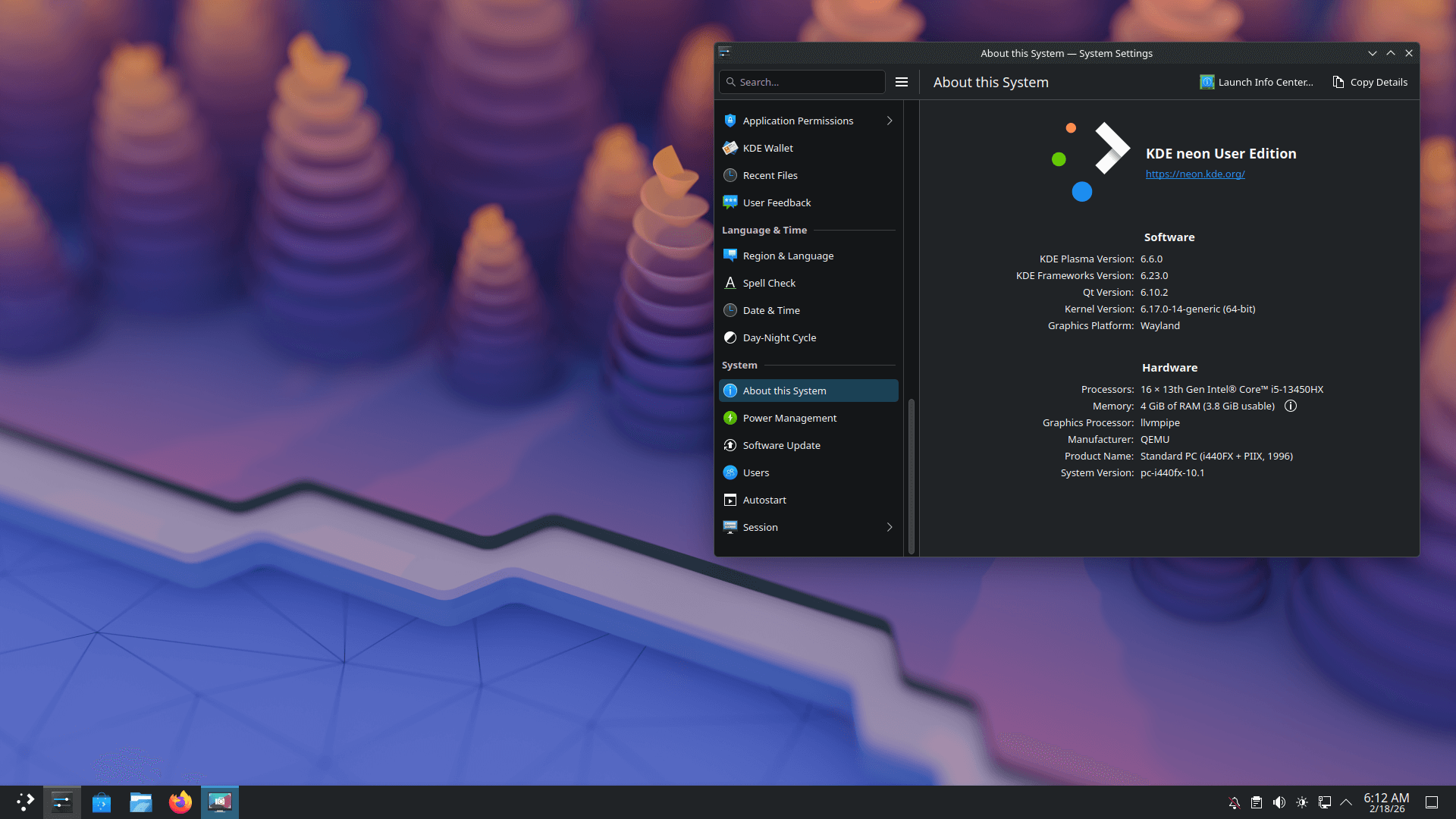
This release has a focus on practical improvements, as the changes span accessibility, the user interface, and a handful of workflow upgrades that most people will notice pretty quickly.
For starters, Spectacle now supports OCR (reading text), letting you pull text directly from screenshots. Alongside that, there is a brand-new on-screen keyboard, which replaces the older solution.
If your device has a camera, then you can now scan a WiFi QR code to connect to a network. Plasma 6.6 also ships an optional new login manager, in case you want to try something different from the default setup.
More details ahead. 👇
Accessibility Improvements
Sourced from KDE.
Spectacle, Plasma's screenshot tool, can now recognize and extract text from anything you screenshot. This should be useful when you need to copy text from an image, a document, or an error output in the terminal.
Then there's the new grayscale filter inside the Color Blindness Correction settings in System Settings, bringing the total to four filters that cover different types of visual impairment assistance needs.
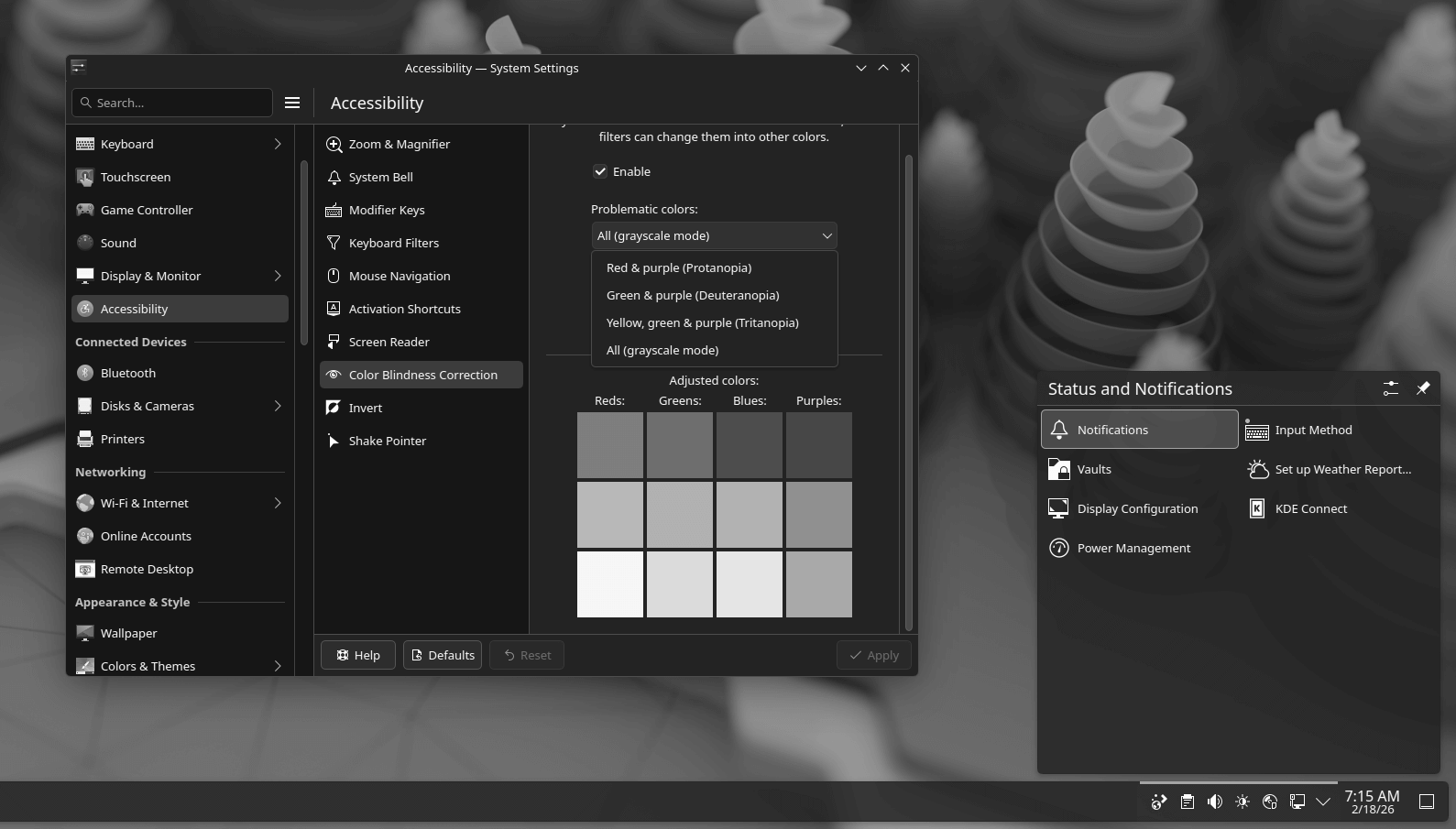
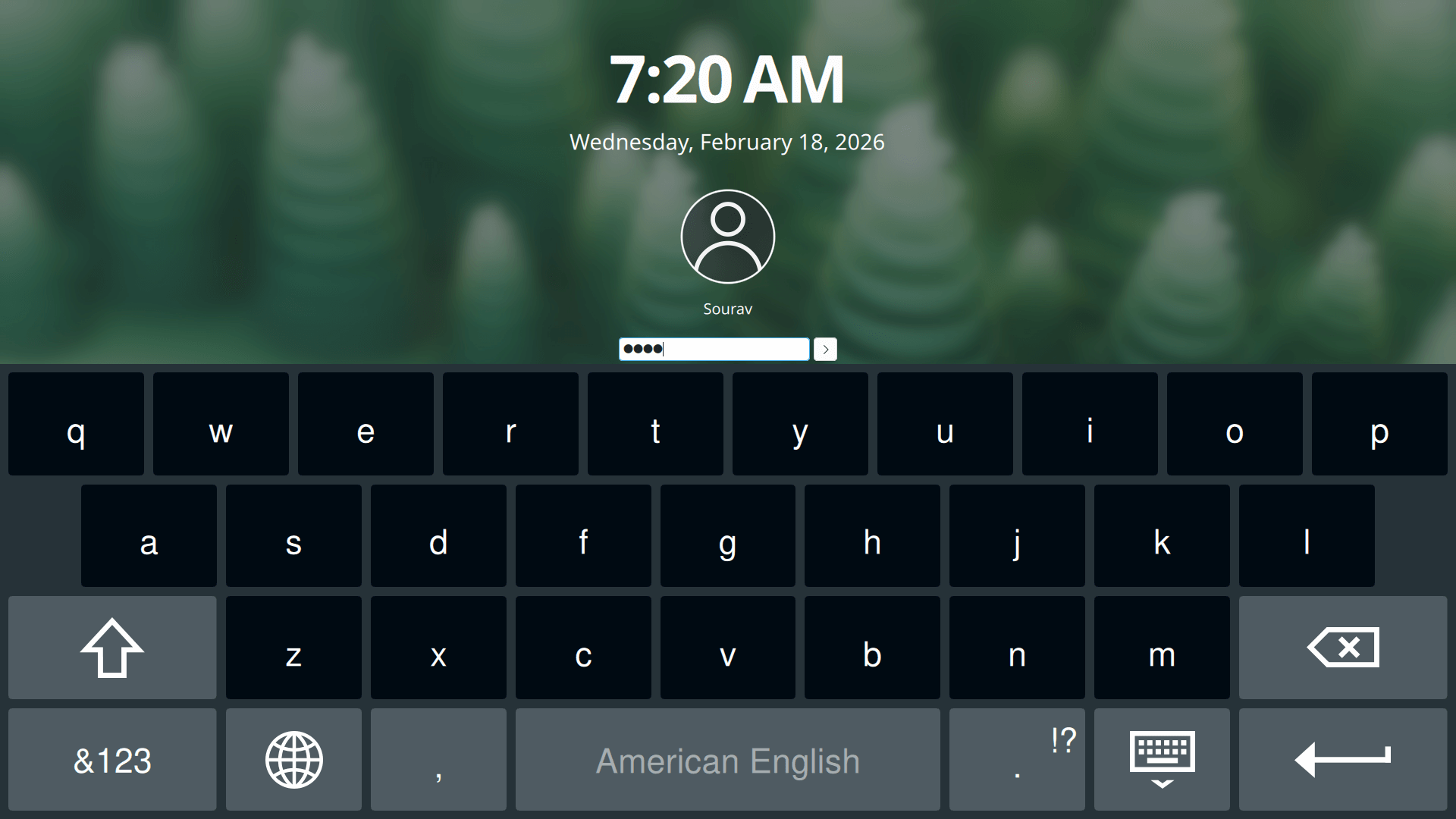
The new grayscale filter (left) and the new on-screen keyboard (right).
The Zoom and Magnifier tool gets a new tracking mode too, keeping the pointer always centered on the screen. Rounding all of this out is Plasma Keyboard, KDE's new on-screen keyboard that's built for a cleaner navigation experience.
User Interface Upgrades
Sourced from KDE.
Suggested Read 📖: How to Properly Theme KDE Plasma
Plasma 6.6 introduces Plasma Setup, a new first-run wizard that handles user account creation separately from OS installation. KDE says that this can be useful for companies shipping Plasma pre-installed, charities refurbishing machines, or anyone handing off a device.
Moving on, animations on high-refresh-rate displays are much smoother with this release, and you can now set virtual desktops to appear only on your primary screen. A welcome change for people on multi-monitor setups.
There's also the optional Plasma Login Manager, an in-development display manager built natively for Plasma that replaces SDDM. With this, there are plans to offer better multi-monitor, HDR, and virtual keyboard support at the login screen.
More New Additions
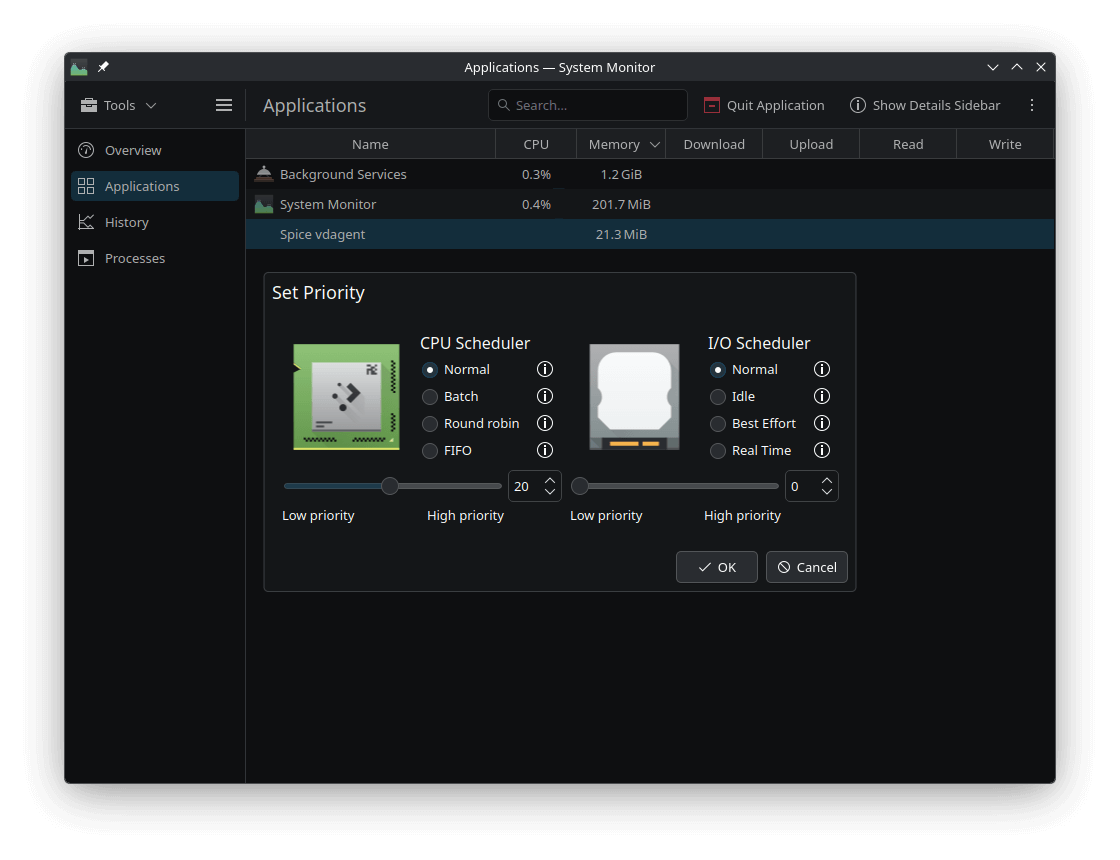
System Monitor now lets you set process priority directly from the app without you needing to run commands in the terminal. Similarly, if your device has a camera, you can connect to a Wi-Fi network by scanning its QR code from the Networks widget in the system tray.
Devices with ambient light sensors can now take advantage of optional automatic screen brightness adjustment, and game controllers can now be used as regular input devices.
On the customization side, you can now save your current desktop setup as a custom global theme, and there is a new option to adjust the color intensity of app frames for more fine-grained tweaking.
📥 How to Get KDE Plasma 6.6?
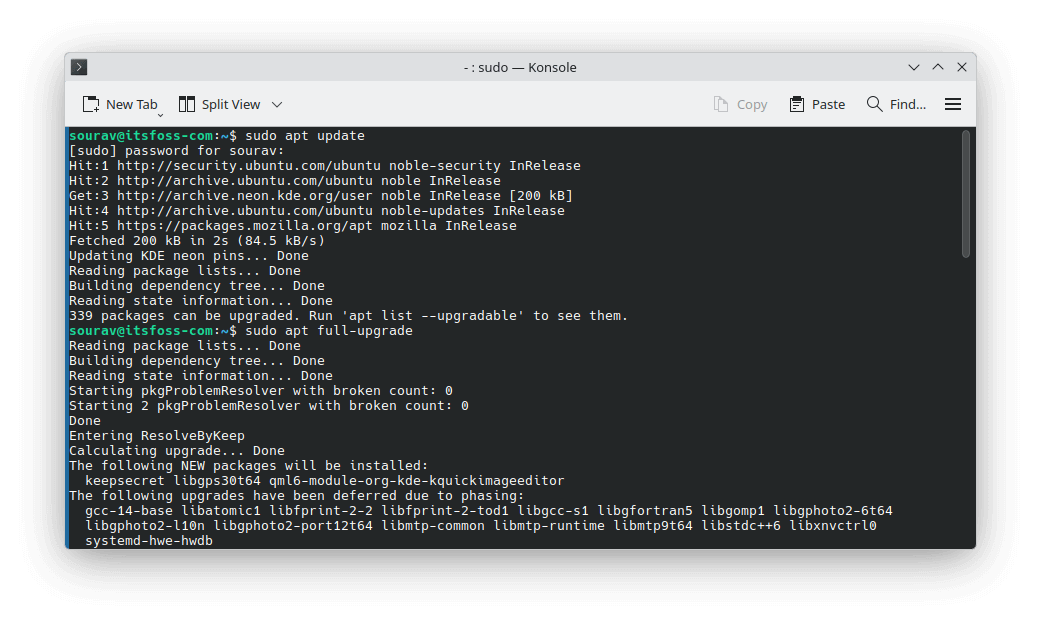
Simple, you gotta install KDE Neon, the Ubuntu-based distro that stays near the bleeding edge of KDE software. If you already have it, then you just need to update it with these commands:
sudo apt updatesudo apt full-upgradeFor others, they can install a rolling release distro like Arch Linux or EndeavourOS to get the release. If you are feeling spicy, then you could also build this Plasma release from source.
The KDE folks have a detailed guide for that on their documentation portal.
🗨 Are you going to upgrade to Plasma 6.6? Looking forward to customizing it?