


elementary OS is a Linux distribution that focuses on user experience and design. It offers a clean, macOS-like interface built on Ubuntu's foundation. The project prioritizes simplicity and ease of use for everyday computing tasks.
It's previous release introduced some major upgrades like a Secure Session, a new Dock, Flathub support, and more.
Now, elementary OS 8.1 is available for download. The release focuses on refining the experience based on user feedback, with over 1,100 issues being addressed since the earlier release.
elementary OS 8.1: What's New?
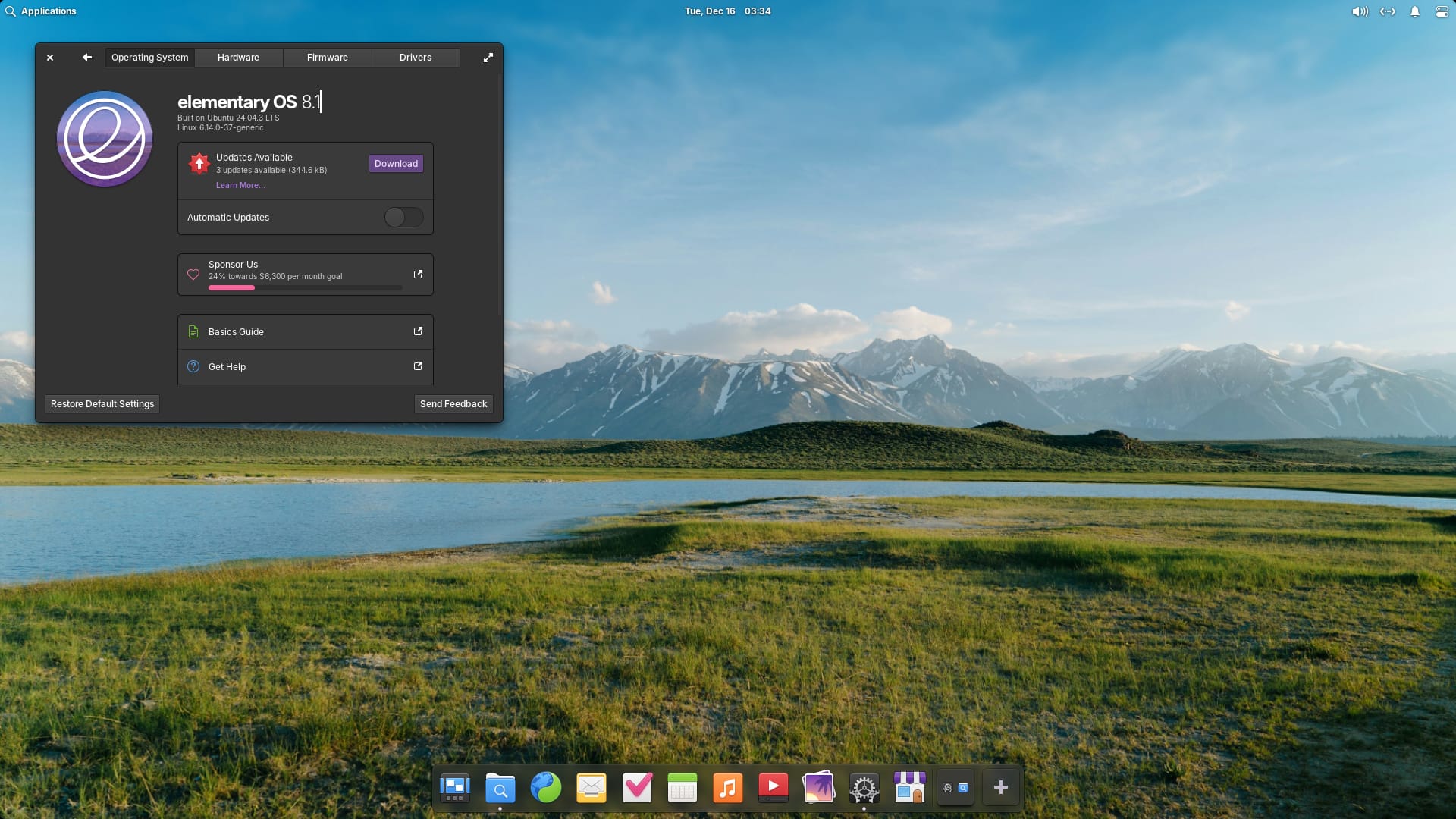
Powered by Linux kernel 6.14, which brings improved hardware support and gaming performance, the release is based on Ubuntu 24.04 LTS, which acts as a stable, secure base with many refinements.
Here are the key highlights of elementary OS 8.1:
- User Interface Upgrades
- Improved AppCenter
- Privacy/Security Buffs
- Easier System Updates
- New ARM64 Builds
User Interface Upgrades
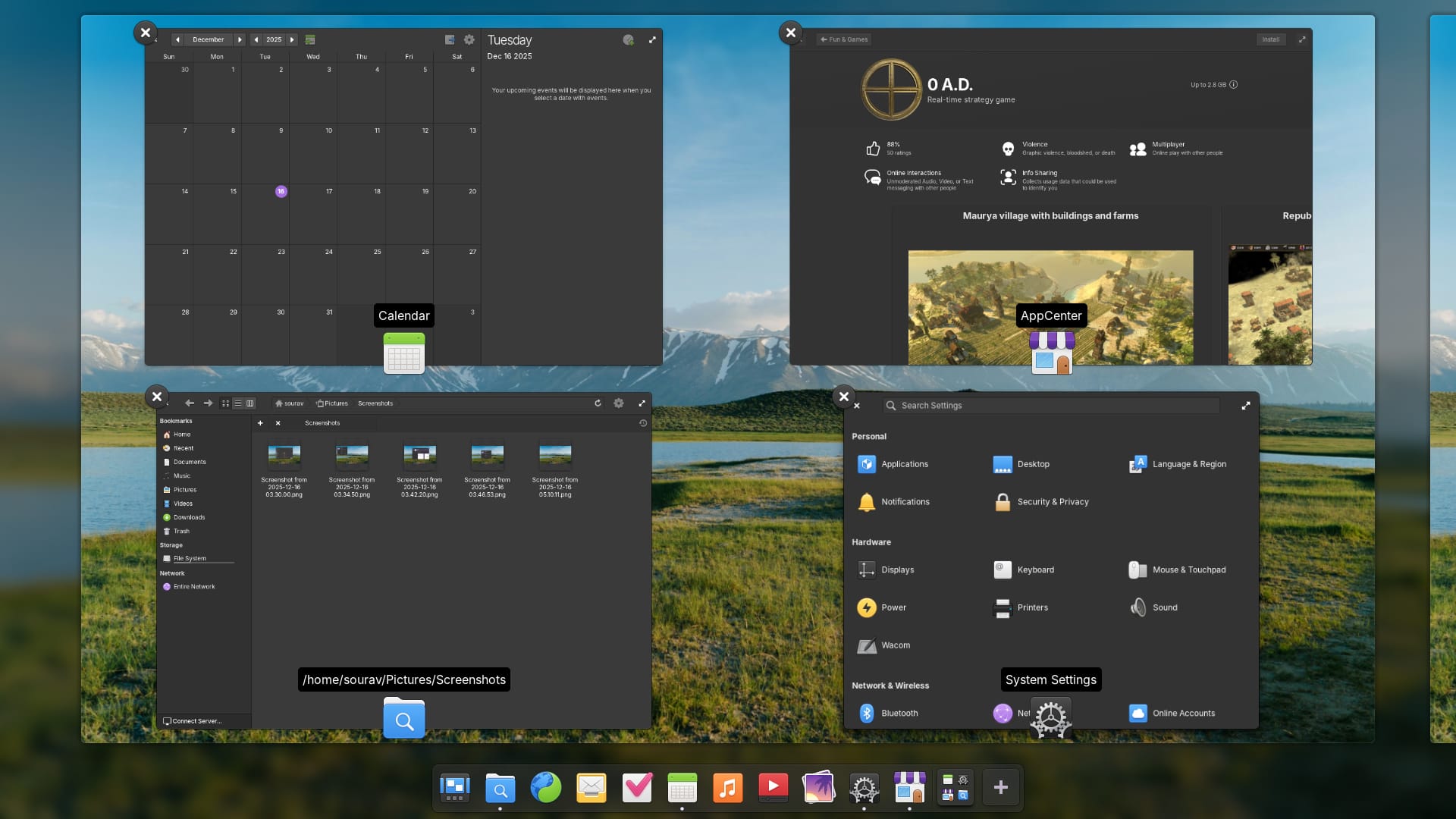
The workspace switcher has moved directly into the dock. A plus button lets you create new workspaces, while existing ones can be rearranged by drag and drop. Clicking on your current workspace brings up the Multitasking View.
Background apps now show up in the dock through the Background Portal. You can see what's running without needing to check the window and why it's running. Force-quitting apps is also straightforward with this.
Dark Mode gets schedule snoozing in this release. When you manually toggle Dark Mode while using a schedule, it resumes on the next scheduled change instead of stopping.
Accessibility has received a lot of attention too. elementary OS can now be installed and set up completely by blind users. The installer features more accessible labels throughout, and the password quality review is read aloud by screen readers during installation and initial setup.
The Reduce Motion setting now handles more animations across the desktop and apps. Keyboard focus indicators appear while navigating with a keyboard but disappear when using a mouse or touch navigation.
Fractional display scaling is now available in the Secure Session. Previously, only integer scaling was supported, making interfaces either too large or too small on these displays.
Improved AppCenter
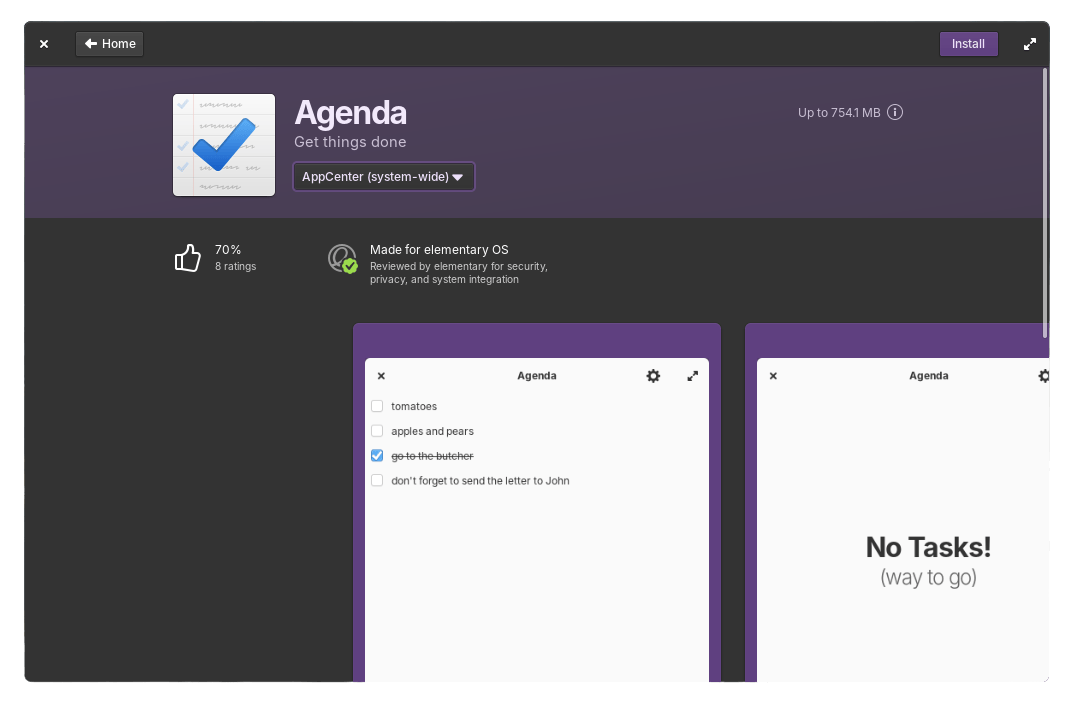

elementary OS 8.1's AppCenter user ratings on the left, package updates on the right.
AppCenter now shows percentage-based app ratings from ODRS. This is the same ratings server used by GNOME Software. Additionally, when developers provide screenshots for multiple platforms, AppCenter prioritizes the elementary OS versions. The interface also indicates when a game supports controller input.
The action button for free apps says "Install" instead of "Free". Apps with in-app purchases get a small label next to the action button. This makes it easier to spot free-to-play games or storefront apps like Steam and Heroic Games Launcher.
App Updates handling got improved too. Installed apps are now sorted by release date instead of alphabetically.
Privacy/Security Buffs
The Secure Session is now the default. Danielle Foré, the Founder of elementary OS, says that this provides a better experience for most users and supports more modern hardware features. The Classic Session remains available for those who need it.
Password authentication dialogs have a new security feature. When opened in Secure Sessions, the screen dims and other windows cannot steal focus. This prevents accidentally typing passwords into the wrong app window.
Easier System Updates
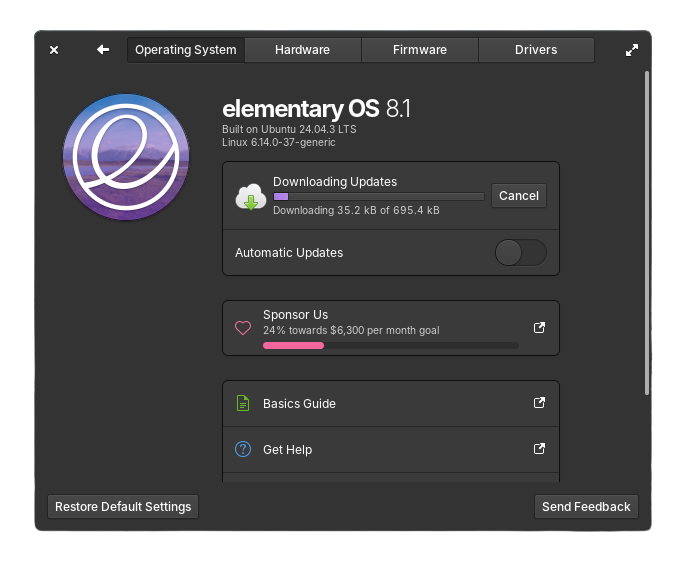
System Updates now show the download size before you start. A progress bar appears while downloading. The system skips held-back packages like phased or staged updates for more reliable installation.
The updates check has been rewritten. It no longer runs in Demo Mode (the live session), only happens once daily, and does not slow down the initial login flow. Plus, system updates do not automatically download on metered connections and send a notification instead.
New ARM64 Builds
elementary OS offers ARM64 builds for the first time. These work on devices that boot with UEFI. You can run the OS on M-series Apple Silicon and devices with UEFI-supporting firmware like the Raspberry Pi.
The included kernel also supports certain Qualcomm and Rockchip processors.
Miscellaneous Changes
Apart from the major changes, elementary OS 8.1 includes several other improvements worth noting:
- Maps and Monitor apps are now offered as default applications.
- Inclusion of GNOME Web 48.3 that delivers performance improvements.
- The Music app gets queue management with save/restore and search functionality.
- You can now deny notification bubble access for apps directly via System Settings.
- Bluetooth settings have been redesigned with better device separation and keyboard navigation in mind.
Install elementary OS 8.1
elementary OS 8.1 is available as a pay-what-you-can offering on the official website. Localized direct downloads and a torrent magnet link are provided for an easy installation experience.
The release will receive monthly feature and bug fix updates. You can also get it pre-installed on computers from Star Labs, Slimbook, and Laptop with Linux.

