A few months ago, Calibre introduced its first AI feature, letting users highlight text and ask questions directly in the eBook reader. It was a good start but relied entirely on cloud-based AI providers.
Now, Calibre 8.16.2 has arrived with some pretty handy upgrades to those capabilities, adding support for running AI models completely offline on-device. There are plenty of other new refinements too!
🤖 Calibre Can Now Run AI Locally
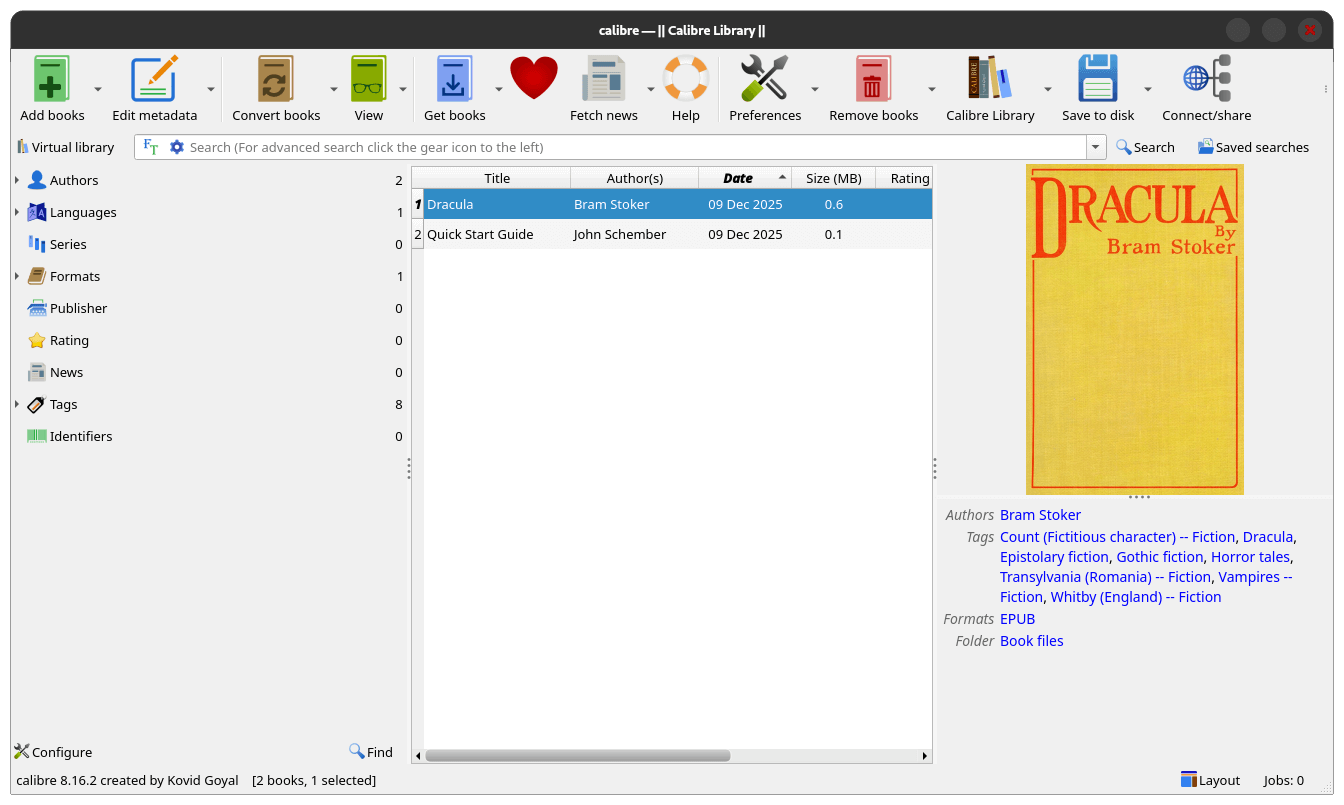
Thanks to LM Studio integration, Calibre can tap into AI models running locally on your machine instead of needing to rely on user data-hungry cloud services. If you didn't know, LM Studio is a desktop application that lets you run large language models on your own hardware without much technical know-how.
Beyond that, this release introduces two additional AI-powered features. The first one is a book discussion feature where Calibre can answer questions about any book in your library through a simple right-click menu, and the second is a reading recommendation system that suggests similar books based on your selection.
Both of these work locally or via any configured cloud providers.
In terms of bug fixes and improvements, Calibre 8.16.2 addresses several issues from the previous release. The "Ask AI what to read next" feature that broke in 8.16.0 now works properly, and the crash when clicking the "Close" button in the Ask AI page has been fixed.
The update also corrects HTML markup escaping in the PDF input engine, updates the Amazon Italy store plugin, and fixes incorrect series indexing from Amazon Japan.
Additionally, the case-change menu returns to the comments editor after going missing in the last release.
A Quick Test Drive
I tested out two of the new AI-powered features, and I must say, they work really well. First up was the book discussion feature, which can be accessed from the "View" menu either by right-clicking and selecting "Discuss selected book(s) with AI" or the keyboard shortcut: Ctrl + Alt + A.
I told it to summarize Dracula, a book by Bram Stoker, and the output it provided was pretty good; I got a quick rundown of the happenings in the book without needing to fully read it. This could be handy if you have forgotten how a book ended or when you are deciding whether to commit to reading something.
Next, I tested the paragraph explanation feature on a section from the book. The AI broke down the text clearly and provided useful context. Keep in mind that results will vary depending on which model you use. A more capable model will give better explanations, while smaller ones might be hit or miss.
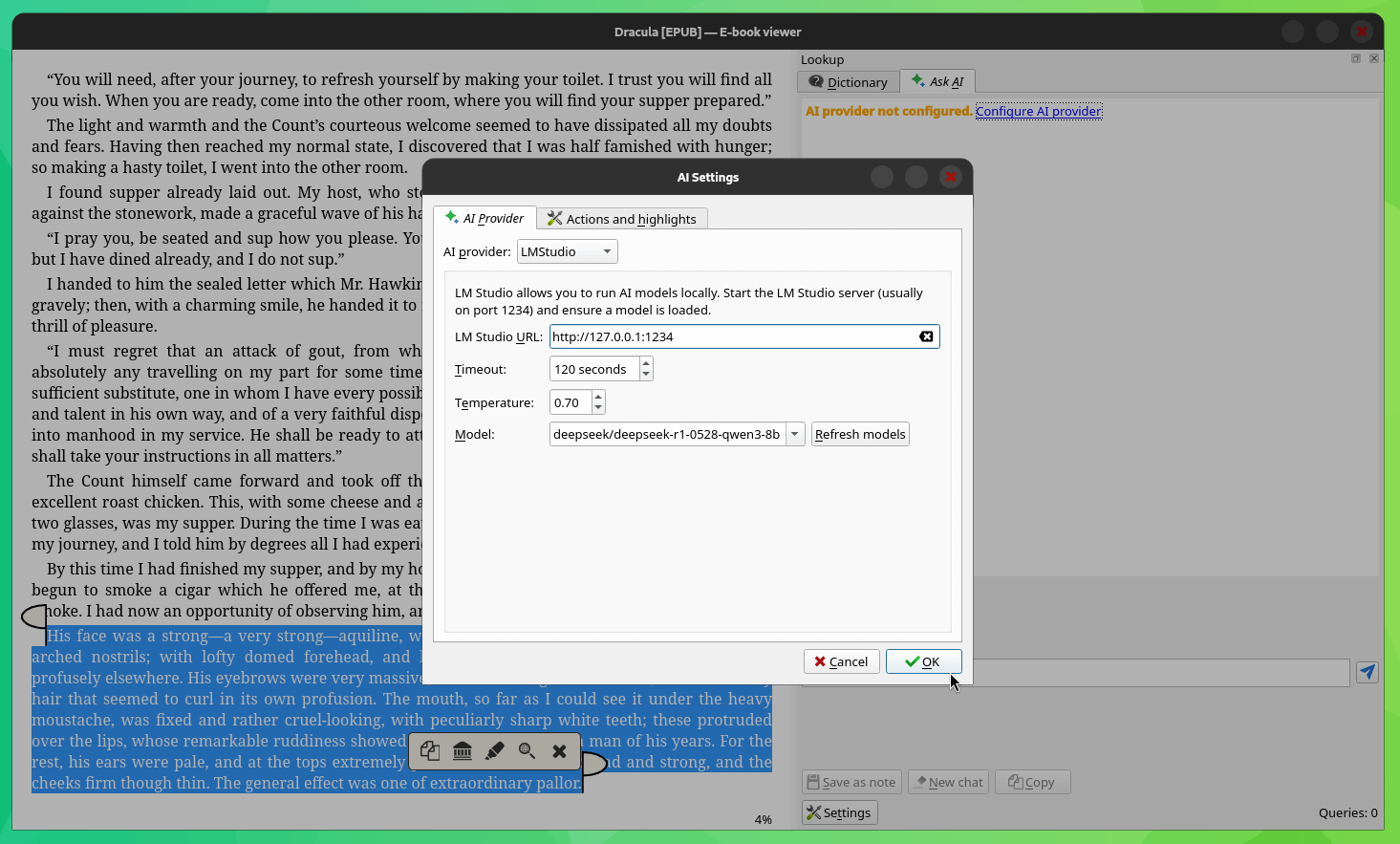
For any AI features to work on Calibre, you need to configure an AI provider first. In my case, I used LM Studio with the DeepSeek-R1-0528-Qwen3-8B model loaded for testing. The setup is quite straightforward. I started the LM Studio server with a model loaded, entered the URL in Calibre's AI provider settings, and clicked "Ok".
📥 Get Calibre
Being a cross-platform eBook reader, Calibre is available for Linux, Windows, and macOS. The official website hosts all the relevant binaries for these platforms.
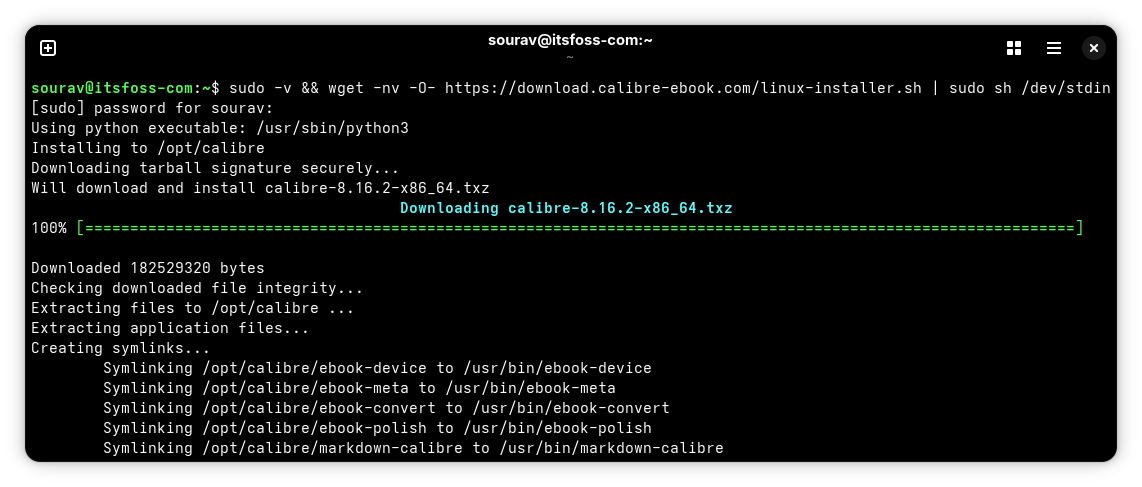
If you are on a Linux distribution, then you can run the following command to get it installed:
sudo -v && wget -nv -O- https://download.calibre-ebook.com/linux-installer.sh | sudo sh /dev/stdinSuggested Reads 📖
 Abhishek Prakash
 Sourav Rudra