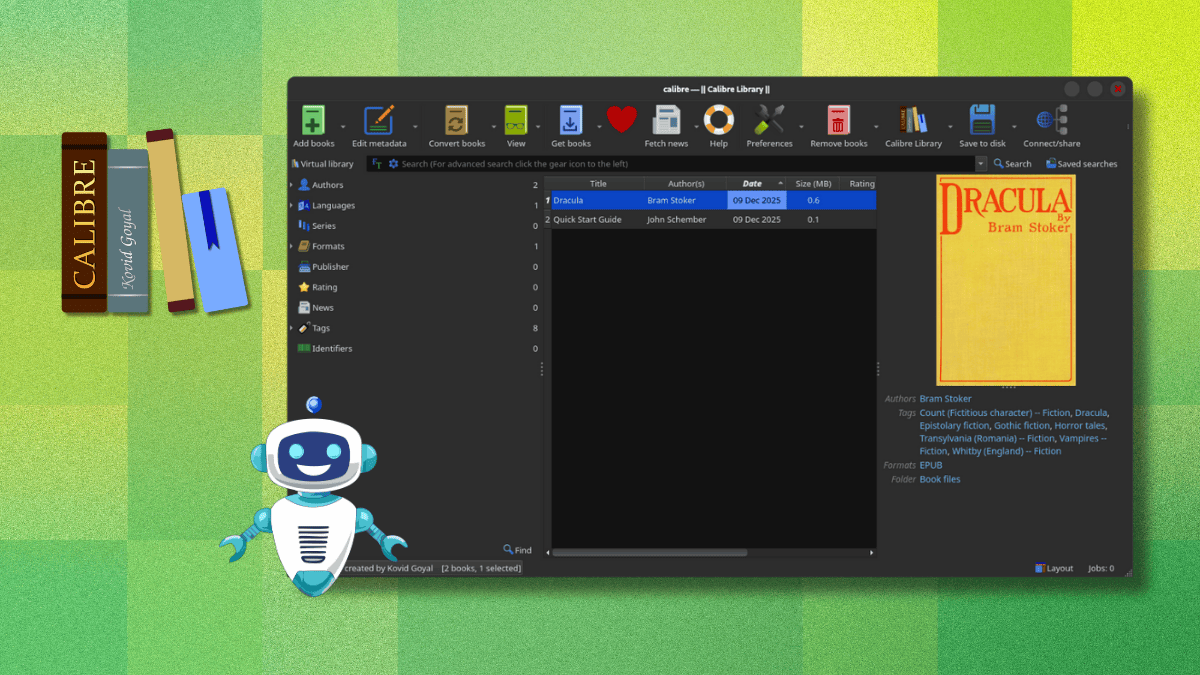
Many of you might already be users of Calibre. If you don't know what that is, it is a very capable eBook manager that has many handy features like format conversion, news fetching, metadata editing, and a built-in viewer that supports most eBook formats.
It recently gained support for running AI locally via LM Studio, and during my use of it, everything worked as expected. I was able to ask questions about books in my library and get personalized reading recommendations without needing to send any data to cloud services.
Now, a new release is here, bringing with it some neat upgrades.
Calibre 9.0: What's New?
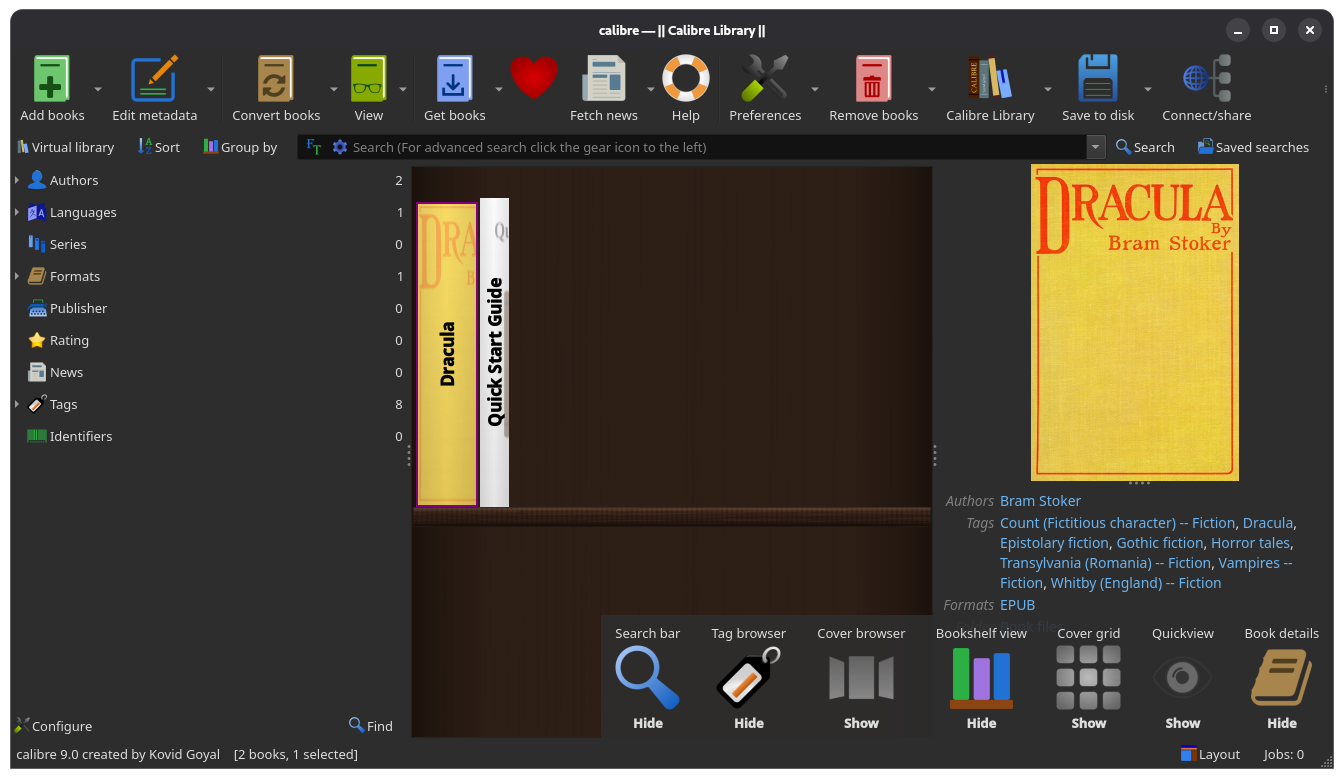
The brand-new bookshelf view, for starters. If you click on the "Layout" button on the bottom-right of the Calibre app, you will find the new view. Click on it to activate a virtual shelf of neatly arranged eBooks.
This should be useful if you have a large library of books and want to get the look and feel of a physical bookshelf but on a monitor. A quick tip for you here: you can hide the "Book details" dialog that's on the right and resize the sidebar menu on the left to fill your entire screen with the shelf visible.
It would've been even cooler if we could hide the top menu bar too! 😅
Anyhow, moving on, the viewer now lets you type in a page number directly to jump to it instead of making you scroll through the entire list of page numbers. It also has a new "Edit book" button that allows editing the currently opened book, provided it is in formats such as EPUB, AZW3, or KEPUB.
For Linux users with touchpads, Calibre now supports momentum-based scrolling in the book list. This means you can flick through your library, and the list will keep moving smoothly instead of stopping immediately when you lift your finger.
On the bug-fixing side of things, EPUB3 metadata handling has been improved to work with identifiers that use HTTP URLs without the url: prefix, SVG export has been improved, and GPU acceleration for Qt WebEngine is now disabled by default to prevent crashes on older systems.
📥 Get Calibre
Users on Linux, Windows, and macOS can get this Calibre release from the official website. For Linux users specifically, they can use the following command to grab a fresh copy of Calibre or update their existing installation:
sudo -v && wget -nv -O- https://download.calibre-ebook.com/linux-installer.sh | sudo sh /dev/stdinThe source code for the app can be found on GitHub.
Suggested Read 📖: Calibre Now Lets You Chat About Your E-Books Using Local AI
 Sourav Rudra