


Even when most big corporations give us something open-source, it seems we still can't escape the clutches of their data-hungry ways. That's why new projects are often born from these corporate efforts, to right what's so often wrong with big tech's idea of "open-source."
Helium is one such effort: an open-source web browser, built on the foundation of un-googled chromium, but with an array of privacy-boosting features thrown in. It's essentially what some are calling a "Better Brave than Brave", giving us all the privacy benefits, and none of the controversial history.
This humble project's bold ambitions include being private by default and respectful by design, while remaining light and quick. But does it deliver? That's what this review will dive into.
Chromium interior, Helium finish
It's no secret that the vast majority of the internet browsers in existence today are literally reskins of Chromium. Whether you choose Opera, Edge, Vivaldi, Brave, or... okay you get the point, you're using Chromium in some shape or form. In fact, most Chromium-based browsers directly reuse its GUI code, not just the underlying browser engine, Blink. Even some that don't use the interface code, like Falkon, still use much of the same architecture underneath.
I say all of this to say, Helium is no different in this regard. This is not a dig against the project, just making clear that you should expect a Chromium-like experience when using Helium. That's because in the same way a square is a rectangle, but a rectangle is not a square, Helium is Chromium, but with its own unique polish.
That polish is what sets this browser apart from others that take a more ambitious and sometimes, frankly, bewildering approach to the challenge of offering greater value on top of an already solid basis. It doesn't attempt to make itself look all that different from Chromium, nor does it introduce unnecessary bloat through unrelated features. Rather, Helium sticks closely to the Chromium core, but builds on it with privacy-respecting features, built-in adblocking, and useful shortcuts that save time without compromising safety.
Let's take a look at some of what stands out.
Light on fluff, serious about privacy
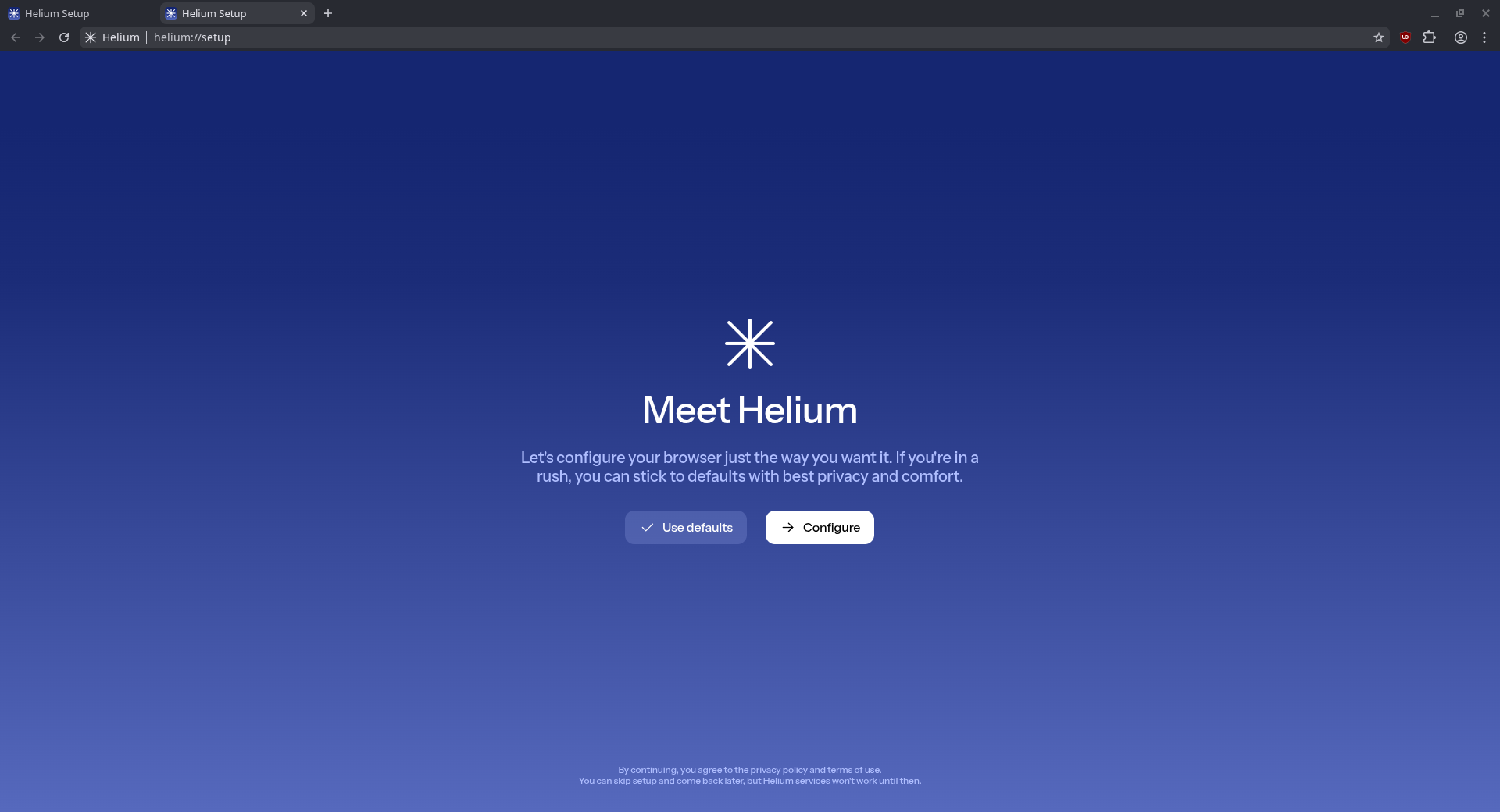
Helium's biggest selling point is evident from the first run. First, you'll notice the presence of uBlock Origin, made possible by the browser's preservation of Manifest V2. You're also presented with the option to either use the default settings, or configure Helium to your liking.
There's no sync steps or user account sign ups to run through, since everything is stored locally. Unlike most other browsers I've used, it's fully possible to run this first time setup again at any time, by loading helium://setup in the address bar.
Helium services
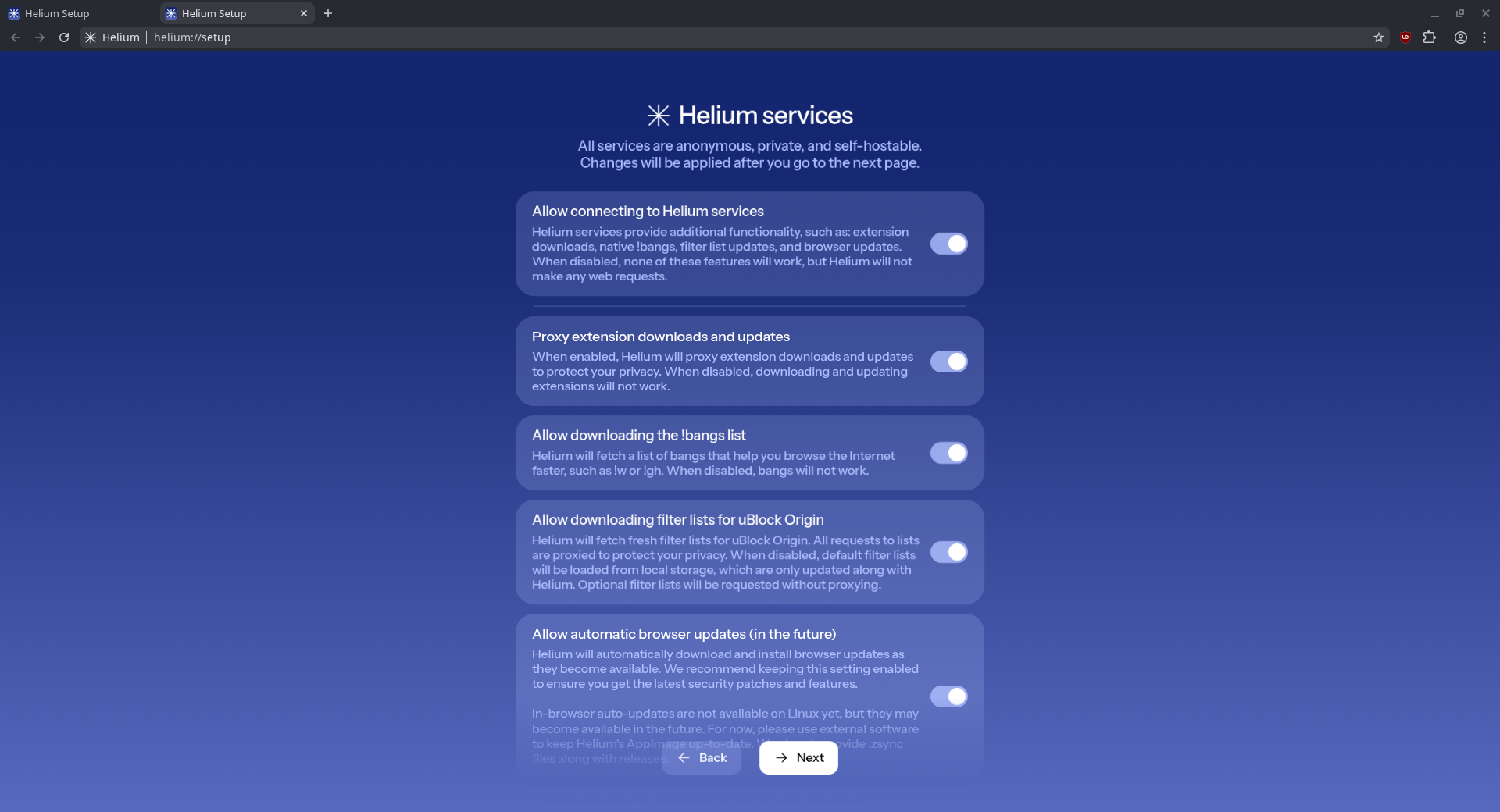
If you choose to configure, you're presented with toggles for various features, most of which relate to how Helium protects your privacy. All features require you to enable the browser to connect to "Helium services", which are basically a privacy-protecting wrapper to anonymize external connections.
It's used when downloading extensions, using browser-native bangs, downloading adblocking filters or updating the browser. This way, Google and other entities cannot track which extensions you've installed or removed, or what files you've accessed. Even queries and AI prompts entered through bangs are anonymous this way.
However, if you don't trust the developers on this one, you can set up and use your own instance of Helium services in the browser settings. That said, there's a clear warning that the developers do not provide support if anything goes wrong in this instance. Still, this limitation might not be to everyone's taste.
No password manager, no sync, no phoning home
Helium is completely devoid of a password manager, and 3rd party cookies are blocked by default. It makes no external requests (save for Helium services, which are only for the sake of anonymizing requests to other services), and enforces HTTPS by default.
If you're looking to sync your browser data in any way, you'll have to rely on third-party addons for that, since Helium comes with absolutely no means of syncing your browsing data natively. It does have support for user profiles, including guest profiles, but these are stored locally only, and any syncing would need to be set up manually.
Bring your own solutions
If you're privacy conscious but still want to keep your bookmarks, passwords, or settings between different systems, you'll need to roll your own solutions here. For power users who already know where to look and how to set up their own solution, this is likely no issue. I personally use Nextcloud Passwords for this, but other password managers work just as well.
This isn't a knock on the project in any way, as it is in fact one of the chief features of Helium's privacy-conscious efforts. By not including any native means of syncing, Helium keeps your data in your own control. Without a central password store, it also adds an additional layer of security, ensuring you only share data when and if you want to.
Browsing with a !bang
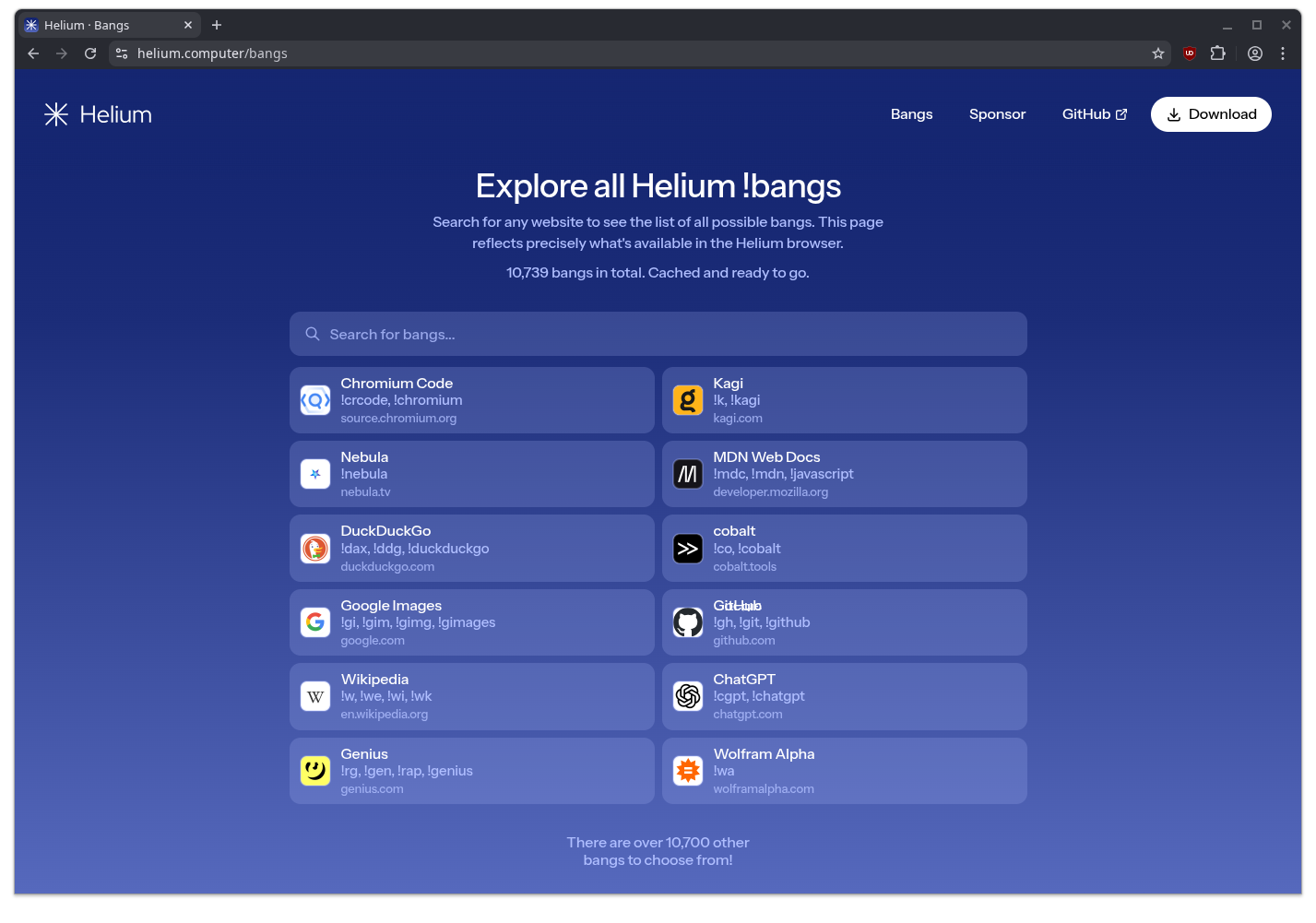
Beyond privacy features, Helium's major selling point is the native inclusion of bangs, a feature popularized by the privacy-respecting search engine, DuckDuckGo.
It also takes you straight to the most relevant result in certain cases. For example, to search Wikipedia, one could type "!w open-source" and jump straight to the article on the topic.
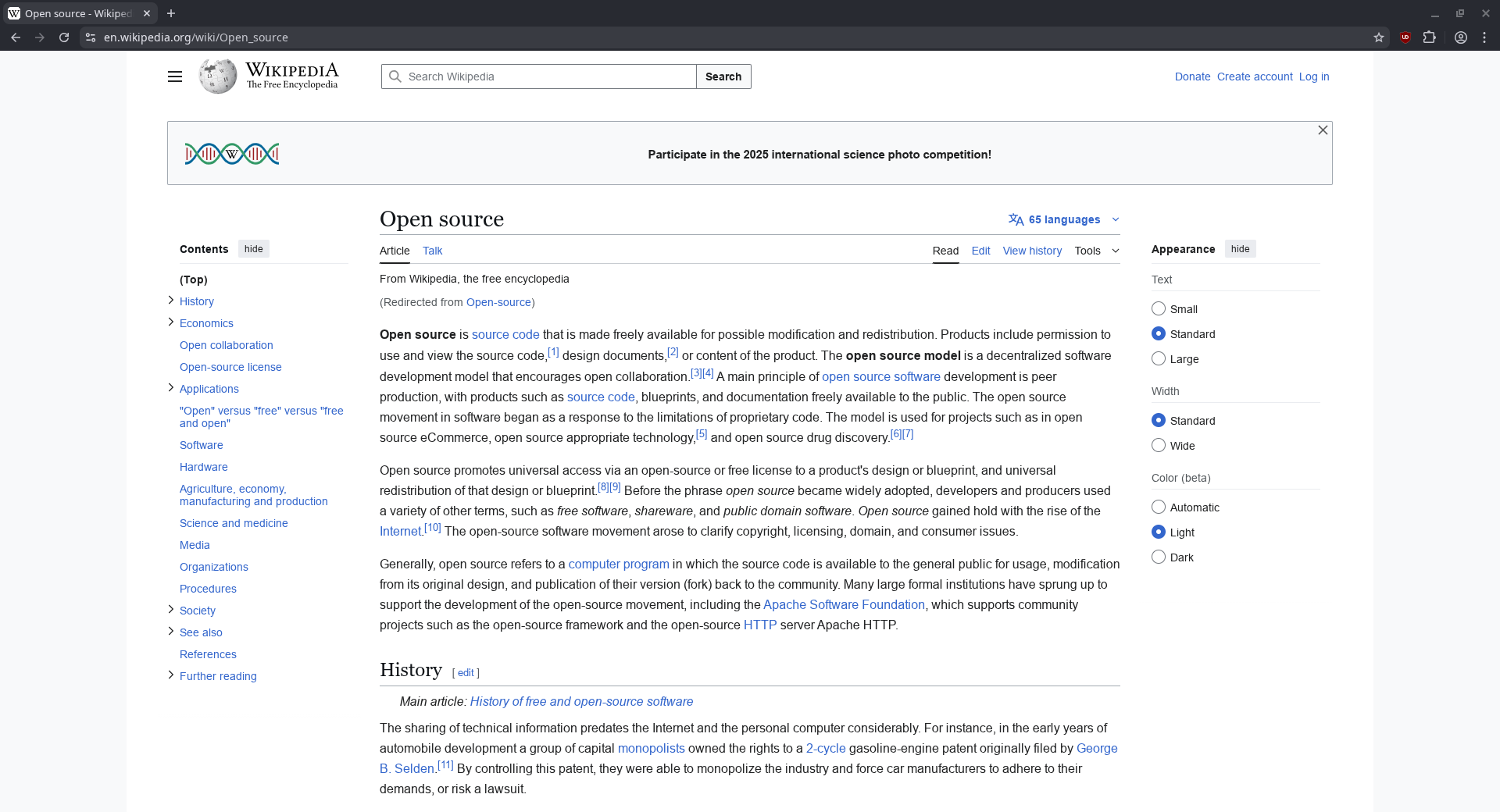
Helium contains a cached list of 10,739 bangs, including some that allow you to run privacy-respecting queries of popular AI tools such as ChatGPT. Of course, there are still some areas for improvement.
In my testing, the bang for ChatGPT does not automatically submit the typed prompt, only enters into the input box for you. Granted, this a little more convenient than loading the page and then typing in the query, but it still leaves me to switch to the mouse and click to run the prompt.

Perhaps this might be improved in the future, since Helium is still technically beta-quality software, according to the project's GitHub.
Other quality of life tweaks
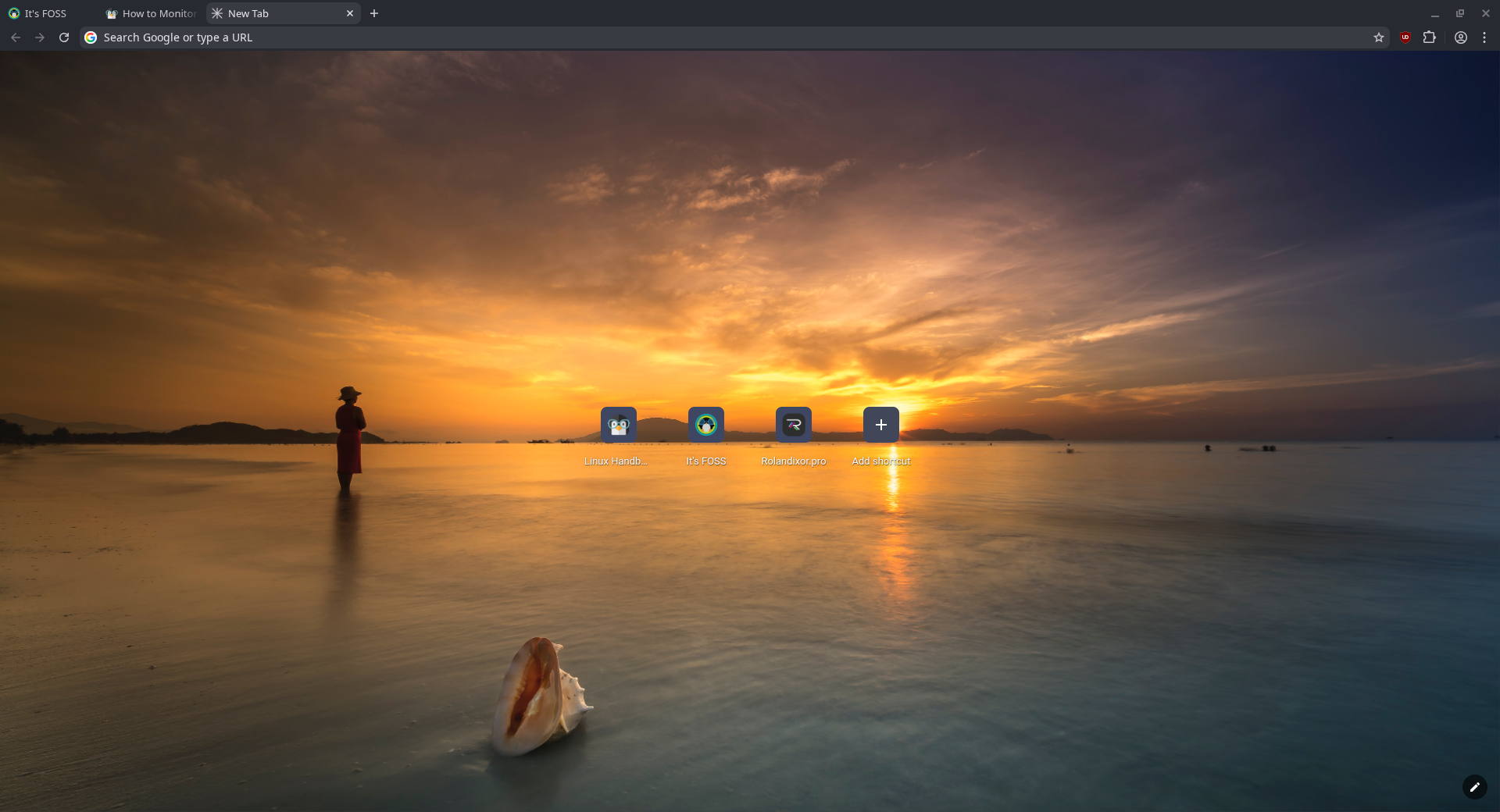
Without going overboard, Helium brings some of the sweet little interface and tiny quality of life changes that Chromium has been missing. It's not the full flexibility of Vivaldi, but it carves its own lane that should satisfy a different crowd.
Cleaner customization

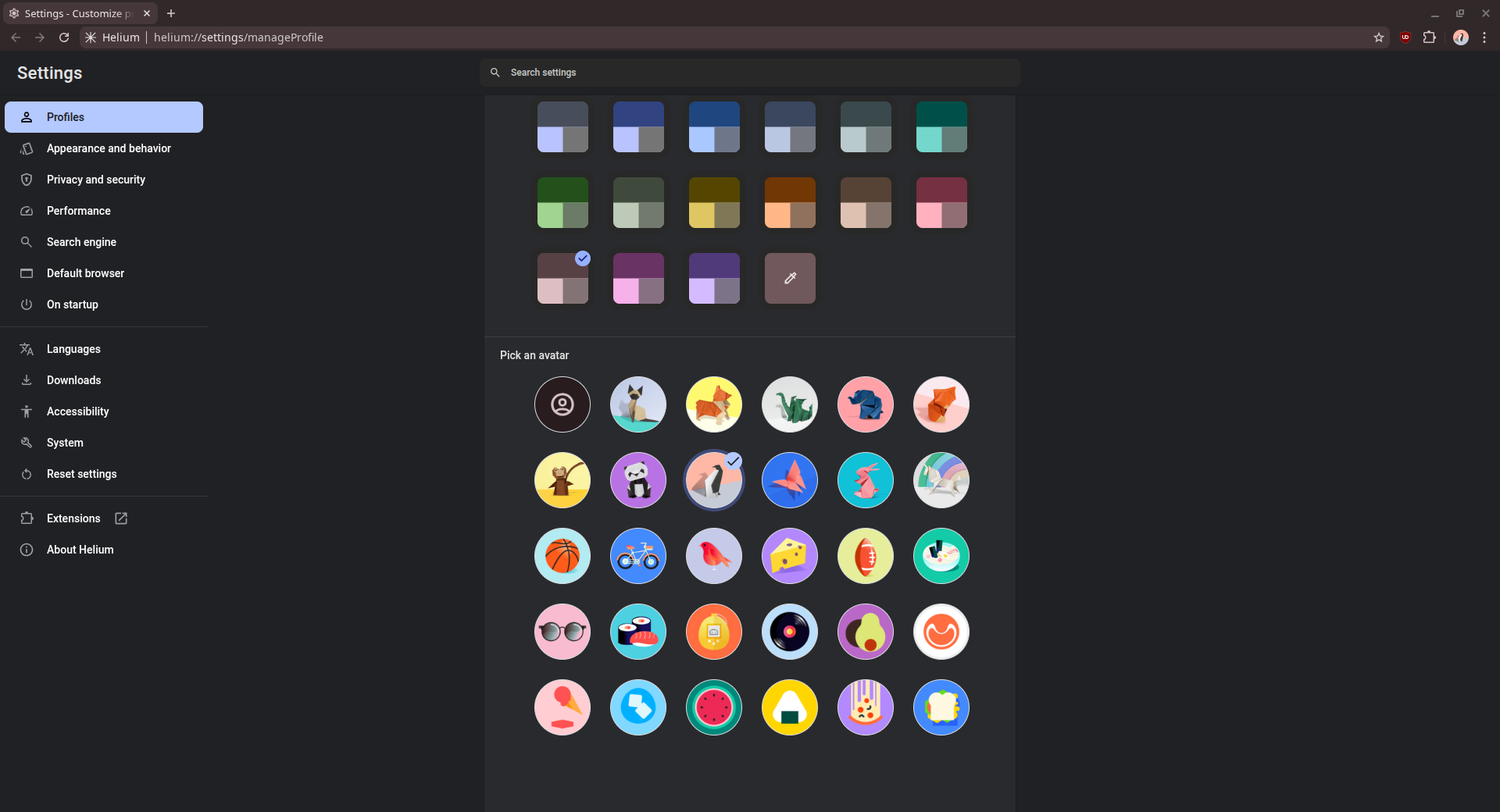
Maybe it's just me, but Chrome's insistence on changing the browser's appearance based on the wallpaper of the new tab page is not it. Helium at least gets this part right by making speed dial wallpaper and overall browser appearance separate entities. Changing one doesn't affect the other, and you get to call it up more quickly as "Customize Helium" has its own menu entry.
Split view

Tiling managers are all the rave right now, but often tiling two browser windows side by side can mean one loses focus when you don't want it to, or one tab goes to sleep while the other stays awake.The more convenient solution is tab splitting, and Helium lets you do just that.
Unlike Vivaldi and some others, Helium can only put two tabs side by side (so no tab-tiling), but this should still be sufficient for most comparison and research tasks.
Manifest V2 Support
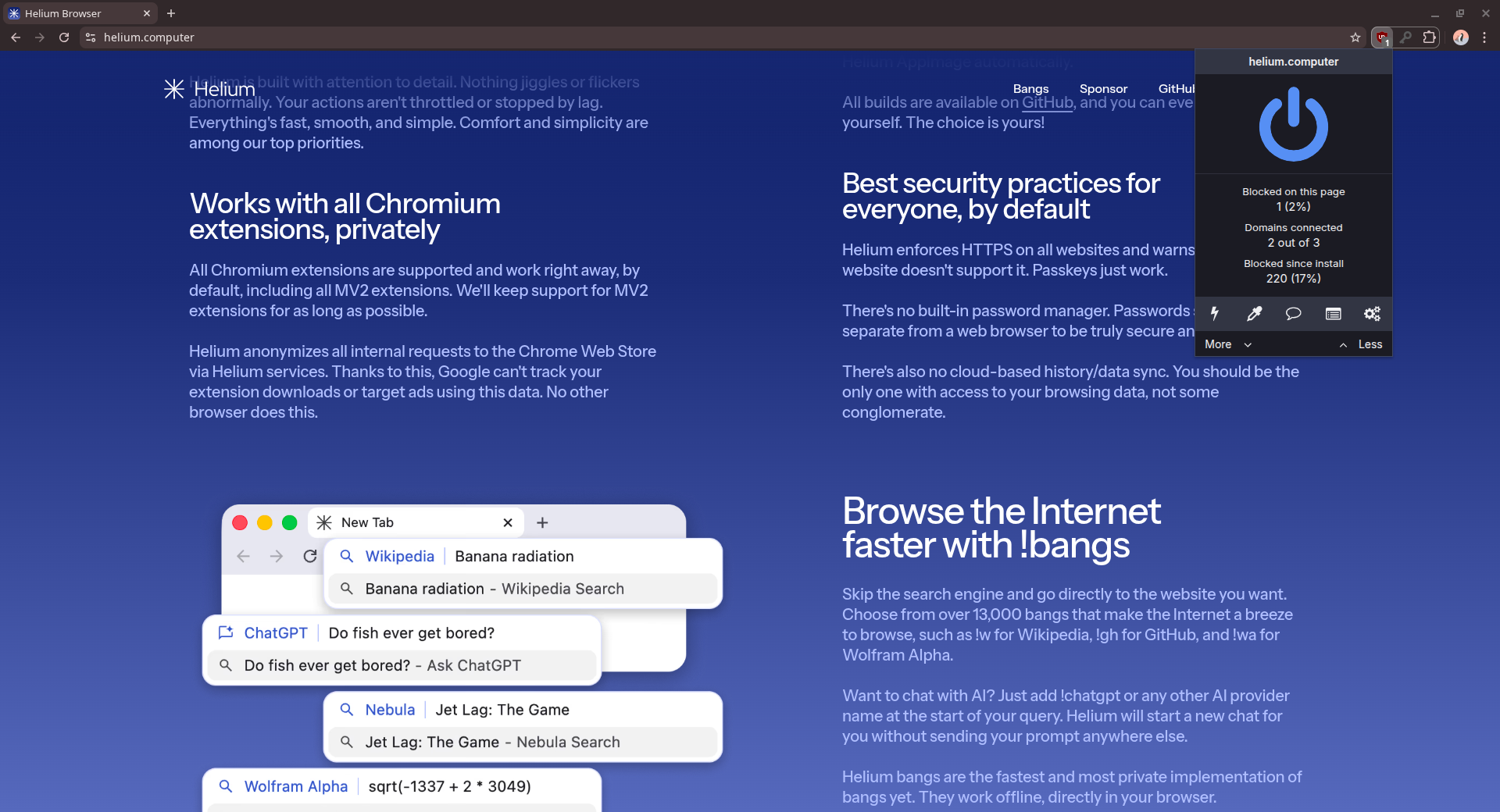
Helium still supports this extension framework and promises to support it for as long as possible. Whether this means stitching it back in one it is completely removed from Chromium in the future is unclear, but it's still nice to have for addons that depend on it. Many privacy enhancing solutions, including the bundled uBlock Origin, depend on the permissions available with Manifest V2.
Notable wrinkles & important limitations
Helium is a promising browser, but its quest for privacy is not without its wrinkles.
Login issues with bundled uBlock Origin

On some sites, you may fail to log in with uBlock Origin enabled. This only occurs with the bundled version. Disabling this version and installing uBlock Origin from the Chrome Web Store solves that issue.

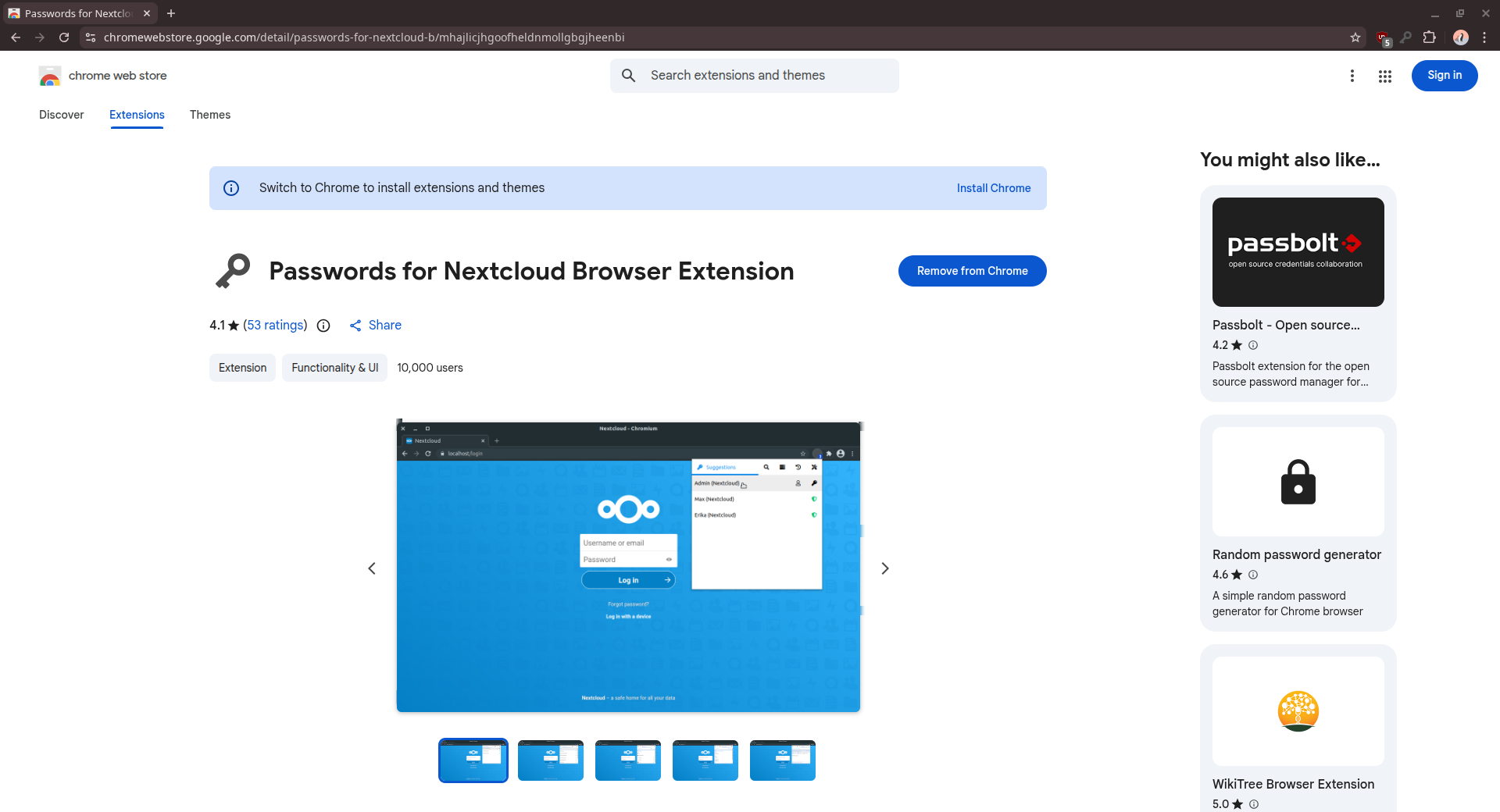
You'll also notice that the Chrome Web Store nags you about installing Chrome. There is an open bug concerning this issue, which is likely caused by the browser's privacy-focused tweaks.
Fortunately, installing extensions still works just fine.
No DRM support

Since it doesn't include support for Widevine or other DRM solutions, Helium can't be used for Spotify, Netflix, Prime Video or other services that require it.
How to get Helium?
Helium is available for Linux, Mac and Windows, but of course, we'll focus on Linux here. The project's official distribution method is an AppImage, and you can use an app like Gear Lever to keep it up to date. Binary tarballs, ARM64 builds, and source code are also available on the project's GitHub releases page.
Final Thoughts
As far as privacy-centric browsers go, Helium seems to be on the right path. It manages to deliver important privacy-centric features without totally crippling the user experience, or bloating the browser with unnecessary cruft. By taking this lightweight approach, it delivers on its promises: privacy by default, respectful design, and a lightweight footprint.
Given more time to mature, it could definitely become one of the major contenders in the browser space, especially for those who seek a life unfettered by the chains of corporate spying.
