


The demand for data centers worldwide has shot up in recent years, with the blind rush for AI being a big reason behind it. I, personally, don't think we need AI shoved into every corner of our lives, but certain regimes and organizations seem to think otherwise, and they keep pushing hard for it.
So, if hearing all that makes you want to just roll up your sleeves and build one yourself, then this indie game might scratch that itch.
Data Center: A Work in Progress
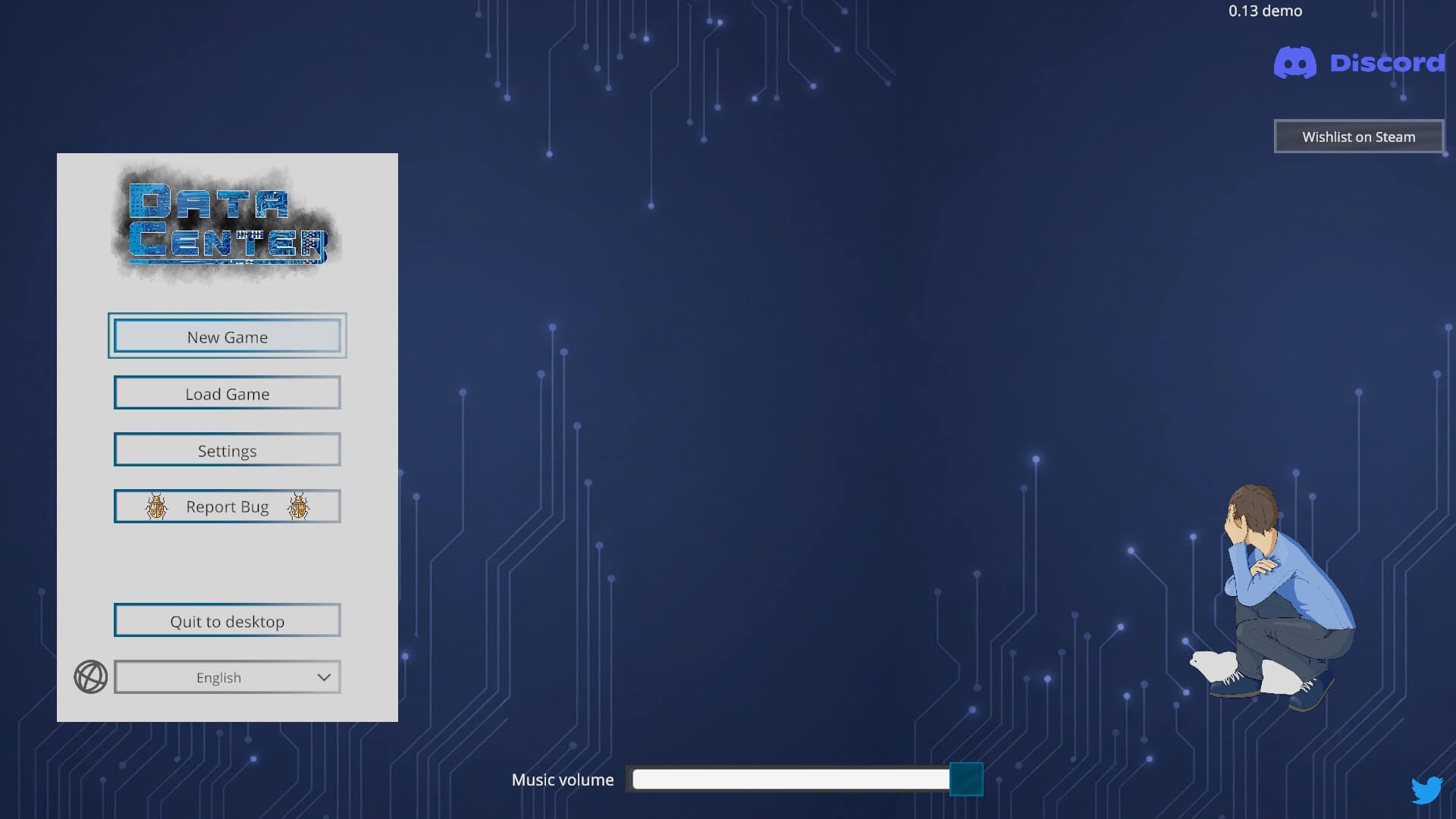
Data Center is an upcoming simulation game from solo developer Václav Novák, who goes by Waseku on Steam. He is based in Brno, Czech Republic, and has been building games since 2020 using the Unity engine.
The main idea here is that you build and manage a data center from scratch. That involves buying racks, servers, and switches; physically placing and stacking your hardware; and then running cables between ports to tie it all together.
It lets the player monitor network traffic via colored, sphere-shaped balls that move around in the cables, and any idle network cable connections are easy to spot. You earn money by serving customers according to their requirements and capacity expectations.
When you process data successfully, you get money, gain experience to unlock better hardware, and build your reputation to draw in larger clients.
Worth Playing?
Possibly. I played the free demo on a Nobara Linux system, and the overall experience was okayish.
First, I configured the graphical settings, disabling NVIDIA DLSS and cranking most settings to their highest possible states. When I went into the game, the game was capped at 50 FPS.
Turns out VSync was the culprit (unsurprisingly), so I disabled it and set a 100 FPS limit.
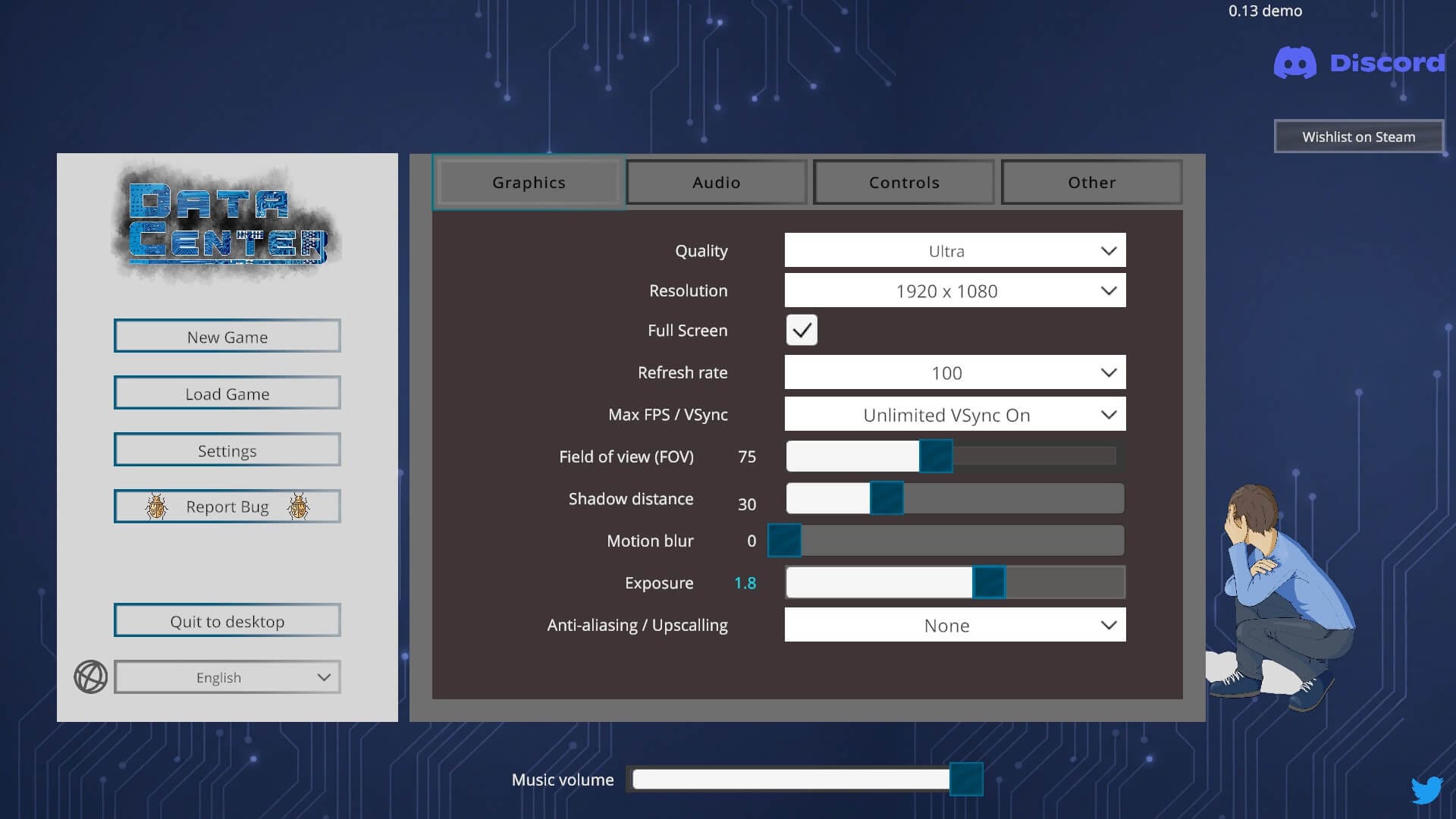
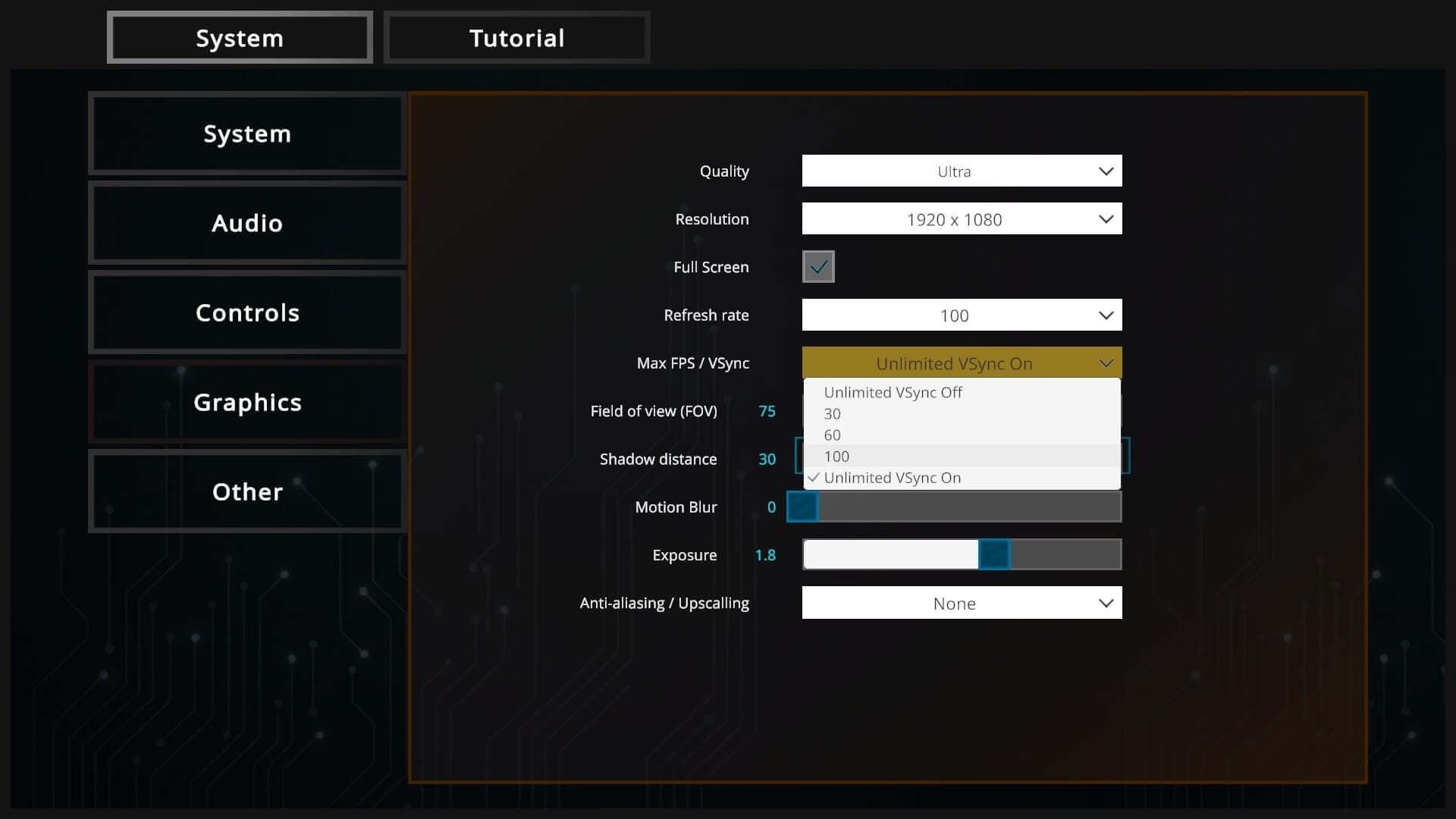
The graphical settings I used to play the demo.
But the performance woes didn't end there, as throughout gameplay, there were visible drops in the FPS that happened intermittently; the performance graph on the top-right (for FPS) shows it well. 👇
Even forcing the use of Proton Experimental didn’t seem to help, so I rolled with it. Plus, some reviews of the demo on Steam mention this issue, so it was probably that.
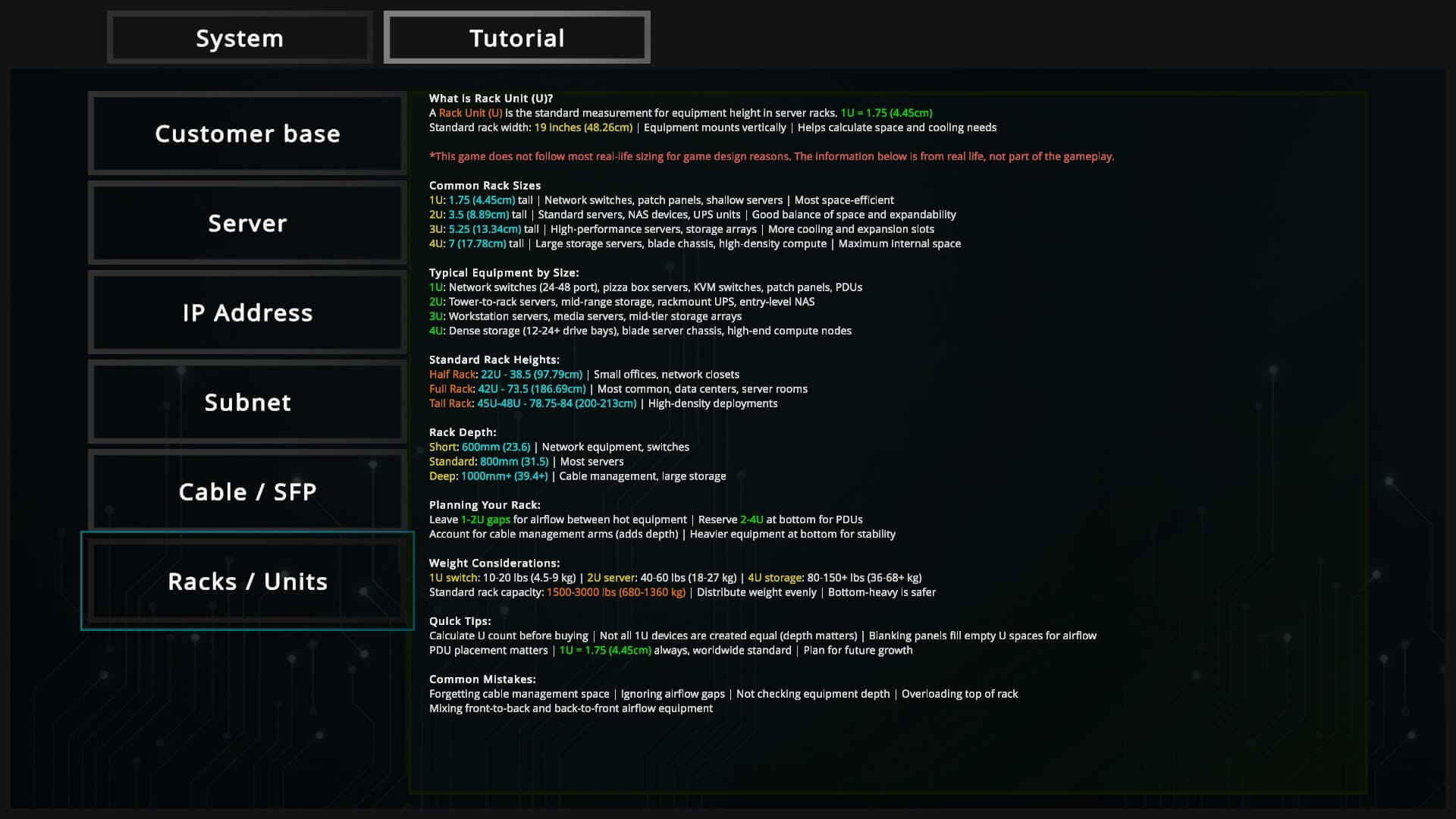
The game doesn’t have a proper new player tutorial just yet; it shows some vague objectives, and I had to find my way through the game. The closest thing to an onboarding guide is the Tutorial menu found by pressing the Esc key.
I could read up on how to handle customers, how to configure a server, what kinds of racks and units were available, and a lot more beyond that.
Initially, I was lost and placed patch panels, switches, and servers randomly, without any sense of how these are usually arranged. After a quick web search and closely following what the minuscule object tracker was saying, I was on the correct path.
First, I went to the computer at the desk and headed into the shop. Here, I could unlock some starter server hardware for 0 XP and continue building up from there.
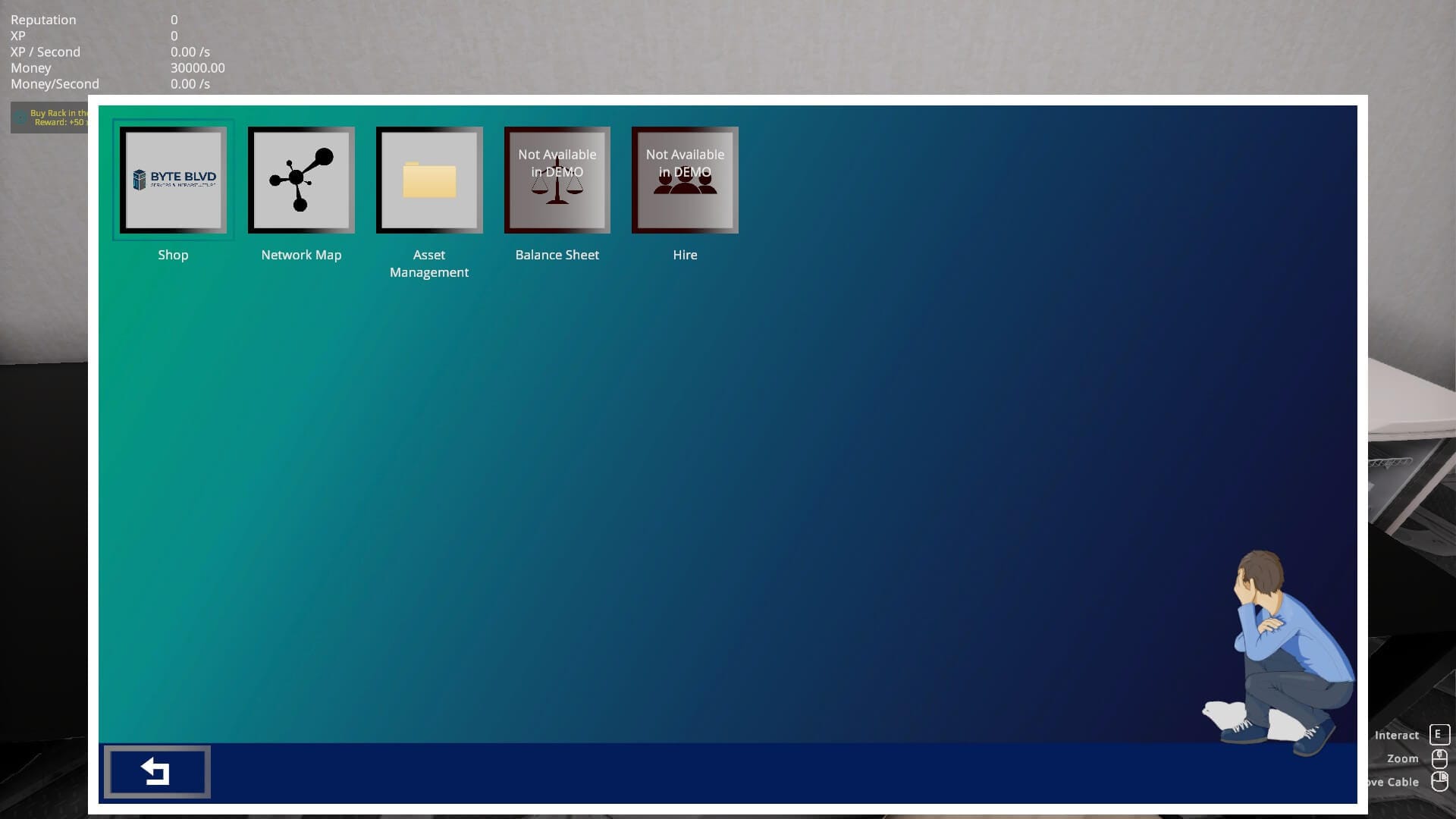
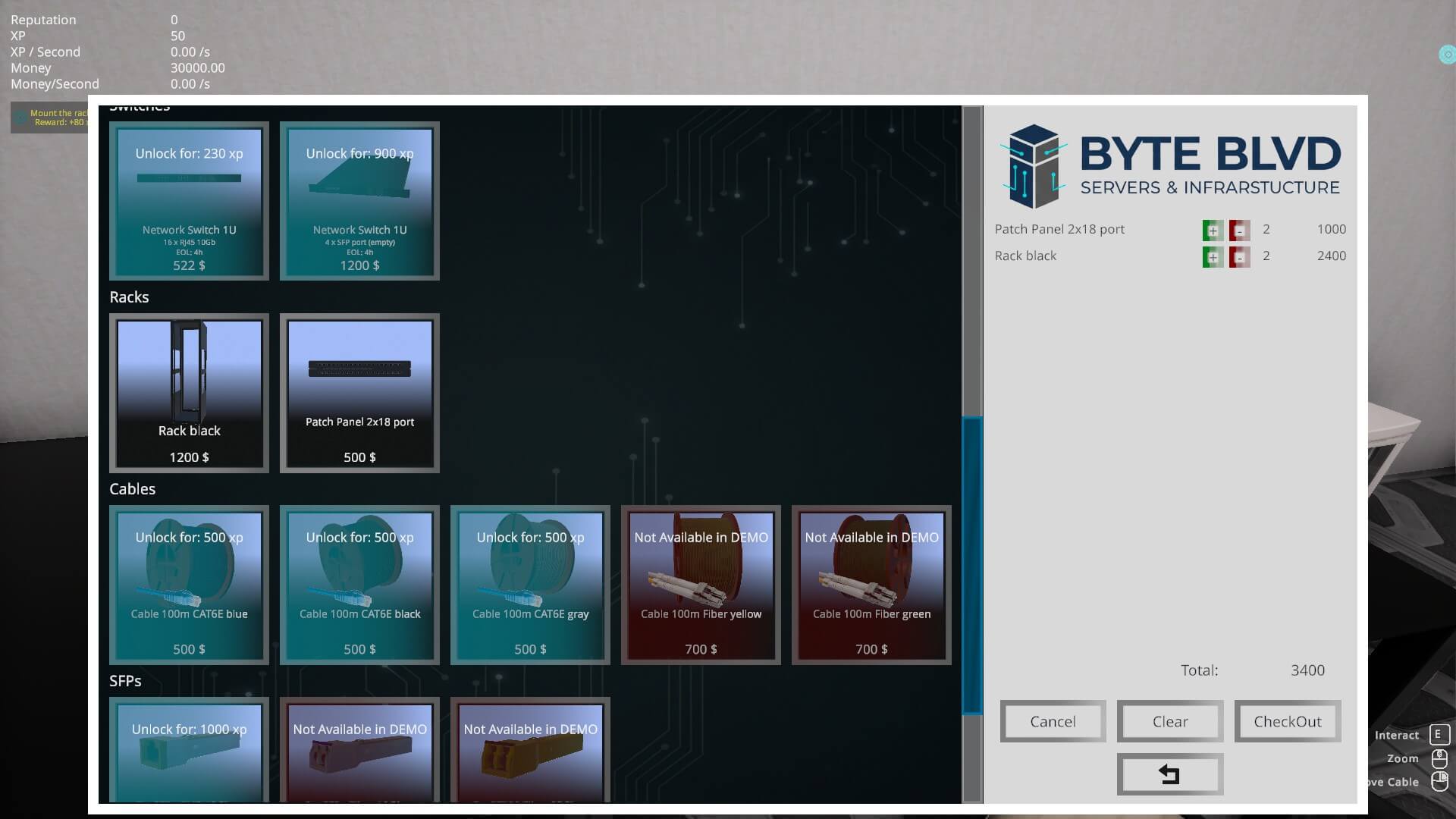
The online shop acts as a one-stop portal for all your server hardware needs.
As you can see, I purchased a few patch panels and racks to start populating my data center. The provided utility cart for transferring items from the shipping bay to the server room is, well, jank.
It either keeps any placed items intact or it tosses them off as if it has a mind of its own. Even moving it around is a chore, as it has a habit of clipping below the floor for a quick trip to the underworld.
Placing new racks is another story. You just pick up a rectangular cardboard box and press E to install it over a designated spot on the floor. And to place network switches, patch panels, or servers, a handy yellow-colored outline is shown in the available space on a rack.
Wiring all of that up is effortless too. After purchasing 100 meters (🦅 328 ft) of CAT6E cable, I was able to connect the server hardware, with some slip-ups that I fixed later during my play.
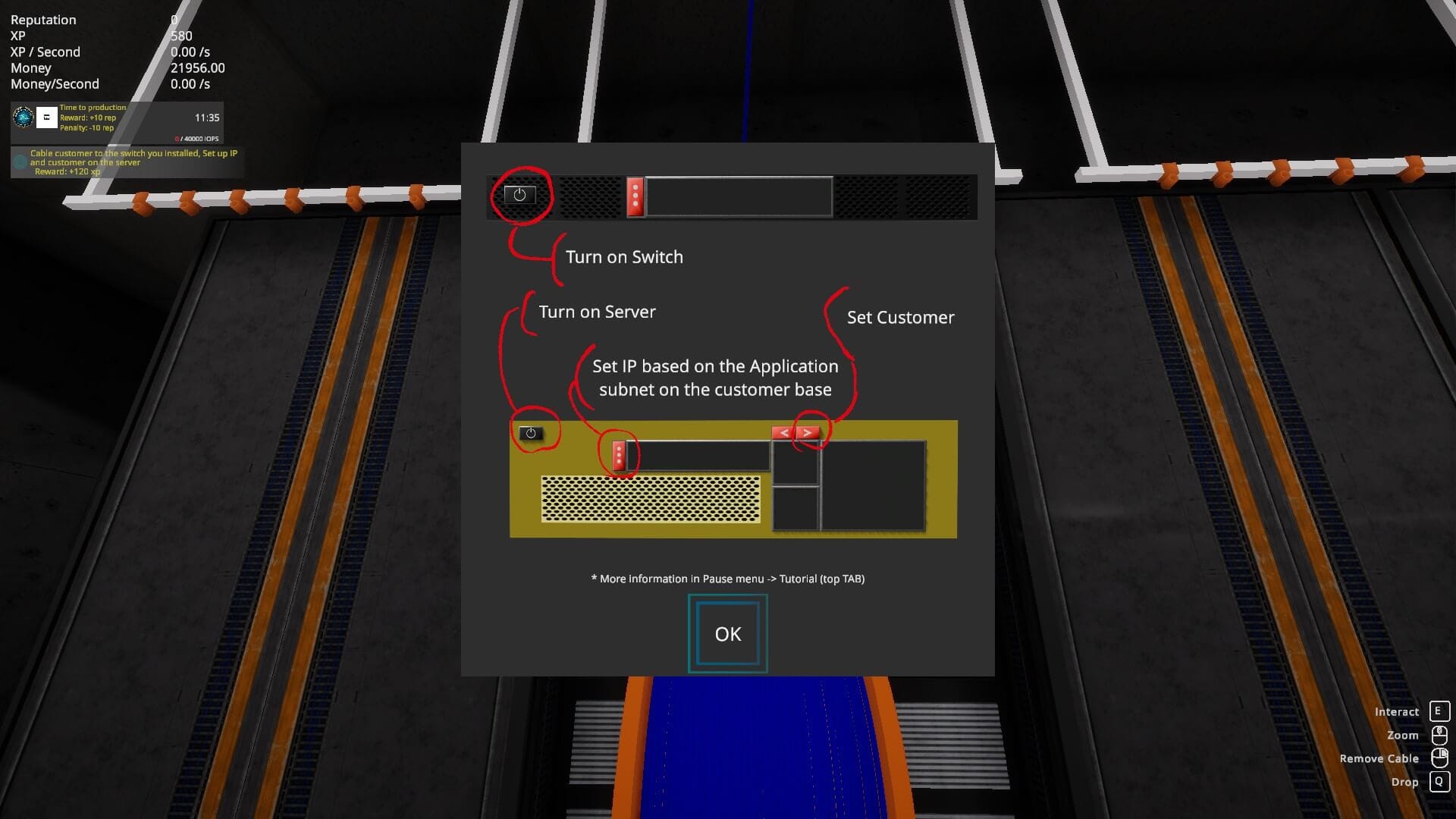
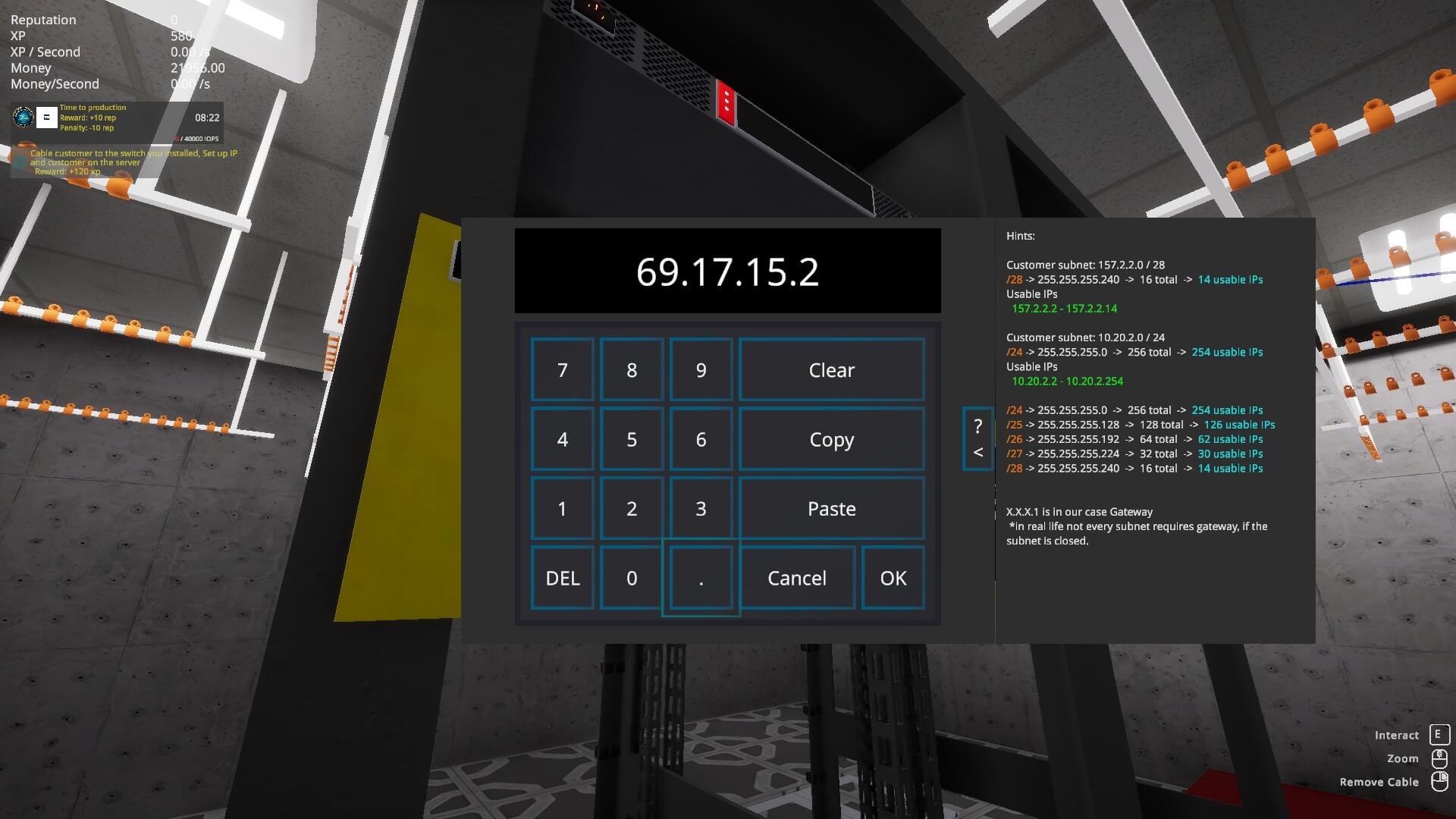
Configuring a server for a fictional customer in Data Center.
Onboarding new customers is as simple as connecting a wire from the network switch to the outbound connection panel thingy; I am unsure what that's called. Here, you select a customer, review what they want, and then a small guide pops up on how to get them hooked up.
I then turned on the power for the servers and set the IP addresses from the individual control panel to get the connection up. I had to add a few more servers and turn on the network switches before I could serve the customer, "Bermuda Triangle Backup" at 40000 IOPS speed.
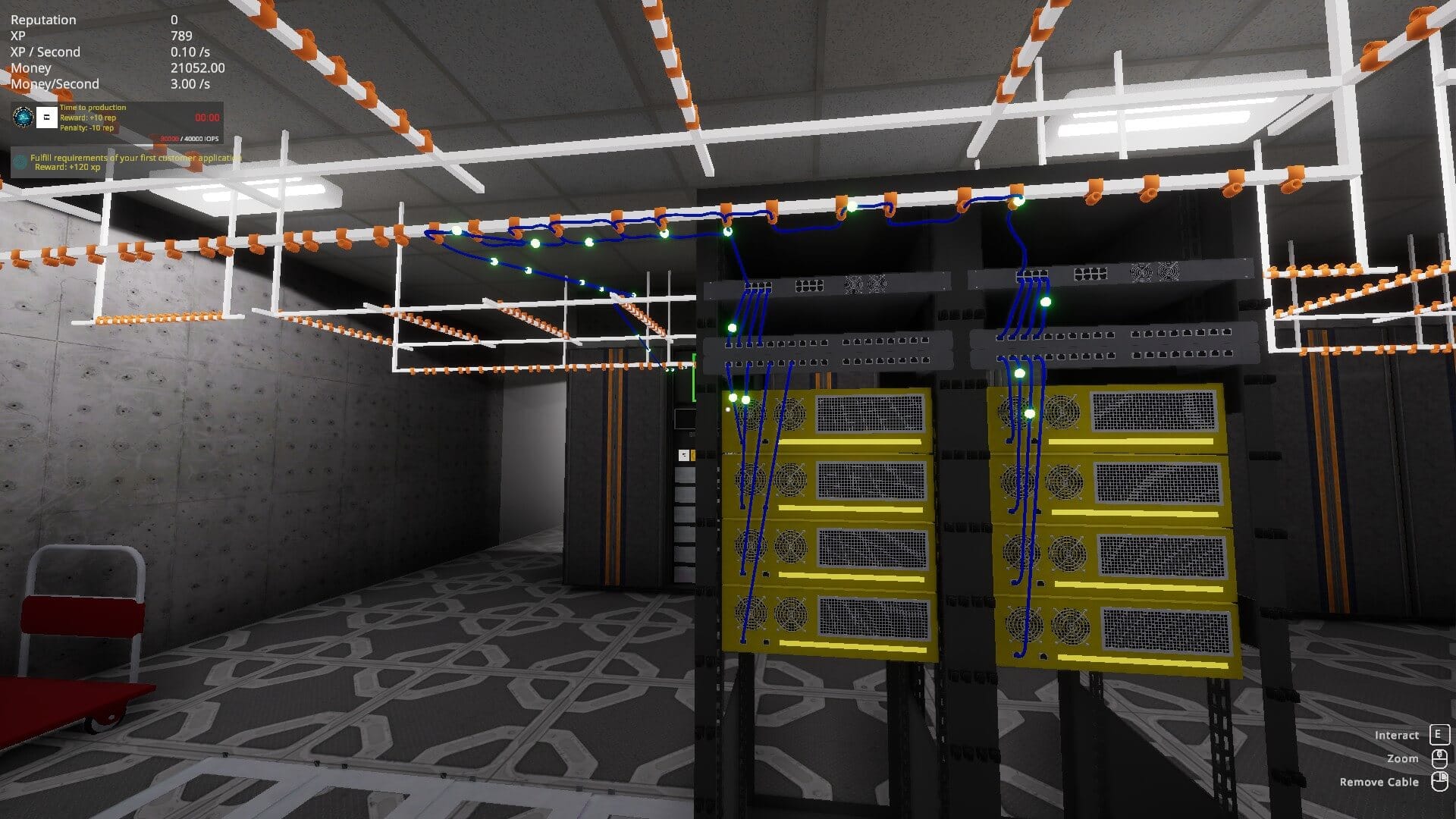
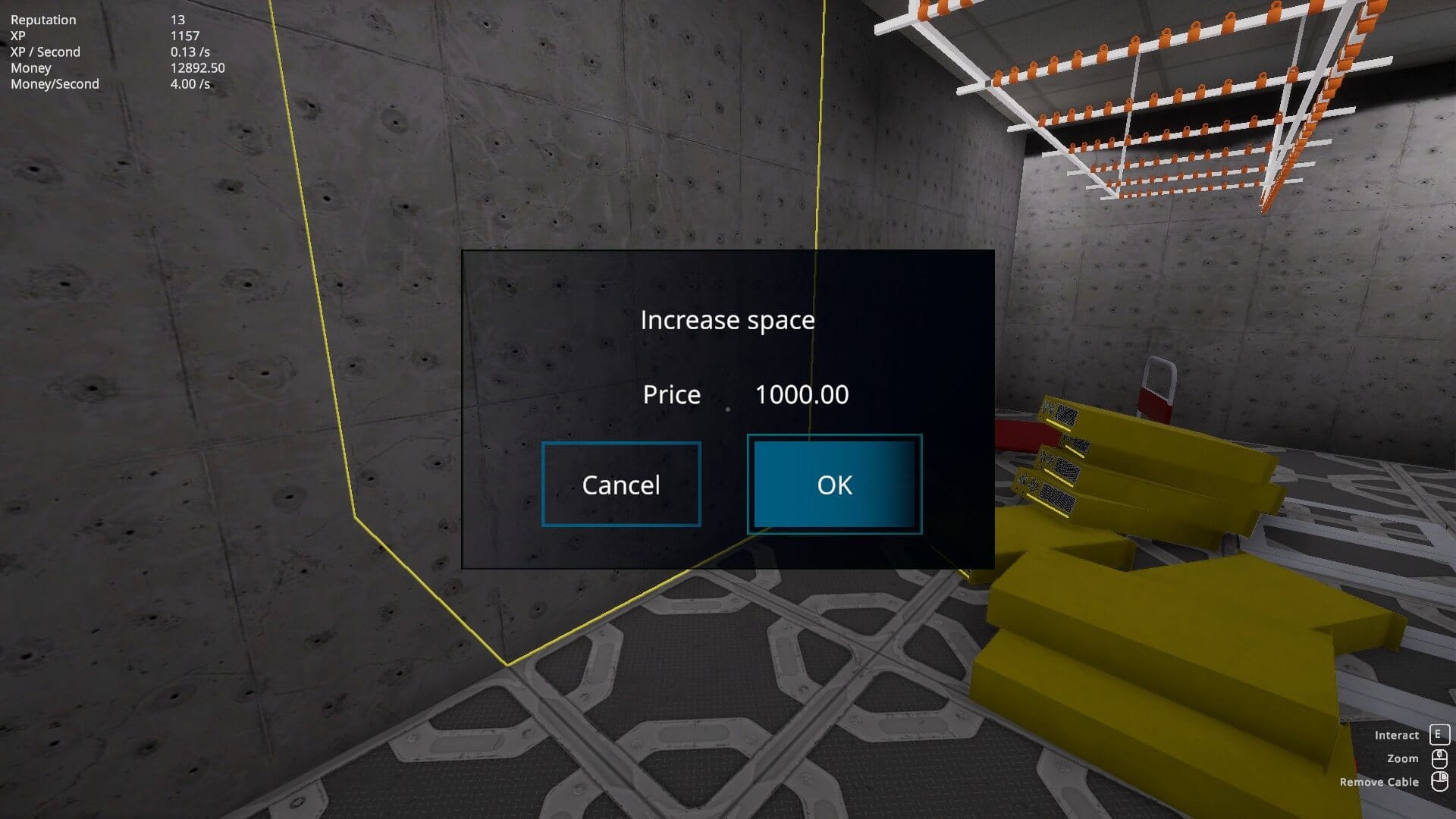
Kinda borked cable management on the left; on the right is the server room expansion dialog.
If you noticed the abysmal cable management job I did in the video above, then fret not; I have redeemed myself by fixing it (in the video below). But before that, you have to know that there are handy cable management loops across the racks and the roof of the server room that make your job easier.
You can also increase the space of your server room by purchasing additional space for 1,000 in-game currency per block. If you see a pile of strewn-about servers, ignore it.
Making use of the aforementioned mounts, I neatly rerouted the Ethernet cabling to clean up the spiderweb-like arrangement I had in place. As you saw, it is fairly easy to do, provided you have some patience and a little obsession with keeping things in proper alignment.
Overall, the game needs a lot of polish before launch. A proper tutorial would be a good start because right now new players are pretty much left to figure things out on their own.
On my wishlist for later upgrades would be multi-storey data centers, a utility cart that actually works without going into a void, and a computer portal that isn't so basic and awkward to use.
How to Play?
A free demo with some restrictions has been available on Steam for some time now. The game is planned to launch on March 31, 2026, though without any pricing information yet.
There is also no mention of an early access release, so it looks like Václav is aiming for a stable 1.0 release.

