

If you have used Windows for a long time, you are probably habitual of using the magical Ctrl+Alt+Del keys to launch the task manager.
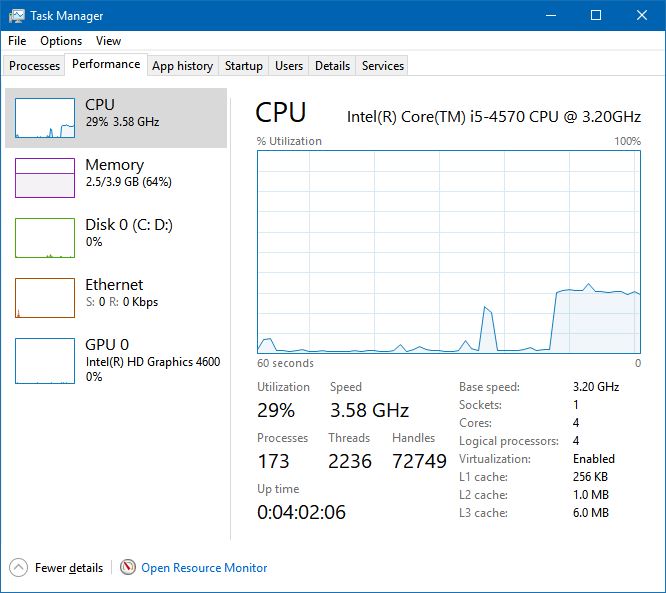
This is helpful when you want to force stop an unresponsive application or monitor system resource utilization.
When you switch to Linux from Windows and use the Ctrl+Alt+Del keys, you are more likely to see the option to log out from the Linux system.
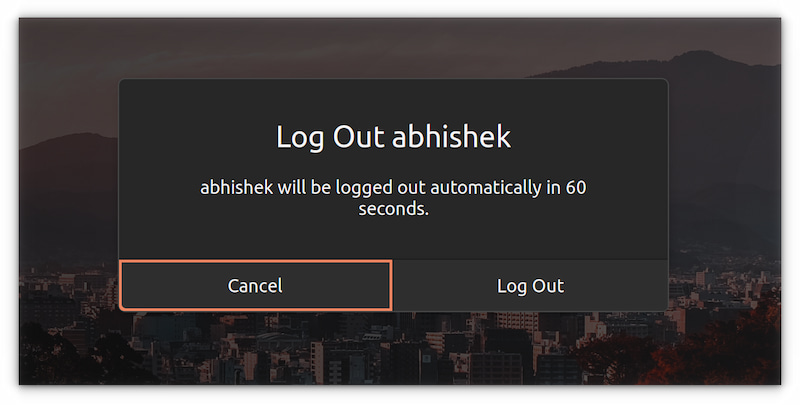
Surprised? Don’t be. Ctrl+Alt+Del keyboard shortcut is Windows specific and it is not used for starting the task manager in Linux.
Yes, there is a Ctrl+Alt+Del equivalent task manager application in Ubuntu and it looks like this:
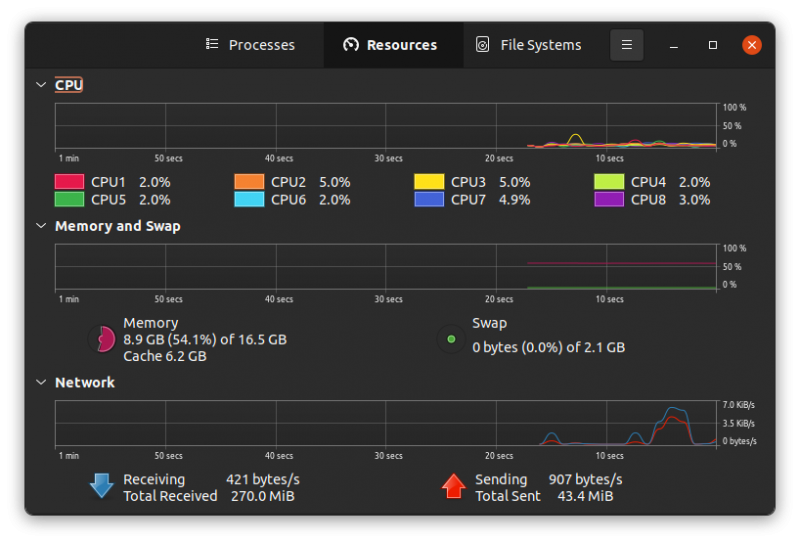
This task manager is not set by default to your favorite Ctrl+Alt+Del keys. You may change this behavior of course and I’ll show you the steps in this tutorial.
Using Ctrl+Alt+Del for the task manager in Ubuntu
If the sole purpose of pressing the Control Alt Delete keys is to launch the task manager in Linux, you can do it the Linux way.
Just search for “task manager” or “system monitor” in the menu and start the application from there.
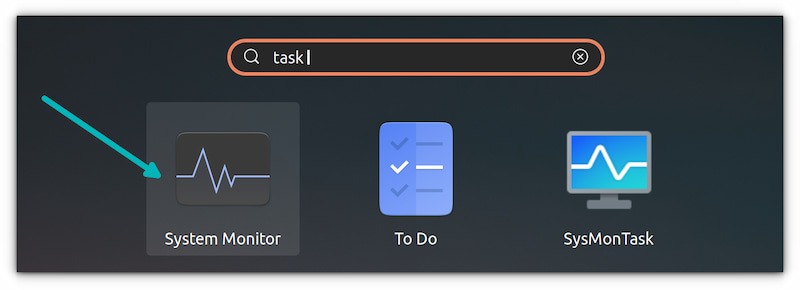
If you really want to use Ctrl+Alt+Del keys to start the task manager in Ubuntu, you can do so by creating a custom keyboard shortcut. Let me show how to do that.
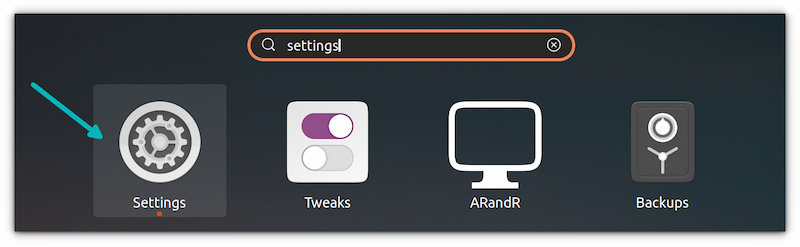
Step 1: Go to the Settings application.
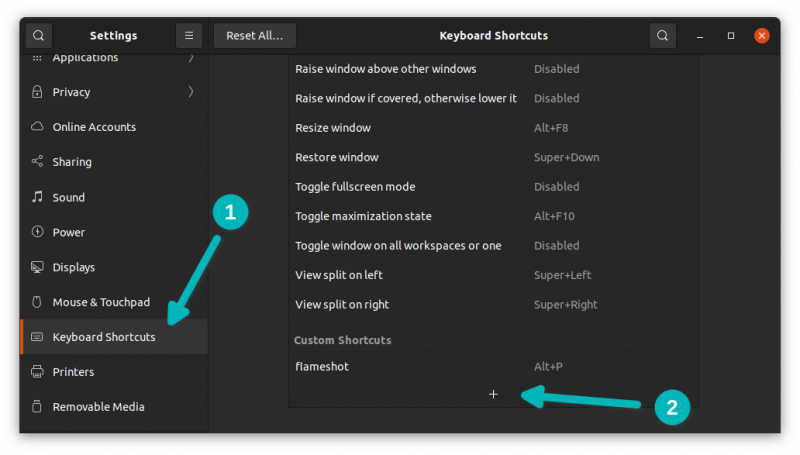
Step 2: Scroll down a bit to locate the Keyboard Shortcuts. Go to the end of this screen and you’ll see a + sign. Click on it to add a custom keyboard shortcut.
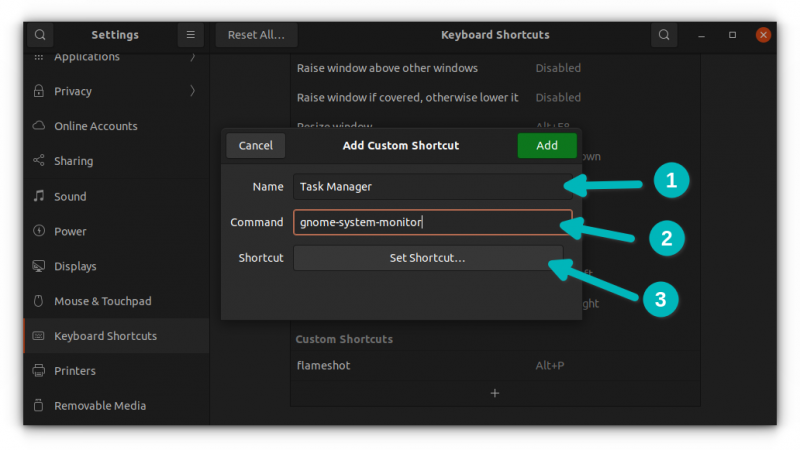
Step 3: When you hit the + sign, it asks for the details of the custom keyboard shortcut you are creating. You can give it any name like Task Manager or System Monitor.
However, the command must be correct. In this case, you should enter the following command:
gnome-system-monitorAnd then hit the Set Shortcut button.
Step 4: It will show a screen where it asks you to press the keys you want to set for launching the command gnome-system-monitor (which is the command for the task manager application in Ubuntu).
At this screen, press Ctrl, Alt and Del key together. For that press and hold the Ctrl and Alt keys and then hit the Del key.
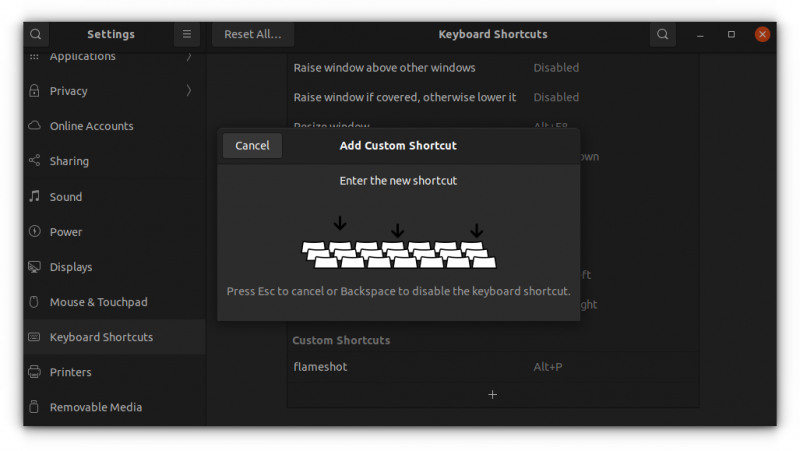
If you pressed the wrong keys, you can hit cancel and start from the Step 2 again.
Step 5: It may show you a warning that the shortcut Ctrl+Alt+Del is already being used for logging out. It’s okay. You may choose to replace it.
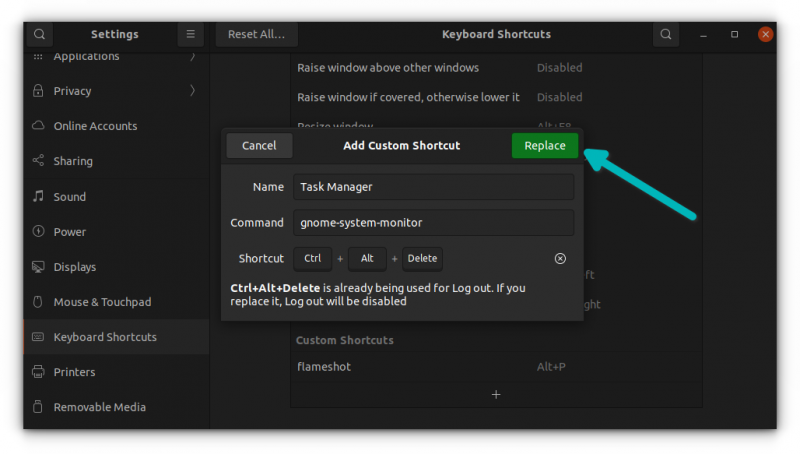
Step 6: You are set to go. You should see the newly created keyboard shortcut under the Custom Shortcuts section.
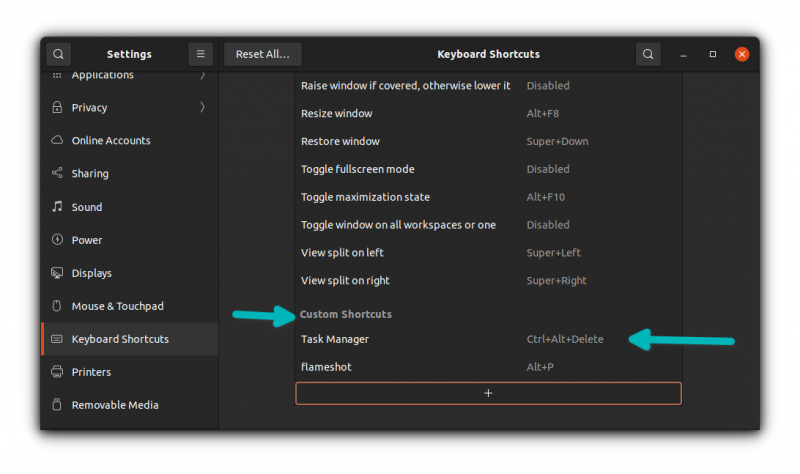
Test it out by pressing the Ctrl+Alt+Del keys and see if it launches the task manager or not. That wasn’t too difficult, was it?
Reverting to the original settings
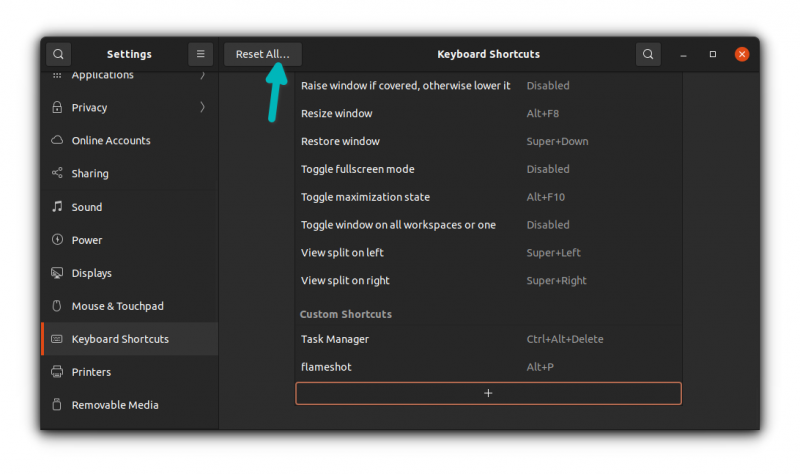
If you want to revert the process and return to the default settings, you can use the Reset All button on the top panel.
I hope you find this little tutorial helpful. Enjoy using Ctrl+Alt+Del keys in Ubuntu for launching task manager.
